
1. Уводзіны
This manual provides detailed instructions for the MEETION MT-M915 USB Gaming Mouse with Backlight. Please read this guide thoroughly before using the product to ensure correct installation, optimal performance, and to understand its features. This mouse is designed for gaming and general computer use, offering reliable performance and a comfortable design.
2. Змесціва ўпакоўкі
- MEETION MT-M915 USB Gaming Mouse
- Інструкцыя па эксплуатацыі (гэты дакумент)
3. Сістэмныя патрабаванні
- Operating System: Windows XP, Linux
- Compatible Devices: Personal Computer, Laptop
- Даступны USB -порт
4. Настройка
4.1 Падключэнне мышы
- Знайдзіце свабодны порт USB на вашым кампутары або ноўтбуку.
- Plug the USB connector of the MEETION MT-M915 mouse into the USB port.
- The operating system will automatically detect and install the necessary drivers. This is a plug-and-play device, so no additional software installation is typically required.
- The mouse backlight will illuminate upon successful connection.
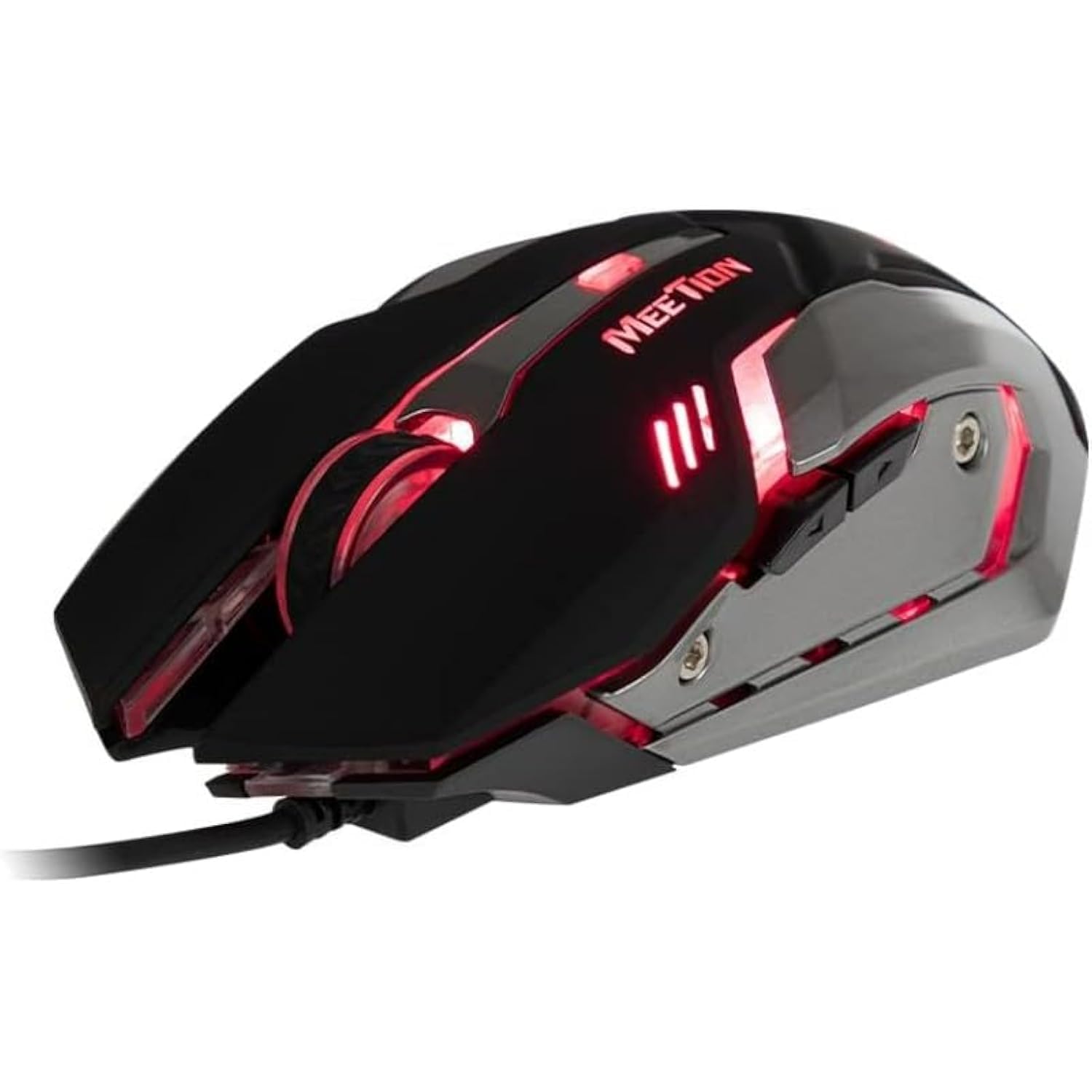
Малюнак 1: бок view of the MEETION MT-M915 mouse with red backlight.
5. Кіраванне мышшу
5.1 Асноўныя функцыі
- Пстрычка левай кнопкай мышы: Primary action button, typically used for selecting items, opening files, or interacting with software.
- Пстрыкніце правай кнопкай мышы: Secondary action button, typically used for opening context menus or accessing additional options.
- Кола пракруткі: Выкарыстоўваецца для пракруткі дакументаў і web старонкі. Яна таксама можа функцыянаваць як сярэдняя кнопка мышы.
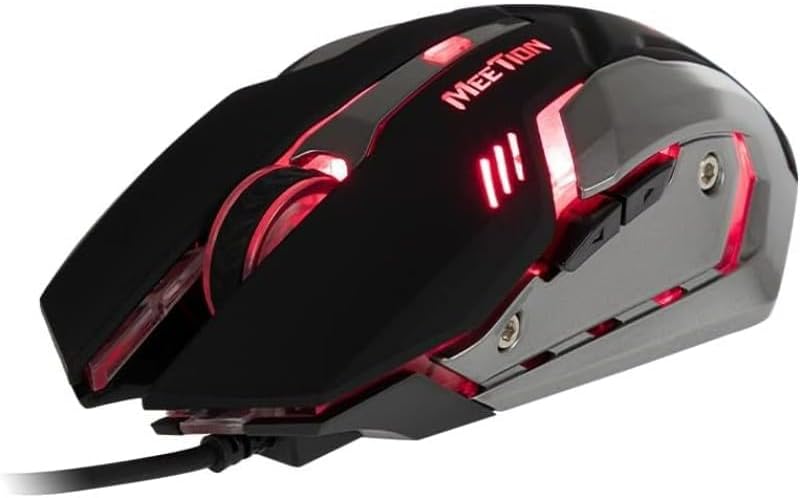
Малюнак 2: Зверху ўніз view of the MEETION MT-M915 mouse, showing button layout.
5.2 Праца падсвятлення
The MEETION MT-M915 mouse features an integrated backlight. The backlight activates automatically when the mouse is connected to a powered USB port. The color of the backlight may vary or cycle through different colors, as shown in Figure 3.

Малюнак 3: бок view of the MEETION MT-M915 mouse with purple backlight.
5.3 Дызайн для абедзвюх рук
The mouse is designed for ambidextrous use, meaning it can be comfortably used by both left-handed and right-handed individuals.
6. Тэхнічнае абслугоўванне
6.1 Ачыстка
- Адключыце мыш ад кампутара перад чысткай.
- Выкарыстоўвайце мяккую, сухую тканіну, каб працерці паверхню мышы.
- Для ўстойлівага бруду злёгку ачысціцеampпрацярыце тканіну вадой або мяккім ачышчальным растворам. Пазбягайце агрэсіўных хімічных рэчываў.
- Do not allow liquids to enter the mouse casing.
6.2 Захоўванне
Захоўвайце мыш у прахалодным, сухім месцы, удалечыні ад прамых сонечных прамянёў і экстрэмальных тэмператур, калі яна не выкарыстоўваецца працяглы час.
7. Выпраўленне непаладак
7.1 Мыш не рэагуе
- Пераканайцеся, што кабель USB надзейна падключаны да спраўнага порта USB на вашым кампутары.
- Паспрабуйце падключыць мыш да іншага USB-порта.
- Перазагрузіце кампутар.
- Test the mouse on another computer to determine if the issue is with the mouse or your computer's USB ports.
7.2 Падсветка не працуе
- Пераканайцеся, што мыш правільна падключана да порта USB з харчаваннем.
- If the mouse functions but the backlight does not, there might be an internal issue. Contact customer support if the mouse is still under warranty.
7.3 Няроўны рух курсора
- Пераканайцеся, што аптычны датчык на ніжняй частцы мышы чысты і без пылу або смецця.
- Use the mouse on a clean, uniform surface. Avoid highly reflective or transparent surfaces.
- Паспрабуйце перазагрузіць кампутар.
8. Тэхнічныя характарыстыкі
| Асаблівасць | Дэталь |
|---|---|
| Марка | СУСТРЭЧА |
| Назва мадэлі | МТ-М915 |
| Нумар мадэлі вытворцы | CE ELECTRON-559 |
| Тэхналогія падлучэння | USB |
| Тэхналогія выяўлення руху | Аптычны |
| Рука арыентацыі | Амбідэкстр |
| Асаблівасці | Лёгкі |
| Рэкамендуемае выкарыстанне для прадукту | Гульнявая |
| Сумяшчальныя прылады | Персанальны камп'ютар, ноўтбук |
| Аперацыйная сістэма | Linux, Windows XP |
| Вага прадмета | 50 грамаў |
| Памеры ўпакоўкі | 20.7 х 14.3 х 6.1 см |
| Батарэі ўваходзяць у камплект | няма |
9. Гарантыя і падтрымка
9.1 Інфармацыя аб гарантыі
This product is covered by a standard manufacturer's warranty. Please refer to the warranty card included with your purchase or contact your retailer for specific warranty terms and conditions.
9.2 Падтрымка кліентаў
For technical assistance, troubleshooting, or warranty claims, please contact the retailer where you purchased the product or visit the official MEETION webсайт для рэсурсаў падтрымкі.