
1. Уводзіны
This manual provides detailed instructions for the installation, operation, and maintenance of your XGP Motorcycle Bluetooth Headset V5.2. Please read this manual thoroughly before using the product to ensure proper function and safety. This device is designed to enhance your riding experience by providing clear communication, music playback, and navigation audio.
2. Прадукт скончыўсяview
2.1. Змесціва ўпакоўкі
The XGP Motorcycle Bluetooth Headset package includes the following components:
- XGP Main Unit (x1)
- Кіраўніцтва карыстальніка (x1)
- TYPE-C Charging Cable (x1)
- 40mm Hi-Fi Speaker Set (x1)
- Boom Microphone (x1)
- Button Microphone (x1)
- Metal Bracket Set (x1)
- 3M Sticker Bracket Set (x1)
- Speaker Pads (x1 set)
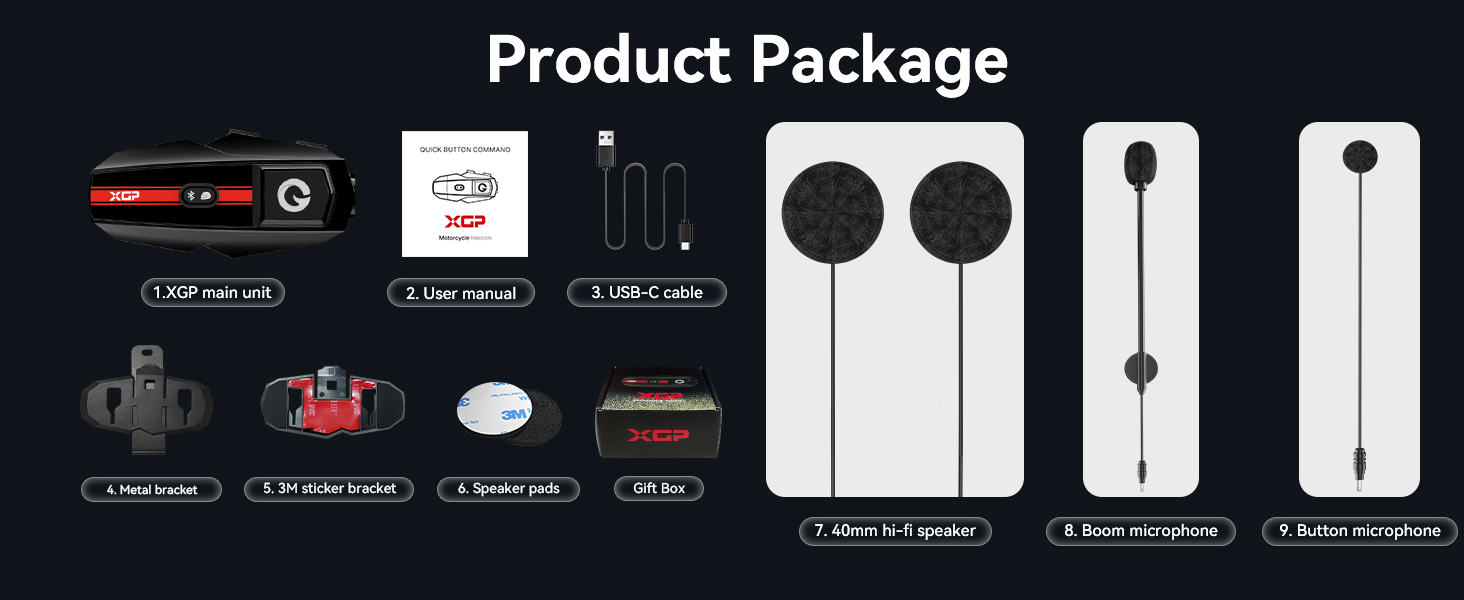
Image: Contents of the XGP Motorcycle Bluetooth Headset package.
2.2. Асноўныя магчымасці
- Bluetooth V5.2: Ensures faster data transmission, lower latency, and a broader transmission range.
- Двухбаковы інтэрком: Падтрымлівае сувязь паміж двума гоншчыкамі на адлегласці да 1200 метраў.
- Абмен музыкай: Allows two XGP units to share the same music simultaneously.
- DSP/CVC Noise Cancellation: Triple noise reduction technology for clear audio.
- 40mm Hi-Fi Stereo Speaker: Delivers high-quality audio with clear bass, mid-range, and treble.
- Воданепранікальнасць IP67: Comprehensive waterproof design to resist water ingress.
- Доўгі тэрмін службы батарэі: 1000mAh battery provides up to 30 hours music playback or 35 hours intercom/call time.
- Універсальнае спалучэнне: Compatible with other brands of helmet headsets.
- Галасавы памочнік: Supports Google Assistant and Apple's Siri.
- Лёгкі дызайн: Weighs only 39g and is 15mm thick for minimal burden.

Выява: спераду view of the XGP Motorcycle Bluetooth Headset main unit.
3. Настройка
3.1. Ўстаноўка
The XGP headset is designed for easy and secure installation on most helmets. You have two primary mounting options:
- Clip Mount (Metal Bracket): Securely attach the metal bracket to the edge of your helmet. This method provides a firm grip without adhesive.
- Adhesive Mount (3M Sticker Bracket): Use the 3M adhesive bracket for a semi-permanent attachment to a flat surface on your helmet. Ensure the surface is clean and dry before applying.
Once the main unit bracket is installed, insert the speakers into the helmet's ear pockets. Use the provided speaker pads to adjust the distance for optimal audio clarity and comfort. Route the microphone cable and attach either the boom microphone (for open-face helmets) or the button microphone (for full-face helmets) to a position near your mouth for best voice pickup.

Image: Dimensions of the XGP headset, highlighting its compact and lightweight design.
3.2. Зарадка прылады
Before first use, fully charge the XGP headset. Connect the provided TYPE-C charging cable to the headset and a 5W-rated power adapter. A full charge takes approximately 2 hours.
- Час зарадкі: Прыкладна 2 гадзін.
- Тэрмін службы батарэі: Up to 30 hours of music playback, 35 hours of intercom/call time, and 360 hours of standby time.

Image: XGP headset charging via Type-C, displaying battery performance metrics.
Меры засцярогі пры зарадцы:
Always use a 5W-rated power adapter for charging. Non-compliance may lead to severe battery degradation or device failure. If voltage compatibility cannot be verified, charge the device via your computer's USB port using the included USB cable.
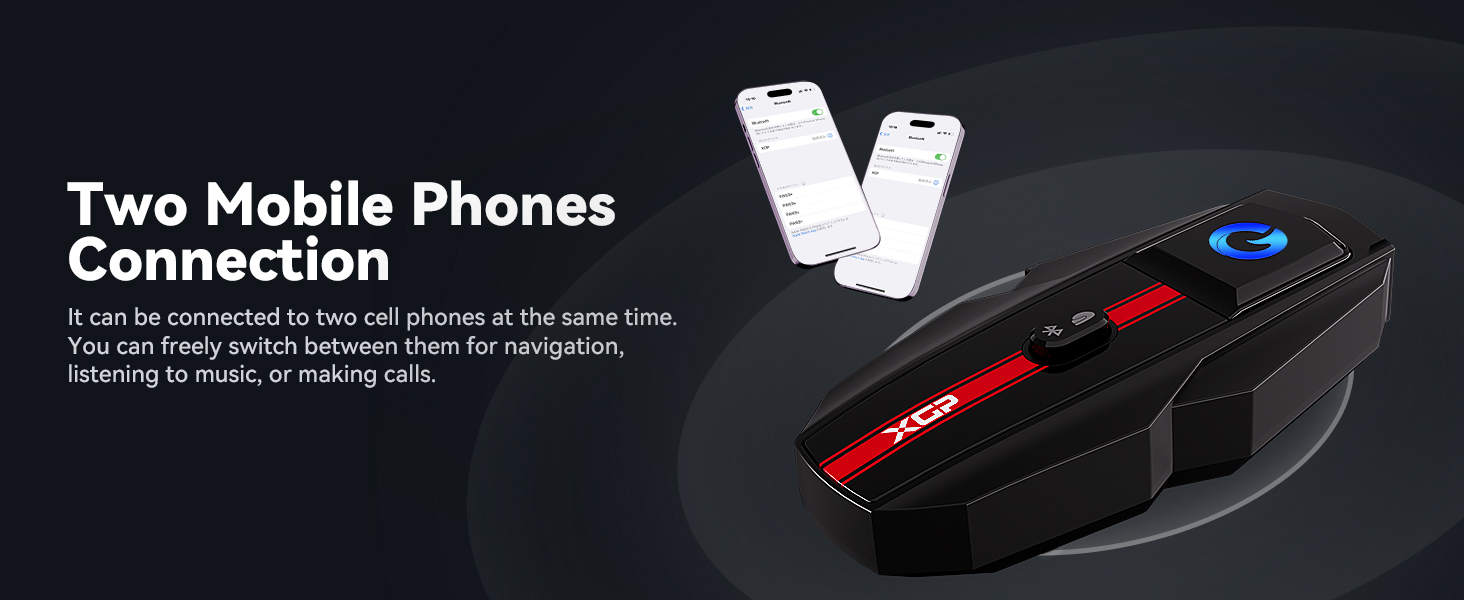
Image: Important charging guidelines for the XGP headset.
4. Інструкцыя па эксплуатацыі
4.1. Уключэнне/выключэнне харчавання
Refer to the device's main button for power control. Typically, a long press will power the unit on or off.
4.2. Bluetooth Pairing with Mobile Device
- Ensure the XGP headset is powered off.
- Press and hold the main button until the LED indicator flashes rapidly, indicating pairing mode.
- На мабільнай прыладзе ўключыце Bluetooth і знайдзіце даступныя прылады.
- Select "XGP" from the list to connect. A voice prompt will confirm successful pairing.
4.3. Intercom Communication (2 Riders)
The XGP headset supports 2-way intercom communication up to 1200 meters. To initiate an intercom talk:
- Ensure both XGP units are powered on and within range.
- Press the intercom button on both devices simultaneously.
- The units will automatically connect, and you can begin communicating. This process typically takes about 5 seconds.
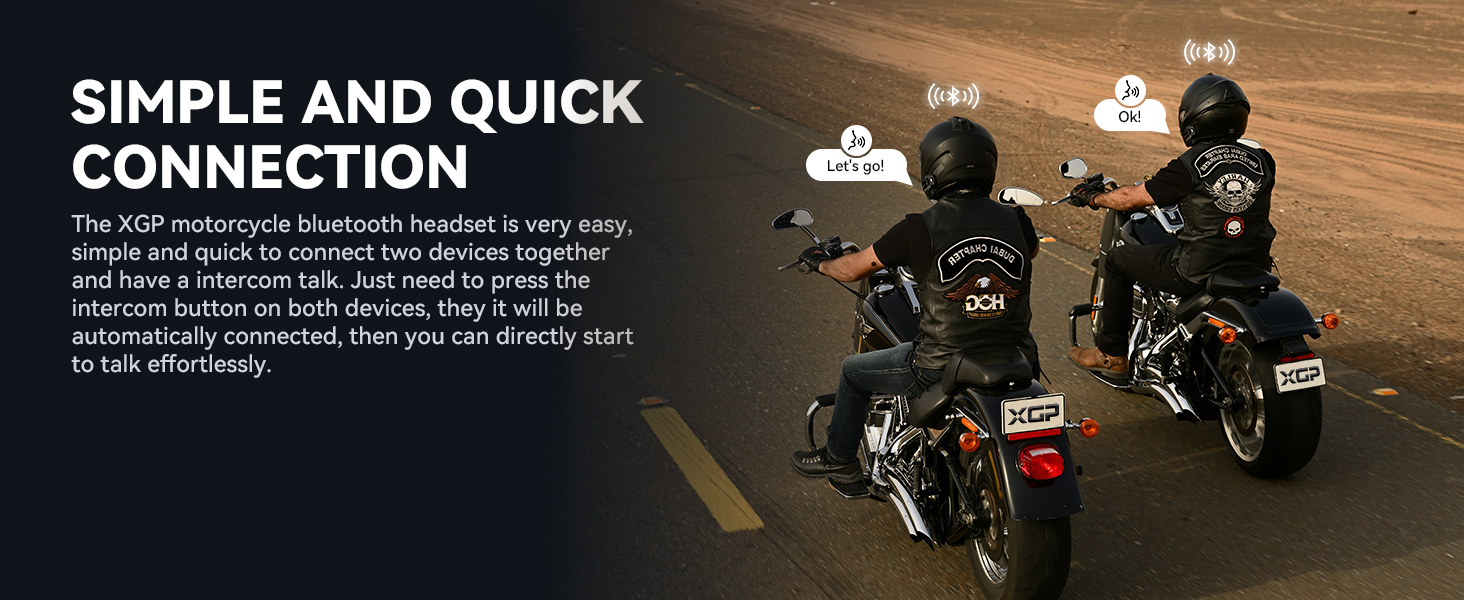
Image: Illustration of two riders establishing quick intercom connection.
4.4. Прайграванне і сумеснае выкарыстанне музыкі
Once connected to your mobile device, you can play music. The XGP headset also features music sharing:
- Прайграванне музыкі: Use your mobile device or the headset's controls to play, pause, skip tracks, and adjust volume.
- Абмен музыкай: Connect two XGP units to share the same music. This function is effective within a 50-meter range.
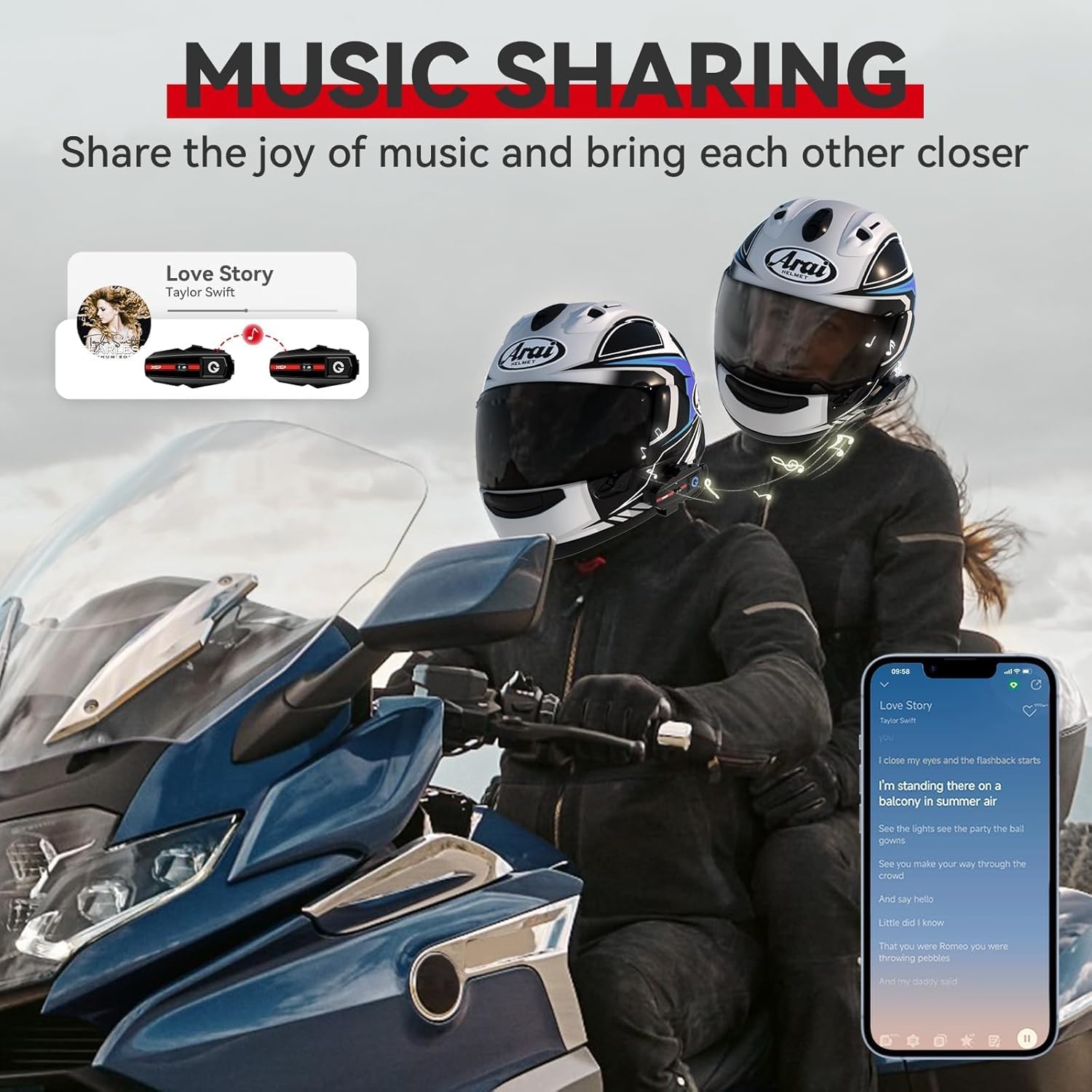
Image: Two riders enjoying shared music through their XGP headsets.
4.5. Phone Calls and Voice Assistant
- Адказ / завяршэнне званка: Use the designated button on the headset to answer or end phone calls.
- Галасавы памочнік: Activate Google Assistant or Apple's Siri with a simple voice command or button press (refer to specific button functions in the quick start guide). This allows for hands-free navigation, music control, and calls.
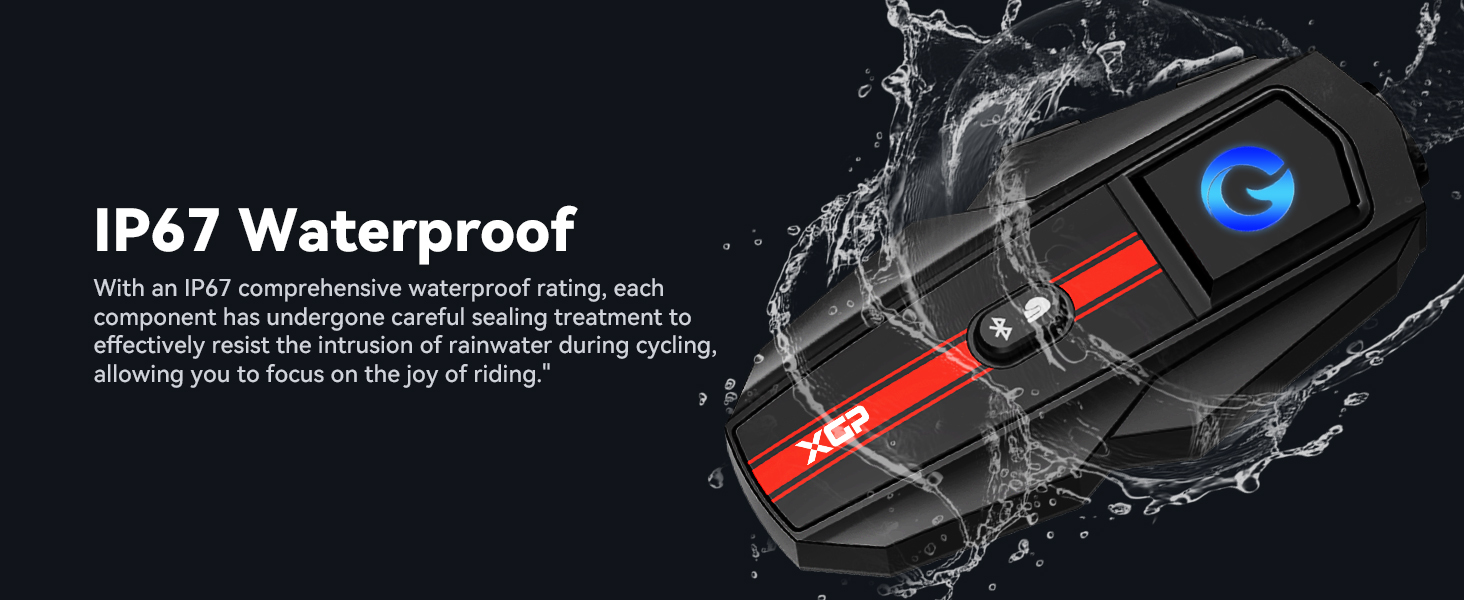
Image: A rider utilizing voice assistant features for hands-free control.
4.6. Universal Connectivity
The XGP headset is designed to be compatible with other brands of helmet headsets, offering flexibility in group rides. Follow the pairing instructions for universal pairing as outlined in the quick start guide or the other headset's manual.

Image: Visual representation of the XGP headset's universal connectivity feature.
5. Тэхнічнае абслугоўванне
5.1. Уборка
Працярыце гарнітуру мяккай губкайamp cloth. Avoid using harsh chemicals or abrasive cleaners, as these can damage the device's finish and seals.
5.2. Гідраізаляцыя
The XGP headset has an IP67 waterproof rating, meaning it is protected against dust and can withstand immersion in water up to 1 meter for 30 minutes. While designed to resist rain and splashes during riding, avoid prolonged submersion or high-pressure water jets.
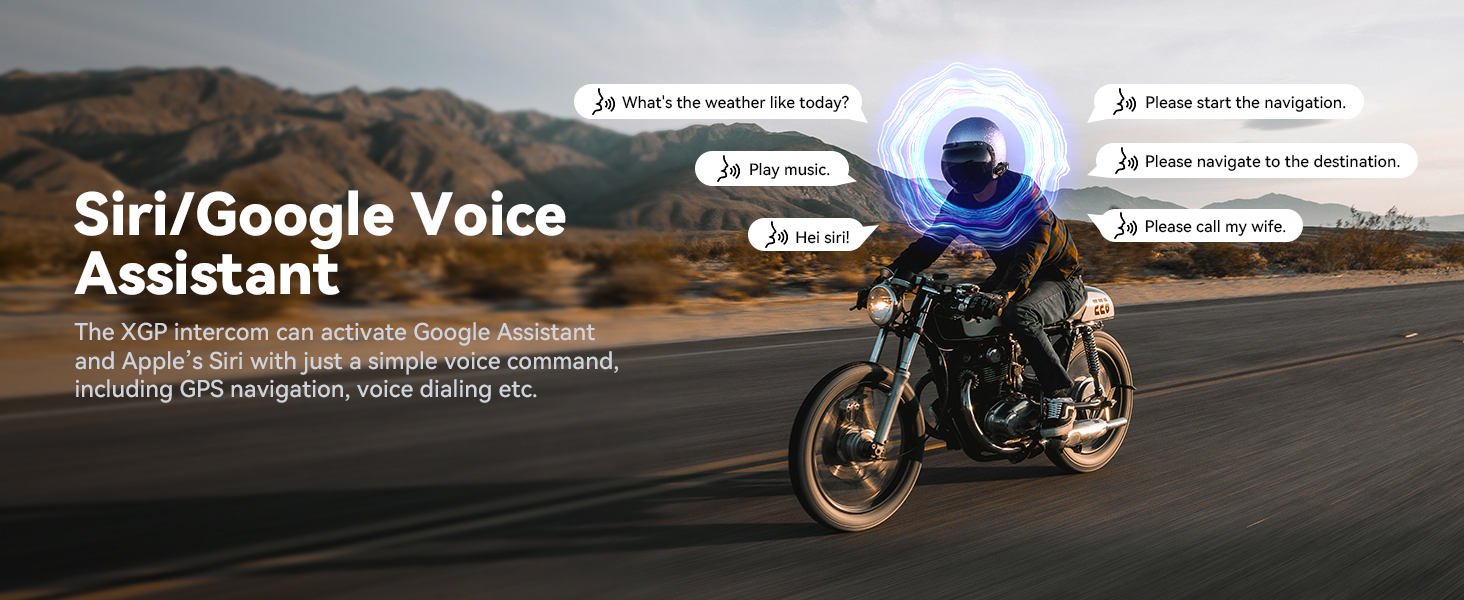
Image: XGP headset showcasing its IP67 waterproof capability.
5.3. Захоўванне
When not in use for extended periods, store the headset in a cool, dry place. It is recommended to charge the battery to about 50% before long-term storage to preserve battery health.
6. Выпраўленне непаладак
6.1. Няма ўлады
- Ensure the battery is charged. Connect the headset to a power source and check if the charging indicator lights up.
- Праверце, ці правільна працуюць зарадны кабель і адаптар.
6.2. Cannot Pair Bluetooth
- Ensure the headset is in pairing mode (rapidly flashing LED).
- Пераканайцеся, што на вашай мабільнай прыладзе ўключаны Bluetooth, і яна бачная.
- Move the headset closer to the mobile device.
- Try restarting both the headset and your mobile device.
6.3. Poor Audio Quality / Excessive Noise
- Ensure speakers are correctly positioned over your ears inside the helmet.
- Verify the microphone is positioned close to your mouth and not obstructed.
- The XGP headset utilizes DSP/CVC noise reduction technology to minimize environmental noise. If noise persists, check microphone placement and ensure it's not picking up excessive wind noise directly.
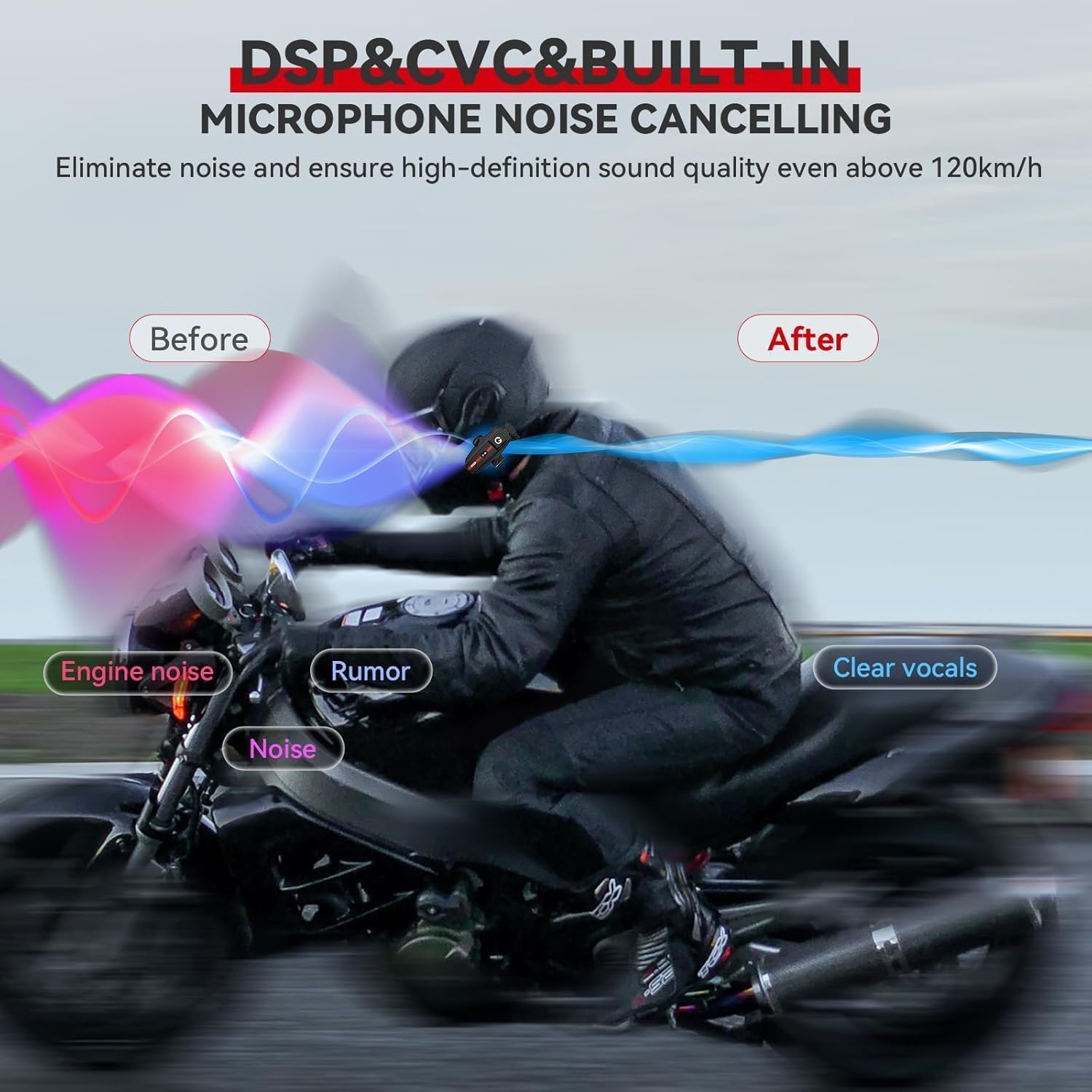
Image: Diagram explaining the effectiveness of DSP/CVC noise cancellation.
6.4. Intercom Disconnection
- Ensure both units are within the 1200m operating range. Obstacles like buildings or dense terrain can reduce range.
- If disconnected, press the intercom button on both units again to re-establish the connection.
7. Тэхнічныя характарыстыкі
| Асаблівасць | Спецыфікацыя |
|---|---|
| Назва мадэлі | XGP SP |
| Версія Bluetooth | 5.2 |
| Тэхналогія падлучэння | Бесправадная сувязь (Bluetooth) |
| Дамафонная сувязь | Да 1200 м (2 гоншчыкаў) |
| Ёмістасць батарэі | Літый-палімерны 1000 мАг |
| Час зарадкі | 2 гадзін |
| Час прайгравання музыкі | Да 30 гадзін |
| Intercom/Call Time | Да 35 гадзін |
| Час чакання | Да 360 гадзін |
| Узровень воданепранікальнасці | IP67 |
| Кантроль шуму | Active Noise Cancellation (DSP/CVC) |
| Памер аўдыё драйвера | 40 мм |
| Дыяпазон частот | 20 Гц - 20 000 Гц |
| Вага прадмета | 0.317 унцыі (прыблізна 9 грамаў) |
| Памеры прадукту | 3.27 х 1.65 х 0.51 цалі |
| Матэрыял | Акрыланітрылбутадыенстырол (АБС) |
| Тып кіравання | Touch, Google/Siri Assistant |
8. Гарантыя і падтрымка
8.1. Інфармацыя аб гарантыі
XGP products are backed by a manufacturer's warranty. Please refer to the warranty card included in your product packaging or visit the official XGP webпадрабязныя ўмовы гарантыі глядзіце на сайце. Гарантыя звычайна распаўсюджваецца на вытворчыя дэфекты пры нармальным выкарыстанні.
8.2. Падтрымка кліентаў
For technical assistance, troubleshooting, or any inquiries regarding your XGP Motorcycle Bluetooth Headset, please contact XGP customer support. Contact information can usually be found on the official XGP webсайце або ва ўпакоўцы прадукту.
When contacting support, please have your product model (XGP) and purchase details ready.