
1. Уводзіны
The Lexar JumpDrive S80 USB 3.2 Gen 1 Flash Drive is designed for high-speed data transfer and secure storage. This manual provides instructions for setting up, operating, and maintaining your flash drive, along with important specifications and troubleshooting tips.
2. Асаблівасці прадукту
- Высокая хуткасць: Utilizes USB 3.2 Gen 1 technology for read speeds up to 150MB/s and write speeds up to 60MB/s, enabling quick transfer of large files.
- Палепшаная бяспека: Features 256-bit AES encryption software to protect your sensitive data from unauthorized access.
- Высуўная канструкцыя: A protective, retractable cover safeguards the USB connector when not in use.
- Шырокая сумяшчальнасць: Backward-compatible with USB 3.0 and USB 2.0 devices, ensuring versatility across various systems.
- Multiple Capacities: Available in various storage capacities, including 512GB, to suit different user needs.
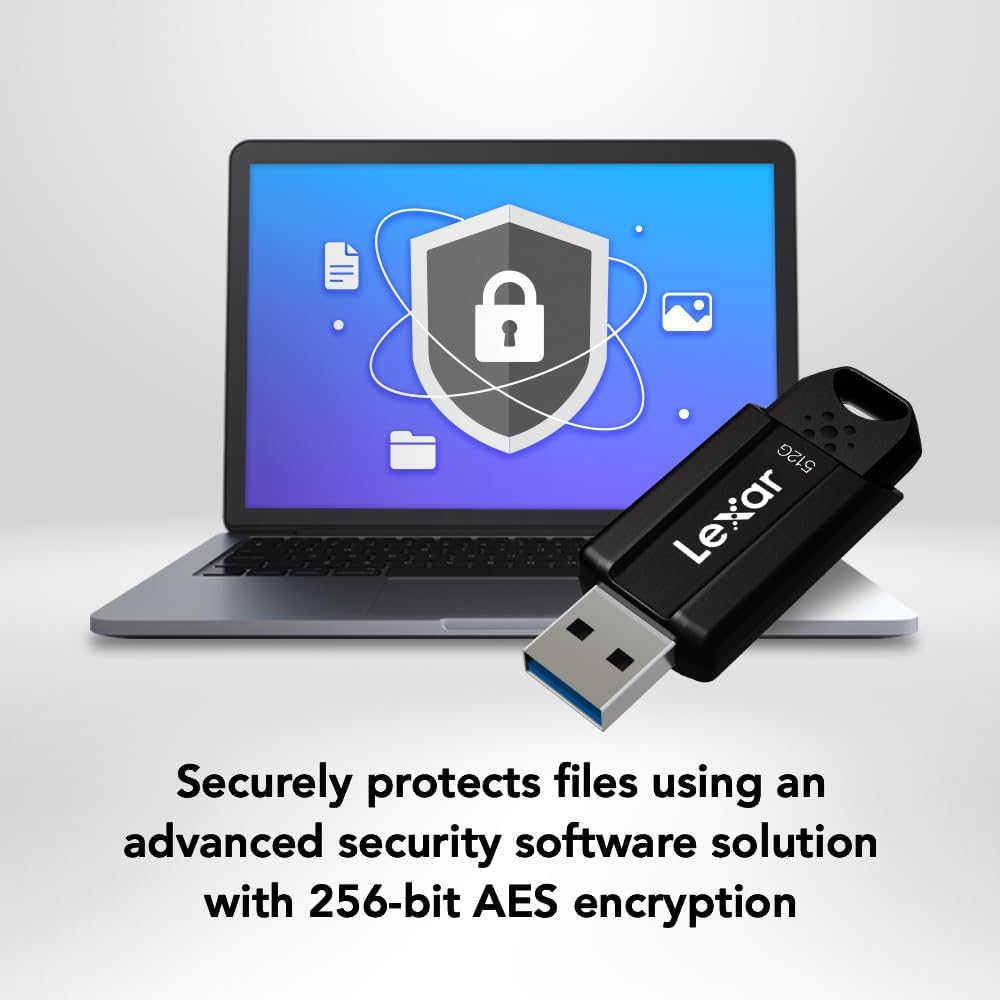
Image: The Lexar JumpDrive S80 connected to a laptop, highlighting its USB 3.2 Gen 1 performance for fast content transfer.
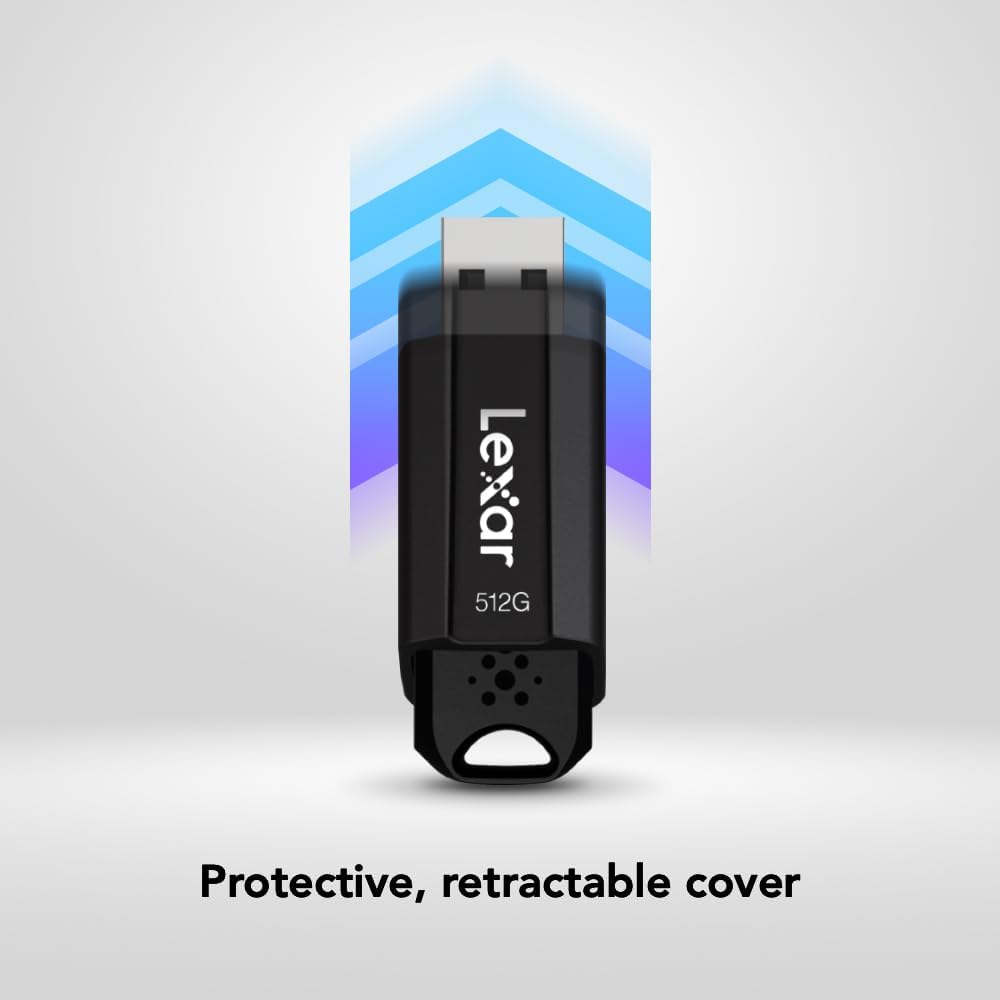
Image: The JumpDrive S80 with a laptop, emphasizing its advanced security software and 256-bit AES encryption.

Выява: Падрабязны view of the JumpDrive S80's protective retractable cover.

Image: A display of Lexar JumpDrive S80 models showcasing the wide range of available storage capacities.

Image: The JumpDrive S80, highlighting that Lexar products undergo rigorous testing in Lexar Quality Labs for performance and reliability.
3. Настройка
- Распакуйце дыск: Carefully remove the Lexar JumpDrive S80 from its packaging.
- Вызначыць USB-порт: Locate an available USB port on your computer (PC or Mac). For optimal performance, use a USB 3.2 Gen 1 (or USB 3.0) compatible port, often identified by a blue insert. The drive is also compatible with USB 2.0 ports.
- Падключыце дыск: Extend the retractable USB connector by sliding the mechanism. Insert the flash drive firmly into the USB port. The drive should be automatically recognized by your operating system.
- Першапачатковае прызнанне: Your computer may display a notification indicating that a new device has been detected and is ready for use. The drive will appear as a removable storage device in your file праваднік (Windows) або Finder (Mac).
Відэа: Оверview of the Lexar JumpDrive S80, demonstrating its connection to a laptop and highlighting key features like speed and security.
4. Інструкцыя па эксплуатацыі
4.1. Перадача Files
- Доступ да дыска: Open "This PC" or "My Computer" (Windows) or "Finder" (Mac) and locate the Lexar JumpDrive S80. Double-click to open it.
- Копія Files: Перацягнуць files or folders from your computer to the JumpDrive S80, or copy and paste them into the drive's folder.
- Уставіць Files: Перадаць files from the JumpDrive S80 to your computer, drag and drop or copy and paste them from the drive's folder to your desired location on the computer.
- Сачыць за прагрэсам: Індыкатар прагрэсу будзе паказваць стан перадачы. Для вялікіх files, transfer times will vary based on file size and the USB port speed.
4.2. Бяспечнае выманне дыска
Каб пазбегнуць пашкоджання дадзеных, заўсёды бяспечна вымайце флэш-назапашвальнік перад тым, як фізічна адключаць яго ад кампутара.
- Windows: Click the "Safely Remove Hardware and Eject Media" icon in the system tray (bottom-right corner), then select the Lexar JumpDrive S80. Wait for the "Safe to Remove Hardware" message before unplugging.
- Mac: Drag the JumpDrive S80 icon from your desktop or Finder sidebar to the Trash icon, or right-click (Control-click) the drive icon and select "Eject." Wait for the icon to disappear before unplugging.
5. Функцыі бяспекі
The Lexar JumpDrive S80 includes advanced security software with 256-bit AES encryption to protect your confidential files. This software allows you to create a password-protected safe that automatically encrypts data. Files deleted from this safe are securely erased and cannot be recovered.
Refer to the pre-loaded security software documentation on the drive for detailed instructions on setting up and managing your encrypted safe.
6. Тэхнічныя характарыстыкі
| Асаблівасць | Дэталь |
|---|---|
| Назва мадэлі | JumpDrive S80 USB 3.1 |
| Нумар мадэлі тавару | LJDS080512G-BNBNU |
| Ёмістасць памяці | 512 ГБ |
| Абсталяванне інтэрфейсу | USB 3.2 Gen 1 |
| Хуткасць чытання | Да 150 XNUMX МБ/с |
| Хуткасць запісу | Да 60 XNUMX МБ/с |
| Тэхналогія падлучэння | USB |
| Колер | Чорны |
| Асаблівасць | Protective, retractable cover |
| Вага прадмета | 0.288 унцыі |
| Памеры прадукту | 5.5 х 0.54 х 4 цалі |
| Вытворца | Lexar International |
| UPC | 843367130870 |
7. Тэхнічнае абслугоўванне
- Фізічны догляд: Keep the flash drive clean and free from dust and debris. Use a soft, dry cloth for cleaning. Avoid exposing the drive to extreme temperatures, moisture, or direct sunlight.
- Абараніце раз'ём: Always retract the USB connector when the drive is not in use to prevent damage.
- Рэзервовае капіраванне даных: Regularly back up important data stored on the flash drive to another storage medium to prevent data loss.
- Абнаўленні праграмнага забеспячэння: Periodically check the Lexar website for any available firmware or security software updates for your JumpDrive S80.
8. Выпраўленне непаладак
- Дыск не распазнаецца:
- Пераканайцеся, што дыск цалкам устаўлены ў порт USB.
- Паспрабуйце іншы порт USB на вашым кампутары.
- Праверце дыск на іншым кампутары, каб выключыць праблему, характэрную для кампутара.
- Check Device Manager (Windows) or System Information (Mac) to see if the drive is listed, even if not assigned a drive letter.
- Перазагрузіце кампутар.
- Павольная хуткасць перадачы дадзеных:
- Ensure you are using a USB 3.2 Gen 1 (or USB 3.0) compatible port. USB 2.0 ports will result in significantly slower speeds.
- Пазбягайце перадачы вялікай колькасці дробных fileадначасова; сцісканне іх у адзін архіў часам можа павялічыць хуткасць.
- Close other applications that might be using system resources or accessing the drive.
- Пераканайцеся, што драйверы USB вашага кампутара абноўленыя.
- Пашкоджанне даных або памылкі:
- Always safely eject the drive before removing it.
- Run a disk check utility (e.g., Error Checking in Windows, Disk Utility in Mac) on the drive.
- If issues persist, consider reformatting the drive (this will erase all data).
9. Гарантыя і падтрымка
The Lexar JumpDrive S80 USB 3.2 Gen 1 Flash Drive comes with a трохгадовая абмежаваная гарантыяГэтая гарантыя распаўсюджваецца на дэфекты матэрыялаў і вырабу пры нармальным выкарыстанні. Калі ласка, захавайце пацвярджэнне пакупкі для прэтэнзій па гарантыі.
For detailed warranty terms, technical support, or to register your product, please visit the official Lexar webсайт: www.lexar.com/support.