
Laser EPS-LT10B-128
Laser TWS Earbuds with LED Battery Display User Manual
Model: EPS-LT10B-128
Уводзіны
Thank you for choosing the Laser TWS Earbuds. These true wireless stereo earbuds are designed to provide a high-fidelity audio experience with convenient features such as an LED battery display, intuitive tap controls, and an ergonomic design for comfortable, extended use. The included rechargeable case ensures your earbuds are always ready for use. This manual will guide you through the setup, operation, and maintenance of your new earbuds.
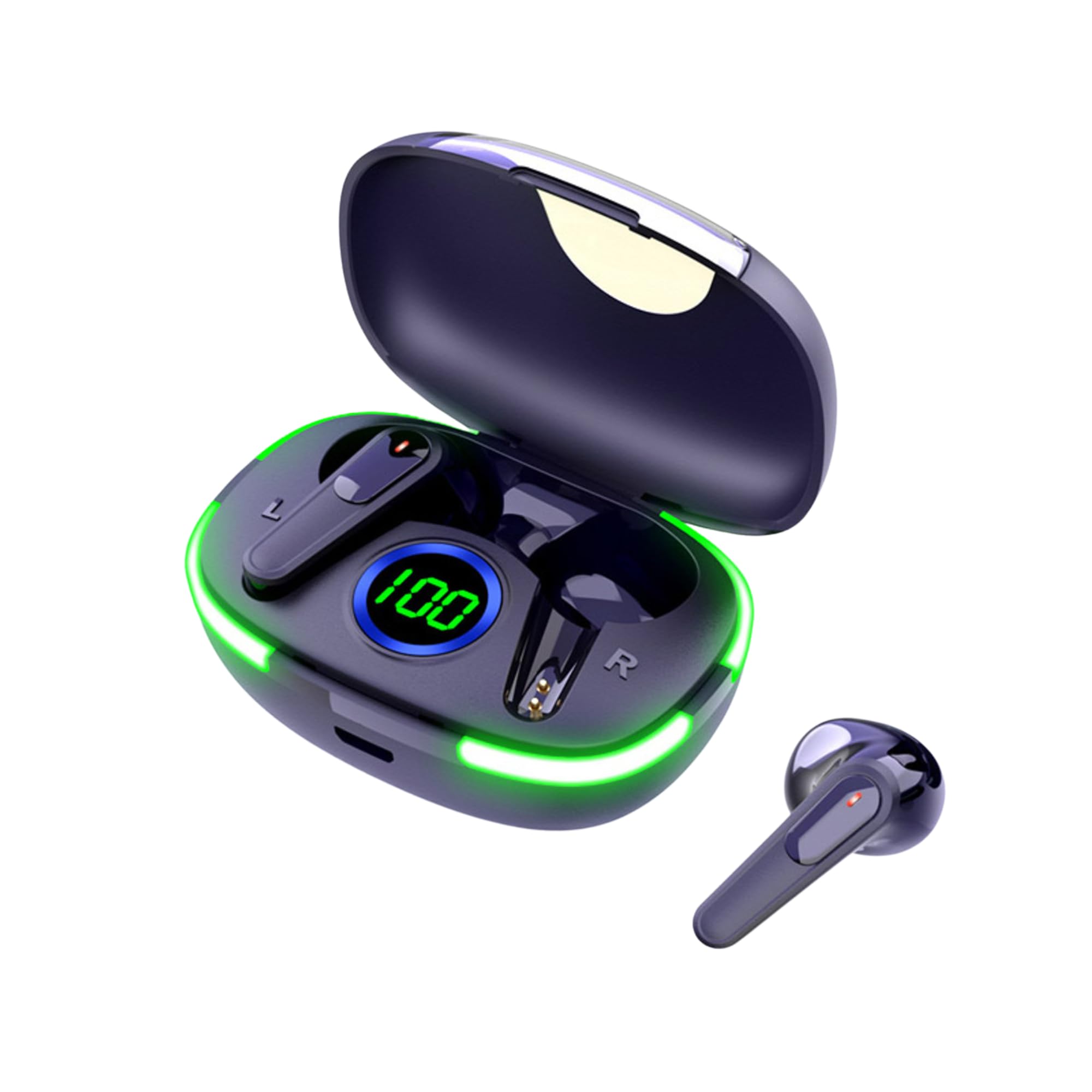
Image: The Laser TWS Earbuds, showcasing the charging case with its LED display and one earbud placed outside the case.
Змест пакета
Пераканайцеся, што ўсе прадметы прысутнічаюць у пасылцы:
- 1 x Pair of Laser TWS Earbuds
- 1 x Charging Case with Battery Display
- 1 х зарадны кабель Type-C
- 1 х Кіраўніцтва карыстальніка
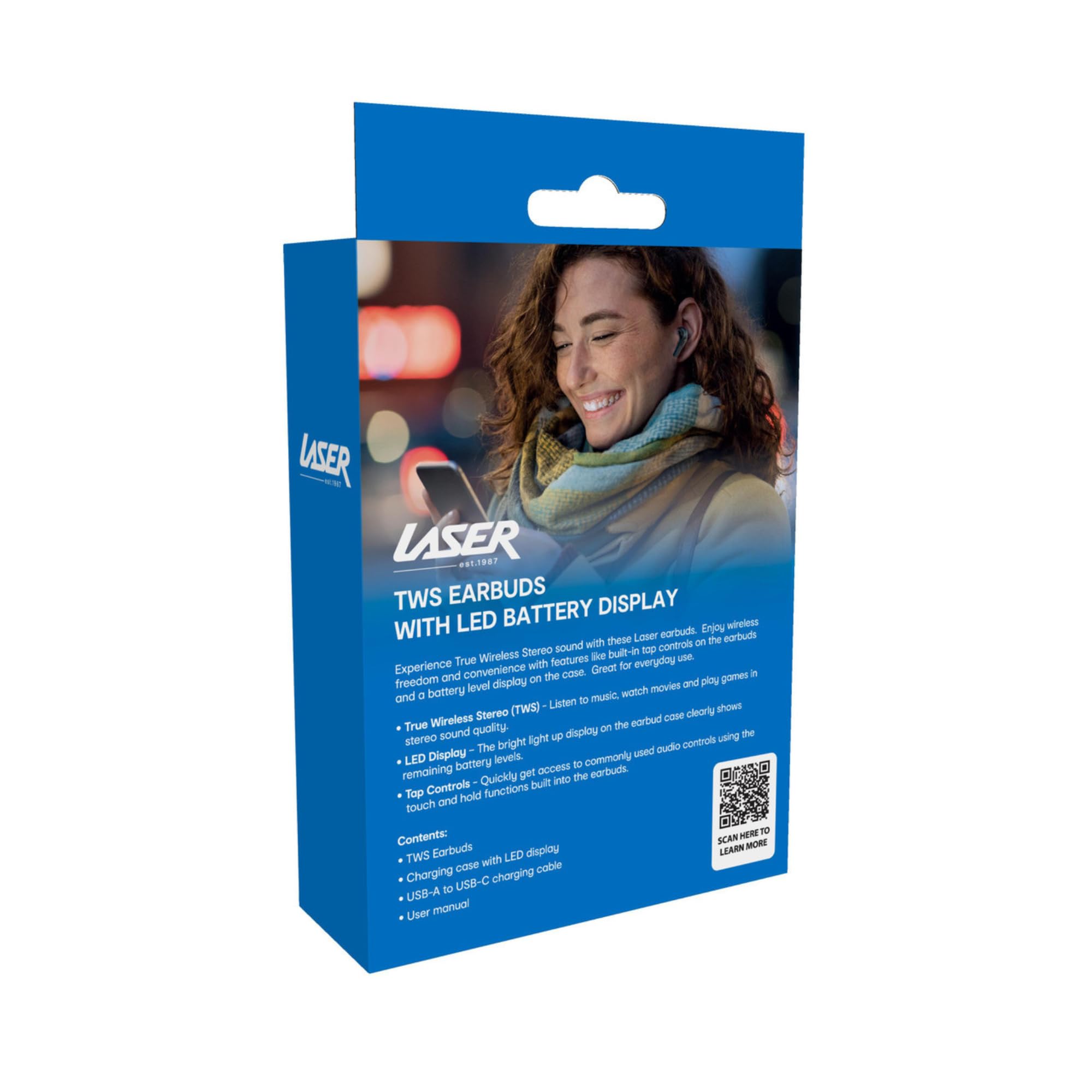
Image: The retail packaging for the Laser TWS Earbuds, indicating contents and features.
Настройка
1. Зарадка навушнікаў і чахла
Before first use, fully charge the earbuds and the charging case. The LED display on the case indicates the battery level.
- Падключыце зарадны кабель Type-C з камплекта да порта зарадкі на корпусе і да крыніцы харчавання USB.
- The LED display will show the charging progress. A full charge takes approximately 1 hour.
- The earbuds charge automatically when placed inside the charging case. The case can recharge the earbuds up to 3 times on a single charge.

Выява: буйны план view of the charging case's LED display, showing the battery percentage, indicating the charge level.
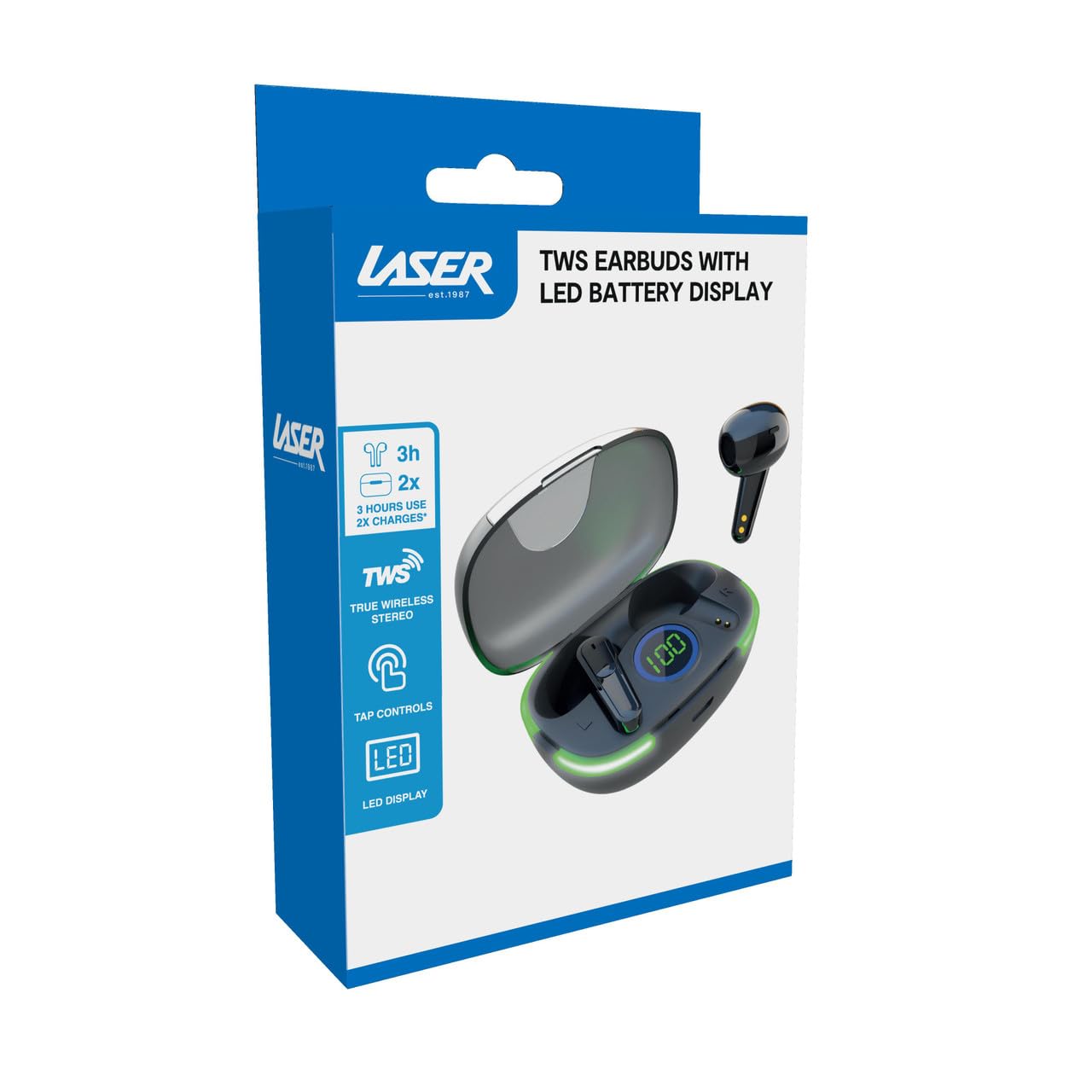
Image: Another close-up of the LED display on the charging case, highlighting the digital battery indicator.
2. Спалучэнне з прыладай
The earbuds use Bluetooth for wireless connectivity.
- Адкрыйце зарадны кейс. Навушнікі аўтаматычна пяройдуць у рэжым спалучэння.
- На вашай прыладзе (смартфоне, планшэце, ноўтбуку) уключыце Bluetooth і пачніце пошук новых прылад.
- Select "Laser TWS Earbuds" or "EPS-LT10B-128" from the list of available devices.
- Пасля падключэння вы пачуеце гук пацверджання, і навушнікі будуць гатовыя да выкарыстання.
- The earbuds support multi-device compatibility, allowing pairing with various devices.
Інструкцыя па эксплуатацыі
Нашэнне навушнікаў
The earbuds are designed for ergonomic comfort and a secure fit. Gently insert each earbud into your ear canal and twist slightly to ensure a snug and comfortable position. This helps optimize sound quality and stability.
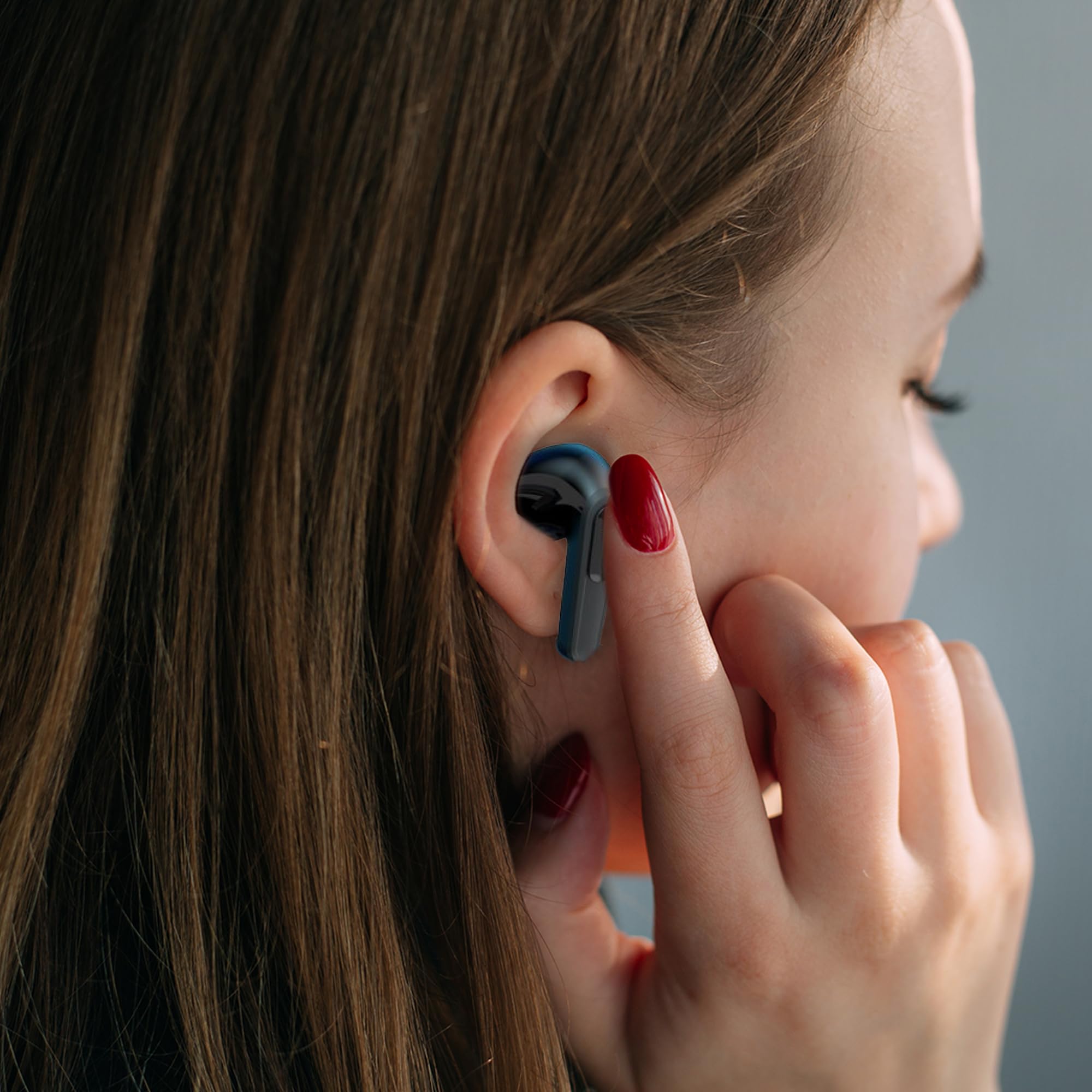
Image: A woman comfortably wearing one of the Laser TWS Earbuds while interacting with her smartphone.
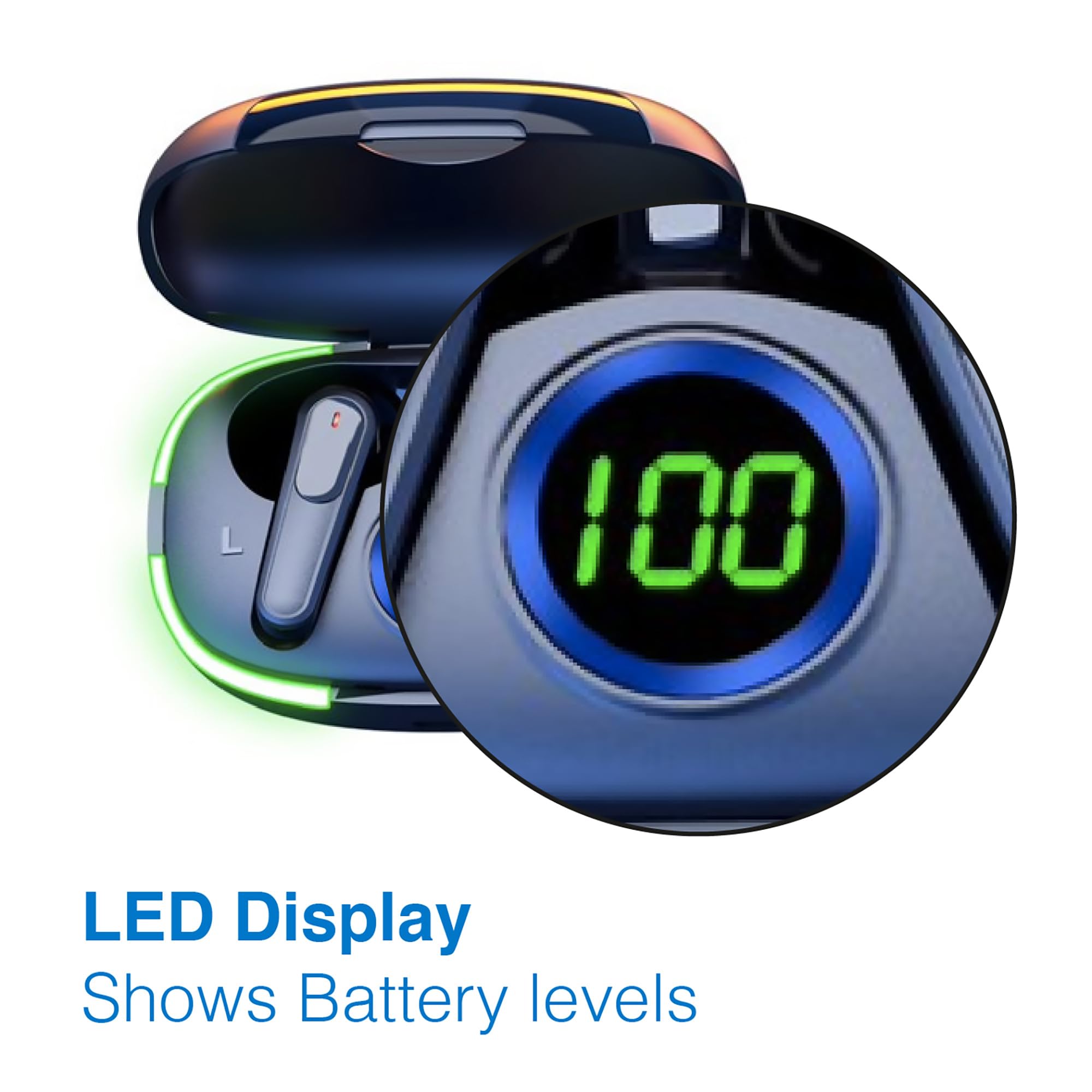
Image: A man walking outdoors, wearing a Laser TWS Earbud, demonstrating the ergonomic design for active use.
True Wireless Stereo Experience
These earbuds provide a true wireless stereo experience, delivering high-fidelity sound with clear channel separation for an immersive audio experience, whether for music, movies, or gaming.
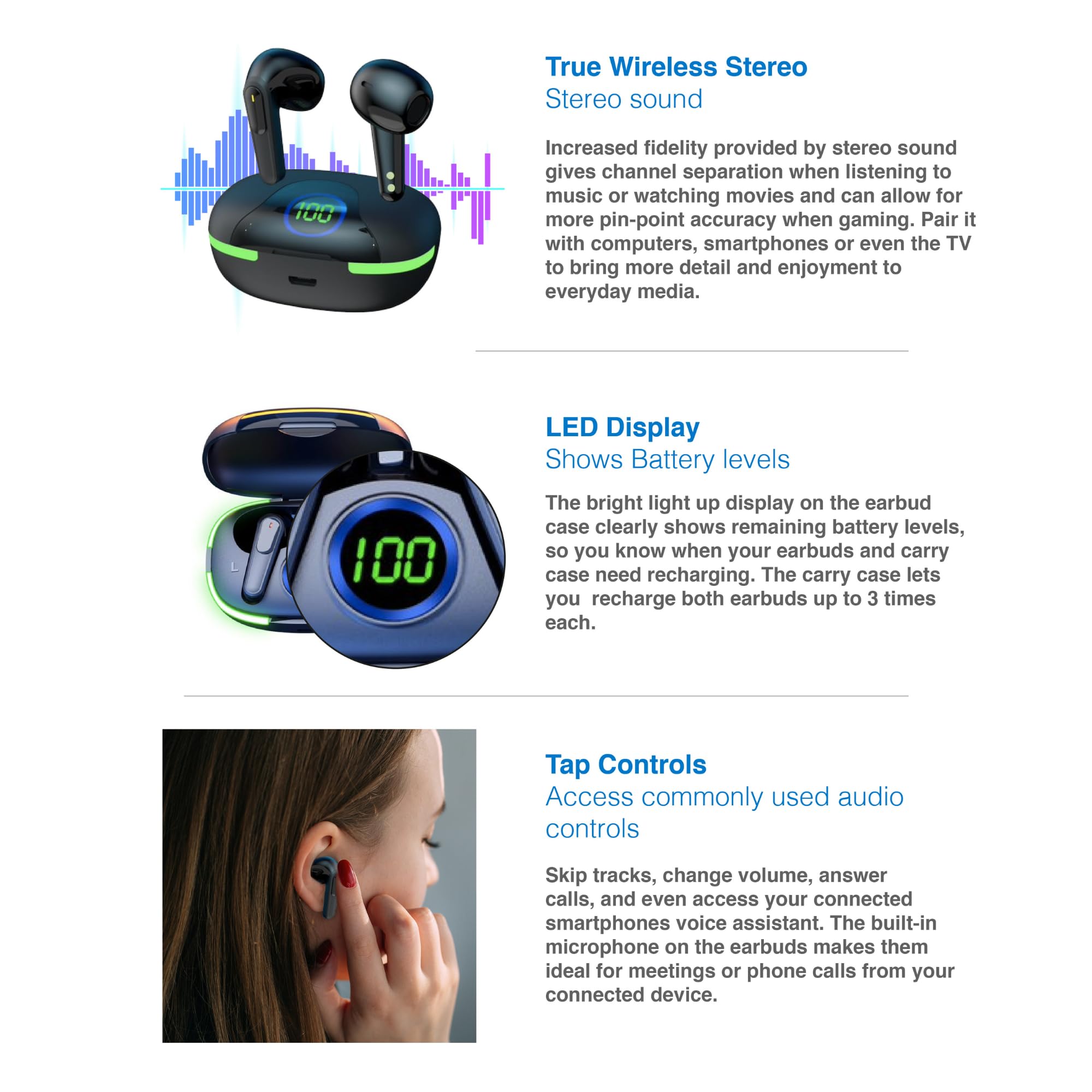
Image: A graphic representation of the True Wireless Stereo feature, showing the earbuds in their case with sound wave visualizations.
Націсніце Элементы кіравання
The earbuds feature intuitive tap controls for easy management of audio playback and calls without needing to access your connected device.
| Дзеянне | Кантроль |
|---|---|
| Прайграванне/прыпыненне музыкі | Адзін націск на любы навушнік |
| Наступны трэк | Двойчы націсніце на правы навушнік |
| Папярэдні трэк | Двойчы націсніце на левы навушнік-ўкладыш |
| Адказаць/завяршыць выклік | Адзін націск на любы навушнік |
| Адхіліць выклік | Доўгі націск на любы навушнік |
| Activate Voice Assistant (Siri, Google Assistant, Alexa) | Тройчы націсніце на любы навушнік |

Image: A person's hand touching an earbud, illustrating the tap control functionality.
Убудаваны мікрафон
Each earbud includes a built-in microphone, enabling hands-free calls and meetings without needing to switch to your device.
Тэхнічнае абслугоўванне
- Уборка: Рэгулярна працірайце навушнікі і зарадны футляр мяккай, сухой тканінай без ворса. Пазбягайце выкарыстання абразіўных матэрыялаў або агрэсіўных хімічных рэчываў.
- захоўванне: Калі навушнікі не выкарыстоўваюцца, захоўвайце іх у зарадным чахле, каб абараніць і падтрымліваць зараджанасць.
- Сыход за батарэяй: Каб падоўжыць тэрмін службы батарэі, не разраджайце навушнікі і кейс часта цалкам. Рэгулярна зараджайце іх, нават калі яны не выкарыстоўваюцца пастаянна.
- Воданепранікальнасць: These earbuds are not water resistant. Avoid exposure to water, sweat, or high humidity.
Ліквідацыю непаладак
| праблема | Рашэнне |
|---|---|
| Навушнікі не спалучаюцца | Ensure earbuds are charged. Turn off and on Bluetooth on your device. Forget the device in Bluetooth settings and re-pair. Place earbuds back in case and take them out again. |
| Ніякага гуку з аднаго навушніка | Check battery level of both earbuds. Re-pair the earbuds. Try resetting the earbuds (refer to manufacturer's webсайт для атрымання канкрэтных інструкцый па скідзе (пры неабходнасці). |
| Чахол для зарадкі не зараджаецца | Ensure the charging cable is securely connected. Try a different USB power source or cable. |
| Tap controls not responding | Ensure earbuds are properly seated in your ears. Clean the touch sensitive area. Re-pair the earbuds. |
If you encounter persistent issues, please refer to the official Laser support webсайт для далейшай дапамогі.
Тэхнічныя характарыстыкі
| Асаблівасць | Дэталь |
|---|---|
| мадэль | EPS-LT10B-128 |
| Тэхналогія падлучэння | Бесправадная сувязь Bluetooth |
| Кантроль шуму | Гукаізаляцыя |
| Тэрмін службы батарэі (навушнікі) | Прыбл. 3 гадзін |
| Час зарадкі | Прыбл. 1 гадзіна |
| Зарадка зараднага чахла | Да 3 разоў |
| Максімальная працоўная адлегласць | 10 метраў |
| Тып кіравання | Сэнсарнае кіраванне, галасавое кіраванне |
| Матэрыял | Пластыкавыя |
| Вага прадмета | 30 грам |
| Памеры | 62.2 x 42.5 x 32.6 см (прадукт) |
| Узровень воданепранікальнасці | Не воданепранікальны |
Гарантыя і падтрымка
The Laser TWS Earbuds come with a Гарантыя 1 год з даты пакупкі. Калі ласка, захавайце пацвярджэнне пакупкі для прэтэнзій па гарантыі.
For further support, troubleshooting, or warranty information, please visit the official Laser webсайт:
You may also contact Laser customer service directly for assistance.