
COCOCAM ZY-C2
COCOCAM Solar Camera Outdoor Wireless User Manual
Мадэль: ZY-C2
1. Уводзіны
This user manual provides comprehensive instructions for the installation, operation, and maintenance of your COCOCAM Solar Camera Outdoor Wireless. This 2K PTZ camera is designed for home security, featuring AI motion detection, color night vision, and two-way audio. Please read this manual thoroughly before using the product to ensure proper functionality and safety.
2. Змесціва ўпакоўкі
Калі ласка, пераканайцеся, што ўсе пералічаныя ніжэй прадметы ўваходзяць у камплект. Калі якія-небудзь прадметы адсутнічаюць або пашкоджаныя, звярніцеся ў службу падтрымкі кліентаў.
- 1x COCOCAM Solar Security Camera
- 1x сонечная панэль
- 1x кранштэйны сонечнай панэлі
- 1x 3.3ft USB Charging Cable
- 1x Кіраўніцтва карыстальніка
- 1x Positioning Sheet
- 2x Screw Packages (for camera and solar panel mounting)
3. Прадукт скончыўсяview
The COCOCAM Solar Camera is a versatile outdoor security solution. Below are the key components and features:
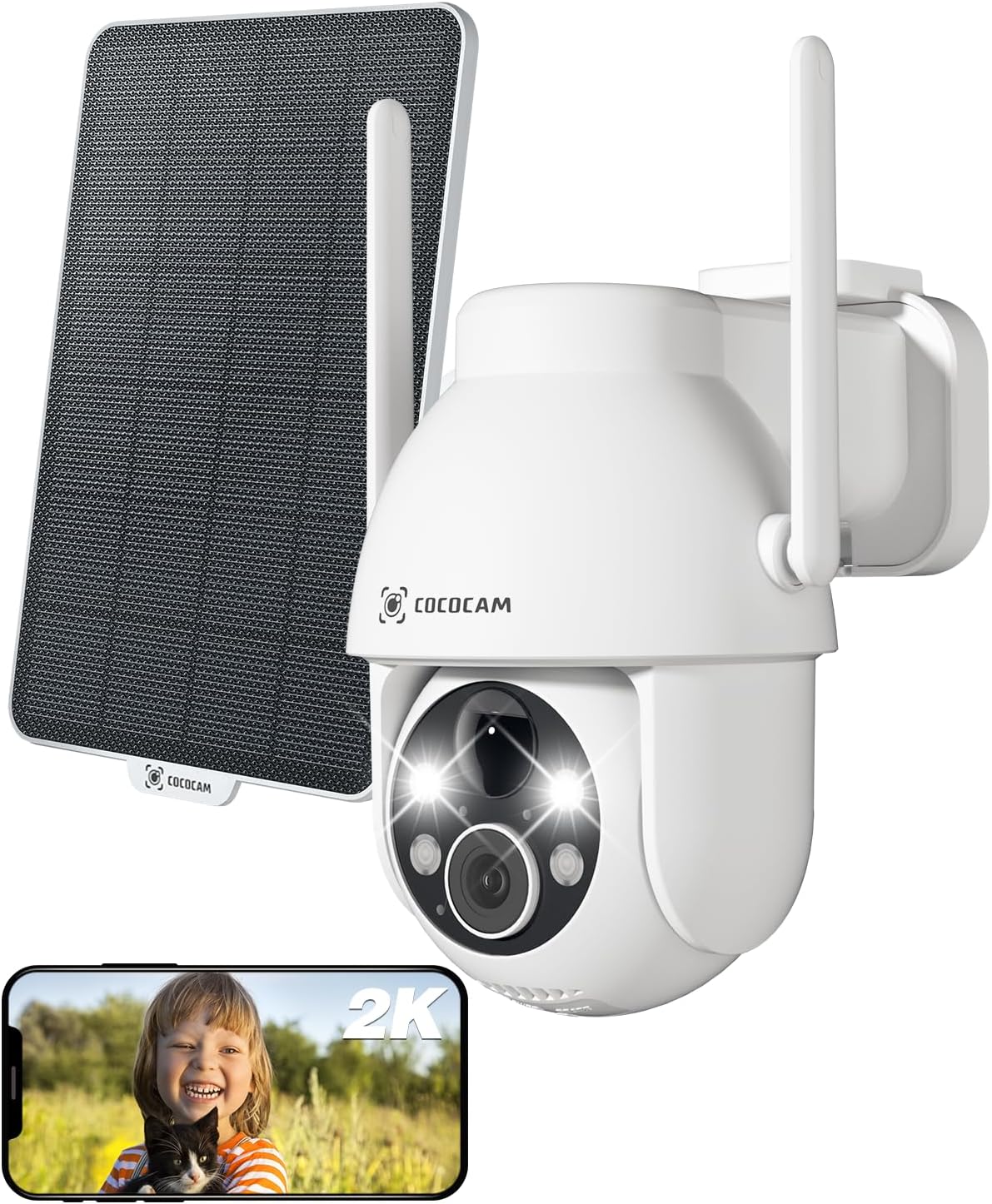
Figure 3.1: Camera and Solar Panel Overview. This image displays the main camera unit alongside its accompanying solar panel, illustrating the complete system for outdoor surveillance.
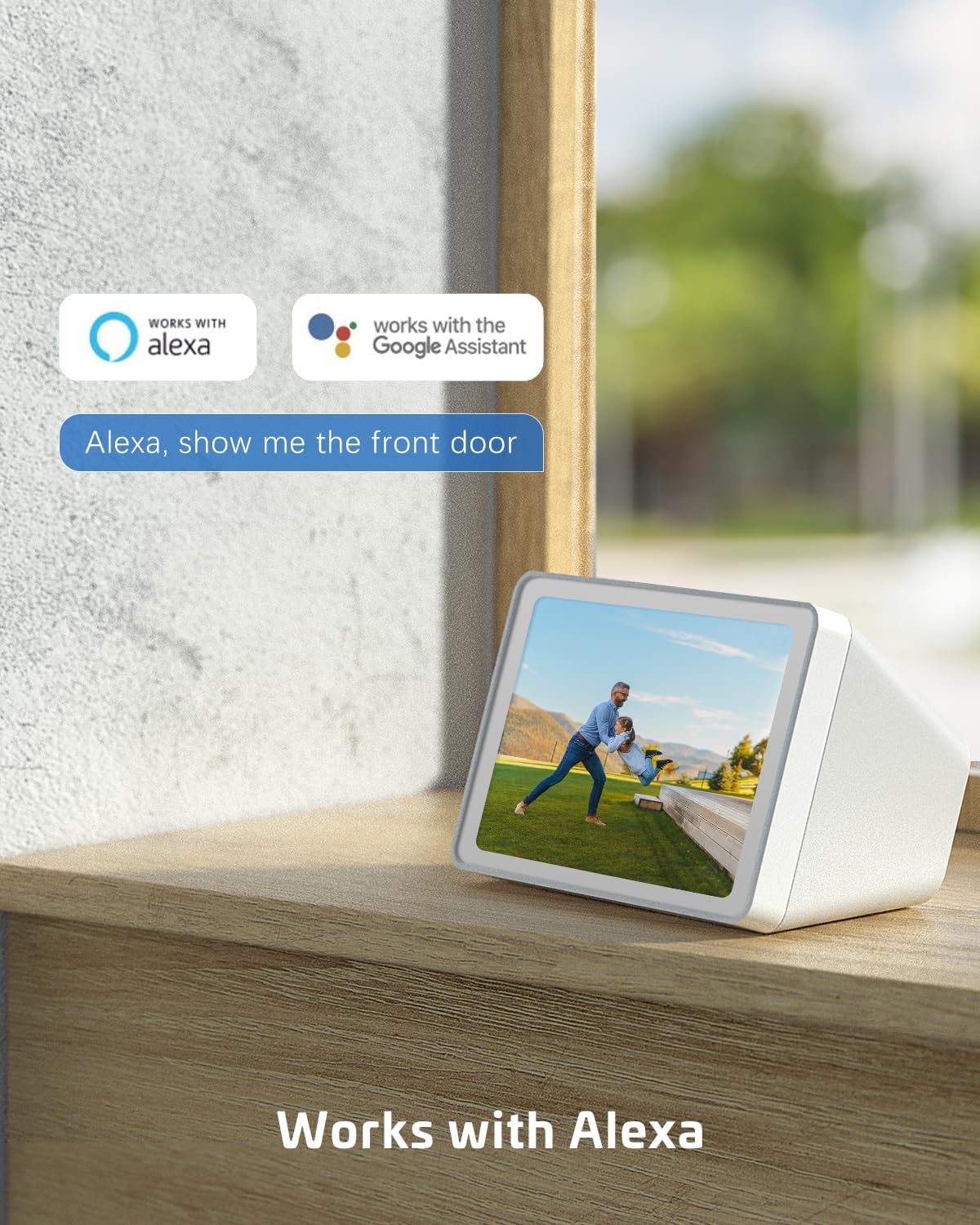
Figure 3.2: Pan and Tilt Functionality. The camera offers 355° pan and 120° tilt rotation, providing extensive coverage without blind spots. This allows for remote adjustment of the viewing angle via the mobile application.

Figure 3.3: 2K Super HD Color Night Vision. This image demonstrates the camera's ability to capture clear, high-definition video even in low-light conditions, offering both color and infrared night vision options for enhanced visibility.

Figure 3.4: Two-Way Audio Communication. The camera supports two-way audio, enabling real-time communication through the camera's built-in speaker and microphone. This feature is useful for interacting with visitors or deterring intruders.
Асноўныя характарыстыкі:
- Разрозненне 2K QHD: Provides high-resolution 3MP image quality for clear video monitoring.
- Функцыянальнасць PTZ: 355° pan and 120° tilt rotation with 4x digital zoom, controllable via the Cloudage or Cococam app.
- Solar Powered & Wire-Free: Equipped with a solar panel and 5200mAh rechargeable batteries for continuous power without wiring.
- Выяўленне руху са штучным інтэлектам: Optimized algorithms for human-like recognition, reducing false alarms. Supports optional recognition of pets, cars, and packages (paid features).
- Каляровы начны бачанне: Offers clear night vision up to 100ft.
- Двухбаковы аўдыё: Дазваляе весці сувязь у рэжыме рэальнага часу праз камеру.
- IP66 Воданепранікальнасць: Designed to withstand various weather conditions, operating from -25°C to 60°C (-13°F to 140°F).
- Два варыянты захоўвання: Supports TF card (up to 128GB, not included) and cloud storage service (paid feature).
- Сумеснае выкарыстанне для некалькіх карыстальнікаў: Easily share camera access with family and friends via QR scan.
- Інтэграцыя разумнага дома: Сумяшчальнасць з Amazon Alexa.
4. Настройка
Follow these steps to set up your COCOCAM Solar Camera:
- Зарадзіць камеру: Before initial use, ensure the camera's internal battery is fully charged using the provided USB cable.
- Спампаваць прыкладанне: Download the "Cloudage" or "Cococam" app from your smartphone's app store (iOS App Store or Google Play Store).
- Стварыць уліковы запіс: Адкрыйце праграму і выконвайце інструкцыі на экране, каб стварыць новы ўліковы запіс карыстальніка.
- Дадаць прыладу: In the app, select "Add Device" or the "+" icon. Choose your camera model from the list.
- Падключыцеся да Wi-Fi: Выконвайце інструкцыі праграмы, каб падключыць камеру да сеткі Wi-Fi 2.4 ГГц. Важна: The camera only supports 2.4GHz Wi-Fi, not 5GHz. Ensure your router is configured for 2.4GHz or that you are connecting to the 2.4GHz band.
- Mount the Camera and Solar Panel:
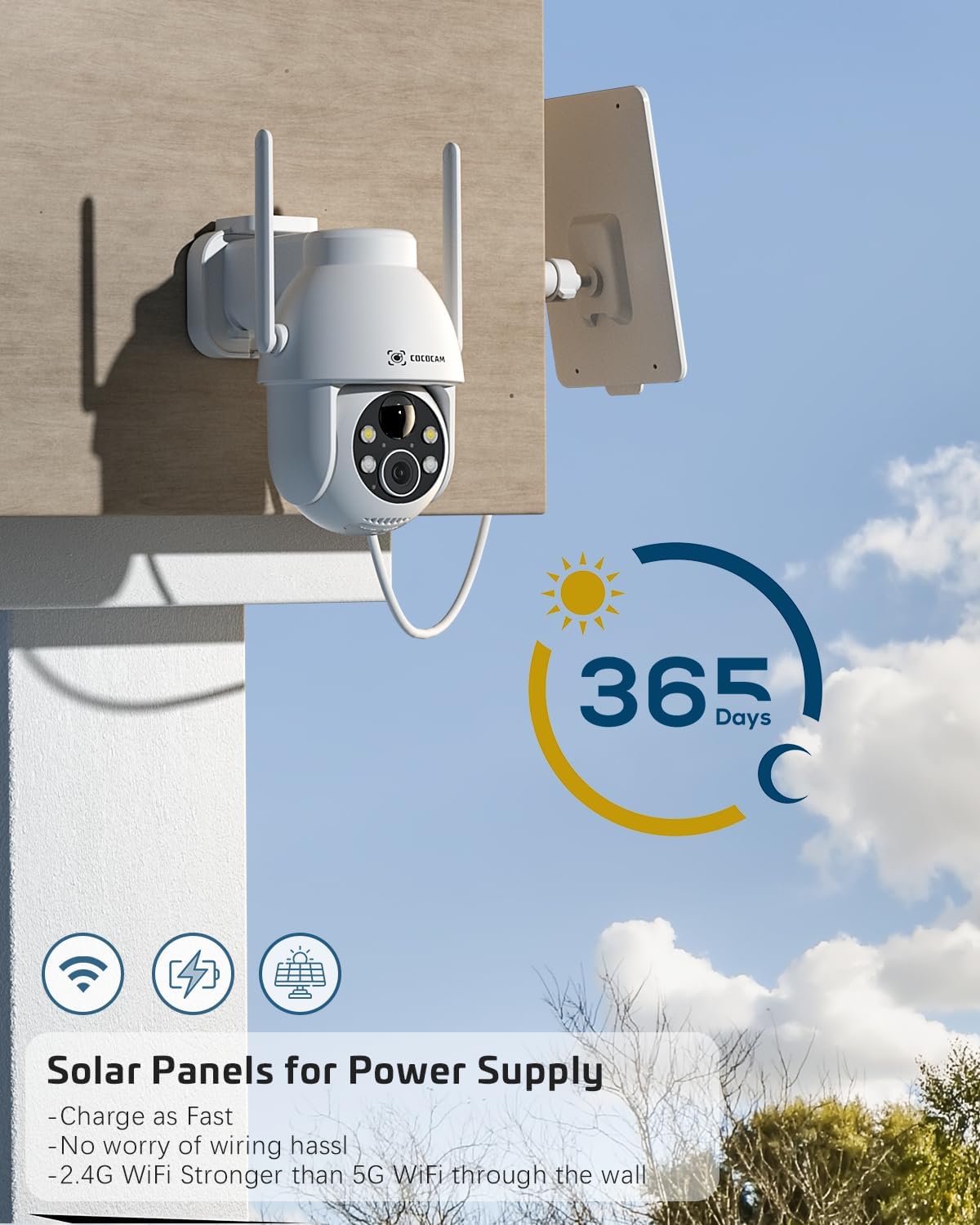
Figure 4.1: Camera and Solar Panel Installation. The camera and solar panel are designed for easy wall mounting. Position the solar panel in an area that receives direct sunlight for optimal charging.
Select a suitable outdoor location for installation. Use the included screws and positioning sheet to securely mount the camera and the solar panel. The solar panel should be positioned to receive maximum direct sunlight throughout the day for continuous power supply. Installation typically takes about 10 minutes.
- Канчатковыя карэкціроўкі: Once mounted, use the app to adjust the camera's pan and tilt angles to achieve the desired viewінг вобласці.
5. Кіраванне камерай
Your COCOCAM camera offers a range of features accessible through the mobile application:
5.1 У прамым эфіры View і кіраванне PTZ
Access the live video feed from your camera via the app. Use the on-screen controls to pan (355°), tilt (120°), and digitally zoom (4x) the camera to monitor different areas.
5.2 Выяўленне руху і абвесткі
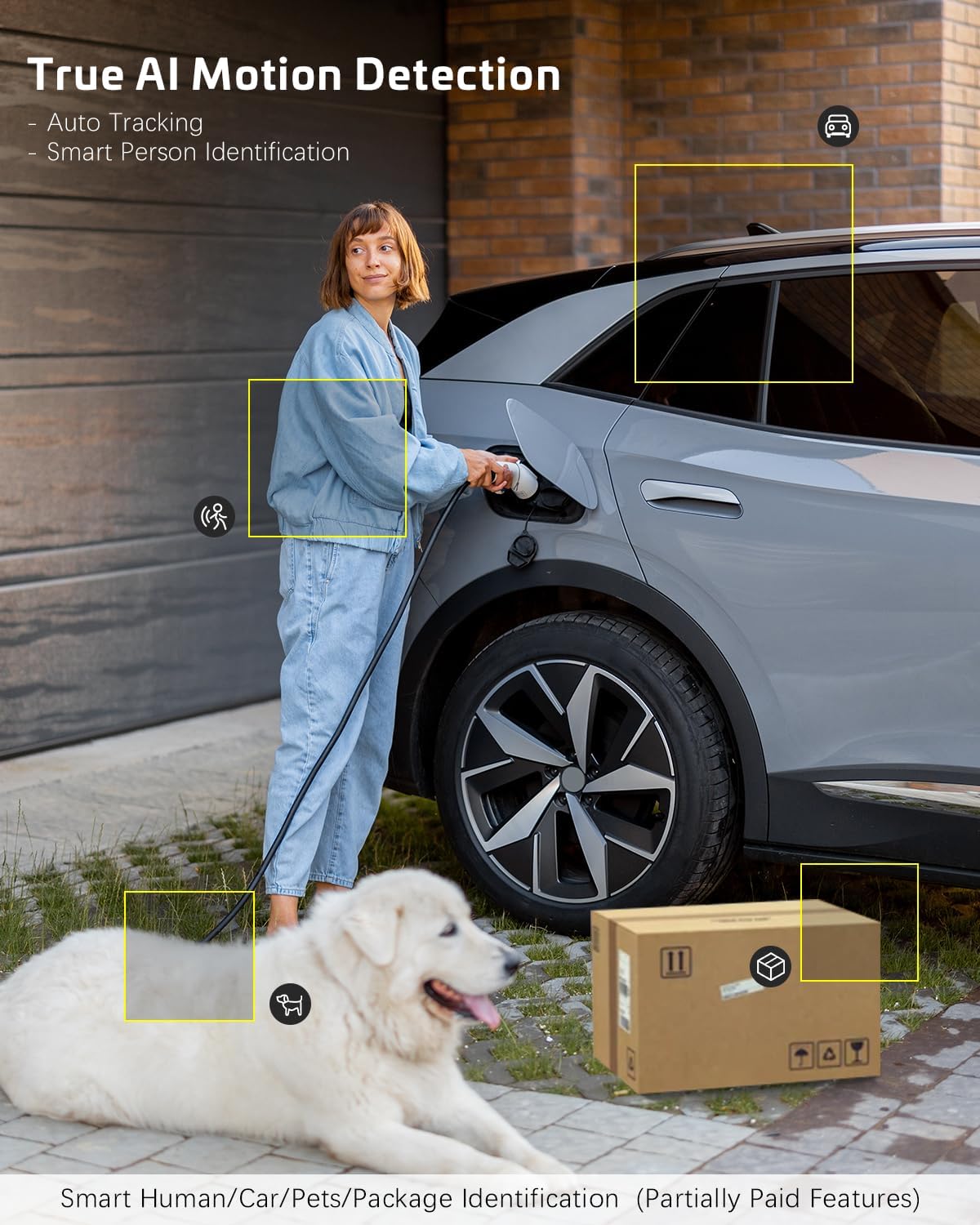
Figure 5.1: AI Motion Detection. The camera's advanced AI algorithms can differentiate between humans, pets, cars, and packages, reducing false alarms and providing more accurate alerts.
The camera features advanced AI motion detection. When motion is detected, you will receive instant alerts on your smartphone. You can customize detection sensitivity and enable/disable AI human detection in the app settings. Optional paid features include recognition for pets, cars, and packages.
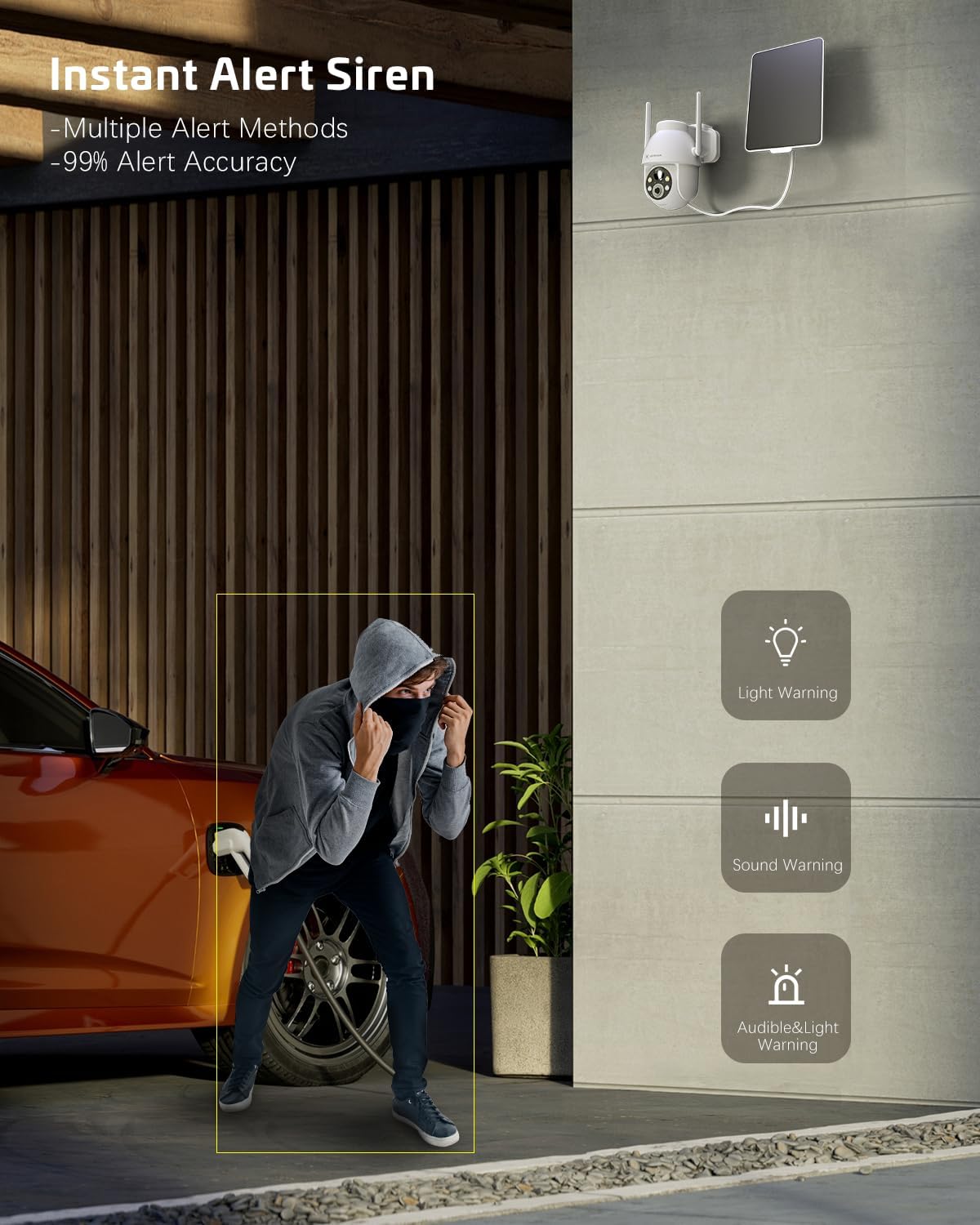
Figure 5.2: Instant Alert Siren. Upon detecting suspicious activity, the camera can activate a siren and flashing lights to deter intruders, providing multiple warning methods.
5.3 Начное бачанне
The camera automatically switches to night vision mode in low light. It offers both infrared night vision for clear black-and-white images and a 2K Super HD color night vision mode for enhanced detail in color.
5.4 Двухбаковае аўдыё
Use the two-way audio feature to communicate with individuals near the camera. Simply tap the microphone icon in the app to speak, and listen through the camera's speaker.
5.5 Захоўванне відэа
Запісы можна захоўваць двума спосабамі:
- TF карта: Insert a TF (microSD) card (up to 128GB, not included) into the camera's designated slot for local storage.
- Воблачнае сховішча: Subscribe to the optional cloud storage service (paid feature) for secure, remote storage of your video recordings. All video data is encrypted for privacy.
5.6 Шматкарыстальніцкі агульны доступ
Share access to your camera with family members or trusted individuals. This can be done easily by generating a QR code within the app for them to scan.
5.7 Інтэграцыя разумнага дома
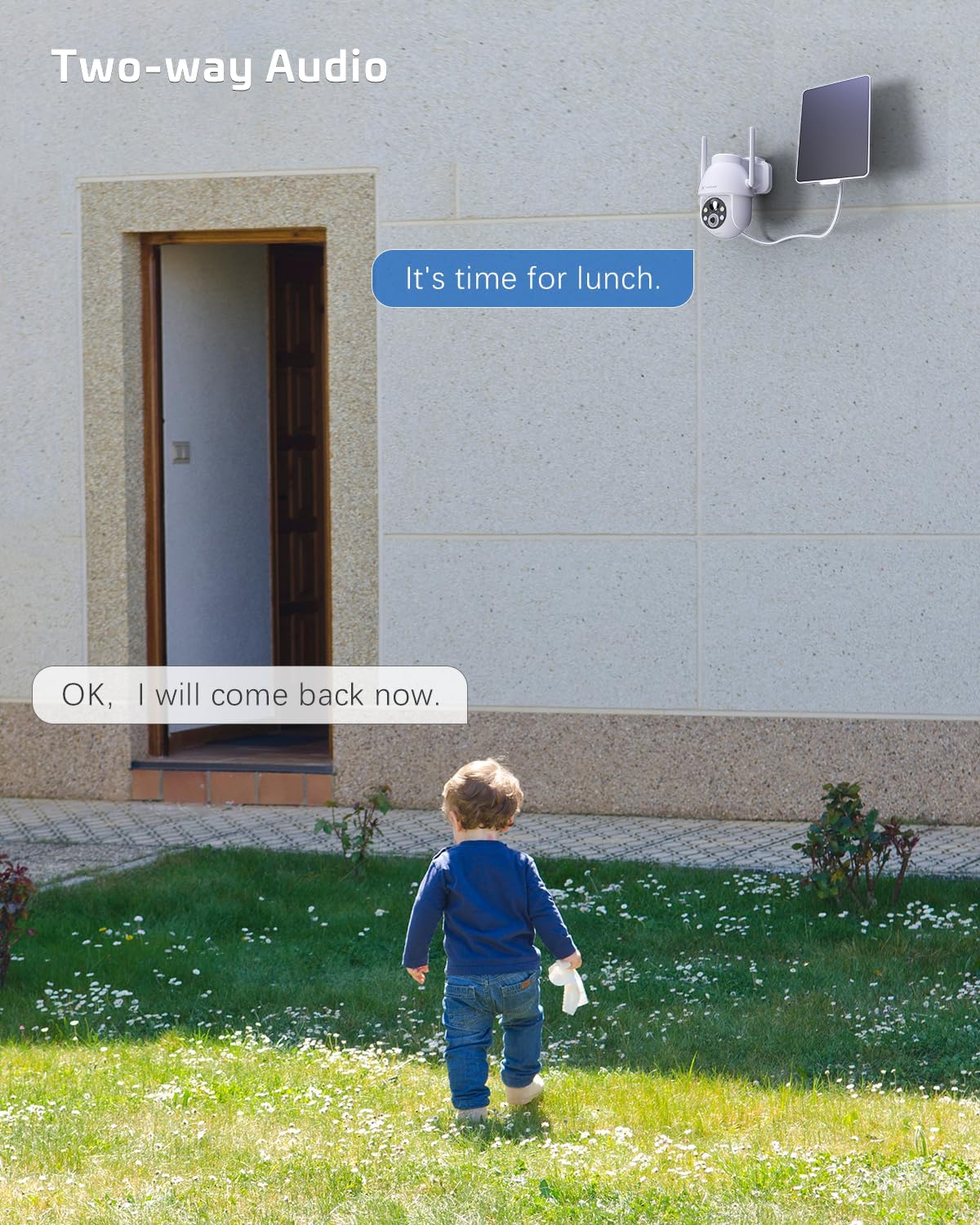
Figure 5.3: Alexa Integration. The camera is compatible with Amazon Alexa, allowing for voice control and viewing the camera feed on compatible smart displays.
The COCOCAM camera can be integrated with Amazon Alexa. Follow the instructions in the Alexa app to link your COCOCAM account and enable voice commands for viewing your camera feed on compatible devices.
6. Тэхнічнае абслугоўванне
Proper maintenance ensures the longevity and optimal performance of your COCOCAM Solar Camera:
- Ачыстка сонечных батарэй: Рэгулярна працірайце паверхню сонечнай панэлі мяккай анучайamp cloth to remove dust, dirt, or debris that may hinder its charging efficiency.
- Ачыстка аб'ектыва камеры: Gently clean the camera lens with a microfiber cloth to ensure clear image quality. Avoid abrasive materials that could scratch the lens.
- Абарона ад надвор'я: The camera is IP66 weatherproof, designed to withstand rain and dust. However, avoid submerging the camera in water.

Figure 6.1: IP66 Weatherproof Design. The camera is built to withstand various outdoor elements, ensuring reliable operation in diverse weather conditions.
- Працоўная тэмпература: Ensure the camera operates within its specified temperature range of -25°C to 60°C (-13°F to 140°F).
- Абнаўленні прашыўкі: Check the app periodically for firmware updates to ensure your camera has the latest features and security enhancements.
7. Выпраўленне непаладак
If you encounter issues with your COCOCAM Solar Camera, refer to the following common problems and solutions:
| праблема | Магчымая прычына / рашэнне |
|---|---|
| Камера не падключаецца да Wi-Fi |
|
| Battery not charging or low battery |
|
| Частыя ілжывыя трывогі |
|
| Poor video quality or blurry images |
|
| Двухбаковы аўдыё не працуе |
|
If the problem persists, please refer to the support section or contact COCOCAM customer service.
8. Тэхнічныя характарыстыкі
| Асаблівасць | Дэталь |
|---|---|
| Нумар мадэлі | ZY-C2 |
| Дазвол відэазахопу | 2K (1440p), 3MP |
| Дыяпазон павароту/нахілу | Панарамаванне 355°, нахіл 120° |
| Лічбавы зум | 4x |
| Крыніца харчавання | Сонечная батарэя, акумулятарная батарэя ёмістасцю 5200 мАг |
| Пратакол злучэння | Wi-Fi (толькі 2.4 ГГц) |
| Тэхналогія бесправадной сувязі | Wi-Fi |
| Ацэнка ўстойлівасці да надвор'я | IP66 |
| Працоўная тэмпература | -25°C да 60°C (-13°F да 140°F) |
| Дыяпазон начнога бачання | 20 Meters (approx. 65 feet), up to 100ft mentioned in feature bullets |
| Параметры захоўвання | TF Card (up to 128GB), Cloud Storage (paid) |
| Аўдыё | 2-баковае аўдыё |
| Сумяшчальныя прылады | Smartphone, Amazon Alexa |
| Тып мацавання | Wall Mount, Screw In |
| Вага прадмета | 650 г |
| Колер | Белы |
| Матэрыял | Пластыкавыя |
9. Гарантыя і падтрымка
Гарантыя: COCOCAM provides a 2-year warranty for this camera. Please retain your proof of purchase for warranty claims.
Падтрымка кліентаў: If you encounter any problems using your COCOCAM Solar Camera or require technical assistance, please contact COCOCAM customer support. You can typically find contact information on the COCOCAM official website or through the retailer where you purchased the product. For Amazon purchases, you can visit the COCOCAM Store on Amazon для варыянтаў падтрымкі.