
1. Уводзіны
This manual provides essential information for the proper use and maintenance of your Yosoo 4MP USB Dual Lens Stereo Camera Module. This module is designed for various applications requiring high-resolution 3D synchronized imaging, offering broad compatibility with multiple operating systems.
2. Прадукт скончыўсяview
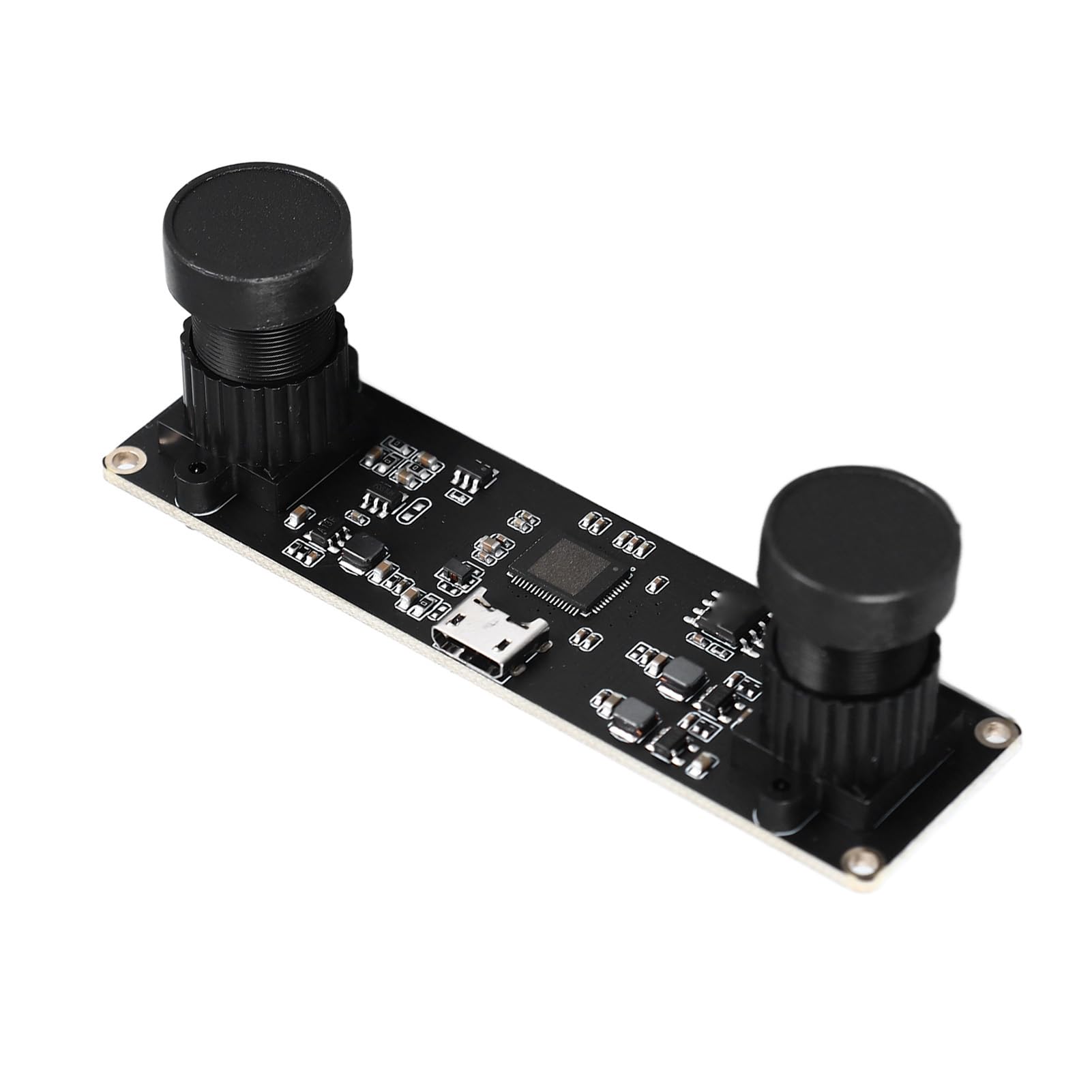
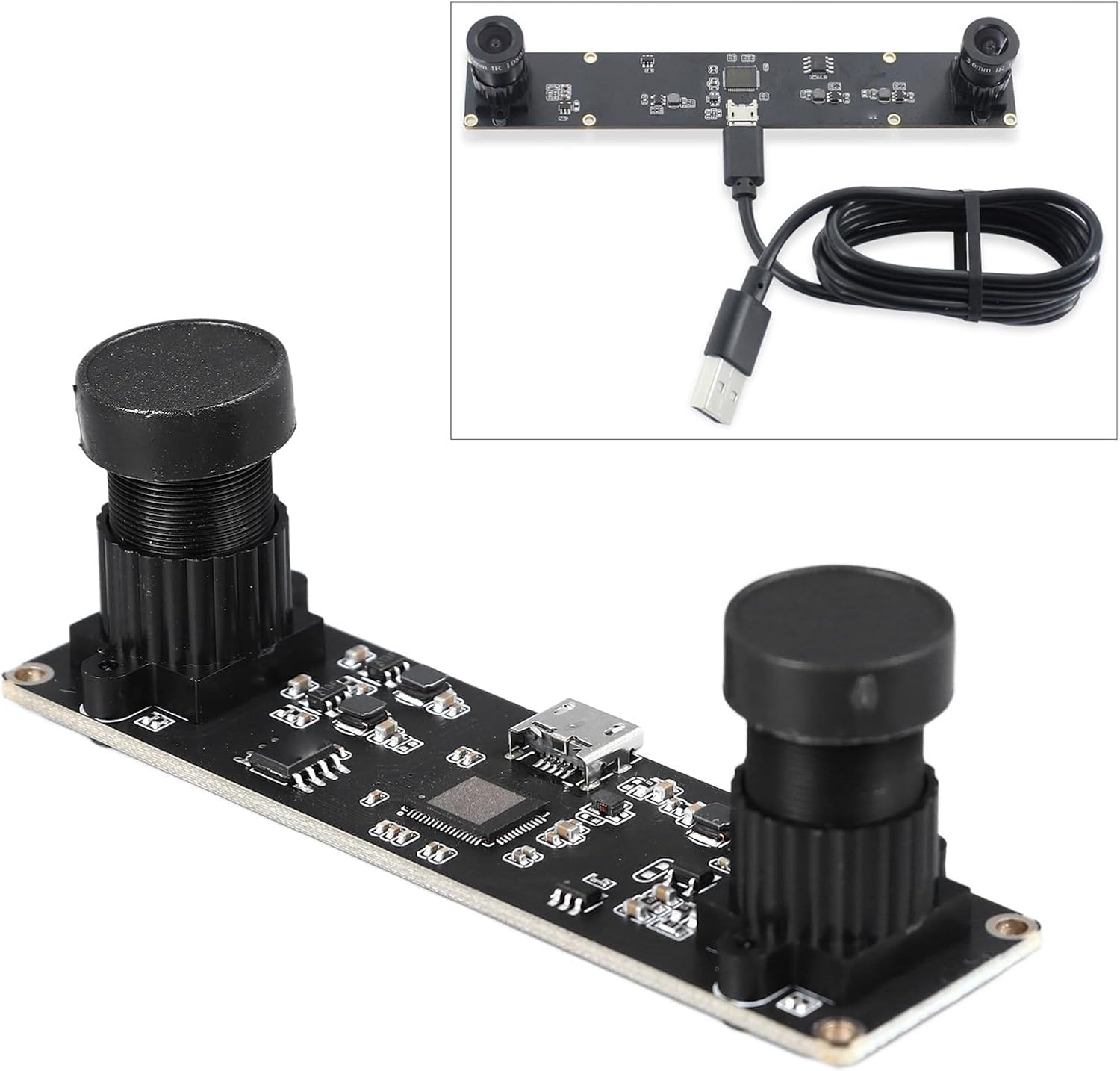
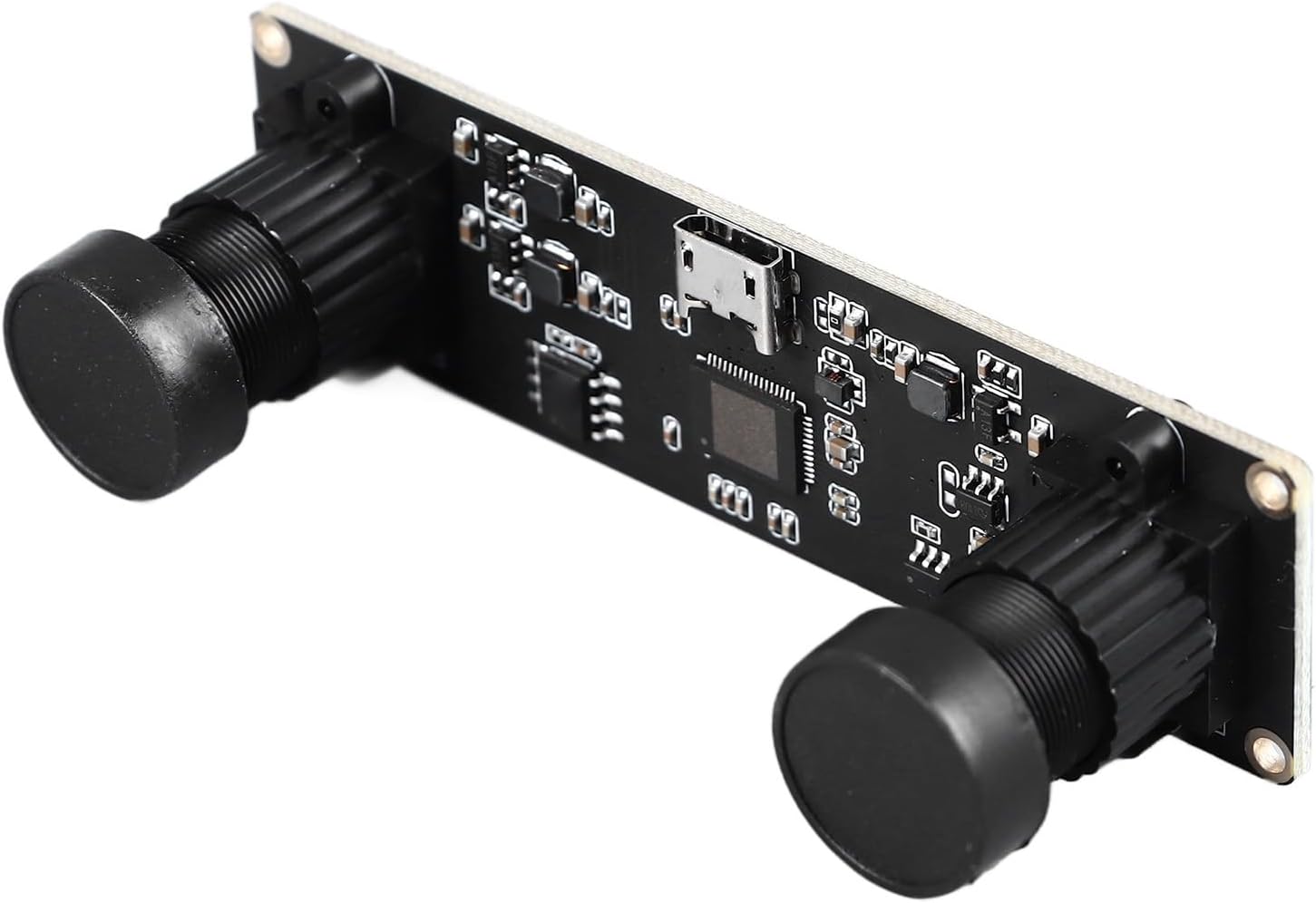
The Yosoo 4MP USB Dual Lens Stereo Camera Module features a synchronous dual-lens design, enabling simultaneous image capture from both lenses. This capability is crucial for applications such as 3D reconstruction and depth detection, providing accurate and comprehensive visual data. It delivers dual 1080P HD resolution, ensuring clear and detailed images. The module supports USB On-The-Go (OTG) for direct connection to compatible devices without extra adapters, and its plug-and-play functionality with UVC protocol ensures compatibility with Windows, Mac OSX, Linux, and Android without requiring additional drivers. Its compact size and easy integration make it suitable for industrial imaging, advertising displays, and embedded systems.




3. Настройка
3.1 Connecting the Camera Module
- Locate the USB port on your device (computer, embedded system, or Android device with OTG support).
- Connect the camera module to your device using a compatible USB cable. The module is plug-and-play, meaning it should be recognized automatically by most operating systems.
- For Android devices, ensure your device supports USB On-The-Go (OTG) functionality.
3.2 Ўстаноўка драйвера
This camera module supports the standard UVC (USB Video Class) protocol. This means it typically does not require any additional drivers to be installed on compatible operating systems such as Windows (7, 8, 10), Mac OSX, Linux, and Android. Your system should automatically detect and configure the camera upon connection.
4. Інструкцыя па эксплуатацыі
4.1 Асноўныя аперацыі
- Once connected, open a compatible camera application or software on your device.
- Select the "3D USB Camera" or similar name from the list of available video input devices within your application.
- Adjust resolution and frame rate settings as needed for your specific application. The module supports resolutions up to 3840x1080 at 30FPS (YUV/MJPEG).
4.2 Дадатковыя магчымасці
- Synchronous Dual Lens: The dual lenses capture images simultaneously, which is essential for 3D reconstruction and depth detection. Ensure your software supports processing synchronized stereo images.
- Low Distortion Lens: The 72-degree non-distortion lenses provide accurate visual information, minimizing image warping.
- Універсальныя прымянення: This module is suitable for a wide range of industrial and commercial uses, including robotics, machine vision, 3D printing, laser engraving, and VR applications.
5. Тэхнічнае абслугоўванне
To ensure the longevity and optimal performance of your camera module, follow these maintenance guidelines:
- Уборка: Gently wipe the lenses with a soft, lint-free cloth. For stubborn smudges, use a lens cleaning solution specifically designed for optical surfaces. Avoid abrasive materials or harsh chemicals.
- захоўванне: Store the camera module in a cool, dry place away from direct sunlight and extreme temperatures. Protect it from dust and moisture when not in use.
- Апрацоўка: Handle the module with care to avoid physical damage to the lenses or circuit board. Do not apply excessive force to the USB connector.
6. Выпраўленне непаладак
If you encounter issues with your camera module, consider the following:
- Not Detected: Ensure the USB cable is securely connected to both the camera module and your device. Try connecting to a different USB port or a different device to rule out port or device issues.
- Няма выявы/чорны экран: Verify that the correct camera is selected in your application. Check the application's settings for any disabled video feeds.
- Дрэнная якасць выявы: Ensure the lenses are clean and free from obstructions. Adjust lighting conditions and camera settings (e.g., exposure, white balance) within your application.
- Software Compatibility: While UVC compliant, some specialized software might require specific configurations. Refer to your software's documentation for compatibility and setup instructions.
7. Тэхнічныя характарыстыкі
| Асаблівасць | Дэталь |
|---|---|
| Марка | Ёсу |
| Вытворца | Ёсу |
| Нумар мадэлі прадукту | Yosoo2b7qe91gf8 |
| Памеры ўпакоўкі | 13 х 9 х 3 см |
| Вага прадмета | 44 г |
| ASIN | B0CMVB8JZ2 |
| Першая даступная дата | 7 лістапада 2023 г |
8. Гарантыя і падтрымка
For warranty information or technical support, please refer to the product packaging or contact the seller directly. Keep your purchase receipt as proof of purchase for any warranty claims.