
1. Уводзіны
This manual provides essential information for the safe and efficient operation of your Skyworth 50SUE9500 50-Inch UHD QLED Google TV. Please read it thoroughly before using the television and retain it for future reference. This television features a 50-inch 4K UHD QLED display, integrated Google TV platform, and advanced audio technologies.
2. Інфармацыя па бяспецы
Заўсёды выконвайце наступныя меры бяспекі, каб пазбегнуць паражэння электрычным токам, пажару або пашкоджання тэлевізара:
- Не падвяргайце тэлевізар уздзеянню дажджу або вільгаці.
- Не адчыняйце тэлевізарasinг; звяртайцеся да кваліфікаванага персаналу па ўсё абслугоўванне.
- Забяспечце належную вентыляцыю вакол тэлевізара.
- Выкарыстоўвайце толькі шнур сілкавання, які пастаўляецца з тэлевізарам.
- Keep the television away from direct sunlight, heat sources, and strong magnetic fields.
- Адключайце тэлевізар ад сеткі падчас навальніцы або калі ён не выкарыстоўваецца працяглы час.
3. Змесціва ўпакоўкі
Праверце наяўнасць усіх прадметаў у камплекце:
- 1 x Skyworth 50SUE9500 50-Inch UHD QLED Google TV
- Пульт дыстанцыйнага кіравання
- Шнур харчавання
- Кампаненты падстаўкі пад тэлевізар
- Кіраўніцтва карыстальніка (гэты дакумент)
4. Настройка
4.1. Устаноўка падстаўкі
Carefully place the television face down on a soft, clean surface. Attach the stand components to the designated slots on the bottom of the television using the provided screws. Ensure the stand is securely fastened before placing the TV upright.

Выява: Збоку view of the Skyworth 50SUE9500 TV, illustrating the slim profile і кропкі мацавання падстаўкі.
4.2. Падключэнне знешніх прылад
Connect your external devices such as set-top boxes, gaming consoles, or sound systems to the appropriate ports on the television. The TV features multiple interfaces to meet various connectivity needs.

Image: Diagram illustrating the various input and output ports available on the Skyworth TV, including USB 2.0 (x2), RF, AV IN, HDMI 2.0 (x3), LAN, and SPDIF.
- Парты HDMI: Connect high-definition devices like Blu-ray players or gaming consoles. This model includes 3 HDMI 2.0 ports.
- Парты USB: Для падключэння USB-назапашвальнікаў для прайгравання медыяфайлаў files. This model includes 2 USB 2.0 ports.
- Порт LAN: Для праваднога падключэння да Інтэрнэту.
- RF ўваход: Для падключэння антэны або кабельнага тэлебачання.
- AV IN: Для падлучэння старых прылад з кампазітным відэа- і стэрэаўдыёвыхадамі.
- SPDIF: For digital audio output to a sound system.
4.3. Пачатковае ўключэнне і налада Google TV
After connecting all cables and the power cord, press the power button on the remote control or the TV. Follow the on-screen instructions to complete the initial setup, including network connection, Google account login, and channel scanning. This will personalize your Google TV experience.
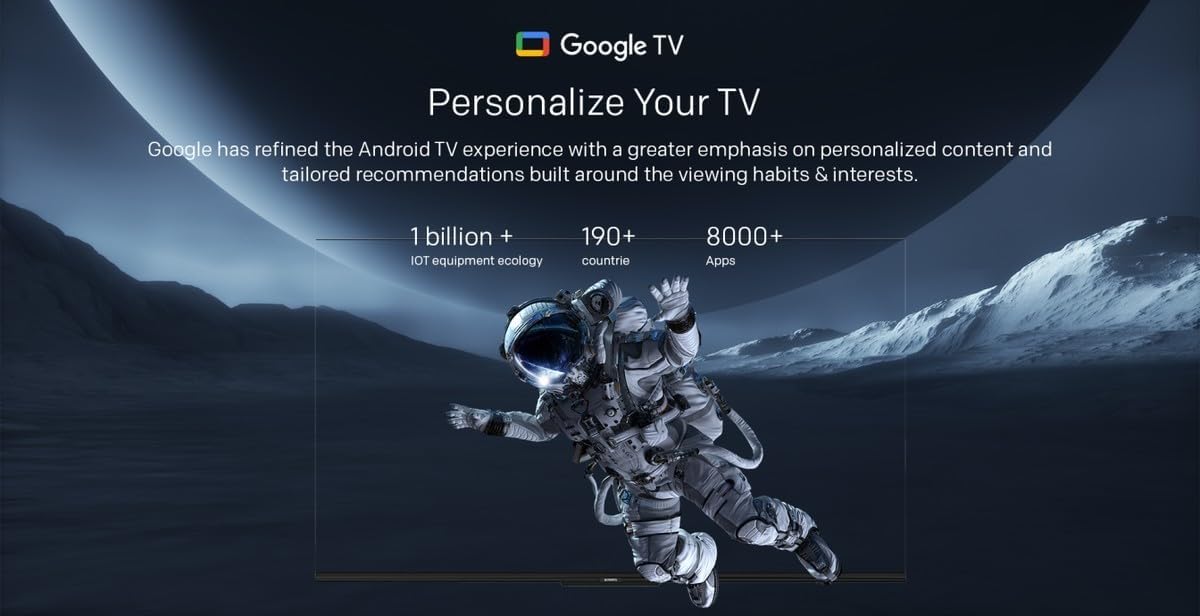
Image: A visual representation of the Google TV interface, highlighting personalized content and tailored recommendations based on viewзвычкі і інтарэсы.
5. Кіраванне тэлевізарам
5.1. Асноўныя функцыі
- Уключэнне/выключэнне харчавання: Выкарыстоўвайце кнопку харчавання на пульце дыстанцыйнага кіравання або тэлевізары.
- Выбар уводу: Press the 'Input' button on the remote to switch between HDMI, AV, and other sources.
- Рэгулятар гучнасці: Use the 'Volume Up/Down' buttons.
- Выбар канала: Use the 'Channel Up/Down' buttons or number pad.
5.2. Функцыі Google TV
Your Skyworth TV integrates Google TV, offering a smart and personalized viewвопыт. Асноўныя характарыстыкі ўключаюць:

Image: A collection of icons representing key features: Google TV, Flicker Free, Low Blue Light, Filmmaker Mode, Dolby Audio, DTS Studio Sound, and Bidirectional Bluetooth.
- Галасавое кіраванне: Use the built-in 'Hey Google' voice assistant to search for content, control smart home devices, and manage TV functions.
- Доступ да праграмы: Download and stream from a wide variety of applications available on the Google Play Store.
- Персаналізаваныя рэкамендацыі: Google TV learns your preferences to suggest movies, shows, and live TV.
- Daily Family Features: Access daily shortcuts, manage apps, and use daily key functions for simplified operation.

Image: A composite image demonstrating Google TV's 'Daily Family' features, including 'Daily Shortcuts' for common settings, 'Daily Manage' for app organization, and 'Daily Key' for direct access via remote, alongside 'Hey Google' voice control functionality.
5.3. Асаблівасці
- Bidirectional Bluetooth: Connect mobile phones or Bluetooth audio products to the TV, or use the TV as a soundbar for external devices.
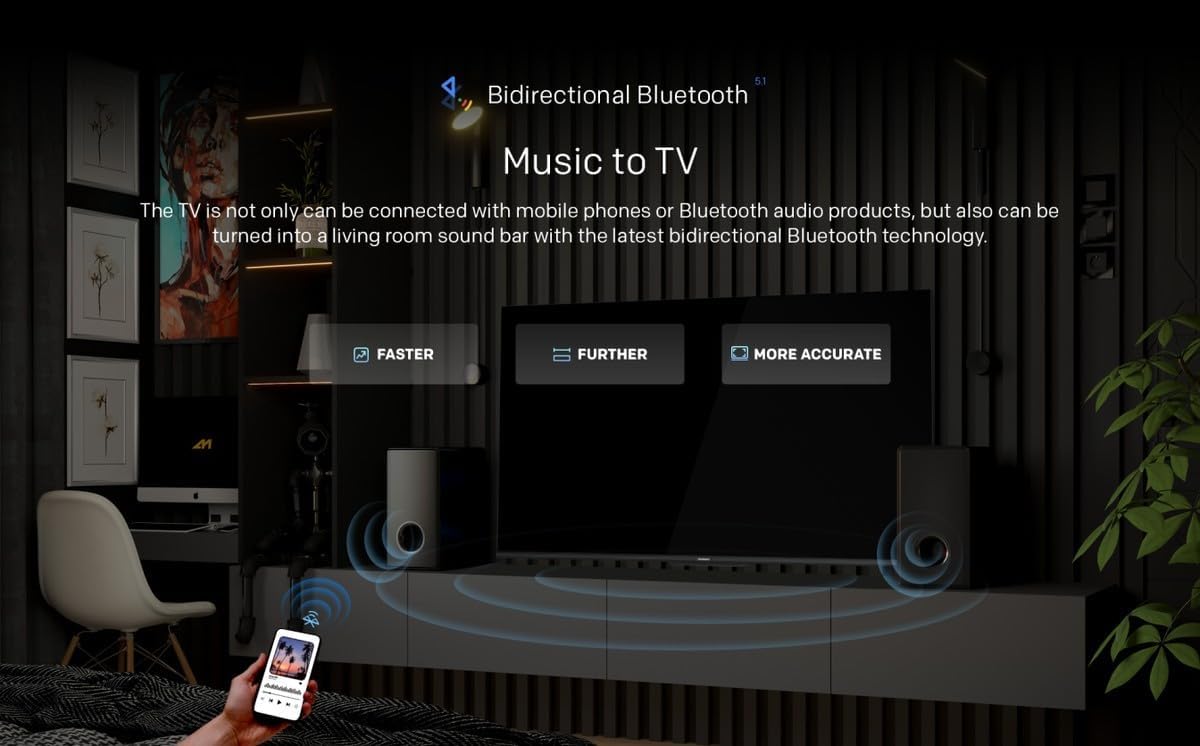
Image: A diagram showing how Bidirectional Bluetooth allows connecting mobile phones or Bluetooth audio products to the TV, or using the TV as a soundbar, emphasizing faster, further, and more accurate connections.
- Flicker Free & Low Blue Light: Designed to reduce eye strain during extended viewінж.
- Рэжым рэжысёра: Preserves the original aspect ratio, colors, and frame rates of content as intended by the filmmaker.
- Swaiot Smart Home: Voice control connected home devices directly from your TV to adjust room temperature, lighting, and play music.
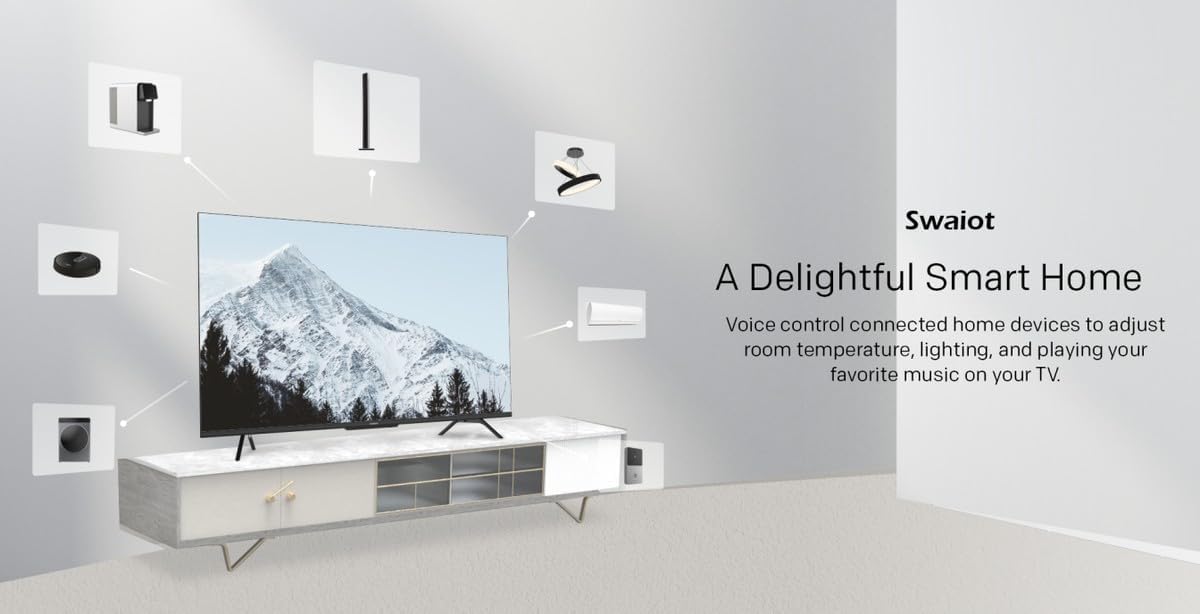
Image: An illustration of the Swaiot smart home ecosystem, showing various smart devices connected and controllable via the Skyworth TV.
6. Налады выявы і гуку
Your QLED TV offers advanced picture and sound customization. Navigate to the 'Settings' menu to adjust:
- Рэжым малюнка: Select from standard, vivid, movie, game, or custom settings.
- Яркасць, кантраснасць, колер: Дакладная налада характарыстык дысплея.
- Рэжым гуку: Choose from standard, music, movie, or custom audio profiles.
- Dolby Audio & DTS Studio Sound: Enhance your audio experience with these integrated technologies.
Skyworth has over 30 years of experience in picture quality adjustment, ensuring optimal visual performance.
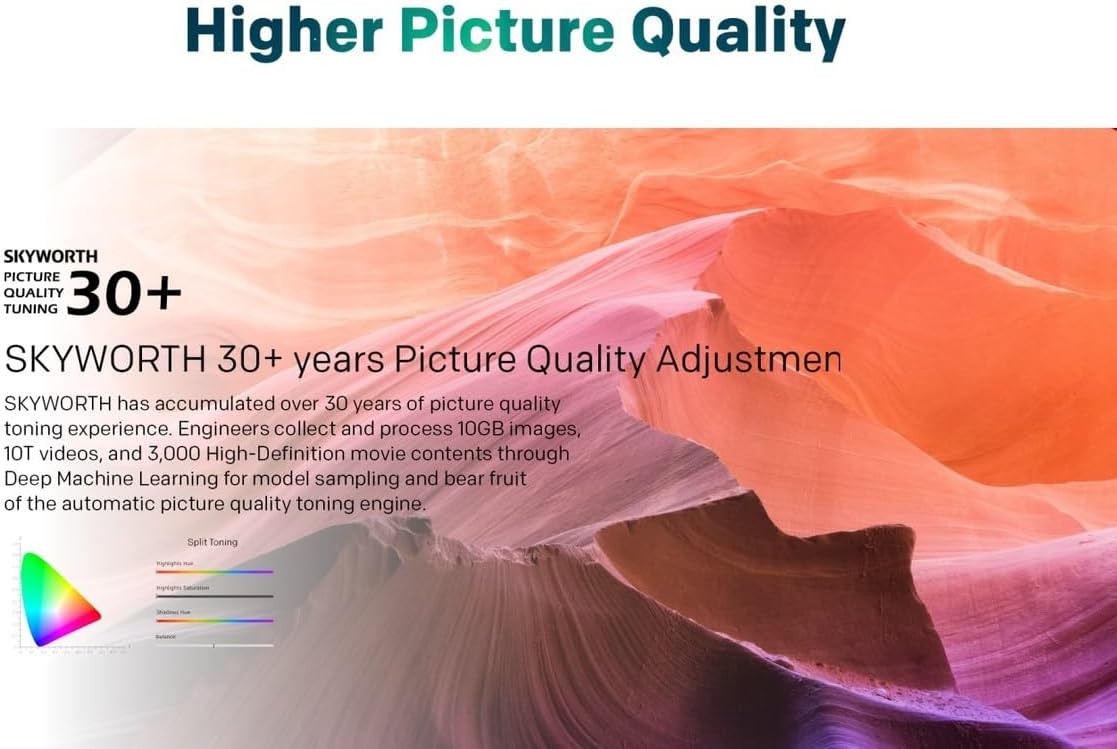
Image: A graphic highlighting Skyworth's 30+ years of picture quality adjustment experience, showcasing advanced color tuning and processing capabilities.
7. Тэхнічнае абслугоўванне
7.1. Ачыстка экрана
Акуратна працярыце экран мяккай тканінай без ворса. Для ўстойлівых плям злёгку працярыцеampПрацярыце тканіну вадой або спецыяльным сродкам для чысткі экранаў. Не распыляйце вадкасць непасрэдна на экран.
7.2. Ачыстка Casing
Выкарыстоўвайце мяккую сухую тканіну для чысткі тэлевізараasinг. Пазбягайце выкарыстання абразіўных ачышчальнікаў або растваральнікаў.
8. Выпраўленне непаладак
Калі ў вас узніклі праблемы з тэлевізарам, звярніцеся да наступных распаўсюджаных праблем і іх рашэнняў:
- Няма харчавання: Ensure the power cord is securely plugged into both the TV and a working electrical outlet. Check the power indicator light.
- Няма выявы, але ёсць гук: Пераканайцеся, што выбрана правільная крыніца ўваходнага сігналу. Праверце падключэнне кабеляў да знешніх прылад.
- Няма гуку, але ёсць выява: Check the volume level and mute settings. Ensure external audio systems are properly connected and powered on.
- Пульт дыстанцыйнага кіравання не працуе: Замяніце батарэйкі. Пераканайцеся, што паміж пультам дыстанцыйнага кіравання і ІЧ-датчыкам тэлевізара няма перашкод.
- Дрэнная якасць выявы: Check antenna or cable connections. Adjust picture settings in the menu. For streaming content, check your internet connection speed.
- Праблемы з падключэннем да Інтэрнэту: For Wi-Fi, ensure the password is correct and the router is working. For wired connection, check the LAN cable. Try restarting your router.
Калі праблема не знікне, звярніцеся ў службу падтрымкі.
9. Тэхнічныя характарыстыкі
| Асаблівасць | Спецыфікацыя |
|---|---|
| Марка | Скайворт |
| Нумар мадэлі | 50SUE9500 QLED |
| Памер экрана | 50 цалі |
| Тэхналогія адлюстравання | QLED |
| дазвол | 4K (3840 x 2160) |
| Частата абнаўлення | 60 Гц |
| Суадносіны бакоў | 16:9 |
| Тэхналогія падлучэння | HDMI, USB |
| Total Number of HDMI Ports | 3 |
| Парты USB | 2 (USB 2.0) |
| Асаблівасці | Browser, Google TV, Bidirectional Bluetooth, Flicker Free, Low Blue Light, Filmmaker Mode, Swaiot |
| Памеры прадукту (Д х Ш х У) | 4.8 Г х 120 Ш х 65.9 У сантыметраў |
| Колер | Чорны |
| Мадэльны год | 2023 |
10. Гарантыя
This Skyworth 50SUE9500 50-Inch UHD QLED Google TV comes with a 3 год гарантыі. Please retain your proof of purchase for warranty claims. The warranty covers manufacturing defects under normal use. It does not cover damage caused by misuse, accidents, unauthorized repairs, or acts of nature.
11. Падтрымка
For technical assistance, troubleshooting beyond this manual, or warranty inquiries, please contact Skyworth customer support. Refer to the official Skyworth webна сайце або ў дакументацыі па куплі, каб атрымаць найноўшую кантактную інфармацыю.
Інтэрнэт-падтрымка: Visit the official Skyworth support webсайт для атрымання часта задаваных пытанняў і дадатковай дапамогі.
Падтрымка па тэлефоне: Check your product packaging or Skyworth's official webсайт рэгіянальных кантактных тэлефонаў.