
ES-28ML-BK
RENPHO ES-28ML-BK Smart Scale User Manual
Model: ES-28ML-BK | Brand: Generic
1. Уводзіны
This user manual provides detailed instructions for the RENPHO ES-28ML-BK Bluetooth Body Fat Smart Scale. This digital bathroom scale is designed to help you monitor various body composition metrics, including weight, body fat percentage, BMI, muscle mass, and bone mass, through its accompanying smartphone application.

Малюнак 1: Спераду view of the RENPHO ES-28ML-BK Smart Scale, displaying its sleek black tempered glass surface and digital readout.
2. Асноўныя магчымасці
- Comprehensive Body Composition Analysis: Measures weight, Body Fat%, BMI, Muscle Mass, Bone Mass, and more.
- Інтэграцыя прыкладання для смартфона: Syncs data with the RENPHO app, which displays progress graphs and allows for unlimited user accounts.
- Fitness App Compatibility: Seamlessly syncs with popular fitness applications such as Samsung Health, Apple Health, Google Fit, and Fitbit APP.
- Акумулятарная батарэя USB: Features a long-lasting lithium battery that charges in 3-4 hours for 2-3 months of use, eliminating the need for disposable batteries.
- Высокадакладныя датчыкі: Equipped with auto-calibrated high-precision sensors and 4 sensitive electrodes for accurate measurements.
- Трывалы дызайн: Constructed with a 6mm tempered glass platform, making it easy to clean, lightweight, and portable.
- Offline Measurement Sync: Allows weighing without the app open; data syncs automatically once the app is connected.

Figure 2: The RENPHO Smart Scale positioned next to a smartphone displaying the RENPHO app interface, illustrating the seamless data synchronization and detailed measurement readouts.
3. Кіраўніцтва па наладцы
3.1 Распакаванне
Carefully remove the scale from its packaging. Ensure all components, including the USB charging cable, are present and undamaged.
3.2 Зарадка вагаў
Before first use, fully charge the scale. The charging port is located on the side of the device.
- Connect the provided USB charging cable to the scale's USB charging port.
- Plug the other end of the USB cable into any standard USB power source (e.g., AC adapter, desktop PC, notebook, portable power bank).
- The display will indicate charging status. A full charge typically takes 3-4 hours.

Малюнак 3: Буйны план view of the RENPHO Smart Scale, highlighting the USB charging port and the reset button, along with various compatible charging modes.
3.3 Усталёўка прыкладання
The RENPHO scale requires the RENPHO app for full functionality and data tracking.
- Пошук "RENPHO" in the Apple App Store (for iOS devices) or Google Play Store (for Android devices).
- Download and install the official RENPHO app.
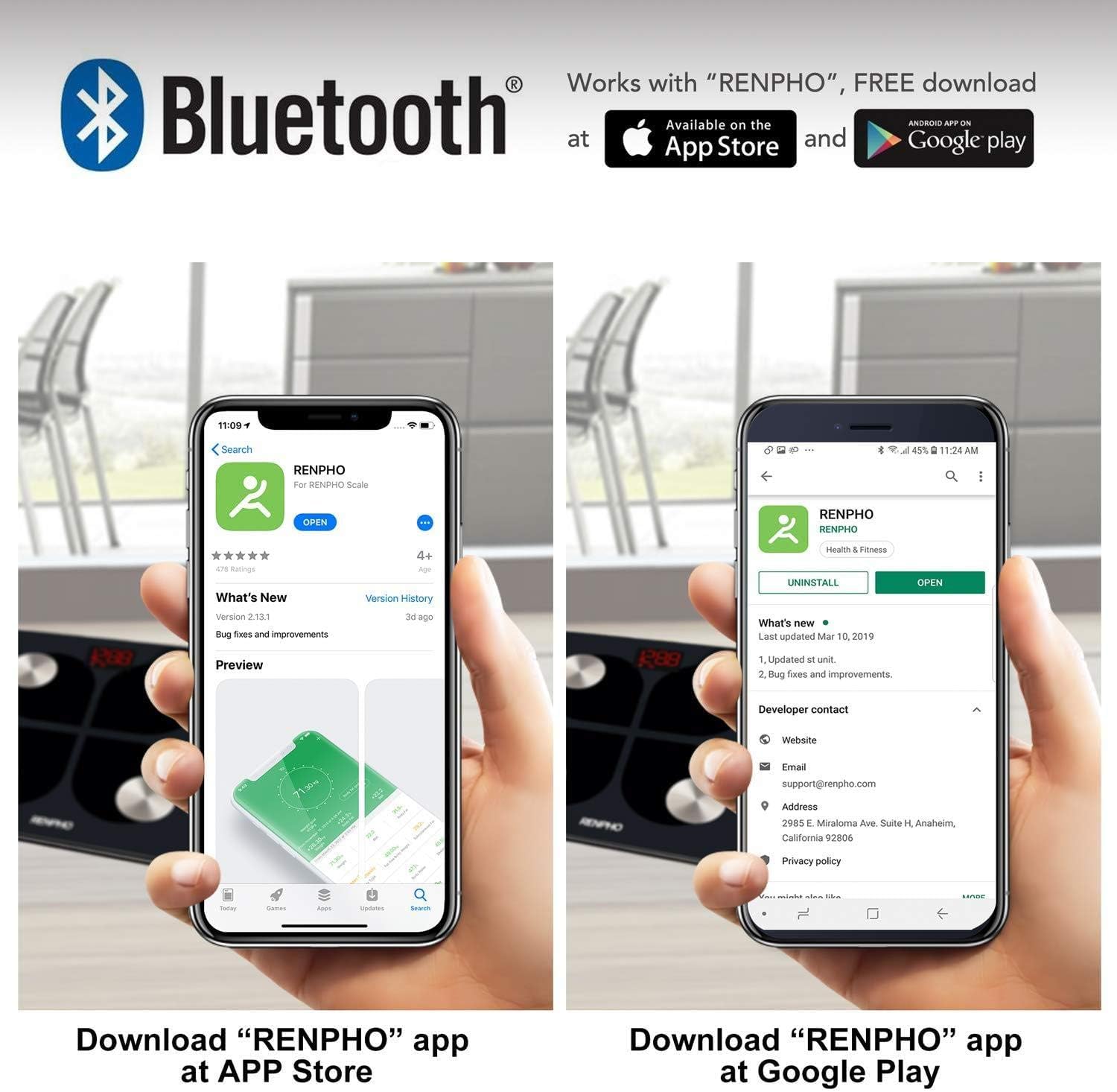
Figure 4: Visual guide showing how to download the RENPHO app from both the Apple App Store and Google Play Store, emphasizing Bluetooth connectivity.
3.4 Пачатковае спалучэнне
- Пераканайцеся, што Bluetooth уключаны на вашым смартфоне.
- Open the RENPHO app and create a user profile or log in.
- Step onto the scale briefly to activate it. The display will light up.
- The app should automatically detect and connect to the scale. Follow any on-screen prompts within the app to complete the pairing process.
4. Інструкцыя па эксплуатацыі
4.1 Вымярэнне
- Пастаўце вагі на цвёрдую, роўную паверхню. Пазбягайце дываноў або няроўных падлог.
- Пераканайцеся, што вашы ногі чыстыя і сухія.
- Step onto the scale barefoot, placing your feet on the four metal electrodes. Stand still until your weight is displayed and stabilized.
- If the app is open and connected, your measurements will automatically sync. If not, the data will sync the next time the app is opened and connected.
4.2 Understanding Measurements
The RENPHO app provides a detailed breakdown of your body composition:
- Вага: Ваша агульная маса цела.
- Працэнт тлушчу ў целеtage (%): Прапорцыя тлушчу да агульнай масы цела.
- ІМТ (індэкс масы цела): Мера тлушчу ў арганізме ў залежнасці ад росту і вагі.
- Цягліцавая маса: Агульная вага цягліц у вашым целе.
- Касцяная маса: Агульная вага костак у вашым целе.
- Additional metrics may include Body Water, Visceral Fat, Protein, BMR, and Metabolic Age.
4.3 Выкарыстанне прыкладання
The RENPHO app is your central hub for tracking progress and managing users.
- Прыборная панэль: View your latest measurements and a summary of your progress.
- Тэндэнцыі: Access historical data and graphs for each metric to visualize changes over time.
- Кіраванне карыстальнікамі: Add unlimited user accounts, making it suitable for the whole family. Each user's data is kept separate.
- Сінхранізацыя з праграмамі для фітнесу: Configure the app to automatically transfer your data to Samsung Health, Apple Health, Google Fit, or Fitbit APP.

Figure 5: An illustration demonstrating the RENPHO app's capability to synchronize body measurement data with various popular health platforms, including Samsung Health, Fitbit App, Google Fit, and Apple Health.
5. Тэхнічнае абслугоўванне і догляд
- Уборка: Працярыце паверхню вагаў рэкламайamp тканінай і мяккім мыйным сродкам. Не выкарыстоўвайце абразіўныя ачышчальнікі і не апускайце шалі ў ваду.
- захоўванне: Захоўвайце вагі ў прахалодным, сухім месцы. Пазбягайце экстрэмальных тэмператур або прамых сонечных прамянёў.
- Сыход за батарэяй: Recharge the scale when the battery indicator is low. Avoid completely draining the battery for extended periods.
- Апрацоўка: Handle the scale with care. Avoid dropping it or subjecting it to strong impacts, as this may damage the sensors or glass platform.
6. Выпраўленне непаладак
| выпуск | Магчымая прычына | Рашэнне |
|---|---|---|
| Шкала не ўключаецца. | Нізкі акумулятар. | Зарадзіце вагі з дапамогай USB-кабеля, які ўваходзіць у камплект. |
| Measurements are inaccurate or inconsistent. | Scale on uneven surface; feet not properly placed; scale needs calibration. | Place scale on a hard, flat surface. Ensure bare feet are centered on electrodes. Step on and off the scale quickly to re-calibrate to zero before weighing. |
| Праграма не падключаецца да вагаў. | Bluetooth off; app not open; scale not activated. | Ensure Bluetooth is on. Open the RENPHO app. Step on the scale to activate it. Restart app/phone if necessary. |
| Body composition data not showing in app. | Not weighing barefoot; profile няпоўная. | Ensure you are weighing barefoot with feet on electrodes. Check your profile in the app for complete height, age, and gender information. |
7. Тэхнічныя характарыстыкі прадукту
| Асаблівасць | Дэталь |
|---|---|
| Нумар мадэлі | ES-28ML-BK |
| Тып | Лічбавыя разумныя шалі |
| Сувязь | Bluetooth |
| Максімальная грузападымальнасць | 180 кг (396 фунтаў) |
| Крыніца харчавання | USB Rechargeable Lithium Battery |
| Тып дысплея | Лічбавы святлодыёд |
| Матэрыял платформы | 6 мм загартаванае шкло |
| Асаблівасці | Body Fat, Muscle Mass, Bodyweight, BMI, Bone Mass, App Sync |
| Колер | Чорны |
8. Гарантыя і падтрымка
For warranty information and customer support, please refer to the product packaging or contact the retailer from whom you purchased the RENPHO ES-28ML-BK Smart Scale. You may also find support resources on the official RENPHO webсайт.
Ask a question about this manual
Ask about setup, troubleshooting, compatibility, parts, safety, or missing instructions. Manuals+ will review the question and use this page’s manual context to help answer it.