
1. Уводзіны
Thank you for choosing the NGS Roller Furia 1 portable speaker. This device is designed to provide high-quality audio with advanced features such as Bluetooth 5.0 connectivity, True Wireless Stereo (TWS) functionality, RGB lighting, and IPX6 water resistance. This manual provides essential information for the safe and efficient use of your speaker.
2. Змесціва ўпакоўкі
Калі ласка, праверце ўпакоўку на наяўнасць наступных прадметаў:
- NGS Roller Furia 1 Portable Speaker
- Зарадны кабель USB Type-C
- Рэмень для пераноскі
- Інструкцыя па эксплуатацыі (гэты дакумент)
3. Прадукт скончыўсяview
Азнаёмцеся з кампанентамі і элементамі кіравання дынамікам.
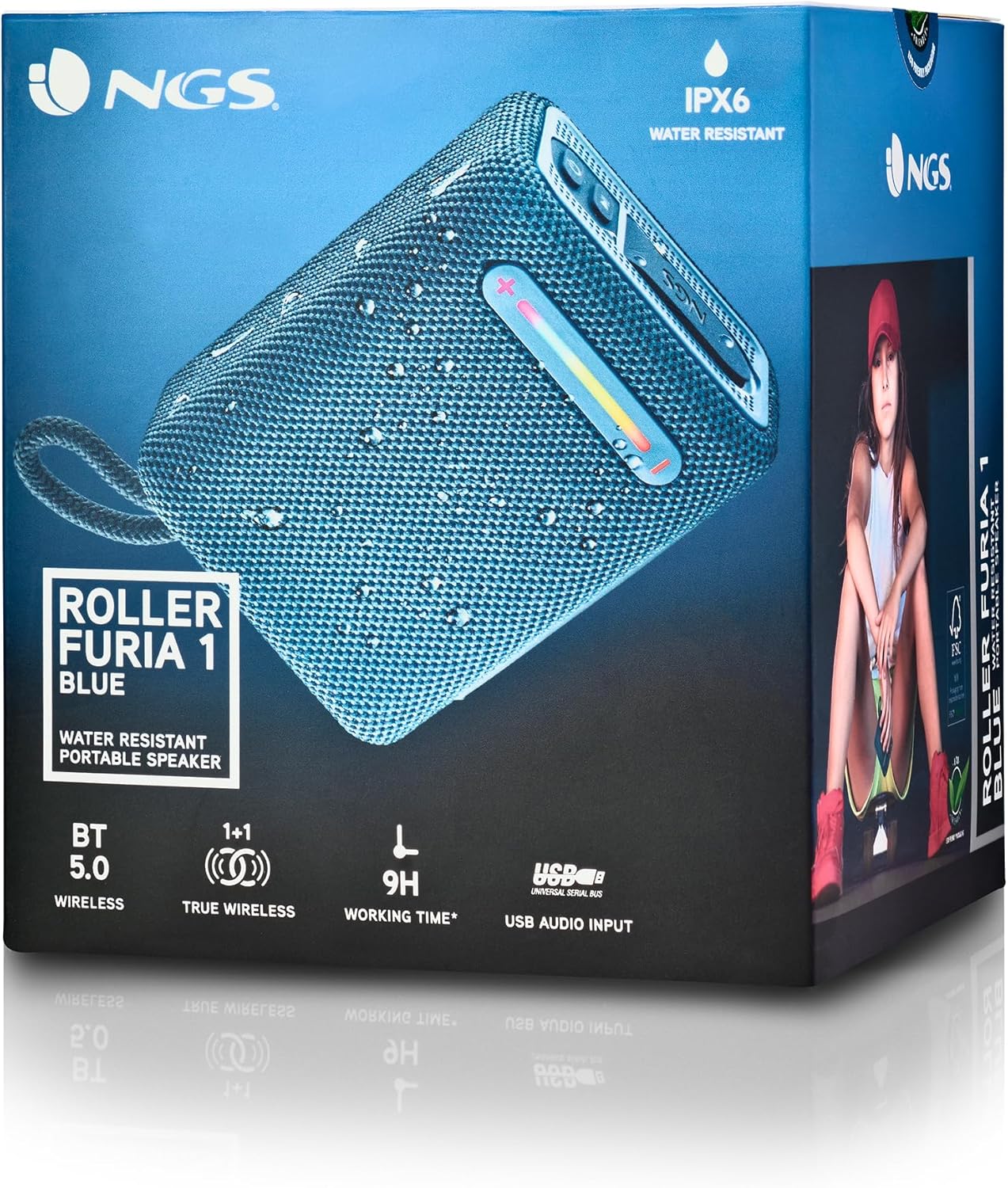
Гэта выява дае падрабязную інфармацыю view of the NGS Roller Furia 1 speaker, indicating its approximate dimensions (10cm length, 7.5cm height) and labeling the USB input and AUX input ports. It also highlights the RGB light strip and the power button.
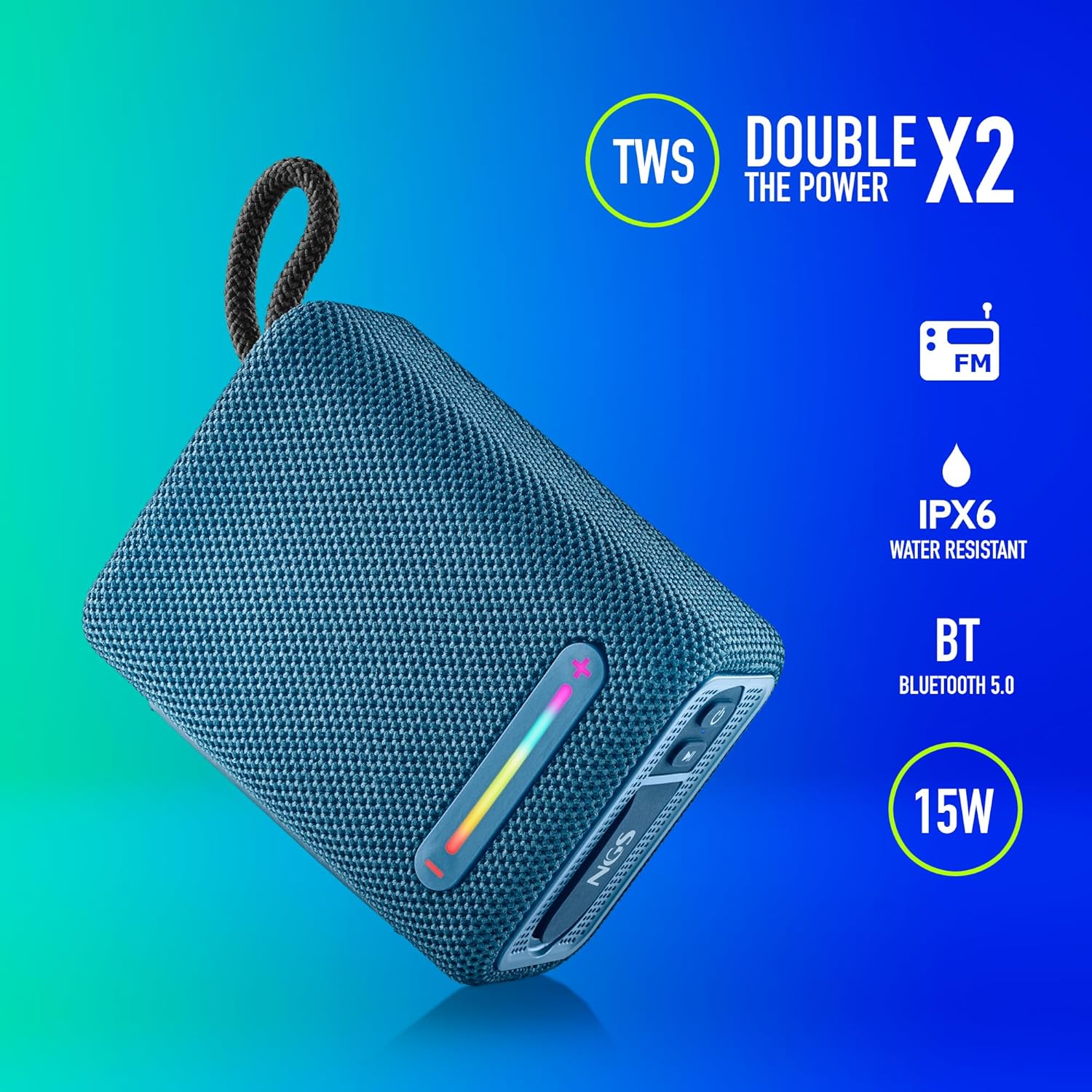
This image illustrates the NGS Roller Furia 1 Blue speaker from an angled view, emphasizing its key features: True Wireless Stereo (TWS) for pairing two speakers, IPX6 water resistance, Bluetooth 5.0 connectivity, and 15 Watts of audio power.
Элементы кіравання і парты:
- Кнопка харчавання: Press and hold to turn the speaker on or off. Short press to play/pause audio.
- Кнопка павелічэння гучнасці / наступнага трэка (+): Кароткае націсканне для павелічэння гучнасці. Доўгае націсканне для пераходу да наступнай кампазіцыі.
- Кнопка памяншэння гучнасці / папярэдняга трэка (-): Кароткае націсканне для памяншэння гучнасці. Доўгае націсканне для пераходу да папярэдняй кампазіцыі.
- Кнопка рэжыму (M): Short press to switch between Bluetooth, USB, and AUX input modes.
- Кнопка падсветкі RGB: Press to cycle through different RGB light modes or turn them off.
- Уваходны порт USB: For playing audio from USB memory devices (up to 32GB).
- Уваходны порт AUX: For connecting external audio devices via a 3.5mm audio cable (not included).
- Зарадны порт USB Type-C: Для зарадкі ўбудаванай батарэі дынаміка.
4. Настройка
4.1 Зарадка дынаміка
- Падключыце зарадны кабель USB Type-C з камплекта да зараднага порта дынаміка.
- Падключыце другі канец кабеля да адаптара харчавання USB (не ўваходзіць у камплект) або да USB-порта кампутара.
- The charging indicator light will illuminate. Once fully charged, the light will change or turn off (refer to the speaker's LED behavior).
- A full charge provides approximately 9 hours of playback at 50% volume.
4.2 Уключэнне/выключэнне
- Каб уключыць, націсніце і ўтрымлівайце Кнопка харчавання until you hear an audible prompt and the indicator lights illuminate.
- Каб выключыць харчаванне, націсніце і ўтрымлівайце Кнопка харчавання again until you hear an audible prompt and the indicator lights turn off.
5. Інструкцыя па эксплуатацыі
5.1 Спалучэнне па Bluetooth
- Ensure the speaker is powered on and in Bluetooth mode (the indicator light will flash, indicating it's ready for pairing). If not, press the Кнопка рэжыму (M) каб пераключыцца ў рэжым Bluetooth.
- На мабільнай прыладзе ўключыце Bluetooth і знайдзіце даступныя прылады.
- Выберыце "NGS ROLLER FURIA 1«са спісу прылад».
- Пасля спалучэння дынамік падасць гукавое пацверджанне, а індыкатар Bluetooth перастане міргаць і будзе гарэць пастаянна.
- Пры ўключэнні дынамік аўтаматычна паспрабуе падключыцца да апошняй спалучанай прылады.
5.2 Спалучэнне з сапраўдным бесправадным стэрэа (TWS)
TWS allows you to pair two NGS Roller Furia 1 speakers together for a stereo sound experience.
- Ensure both NGS Roller Furia 1 speakers are powered on and in Bluetooth pairing mode (indicator lights flashing).
- On one of the speakers (this will be the primary speaker), double-press the Кнопка рэжыму (M). The speaker will emit a sound, indicating it's searching for another TWS speaker.
- The two speakers will automatically connect to each other. Once connected, you will hear a confirmation sound, and the indicator light on the primary speaker will flash slowly, while the secondary speaker's light will remain solid.
- Цяпер падключыце мабільную прыладу да асноўнага дынаміка праз Bluetooth, як апісана ў раздзеле 5.1.
5.3 Прайграванне з USB
- Insert a USB memory device (up to 32GB) containing MP3 audio files into the USB Input Port.
- Дынамік аўтаматычна пераключыцца ў рэжым USB і пачне прайграваць аўдыё. Калі не, націсніце кнопку Кнопка рэжыму (M) каб выбраць рэжым USB.
- Выкарыстоўвайце Павелічэнне гучнасці (+) і Volume Down (-) buttons for track control and volume adjustment.
5.4 AUX ўваход
- Connect one end of a 3.5mm audio cable (not included) to the AUX Input Port on the speaker.
- Connect the other end of the cable to the audio output jack of your external device.
- The speaker will automatically switch to AUX mode. If not, press the Кнопка рэжыму (M) каб выбраць рэжым AUX.
- Кіруйце прайграваннем і гучнасцю з вашай знешняй прылады.
5.5 рэжыму асвятлення RGB
The speaker features an integrated RGB light strip.
- Націсніце Кнопка святла RGB цыклічна пераключацца паміж рознымі ўзорамі і колерамі святла.
- Continue pressing the button to turn the lights off.
5.6 Volume Control and Call Management
- Рэгуляванне гучнасці: Кароткае націсканне Павелічэнне гучнасці (+) or Volume Down (-) кнопкі.
- Адказ/завяршэнне выкліку: When a call comes in while connected via Bluetooth, short press the Кнопка харчавання to answer or end the call.
- Адхіліць выклік: Доўгі націск Кнопка харчавання каб адхіліць уваходны выклік.
6. Тэхнічнае абслугоўванне
6.1 Ачыстка
- Працярыце дынамік мяккай сухой тканінай.
- Do not use abrasive cleaners, alcohol, benzene, or other chemical solvents, as these may damage the surface or components.
6.2 Захоўванне
- Захоўвайце дынамік у прахалодным, сухім месцы, удалечыні ад прамых сонечных прамянёў і экстрэмальных тэмператур.
- Калі вы захоўваеце акумулятар працяглы час, перыядычна зараджайце яго, каб падоўжыць тэрмін яго службы.
6.3 Воданепранікальнасць (IPX6)
- The NGS Roller Furia 1 is IPX6 water resistant, meaning it can withstand powerful water jets. It is suitable for outdoor use and can resist rain or splashes.
- Не апускайце дынамік у ваду.
- Ensure the rubber flap covering the ports is securely closed to maintain water resistance.
7. Выпраўленне непаладак
| праблема | Магчымая прычына | Рашэнне |
|---|---|---|
| Дынамік не ўключаецца. | Акумулятар разраджаны. | Зараджайце дынамік з дапамогай кабеля USB Type-C, які ўваходзіць у камплект. |
| Няма гуку. | Volume is too low or muted. Incorrect input mode. Device not paired. | Increase volume on speaker and connected device. Press the Кнопка рэжыму (M) to select the correct input. Re-pair the Bluetooth device. |
| Збой спалучэння Bluetooth. | Дынамік не ў рэжыме спалучэння. Прылада знаходзіцца занадта далёка. Перашкоды. | Ensure speaker is in pairing mode (flashing light). Move device closer (within 10m). Turn off other Bluetooth devices. |
| Памылка спалучэння TWS. | Дынамікі занадта далёка адзін ад аднаго. Адзін дынамік ужо падключаны да прылады. | Ensure both speakers are close to each other. Disconnect any Bluetooth devices from both speakers before initiating TWS pairing. |
| Скажэнне гуку. | Занадта высокая гучнасць. Нізкі зарад батарэі. | Зменшце гучнасць. Зарадзіце дынамік. |
8. Тэхнічныя характарыстыкі
| Асаблівасць | Дэталь |
|---|---|
| Назва мадэлі | Roller Furia 1 |
| Нумар мадэлі | ELEC-SPK-0865 |
| Марка | NGS |
| Тэхналогія падлучэння | Bluetooth 5.0, дапаможны, USB |
| Выходная магутнасць дынаміка | 15 ват |
| АЧХ | 2480 МГц |
| Стаўленне сігнал / шум | 80 дБ |
| Рэйтынг воданепранікальнасці | IPX6 |
| Тып батарэі | Літыевая батарэя 3.7 В/2500 мАг |
| Сярэдні тэрмін службы батарэі | Да 9 гадзін (пры гучнасці 50%) |
| Далёкасць бесправадной сувязі | Да 10 метраў |
| Падтрымка USB | Up to 32GB memory devices |
| Памеры (Д x Ш x В) | 5 Г х 9.9 Ш х 7.5 В сантыметраў (прыблізна) |
| Матэрыял | Stoff (Fabric) |
9. Гарантыя і падтрымка
The NGS Roller Furia 1 portable speaker comes with a limited warranty. Please refer to the warranty card included in your package or visit the official NGS webсайт для атрымання падрабязных гарантыйных умоў.
For technical support, troubleshooting assistance, or inquiries about your product, please contact NGS customer service through their official webсайт або кантактную інфармацыю, указаную ў дакументацыі да прадукту.