
IMIKI SF1
IMIKI SF1 Smart Watch User Manual
Мадэль: SF1
1. Уводзіны
The IMIKI SF1 Smart Watch is a sophisticated wearable device designed to enhance your daily life with advanced health monitoring, smart connectivity, and a durable, stylish design. Featuring a vibrant AMOLED display and a comfortable magnetic strap, the SF1 offers a seamless user experience for tracking fitness, managing calls, and staying informed.
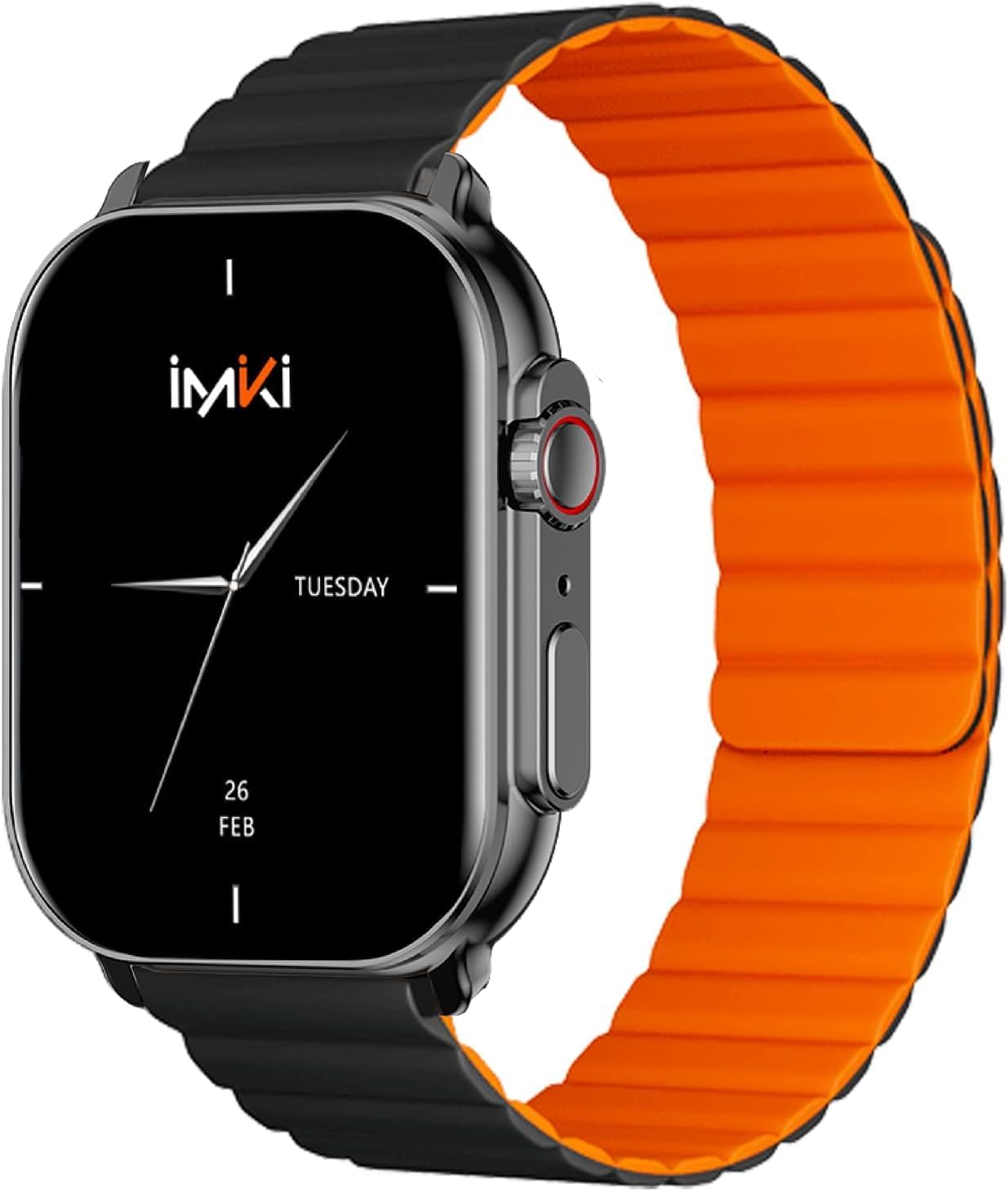
Image: The IMIKI SF1 Smart Watch, showcasing its sleek design and magnetic strap.
2. Што ў скрынцы
- IMIKI SF1 Smart Watch (with magnetic strap)
- Зарадны кабель
- Кіраўніцтва карыстальніка
3. Настройка
3.1 Зарадка прылады
Before first use, fully charge your IMIKI SF1 Smart Watch. Connect the magnetic charging cable to the charging points on the back of the watch and plug the USB end into a compatible power adapter (5V/1A recommended). A full charge typically takes approximately 2 hours.
3.2 Загрузка дапаможнага прыкладання
To unlock the full functionality of your IMIKI SF1, download the official companion app on your smartphone. Пошук "IMIKI" in the Apple App Store (for iOS devices) or Google Play Store (for Android devices).
3.3 Спалучэнне са смартфонам
- Пераканайцеся, што Bluetooth уключаны на вашым смартфоне.
- Open the IMIKI companion app.
- Follow the on-screen instructions within the app to search for and connect to your SF1 Smart Watch. The watch will typically appear as "IMIKI SF1" in the list of available devices.
- Пацвердзіце запыт на спалучэнне як на гадзінніку, так і на смартфоне, калі будзе патрэбен адпаведны запыт.
3.4 Adjusting the Magnetic Strap
The IMIKI SF1 features a convenient magnetic silicone strap. To adjust, simply wrap the strap around your wrist and allow the magnetic ends to secure themselves for a comfortable and snug fit. Ensure the watch is not too tight or too loose for accurate health monitoring.

Image: The magnetic strap of the IMIKI SF1 Smart Watch, illustrating its adjustable and secure design.
4. Інструкцыя па эксплуатацыі
4.1 Асноўная навігацыя
- Сэнсарны экран: Правядзіце пальцам уверх, уніз, улева або ўправа, каб перамяшчацца па меню і апавяшчэннях. Націсніце, каб выбраць элементы.
- Mechanical Feedback Crown: Rotate the crown to scroll through lists, adjust volume, or change brightness. Press the crown to return to the home screen or confirm selections.

Выява: Збоку view of the IMIKI SF1 Smart Watch, highlighting the mechanical feedback crown for navigation.
4.2 Smartphone Connection and Calls
The IMIKI SF1 supports Bluetooth 5.3 for stable and efficient connection to your smartphone. You can manage calls directly from your watch, including answering, rejecting, and making calls, even with hands-free functionality. The adaptive noise cancellation feature helps ensure clear audio during calls.
4.3 Customizing Dials and Features
Utilize the companion app to customize your watch faces and access various functions. The app allows you to personalize the display to suit your style and preferences.
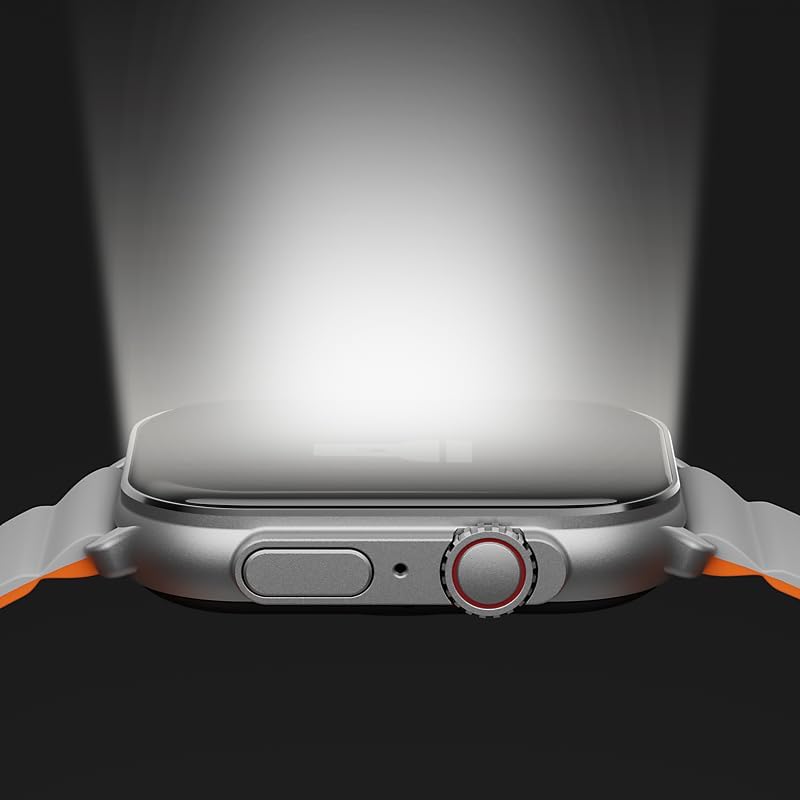
Image: The IMIKI SF1 Smart Watch display, illustrating various app icons and data screens for daily activities, heart rate, and stress monitoring.
5. Маніторынг здароўя і фізічнай формы
The IMIKI SF1 is equipped with an optical sensor for comprehensive health tracking. It supports 105 training modes to accurately record your exercise statistics. Key health features include:
- Вымярэнне пульса: Бесперапынна кантралюе частату сардэчных скарачэнняў на працягу дня.
- Вызначэнне насычэння крыві кіслародам (SpO2): Measures the oxygen levels in your blood.
- Адсочванне актыўнасці: Запісвае крокі, адлегласць, спаленыя калорыі і актыўныя хвіліны.
- Маніторынг сну: Analyzes sleep patterns to help you understand your sleep quality.

Image: The back of the IMIKI SF1 Smart Watch, showing the optical sensors used for heart rate and blood oxygen measurement.
6. Воданепранікальнасць
The IMIKI SF1 Smart Watch has an Воданепранікальны рэйтынг IP68, meaning it is resistant to dust and can withstand immersion in water up to 1.5 meters for 30 minutes. This makes it suitable for daily use, including hand washing, rain, and shallow water activities. Avoid hot water, steam, or prolonged immersion in deep water.
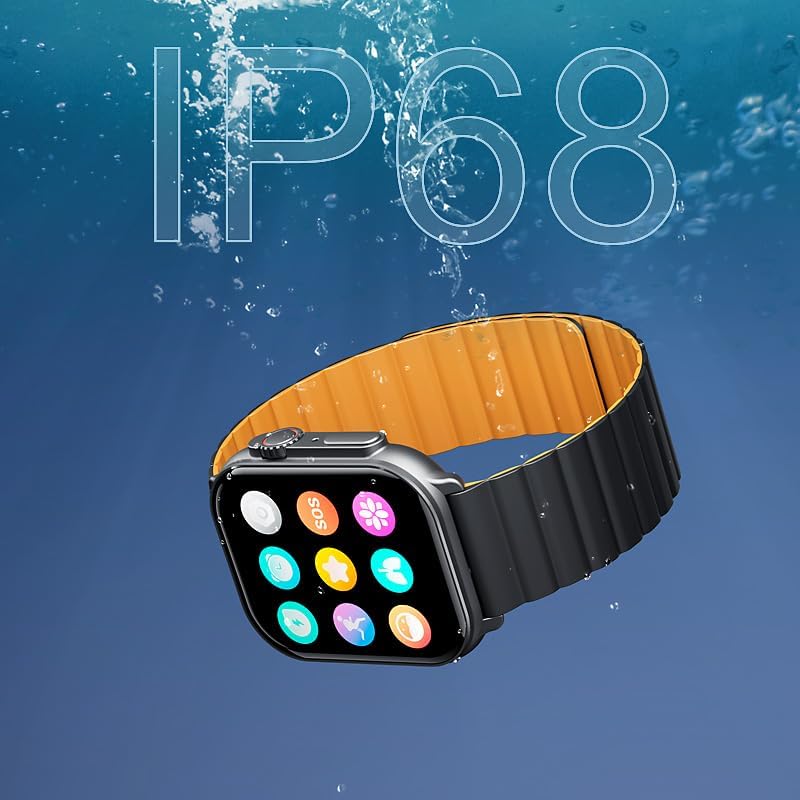
Image: The IMIKI SF1 Smart Watch submerged in water, illustrating its IP68 water resistance rating.
7. Тэрмін службы батарэі
The IMIKI SF1 is equipped with a 280mAh battery, offering impressive autonomy:
- Тыповае выкарыстанне: Да 15 дзён аўтаномнай працы.
- Intensive Use: Да 7 дзён аўтаномнай працы.
The device fully charges in approximately 2 hours.
8. Тэхнічнае абслугоўванне
- Уборка: Рэгулярна працірайце экран гадзінніка і раменьчык мяккай сухой тканінай. Для выдалення ўстойлівых забруджванняў злёгку працірайцеamp можна выкарыстоўваць тканіну, а затым высушыць.
- Кантакты для зарадкі: Ensure the charging contacts on the back of the watch are clean and free of debris to maintain efficient charging.
- захоўванне: Калі гадзіннік не выкарыстоўваецца працяглы час, захоўвайце яго ў прахалодным, сухім месцы.
- Пазбягайце хімічных рэчываў: Do not use harsh chemicals, cleaning solvents, or strong detergents to clean the watch, as they may damage the finish or internal components.
9. Выпраўленне непаладак
- Гадзіннік не ўключаецца: Ensure the watch is fully charged. If it still doesn't turn on, try pressing and holding the crown button for 10-15 seconds to force a restart.
- Немагчыма спалучыць прыладу са смартфонам:
- Пераканайцеся, што Bluetooth уключаны на вашым тэлефоне і гадзінніку.
- Пераканайцеся, што гадзіннік знаходзіцца ў зоне дзеяння Bluetooth вашага тэлефона.
- Перазагрузіце і гадзіннік, і тэлефон.
- Ачысціце кэш Bluetooth на тэлефоне (калі ёсць) і паспрабуйце зноў падключыць прыладу.
- Няправільныя паказанні стану здароўя: Ensure the watch is worn snugly on your wrist, not too loose or too tight. Clean the optical sensor on the back of the watch.
- Кароткі тэрмін службы батарэі: Reduce screen brightness, disable unnecessary notifications, or limit continuous health monitoring features to extend battery life.
10. Тэхнічныя характарыстыкі
| Асаблівасць | Спецыфікацыя |
|---|---|
| мадэль | SF1 |
| Дысплей | 2.01 Inch AMOLED Display |
| Сувязь | Bluetooth 5.3 |
| Ёмістасць батарэі | 280mAh літый-іённы |
| Тыповы тэрмін службы батарэі | Да 15 дзён |
| Intensive Battery Life | Да 7 дзён |
| Час зарадкі | Прыбл. 2 гадзіны |
| Воданепранікальнасць | IP68 |
| Памеры | 45.8 х 37 х 10.2 мм |
| Вага | 39.8 г |
| Падтрымліваюцца мовы | Англійская, французская, нямецкая, італьянская, іспанская |
11. Гарантыя і падтрымка
The IMIKI SF1 Smart Watch comes with a standard manufacturer's warranty. For detailed warranty information, please refer to the warranty card included in your product packaging or visit the official IMIKI website. For technical support, troubleshooting assistance, or service inquiries, please contact IMIKI customer support through the contact information provided on the official webна сайце або ў суправаджальнай праграме.
Ask a question about this manual
Ask about setup, troubleshooting, compatibility, parts, safety, or missing instructions. Manuals+ will review the question and use this page’s manual context to help answer it.