
Inwa MZ633
Inwa MZ633 Bluetooth Audio Stereo AmpКіраўніцтва карыстальніка lifier
Model: MZ633
1. Уводзіны
The Inwa MZ633 is a compact yet powerful 2.0 channel Hi-Fi stereo amplifier designed to enhance your home audio experience. It features multiple input options including HDMI (ARC), Optical, Coaxial, USB, RCA, and Bluetooth 5.3, allowing connection to various audio sources. With 100W RMS per channel at 4 ohms, it delivers clear and high-quality sound to passive speakers. The amplifier also includes bass and treble controls, a digital LED display, and a remote control for convenient operation.
2. Змесціва ўпакоўкі
- Inwa MZ633 Stereo AmpЛіфіер Адз
- Пульт дыстанцыйнага кіравання
- Адаптар сілкавання
- Антэна Bluetooth
- Кіраўніцтва карыстальніка
3. Прадукт скончыўсяview
3.1 Пярэдняя панэль
The front panel features the digital display, bass and treble control knobs, and a multi-function volume/mode/on-off knob.

выява: Пярэдняя і задняя панэліview. This image displays the front panel with its digital display, bass, treble, and volume/mode/on-off controls, and the rear panel with all input and output ports.
- Лічбавай дысплей: Shows current input mode and volume level.
- Bass Control Knob: Рэгулюе нізкачастотны аўдыёвыхад.
- Treble Control Knob: Рэгулюе гучнасць высокачастотнага гуку.
- Volume/Mode/On-Off Knob: Rotates to adjust volume. Short press to cycle through input modes. Long press to power on/off.
3.2 Задняя панэль
The rear panel provides all connection ports for audio input, speaker output, and power.

выява: Падрабязны view з amplifier's rear panel, highlighting the Bluetooth antenna port, HDMI (ARC), USB, Optical, Coaxial, RCA (Audio Input), DC IN, Speaker Output terminals, and Power Switch.
- Антэна BT: Connect the included Bluetooth antenna for optimal wireless reception.
- HDMI (ARC) Input: Connect to a TV's HDMI ARC port for audio return channel functionality.
- USB ўвод: Connect a USB drive for audio playback.
- Аптычны ўваход: Connect to devices with optical digital audio output.
- Кааксіяльны ўваход: Connect to devices with coaxial digital audio output.
- RCA (Audio Input): Connect to analog audio sources using RCA cables.
- DC IN: Падключыце адаптар сілкавання.
- Speaker Output (L+/L-, R+/R-): Connect passive speakers using speaker wire.
- Выключальнік сілкавання: Main power toggle for the ampзадымнік.
4. Інструкцыі па ўсталёўцы
Follow these steps to set up your Inwa MZ633 ampпадпітка:
- Падключэнне дынамікаў: Connect your passive speakers to the Speaker Output terminals on the rear panel. Ensure correct polarity (positive to positive, negative to negative).
- Падключэнне антэны Bluetooth: Screw the Bluetooth antenna into the "BT Ant" port on the rear panel.
- Падключэнне крыніцы гуку: Choose your desired audio input method (HDMI ARC, USB, Optical, Coaxial, or RCA) and connect the corresponding cable from your audio source device to the ampзадняя панэль выратавальнага прыбора.

выява: Connection diagram illustrating how to connect various audio sources (TV, phone, tablet, PC, laptop, projector) via Bluetooth, HDMI (ARC), Optical, Coaxial, AUX (RCA), and USB to the amplifier, and then to dual-channel speakers.
- Падключыце харчаванне: Connect the power adapter to the "DC IN" port on the rear panel, then plug the adapter into a power outlet.
- Уключэнне: Flip the main Power Switch on the rear panel to the "ON" position. The amplifier пяройдзе ў рэжым чакання.
For a visual guide on connecting inputs and operating the amplifier, please refer to the video below:
Відэа: This video demonstrates the physical connection of various audio inputs (HDMI ARC, USB, Optical, RCA) and speaker outputs to the Inwa MZ633 amplifier. It also shows how to power on the device, switch between different input modes (Bluetooth, USB, AUX, Optical, Coaxial, ARC) using the remote or front knob, and adjust volume. The video concludes by demonstrating how to enter standby mode and power off the ampзадымнік.
5. Інструкцыя па эксплуатацыі
5.1 Power On/Off and Standby
- Каб уключыць amplifier from standby, short press the Power button on the remote control or the Volume/Mode/On-Off knob on the front panel.
- To enter standby mode, short press the Power button on the remote control or the Volume/Mode/On-Off knob on the front panel while the unit is active.
- To completely power off the amplifier, flip the main Power Switch on the rear panel to the "OFF" position.
5.2 Выбар рэжыму ўводу
You can switch between input modes using the remote control or the front panel knob.
- Выкарыстанне пульта дыстанцыйнага кіравання: Press the "Mode" button on the remote to cycle through available inputs (Bluetooth, USB, Optical, Coaxial, HDMI ARC, RCA).
- Using Front Panel Knob: Short press the Volume/Mode/On-Off knob to cycle through input modes.
5.3 Рэгулятар гучнасці
- Выкарыстанне пульта дыстанцыйнага кіравання: Выкарыстоўвайце кнопкі павелічэння гучнасці (+) і памяншэння гучнасці (-).
- Using Front Panel Knob: Rotate the Volume/Mode/On-Off knob clockwise to increase volume, counter-clockwise to decrease volume.
5.4 Рэгуляванне басоў і высокіх частот
Adjust the bass and treble levels to customize your audio output.
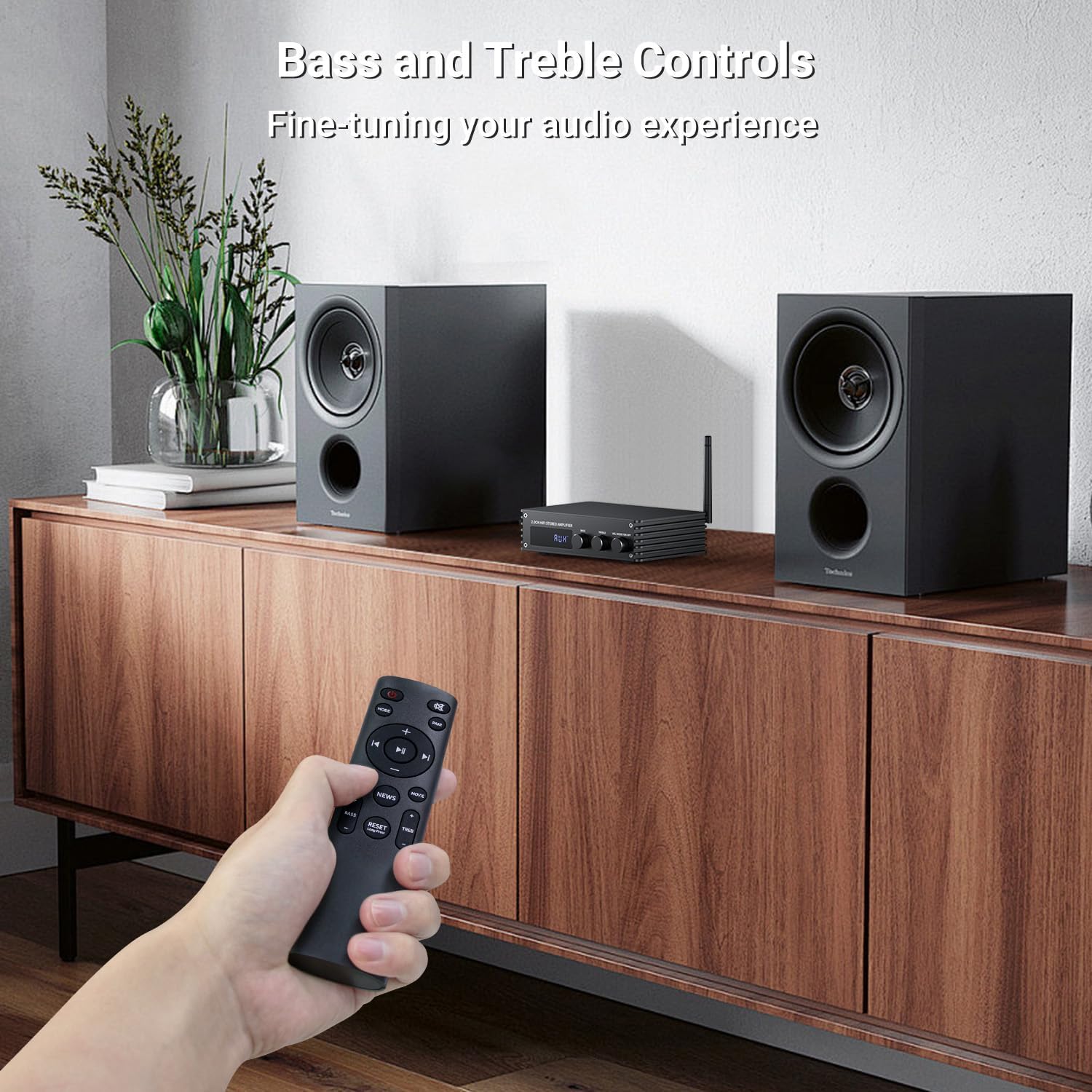
выява: A hand holding the remote control, pointing towards the amplifier. The image highlights the bass and treble control knobs on the amplifier's front panel, indicating fine-tuning capabilities.
- Bass Control Knob: Rotate to increase or decrease bass frequencies.
- Treble Control Knob: Rotate to increase or decrease treble frequencies.
5.5 Sound Mode Selection
The amplifier offers three distinct sound modes to optimize your listening experience:
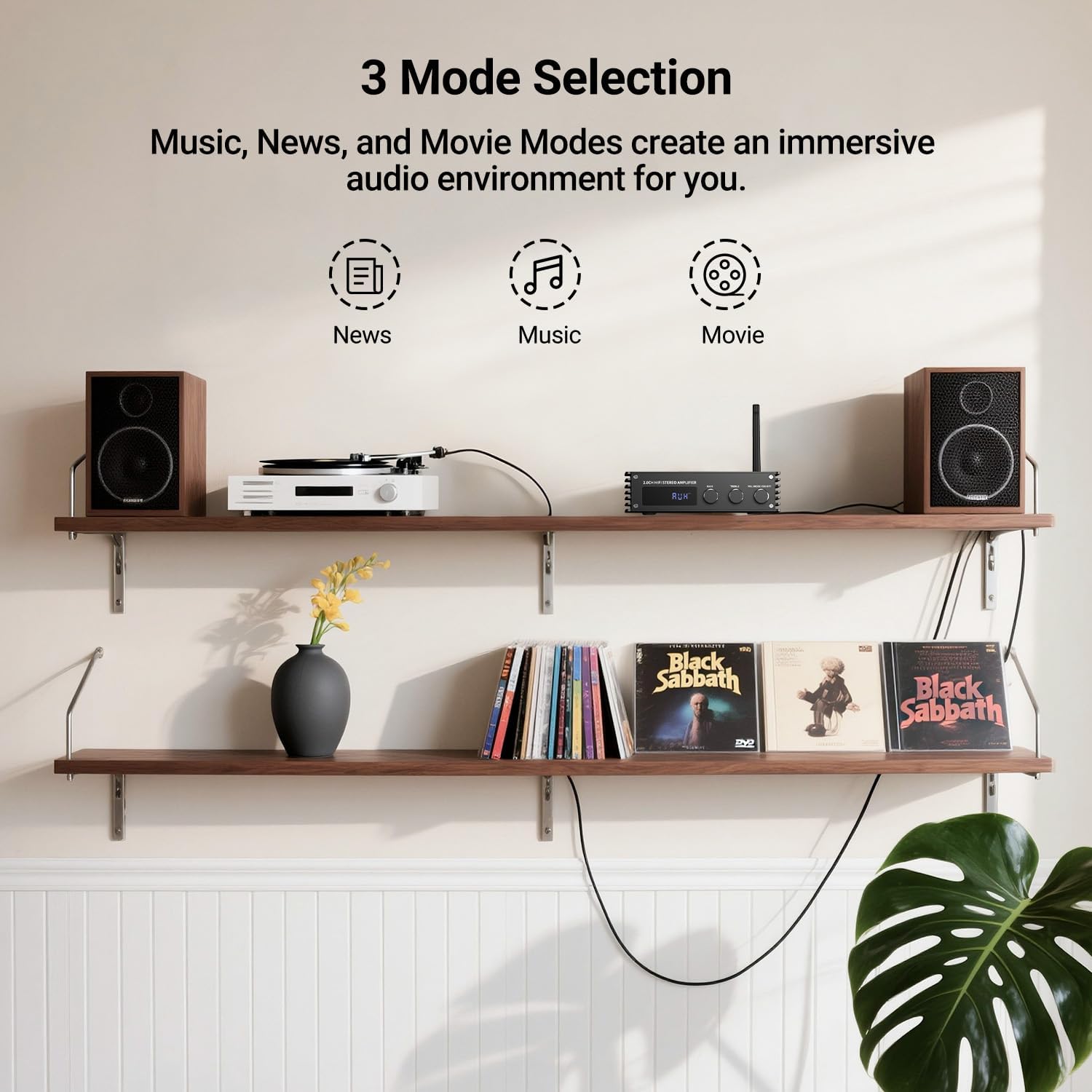
выява: Visual representation of the three sound modes: News, Music, and Movie. Each mode has an icon and a brief description of its audio characteristics, such as enhancing vocals for News, providing high-quality sound for Music, and offering 3D surround for Movie mode.
- Рэжым навін: Enhances vocal clarity for spoken content.
- Рэжым музыкі: Provides a balanced, high-quality sound for general music listening.
- Рэжым фільма: Offers a 3D surround effect for an immersive cinematic experience.
- Use the dedicated buttons on the remote control to switch between these modes.
6. Спарванне Bluetooth
To connect your Bluetooth device to the Inwa MZ633 ampпадпітка:
- Ensure the Bluetooth antenna is securely connected to the ampзадымнік.
- Пераключыць amplifier to Bluetooth input mode (BT) using the remote or front knob. The digital display will show "BT".
- На мабільнай прыладзе (тэлефоне, планшэце і г.д.) уключыце Bluetooth і знайдзіце даступныя прылады.
- Select "Inwa MZ633" from the list of devices.
- Пасля спалучэння, the amplifier will indicate a successful connection, and you can begin streaming audio.
- The Bluetooth 5.3 technology ensures stable connectivity up to 50ft/15m.
7. Тэхнічныя характарыстыкі
| Асаблівасць | Дэталь |
|---|---|
| Выходная магутнасць | 100W RMS x 2 (at 4 ohms) |
| Каналы | Канал 2.0 |
| Версія Bluetooth | 5.3 |
| Дыяпазон Bluetooth | Да 50 футаў / 15 м |
| Уваходы | HDMI (ARC), USB, Optical, Coaxial, RCA, Bluetooth |
| Кантроль гуку | Bass, Treble, Volume, 3 Sound Modes (News, Music, Movie) |
| Дысплей | Лічбавы святлодыёдны дысплей |
| Памеры | 4.8 х 7.08 х 1.85 цалі |
| Вага прадмета | 2.2 фунта |
| Нумар мадэлі | MZ633 |
| Вытворца | Інва |
8. Выпраўленне непаладак
If you encounter issues with your Inwa MZ633 amplifier, please refer to the following common solutions:
- Няма харчавання:
- Пераканайцеся, што адаптар сілкавання надзейна падключаны да абодвух ampзапальвальнік і спраўная разетка.
- Check that the main Power Switch on the rear panel is in the "ON" position.
- Праверце працаздольнасць разеткі, падключыўшы да яе іншую прыладу.
- Няма гуку:
- Confirm that the speakers are correctly connected to the amplifier's output terminals with proper polarity.
- Check that the correct input mode is selected on the amplifier (e.g., "BT" for Bluetooth, "ARC" for HDMI ARC).
- Increase the volume on both the amplifier and your audio source device.
- Ensure audio cables (HDMI, Optical, Coaxial, RCA) are securely connected and not damaged.
- If using HDMI ARC, ensure your TV's ARC function is enabled and the amplifier is selected as the audio output device in your TV settings.
- If using Bluetooth, ensure the device is successfully paired and not connected to another ampзадымнік.
- Скажоны гук:
- Зменшце гучнасць на абодвух amplifier and the audio source to prevent clipping.
- Праверце злучэнні дынамікаў на наяўнасць няспраўных правадоў або няправільнай палярнасці.
- Пераканайцеся, што крыніца гуку падае чысты сігнал.
- Adjust bass and treble controls to a neutral position or to your preference.
- Праблемы з падключэннем Bluetooth:
- Забяспечце amplifier is in Bluetooth mode.
- Перамясціце прыладу Bluetooth бліжэй да amplifier для паляпшэння магутнасці сігналу.
- Disconnect and re-pair the device.
- Пераканайцеся, што да яго актыўна не падключаны іншыя прылады ampLifier праз Bluetooth.
- Try restarting both the amplifier and your Bluetooth device.
9. Тэхнічнае абслугоўванне
To ensure the longevity and optimal performance of your Inwa MZ633 ampвыратавальнік, выконвайце наступныя рэкамендацыі па тэхнічным абслугоўванні:
- Уборка: Выкарыстоўвайце мяккую сухую тканіну для ачысткі вонкавага боку ampвыратавальнік. Пазбягайце выкарыстання вадкіх ачышчальнікаў, аэразоляў або абразіўных матэрыялаў, бо яны могуць пашкодзіць пакрыццё або ўнутраныя кампаненты.
- Вентыляцыя: Забяспечце amplifier is placed in a well-ventilated area. Do not block the ventilation openings, as this can lead to overheating.
- Размяшчэнне: Месца amplifier on a stable, flat surface away from direct sunlight, heat sources, and moisture.
- Выключаць, калі не выкарыстоўваецца: Калі amplifier will not be used for an extended period, power it off using the rear switch and unplug it from the power outlet.
- Кабельнае кіраванне: Трымайце ўсе кабелі акуратна складзенымі і без перагібаў або празмернага нацяжэння, каб прадухіліць пашкоджанне.
10. Гарантыя і падтрымка
Inwa products are designed for reliability and performance. For warranty information, technical support, or service inquiries, please refer to the warranty card included with your product or visit the official Inwa webсайт. Захоўвайце чэк аб куплі як пацвярджэнне пакупкі для гарантыйных прэтэнзій.
вытворца: Інва
Ask a question about this manual
Ask about setup, troubleshooting, compatibility, parts, safety, or missing instructions. Manuals+ will review the question and use this page’s manual context to help answer it.