
Vandlion V22-64GB
Vandlion V22-64GB Voice Recorder User Manual
Model: V22-64GB
1. Уводзіны
Thank you for choosing the Vandlion V22-64GB Voice Recorder. This manual provides detailed instructions on how to set up, operate, and maintain your device to ensure optimal performance. Please read this manual thoroughly before using the product.
The Vandlion V22-64GB is a compact and powerful digital voice recorder designed for clear audio capture in various environments. Key features include:
- Ёмістасць захоўвання: 64GB of internal storage for extended recording sessions.
- 7-Level Noise Reduction: Enhances audio clarity by minimizing background noise.
- Voice-Activated Recording (VAR): Automatically starts recording when sound is detected, conserving memory and battery.
- Аперацыя адной клавішай: Simple and quick recording activation.
- Часamped Recordings: Easy organization and retrieval of audio files.
2. Змесціва ўпакоўкі
Калі ласка, праверце ўпакоўку на наяўнасць наступных прадметаў:
- Vandlion V22-64GB Voice Recorder
- Кабель для перадачы дадзеных
- Навушнікі
- OTG adapters
- Кіраўніцтва карыстальніка (гэты дакумент)
3. Прадукт скончыўсяview
The Vandlion V22-64GB Voice Recorder is designed for portability and ease of use. Its compact metal casing ensures durability while providing a sleek appearance.

Image 3.1: Vandlion V22-64GB Voice Recorder in use. This image shows the compact size of the recorder, suitable for various recording environments like meetings or lectures.
The device features a simple ON/OFF/SAVE toggle switch for intuitive operation and a built-in microphone for 360-degree panoramic sound capture.

Image 3.2: The ON/REC and OFF/SAVE switch on the Vandlion V22-64GB Voice Recorder. This switch allows for quick initiation and saving of recordings.
4. Настройка
4.1 Зарадка прылады
Before first use, fully charge the voice recorder. Connect the device to a computer's USB port or a USB wall adapter (not included) using the provided data cable. The indicator light will show charging status and turn off when fully charged.
- Connect the small end of the data cable to the recorder's charging port.
- Connect the standard USB end to a power source.
- Звычайна зарадка займае каля 2-3 гадзін.
4.2 Першапачатковае ўключэнне
To power on the device, slide the ON/REC switch to the 'ON' position. The device will vibrate briefly or an indicator light will illuminate, indicating it is ready for operation.
5. Інструкцыя па эксплуатацыі
5.1 Асноўны запіс
The Vandlion V22-64GB features a simple one-key recording function:
- To start recording, slide the switch to the 'ON/REC' position. The device will begin recording within approximately 5 seconds.
- Каб спыніць запіс і захаваць file, перасуньце перамыкач у становішча 'OFF/SAVE' position. The recording will be saved automatically.
Кожнае аўдыё file is automatically timestamped for easy organization and retrieval when connected to a computer.
5.2 Voice-Activated Recording (VAR)
The voice-activated recording feature helps conserve battery life and memory by only recording when sound is detected. To enable and adjust VAR:
- Connect the recorder to a computer.
- Access the device's settings file (usually a configuration file or through dedicated software, refer to device's internal documentation if available).
- Adjust the sensitivity level for voice activation (typically 7 levels available). A higher sensitivity will trigger recording with softer sounds, while lower sensitivity requires louder sounds.
- Save the settings and disconnect the device. The VAR function will now be active.
5.3 Зніжэнне шуму
The recorder features 7-level noise reduction to improve audio clarity. This function is typically automatic, but its effectiveness can be influenced by recording environment and microphone placement.

Image 5.1: Illustration of the noise reduction capability of the Vandlion V22-64GB Voice Recorder. The image depicts how unwanted noise (red waves) is reduced, resulting in clearer audio (blue waves).
5.4 Прайграванне
You can play back recordings directly from the device using the included headphones:
- Пераканайцеся, што прылада ўключана.
- Connect the included headphones to the recorder's headphone jack.
- Use the controls on the headphone cable (if available) or the device's internal controls (if applicable, refer to specific model's internal documentation) to navigate and play audio files.

Image 5.2: The Vandlion V22-64GB Voice Recorder connected to earphones for direct audio playback. This feature allows listening to recordings without needing a computer.
Alternatively, connect the recorder to a computer to play back files using your computer's media player.
5.5 File Кіраванне
To manage your recorded files:
- Connect the voice recorder to your computer using the provided data cable.
- The device will appear as a removable disk drive.
- Open the drive to access your recorded audio files (typically in a folder like 'RECORD' or 'VOICE').
- You can copy, move, delete, or rename files as you would with any other files на вашым кампутары.
- Always safely eject the device from your computer before disconnecting.
The included OTG adapters allow you to connect the recorder to compatible Android smartphones for file кіравання.
6. Тэхнічнае абслугоўванне
- Уборка: Для чысткі прылады выкарыстоўвайце мяккую сухую тканіну. Не выкарыстоўвайце вадкія ачышчальнікі або растваральнікі.
- захоўванне: Store the recorder in a cool, dry place away from direct sunlight, extreme temperatures, and humidity.
- Сыход за батарэяй: Каб падоўжыць тэрмін службы батарэі, пазбягайце частай поўнай разрадкі батарэі. Рэгулярна зараджайце прыладу, нават калі яна не выкарыстоўваецца працяглы час.
- Рэзервовае капіраванне даных: Рэгулярна рабіце рэзервовыя копіі важных запісаў на кампутары, каб прадухіліць страту дадзеных.
7. Выпраўленне непаладак
| праблема | Магчымая прычына | Рашэнне |
|---|---|---|
| Прылада не ўключаецца. | Нізкі зарад батарэі або прылада выключана. | Charge the device fully. Ensure the ON/REC switch is in the 'ON' position. |
| Немагчыма запісаць. | Insufficient storage space or device not in recording mode. | Check available memory and delete unnecessary files. Ensure the switch is in the 'ON/REC' position. |
| Poor sound quality during recording. | Microphone obstructed, noisy environment, or incorrect VAR sensitivity. | Ensure the microphone is clear. Record in a quieter environment. Adjust VAR sensitivity if enabled. |
| Прылада не распазнаецца камп'ютарам. | Faulty USB cable, incorrect port, or driver issue. | Try a different USB cable or port. Restart your computer. Ensure the device is powered on when connecting. |
| Cannot hear playback through headphones. | Headphones not properly connected, volume too low, or corrupted file. | Ensure headphones are fully plugged in. Adjust volume. Try playing the file на кампутары. |
8. Тэхнічныя характарыстыкі
| Марка | Вандлён |
| мадэль | V22-64GB |
| Ёмістасць памяці | 64 ГБ |
| Памеры прадукту | 0.76 x 2.21 x 7.37 cm; 150 g (or 8 x 22 x 74 Millimeters) |
| Абсталяванне інтэрфейсу | USB 2.0 |
| Сумяшчальныя прылады | Навушнік |
| Формаў-фактар мікрафона | Убудаваны |
| Гняздо для навушнікаў | 3.5 міліметры |
| Батарэі ўваходзяць у камплект | Yes (Lithium Polymer) |
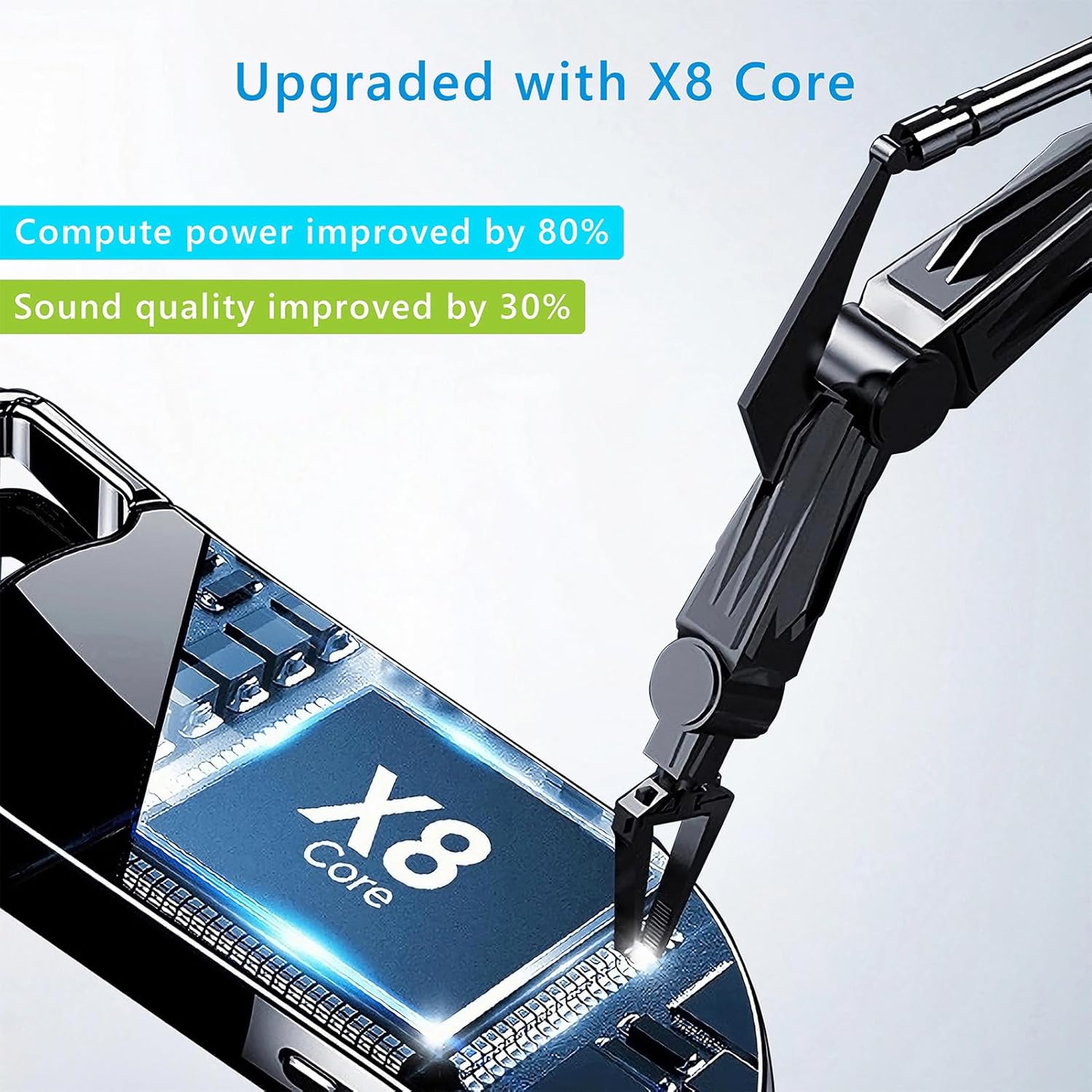
Image 8.1: Internal component view of the Vandlion V22-64GB Voice Recorder, showcasing the X8 Core. This illustrates the advanced processing unit within the device.
9. Гарантыя і падтрымка
For warranty information and technical support, please refer to the documentation provided with your purchase or contact Vandlion customer service through their official webсайт або краму, дзе вы набылі тавар.
Захоўвайце чэк аб куплі ў якасці пацверджання пакупкі для прэтэнзій па гарантыі.