
Максview TVSL/22
Максview Кіраўніцтва карыстальніка для смарт-тэлевізара Alphatronics SL Line+ з DVD-плэерам
Model: TVSL/22 | Brand: Maxview
1. Уводзіны і большview
This manual provides comprehensive instructions for the setup, operation, and maintenance of your Maxview Alphatronics SL Line+ Smart TV. Designed for mobile use, this versatile television operates on both 12v and 240v power, making it ideal for motorhomes, caravans, trucks, and boats. It features a Full HD LED display, integrated DVD player, Wi-Fi, Bluetooth, and access to popular streaming services via WebАС.

Выява: спераду view of the Maxview Alphatronics SL Line+ Smart TV, highlighting its smart features and integrated DVD player.
Асноўныя функцыі ўключаюць у сябе:
- Full HD LED Smart TV with Freeview.
- WebOS for access to Netflix, Amazon Prime, Disney+, iPlayer, ITVX, Sky Store, YouTube, and more.
- Dual power compatibility (12v or 240v).
- Built-in DVD Player, Bluetooth, Wi-Fi, and Ethernet.
- Multiple connectivity options: 2 HDMI ports, USB Port, and AV connections.
2. Што ў скрынцы
Калі ласка, праверце змесціва вашай упакоўкі па спісе ніжэй:
- Alphatronics TV (TVSL/22)
- Пульт дыстанцыйнага кіравання
- 240v Mains Lead
- Адаптар сілкавання 12 В
- Кіраўніцтва карыстальніка (гэты дакумент)

Image: The included remote control for the Maxview Alphatronics Smart TV.
3. Настройка
3.1. Размяшчэнне і мантаж
Choose a stable and flat surface for your TV. Ensure adequate ventilation around the unit. If mounting, refer to your specific wall mount instructions and ensure the mount is compatible with VESA standards for your TV size.

Малюнак: Example of the TV installed within a caravan interior.
3.2. Падключэнне сілкавання
The TV can be powered by either 12v DC or 240v AC.
- For 240v AC: Connect the supplied 240v Mains Lead to the TV's AC input and then to a standard wall socket.
- For 12v DC: Connect the supplied 12v Power Adapter to the TV's DC input and then to a 12v power source (e.g., vehicle's 12v socket).
Ensure the correct power source is used to prevent damage.
3.3. Падключэнне знешніх прылад
Тэлевізар мае некалькі партоў для падключэння знешніх прылад:
- Парты HDMI (2): For high-definition audio and video devices like satellite receivers, game consoles, or laptops.
- Порт USB: Для падключэння USB-назапашвальнікаў для прайгравання медыяфайлаў files.
- AV Connections: Для старых прылад, якія выкарыстоўваюць кампазітны відэасігнал і стэрэаўдыё.
- Уваход для антэны/спадарожніка: Connect your terrestrial antenna or satellite dish cable for Freeview or satellite TV reception.

Image: Rear panel of the TV displaying available connection ports.
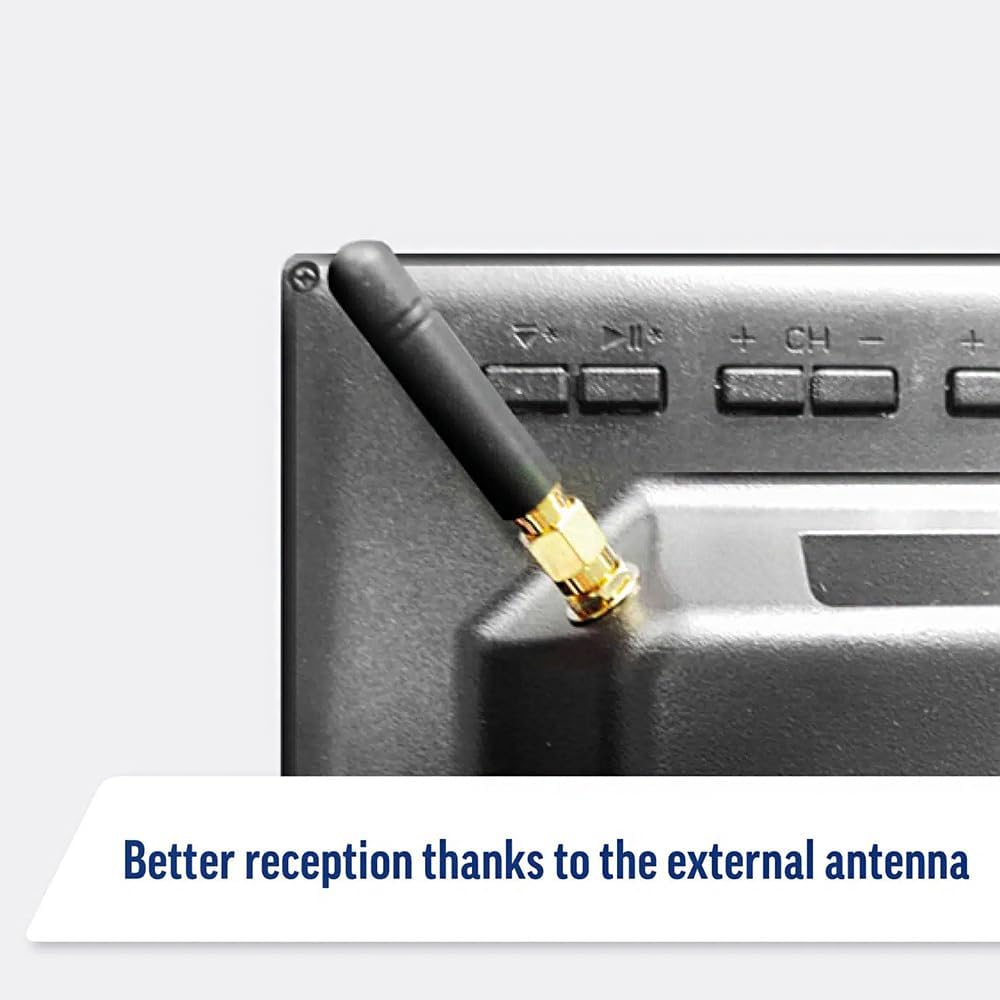
Image: Detail of the external antenna connection for improved signal reception.
3.4. Майстар пачатковай налады
Пры першым уключэнні тэлевізар правядзе вас праз майстар пачатковай налады. Ён уключае ў сябе:
- Выбар мовы: Выберыце пераважную мову.
- Падключэнне да сеткі: Connect to your Wi-Fi network or via Ethernet for internet access. This is crucial for Smart TV features.
- Сканаванне каналаў: Scan for available Freeview or satellite channels.
- Time and Date Settings: Усталюйце правільны гадзінны пояс і дату.
4. Кіраванне тэлевізарам
4.1. Асноўныя элементы кіравання
Use the supplied remote control to navigate the TV. Common functions include:
- Кнопка харчавання: Уключае/выключае тэлевізар або пераводзіць яго ў рэжым чакання.
- Павялічыць/паменшыць гучнасць: Рэгулюе ўзровень гуку.
- Канал уверх/уніз: Змяняе тэлеканалы.
- Крыніца/Уваходныя дадзеныя: Selects the input source (HDMI, AV, TV, DVD).
- Navigation Buttons (Arrow Keys, OK): Навігацыя па меню і выбар опцый.
- Кнопка дадому: Доступ да WebГалоўны экран АС Smart TV.
- Кнопкі хуткага доступу: Dedicated buttons for Netflix and Amazon Prime Video for direct access.
4.2. Функцыі Smart TV (WebАС)
Your Maxview Alphatronics TV runs on WebOS, providing a user-friendly interface for accessing a wide range of applications and content.
- Галоўная прыборная панэль: Націсніце дадому button to access the main dashboard, where you can find installed apps, input sources, and settings.
- App Store: Спампуйце і ўсталюйце дадатковыя праграмы з інтэграванай крамы праграм.
- Сэрвісы струменевай перадачы: Easily access popular services like Netflix, Amazon Prime Video, Disney+, BBC iPlayer, ITVX, and YouTube.
- Агульны доступ да экрана: Share content from your smartphone or tablet to the TV screen.
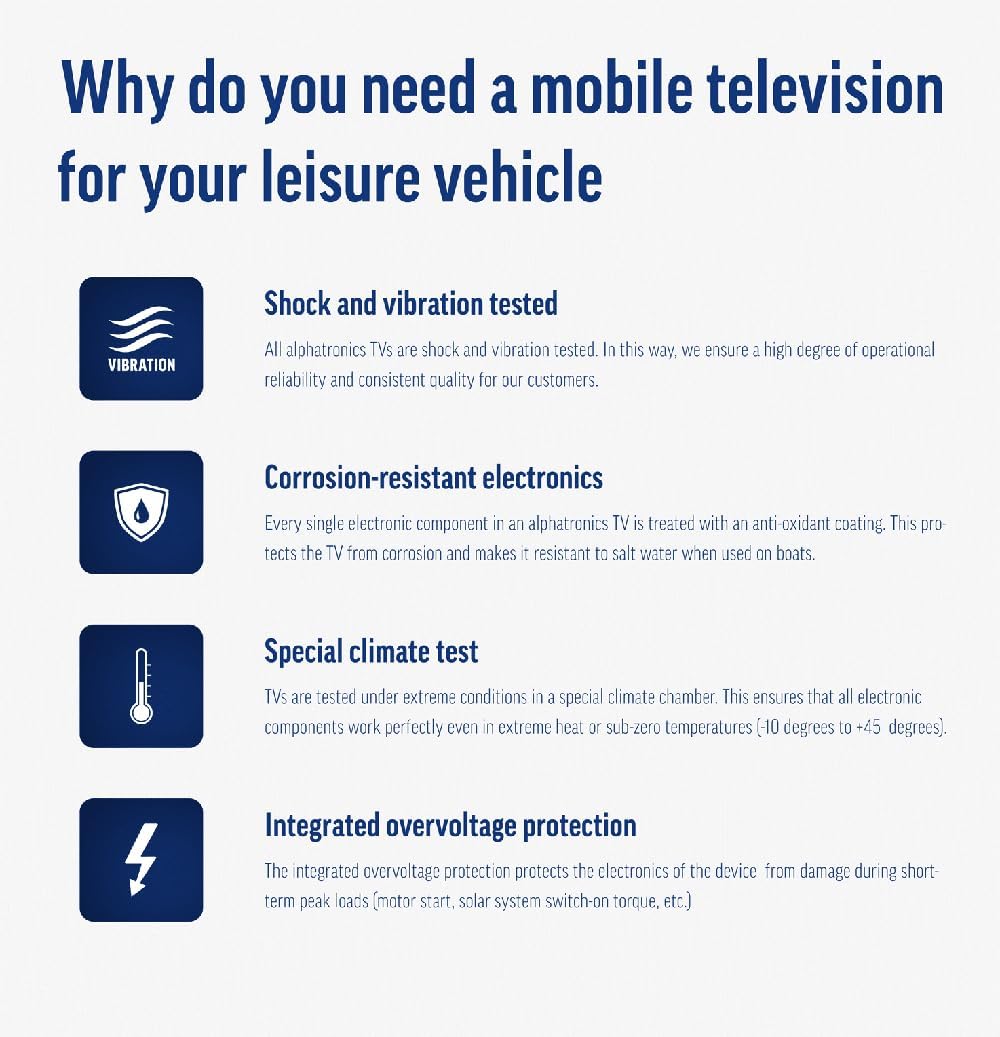
Image: Using a smartphone as a remote control for the TV.
4.3. Праца DVD-плэера
The integrated DVD player allows you to enjoy your movie collection on the go.
- Insert a DVD disc into the slot on the side of the TV.
- The TV should automatically switch to the DVD input. If not, press the Крыніца/Увод button on your remote and select "DVD".
- Use the remote control's playback buttons (Play, Pause, Stop, Fast Forward, Rewind) to control the DVD.
- To eject the disc, press the Eject button on the remote or the TV.
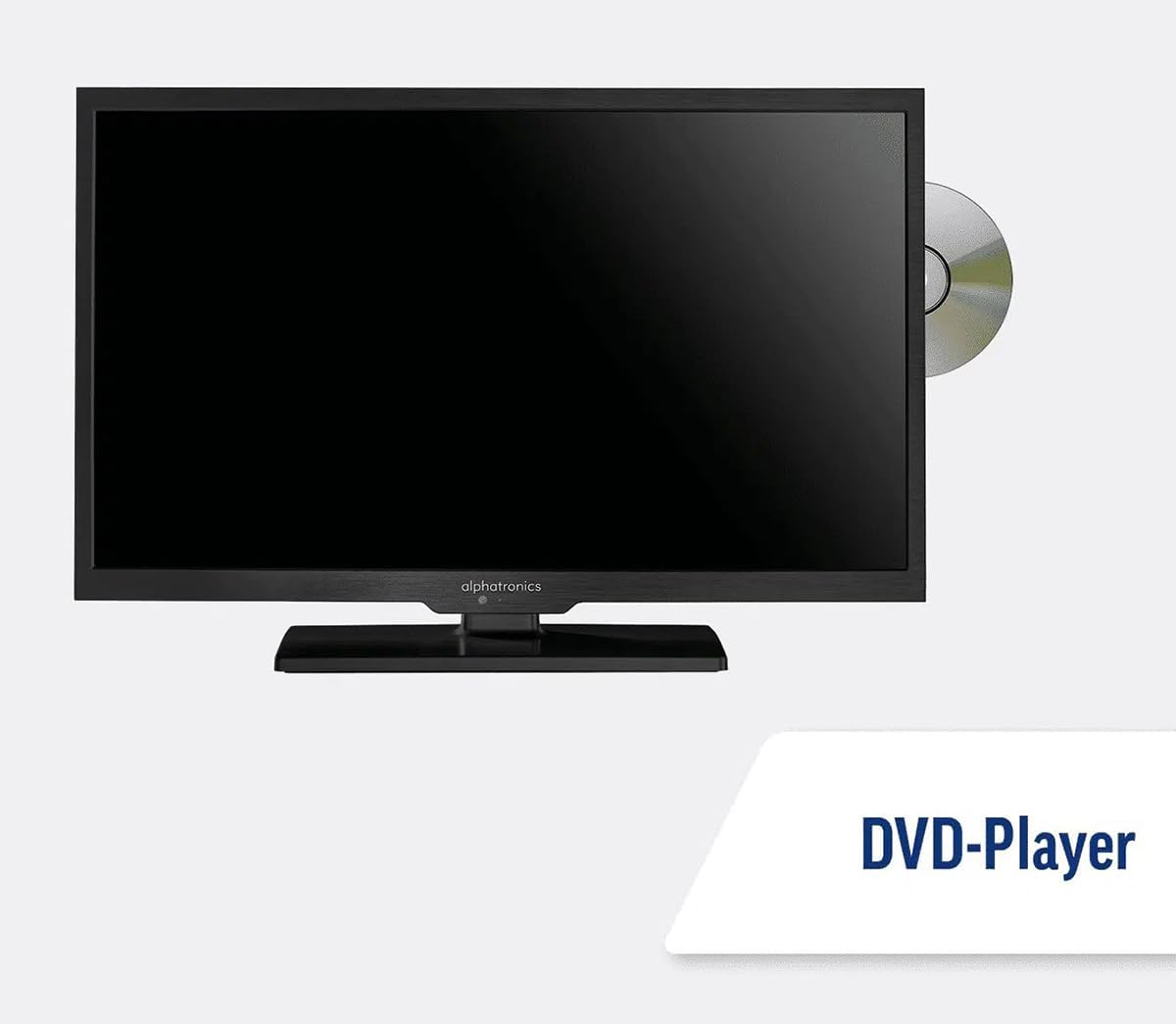
Image: The TV with a DVD disc being inserted into its built-in player.
5. Тэхнічнае абслугоўванне
5.1. Уборка
To clean the TV screen, gently wipe it with a soft, lint-free cloth. For stubborn marks, dampЗлёгку прамакніце тканіну вадой або растворам для чысткі экрана. Не распыляйце вадкасць непасрэдна на экран. Ачысціце тэлевізарasing with a dry, soft cloth.
Увага: Always unplug the TV from the power source before cleaning.
5.2. Абнаўленне праграмнага забеспячэння
Your Maxview Alphatronics Smart TV supports automatic software updates via the internet. Ensure your TV is connected to a stable Wi-Fi or Ethernet network to receive the latest firmware and feature enhancements.
- To check for updates manually, navigate to the Налады menu on your TV, then look for Абнаўленне праграмнага забеспячэння or Сістэмная інфармацыя.
- Follow the on-screen prompts to download and install any available updates. Do not power off the TV during an update process.

Image: The TV screen indicating a software update in progress.
6. Выпраўленне непаладак
Калі ў вас узнікнуць праблемы з тэлевізарам, перад зваротам у службу падтрымкі азнаёмцеся з наступнымі распаўсюджанымі праблемамі і іх рашэннямі.
| праблема | Магчымая прычына | Рашэнне |
|---|---|---|
| Няма сілы | Power cable disconnected; no power from outlet/source. | Check power connections. Ensure outlet/source is active. Try a different outlet. |
| Няма сігналу | Incorrect input selected; antenna/cable disconnected or faulty. | Прэса Крыніца/Увод to select correct input. Check antenna/cable connections. Perform a channel scan. |
| Няма падключэння да Інтэрнэту | Wi-Fi password incorrect; router issue; TV too far from router. | Re-enter Wi-Fi password. Restart your router. Move TV closer to router or use Ethernet. |
| DVD не прайграваецца | Disc dirty or scratched; incorrect input selected; region code mismatch. | Clean the disc. Ensure "DVD" input is selected. Check disc region compatibility. |
| Пульт дыстанцыйнага кіравання не працуе | Batteries low/dead; obstruction between remote and TV; remote not paired (if Bluetooth). | Replace batteries. Remove obstructions. Re-pair remote if necessary (refer to TV settings). |
If the problem persists after trying these solutions, please contact Maxview падтрымка кліентаў.
7. Тэхнічныя характарыстыкі
| Асаблівасць | Дэталь |
|---|---|
| Нумар мадэлі | TVSL/22 |
| Памер экрана | 22 цаляў (56 см бачнай дыяганалі) |
| Тэхналогія адлюстравання | святлодыёд |
| дазвол | 1080p (поўны HD) |
| Памеры прадукту (Д х Ш х У) | 12 Г х 58 Ш х 38 У сантыметраў |
| Увод магутнасці | 12v DC / 240v AC |
| Сувязь | Wi-Fi, Bluetooth, Ethernet |
| Парты | 2x HDMI, 1x USB, AV connections, Antenna/Satellite input |
| Асаблівасці | Smart TV (WebOS), Built-in DVD Player |
| Суадносіны бакоў | 16:9 |
| Вытворца | Альфатроніка |
8. Гарантыя і падтрымка
Your Maxview Alphatronics SL Line+ Smart TV comes with a Гарантыя 3 год, providing peace of mind regarding your purchase. This warranty covers manufacturing defects and ensures reliable operation.
For warranty claims, technical support, or further assistance, please contact Maxview customer service. You can typically find contact information on the official Maxview webна сайце або на ўпаковачных матэрыялах.
Please have your model number (TVSL/22) and proof of purchase ready when contacting support.
Note: No official product videos from the seller were found in the provided data to embed in this manual.