
1. Уводзіны
Thank you for choosing the Otovoda B-T51 2K Front Dash Cam. This manual provides essential information for the proper setup, operation, and maintenance of your device. Please read it thoroughly before use to ensure optimal performance and safety.
2. Змесціва ўпакоўкі
Праверце, ці ўсе пералічаныя ніжэй прадметы ўваходзяць у вашу ўпакоўку:
- 1 x Otovoda B-T51 2K Front Dash Cam
- 1 x Car Charger (11.5ft)
- 1 карта MicroSD на 64 ГБ
- 1 х Кіраўніцтва карыстальніка
- 1 x Operation Video Card
- 1 x Easy Pry Tool
- 1 x Spare 3M Adhesive Pad
- 1 x Pin (for reset/card removal)
- 2 х электрастатычныя налепкі

3. Прадукт скончыўсяview
The Otovoda B-T51 is a compact and powerful dash camera designed for clear road recording. It features a 3-inch display and a 170-degree wide-angle lens.
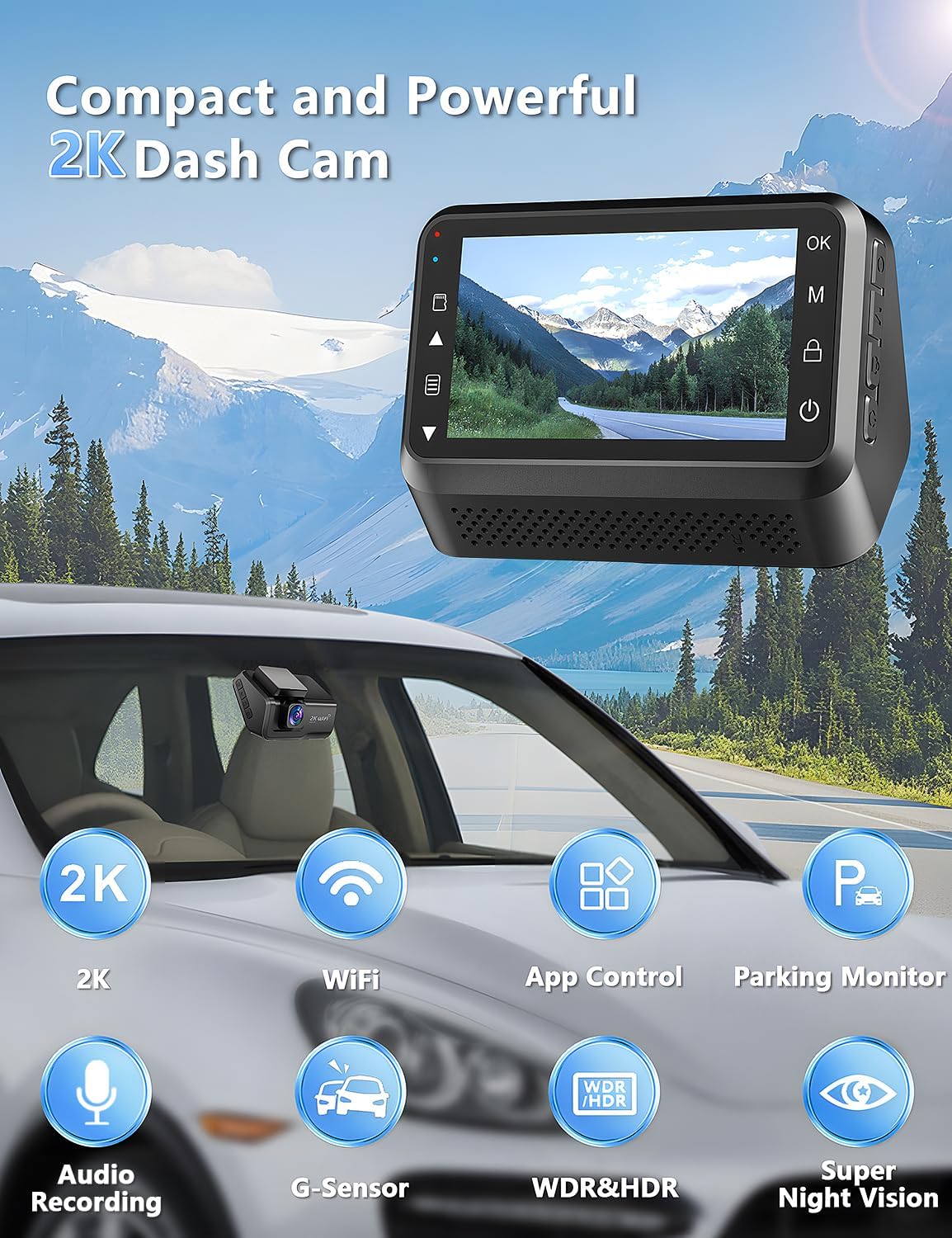
Ключавыя кампаненты:
- Аб'ектыў: 2K resolution, 170° wide-angle, F1.8 large aperture, 6-layer glass.
- Дысплей: 3-inch LED screen for real-time viewing and settings.
- Кнопкі кіравання: Located on the side for menu navigation and function control.
- Слот для карты MicroSD: Supports up to 256GB, 64GB card included.
- Порт тыпу C: Для падключэння электраэнергіі.
- Мацаванне: Adhesive pad for windshield mounting.
4. Усталёўка і налада
Follow these steps to install your dash cam:
- Падрыхтуйце лабавое шкло: Clean the area on your car's windshield where you intend to mount the dash cam. Ensure it is free of dust and grease.
- Нанесці электрастатычную налепку: Apply one of the provided electrostatic stickers to the cleaned area. This helps in stable mounting and easy removal without leaving residue.
- Прымацаваць клейкую пракладку: Peel off the protective film from the 3M adhesive pad on the dash cam mount and firmly press it onto the electrostatic sticker.
- Падключыце харчаванне: Connect the Type-C power cable from the car charger to the dash cam. Route the cable neatly along the windshield and dashboard edges using the easy pry tool to tuck it away. Plug the car charger into your vehicle's cigarette lighter socket.
- Устаўце карту MicroSD: Insert the provided 64GB MicroSD card into the card slot on the dash cam. Ensure it clicks into place.

5. Асноўная аперацыя
Уключэнне/выключэнне харчавання:
- Відэарэгістратар аўтаматычна ўключыцца і пачне запіс, калі ўключыць запальванне аўтамабіля.
- Ён аўтаматычна выключыцца пры выключэнні запальвання.
- To manually power on/off, press and hold the power button located on the device.
Запіс:
- Запіс пачынаецца аўтаматычна пры ўключэнні прылады.
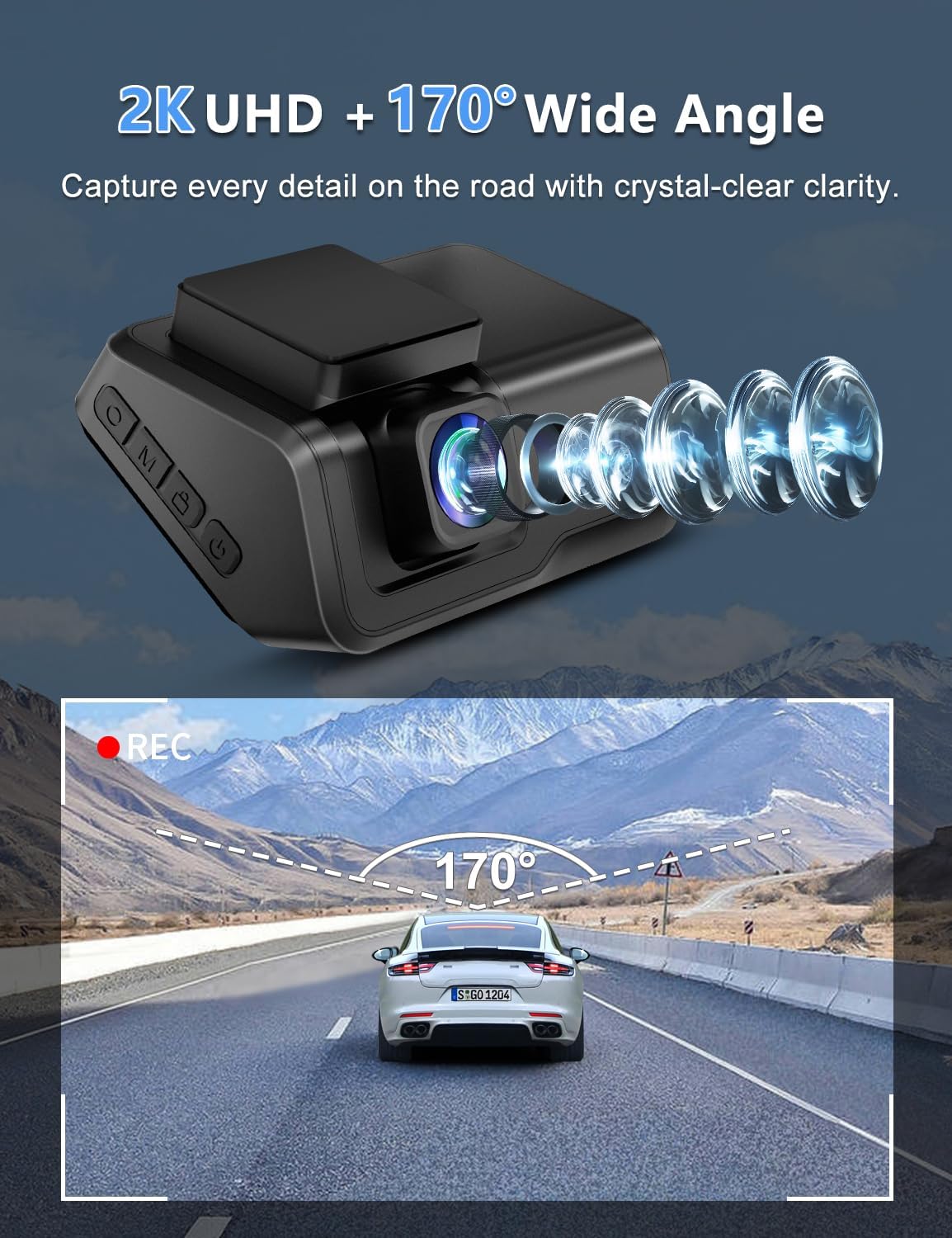
- The 2K front camera captures video at a 170° wide-angle, ensuring comprehensive road coverage.
- Audio recording is also supported.
6. Пашыраныя магчымасці
WiFi and App Control:
Connect your dash cam to the exclusive Viidure APP (available for Android and iOS devices) via WiFi for real-time preview, smooth video downloads, easy editing, and sharing to social media platforms.

Супер начное бачанне:
Equipped with an F1.8 large aperture, WDR (Wide Dynamic Range), and a 6-layer glass lens, the dash cam captures clear and sharp footage in low-light conditions, ensuring detailed number plates and road signs are visible day and night.

Кругласутачны маніторынг паркоўкі:
When your car is parked, this function automatically activates upon detecting motion or impact, locking the video to provide continuous protection against potential threats. Note: This feature requires a hardwire kit (ASIN: B0CP4WYYSX), which is not included.

G-Sensor and Loop Recording:
- G-сэнсар: Аўтаматычна выяўляе раптоўныя трасяніны або сутыкненні і блакуе бягучы відэазапіс.tage to prevent it from being overwritten, securing critical evidence.
- цыклічны запіс: Ensures continuous recording by automatically overwriting the oldest unlocked files, калі карта памяці поўная.

7. Тэхнічнае абслугоўванне
- Ачысціце аб'ектыў: Рэгулярна працірайце аб'ектыў камеры мяккай тканінай без ворса, каб забяспечыць выразную якасць відэа.
- Фармат карты MicroSD: It is recommended to format the MicroSD card periodically (e.g., once a month) to maintain optimal recording performance and prevent data corruption. Back up any important files перад фарматаваннем.
- Працоўная тэмпература: The dash cam is designed to operate in temperatures from -30℃ to 80℃ (-22℉ to 176℉). Avoid exposing the device to extreme temperatures outside this range for prolonged periods.

8. Выпраўленне непаладак
If you encounter any issues with your Otovoda B-T51 Dash Cam, please refer to the following common solutions:
- Прылада не ўключаецца: Ensure the car charger is properly connected to both the dash cam and the vehicle's power outlet. Check if the vehicle's ignition is on.
- Праблемы з запісам: Verify that the MicroSD card is correctly inserted and formatted. If the card is full, loop recording should overwrite old files, but ensure no critical files are locked. Try formatting the card.
- Праблемы з падключэннем Wi-Fi: Ensure the dash cam's WiFi is enabled and your smartphone is within range. Re-enter the WiFi password if necessary.
- Дрэнная якасць відэа: Clean the camera lens. Check the recording resolution settings in the app.
- Не працуе манітор паркоўкі: Confirm that the optional hardwire kit is correctly installed and connected, as this feature requires constant power.
9. Тэхнічныя характарыстыкі
| Асаблівасць | Спецыфікацыя |
|---|---|
| Марка | Отовода |
| мадэль | Б-Т51 |
| Дазвол відэазахопу | 2K |
| Viewing кут | 170 градусаў |
| Памер дысплея | 3 цалі |
| Тэхналогія падлучэння | Wi-Fi |
| Included Memory Card Size | 64 ГБ (падтрымлівае да 256 ГБ) |
| Асаблівасці | 2-Year Warranty, Built-in WiFi, Built-in Microphone, App Control, Type-C Port, Compact Design, WDR, HDR, Super Night Vision, Loop Recording, G-sensor, Parking Monitor |
| Працоўная тэмпература | Ад -30 да 80 ℃ (ад -22 да 176 ℉) |
| Памеры прадукту | 3.8 х 8.2 х 5.3 см; 315 г |
10. Гарантыя і падтрымка
Your Otovoda B-T51 Dash Cam comes with an extendable 2-Year Repair Warranty і а Full Refund within 30 days of purchase. For any questions, missing accessories, or technical support, please contact us. We provide technical support and aim to respond within 24 hours, ensuring 100% satisfaction.
After Service Email Address: dashcam@bestservices.vip
