
Уводзіны
This manual provides detailed instructions for the setup, operation, and maintenance of your Vbestlife Stereo Speaker with Hidden WiFi Camera. Please read this manual thoroughly before using the device to ensure optimal performance and safety.
Асаблівасці прадукту
- 2K Video Recording & 140° Wide-Angle Lens: Supports 2K video recording with auto-focus and motion detection. The 140-degree wide-angle lens captures more video footage and details.
- Smart Security Monitoring: Connects to a smartphone app via WiFi for real-time monitoring, two-way remote communication, motion detection, loop recording, and intelligent alarm notifications.
- HD начны бачанне: Manual activation of black and white night vision mode in low-light conditions, with a maximum night vision distance of 8 meters for clear recording in darkness.
- High-Quality Bluetooth Speaker: Integrated stereo speakers connect to a smartphone for music playback, offering excellent sound quality with sweet high tones, accurate mid-tones, and deep bass.
- Працяглая батарэя: Built-in 4500mAh high-capacity battery supports simultaneous charging and recording for continuous 365-day home security protection.
Змест пакета
Калі ласка, праверце змесціва пакета пасля распакавання:
- Vbestlife Stereo Speaker with Hidden WiFi Camera
- USB-кабель для зарадкі
- Кіраўніцтва карыстальніка
- Mounting Accessories (if applicable, based on images)

Image: The Vbestlife Stereo Speaker with Hidden WiFi Camera, showing its various features like speakers, two-way intercom, HD 1080P, WiFi wireless connection, infrared night vision, motion detection, video call, and app support for Android/iOS. The image also displays the speaker's design and a smartphone screen showing live camera feed.
Настройка
1. Зарадка прылады
Before initial use, fully charge the device using the provided USB cable and a compatible power adapter. The device supports continuous operation while charging.

Image: The Vbestlife Stereo Speaker with Hidden WiFi Camera connected to two types of power supply: a wall socket for 365 days of uninterrupted operation and a mobile power bank (10,000 mAh lasting 25 hours).
2. Усталёўка карты MicroSD (неабавязкова)
To enable local video storage, insert a MicroSD card (up to 256GB, not included) into the designated slot. Ensure the card is formatted correctly (FAT32) for optimal performance.

Image: A diagram of the Vbestlife Stereo Speaker with Hidden WiFi Camera, highlighting its dimensions (7.3cm x 9.3cm) and labeling key components: Camera Lens, Camera switch, Night vision light, Reset button, TYPE-C port, Speaker switch, Volume -/Next song, Volume +/Previous song, and Indicator light.
3. Усталёўка і падключэнне праграмы
Download the dedicated smartphone application (e.g., "Tris Home" or similar, as suggested by video content) from your device's app store. Follow the in-app instructions to connect your camera.
Video: This video demonstrates the process of connecting a camera to a smartphone application. It shows how to power on the device, enable Bluetooth on the phone, open the app, detect the new device, connect to WiFi by entering the password, and finally bind the device to the app for live viewing. The video highlights the steps for initial setup and connection.
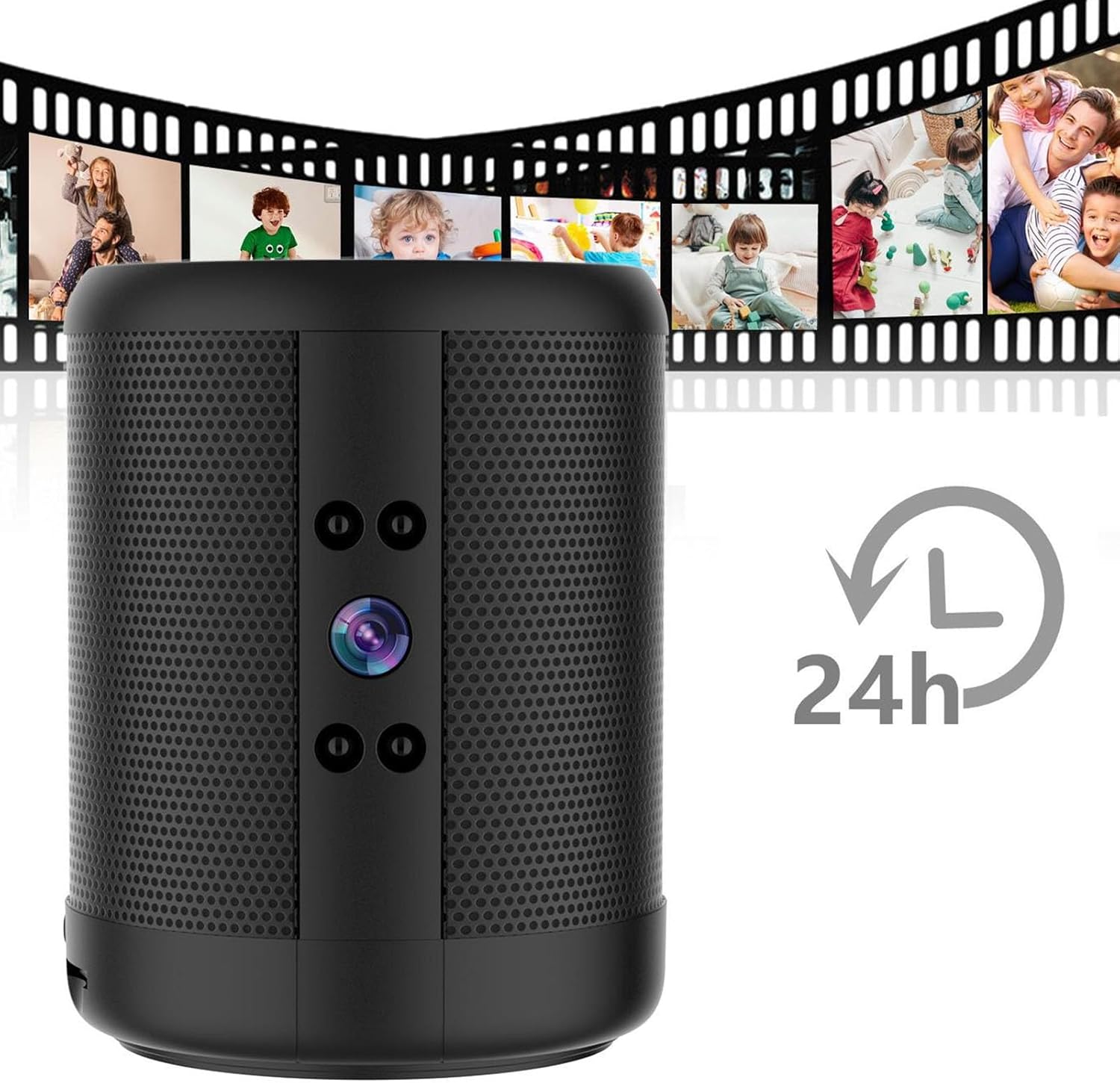
Image: The Vbestlife Stereo Speaker with Hidden WiFi Camera, emphasizing its 24-hour recording capability. The image shows a camera lens and a "24h" logo, with film strips displaying various scenes of people, suggesting continuous monitoring.
Інструкцыя па эксплуатацыі
жыць View і аддалены доступ
Once connected to the app, you can access the live video feed from your camera. Use the app to monitor your space in real-time from anywhere.
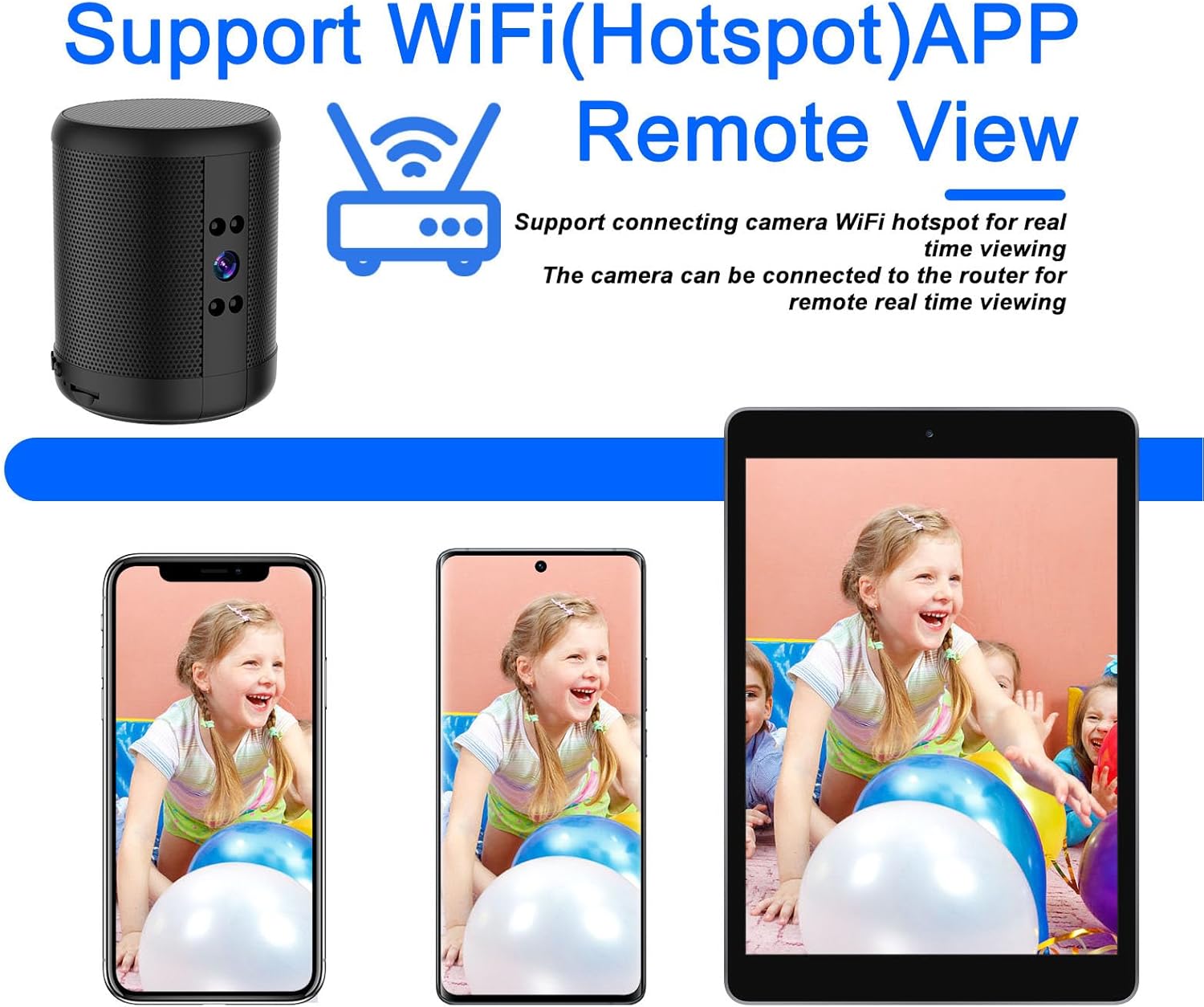
Image: A Vbestlife Stereo Speaker with Hidden WiFi Camera shown alongside smartphones and a tablet, all displaying live remote viewing via WiFi (Hotspot) APP. This illustrates the remote monitoring capability of the device.
Двухбаковае аўдыё
Utilize the two-way talk feature in the app to communicate with individuals near the camera. This allows for remote interaction and clear voice evidence recording.

Image: The Vbestlife Stereo Speaker with Hidden WiFi Camera in an office setting, demonstrating its "Clear listening voice" feature. A blue speech bubble with headphones indicates that the listening effect is clear and voice evidence is saved, suggesting two-way audio capabilities.
Начное бачанне
Activate the night vision mode through the app for clear surveillance in low-light or dark environments. The camera automatically switches to black and white for enhanced visibility.
Выяўленне руху і сігналізацыя
Enable motion detection to receive automatic alarm notifications on your smartphone when movement is detected. This feature enhances security by alerting you to unusual activity.
Функцыянальнасць Bluetooth-дынаміка
Connect your smartphone to the device via Bluetooth to use it as a stereo speaker for playing music. Refer to your smartphone's Bluetooth pairing instructions.

Image: The Vbestlife Stereo Speaker with Hidden WiFi Camera shown playing music, with musical notes emanating from the speaker and a smartphone displaying a music player interface. This highlights the device's Bluetooth speaker functionality.
Тэхнічнае абслугоўванне
- Трымайце прыладу чыстай і без пылу. Выкарыстоўвайце для чысткі мяккую сухую тканіну.
- Пазбягайце ўздзеяння на прыладу экстрэмальных тэмператур, прамых сонечных прамянёў або вільгаці.
- Regularly check for firmware updates through the app to ensure optimal performance and security.
- If using a MicroSD card, periodically back up important recordings and consider formatting the card to maintain performance.
Ліквідацыю непаладак
| праблема | Рашэнне |
|---|---|
| Прылада не падключаецца да Wi-Fi. | Ensure your WiFi network is 2.4GHz (5G WiFi is not supported). Check WiFi password for accuracy. Move the device closer to the router. Reset the device and try connecting again. |
| Дрэнная якасць відэа. | Check your internet connection speed. Ensure the camera lens is clean. Adjust camera placement for better lighting. |
| Выяўленне руху не працуе. | Ensure motion detection is enabled in the app settings. Adjust sensitivity levels. Check for obstructions in the camera's field of view. |
| Device not recording. | Check if a MicroSD card is inserted and properly formatted. Ensure there is sufficient storage space. Verify recording settings in the app. |
| Не падключаецца дынамік Bluetooth. | Ensure Bluetooth is enabled on your smartphone and the speaker. Make sure the speaker is in pairing mode. Forget the device on your phone and try pairing again. |
Скід прылады
If you encounter persistent issues, you may need to reset the device to factory settings. Locate the reset button (refer to the "Package Contents" section for its location) and press and hold it for 5-10 seconds until you hear a prompt or see the indicator light change.
Video: This video provides a tutorial for a "CarKey" spy camera, demonstrating how to insert a MicroSD card, record video, take photos, activate motion sensor, activate night vision, reset the camera, and change the date/time of the video. It also includes a troubleshooting section. While the product is different, the reset and MicroSD formatting steps are generally applicable to similar camera devices.
Тэхнічныя характарыстыкі
| Асаблівасць | Дэталь |
|---|---|
| Рэкамендуемае выкарыстанне | Indoor/On |
| Марка | Vbestlife |
| Назва мадэлі | VBESTLIFEz6i87gby1s |
| Тэхналогія падлучэння | Правадное, бесправадное (Wi-Fi, Bluetooth) |
| Асаблівасць | Рэгуляваны |
| Крыніца харчавання | Battery, Electric Cable |
| Тып кантролера | Android |
| Тып мацавання | Насценнае мацаванне |
| Матэрыял | Пластыкавыя |
| Тып абвесткі | Толькі рух |
| Тып нумара | Офіс |
| Крыніца асвятлення | Інфрачырвоны |
| Метад кантролю | Ужыванне |
| Дазвол запісу відэа | 2K |
| Частата кадраў | 30 кадраў у секунду |
| Viewing кут | 140 градусаў |
| Тып фокусу | Аўтафокус |
| Фармат захопу відэа | MP4 |
| Дыяпазон начнога бачання | 8 метраў |
| Начное бачанне | Каляровы начны бачанне |
| Ватtage | 10 ват-гадзін |
| Патрабуецца акумулятар | No (Built-in battery) |
| Колькасць каналаў | 2 |
Гарантыя і падтрымка
For warranty information and technical support, please refer to the product packaging or contact Vbestlife customer service directly. Keep your purchase receipt for warranty claims.
The product includes a 30-day free return policy.