
VTech CS2000
VTech CS2000 DECT Cordless Home Phone User Manual
Model: CS2000 | Brand: VTech
Уводзіны
This manual provides comprehensive instructions for the VTech CS2000 DECT Cordless Home Phone. It covers setup, operation, maintenance, and troubleshooting to ensure you get the most out of your device. The VTech CS2000 offers reliable long-range communication, advanced call blocking features, a clear backlit display, and hands-free functionality, designed for ease of use in your home.

Image: The VTech CS2000 cordless handset resting in its base station, showcasinяго кампактны дызайн і выразны дысплей.
Настройка
Follow these steps to set up your VTech CS2000 phone system.
1. Змесціва ўпакоўкі
Пераканайцеся, што ўсе прадметы наяўныя:
- Тэлефон VTech CS2000
- Базавая станцыя
- Адаптар харчавання для базавай станцыі
- Тэлефонны шнур
- Rechargeable NiMH Batteries (2 x AAA)
- Кіраўніцтва карыстальніка (гэты дакумент)
3. Устаноўка батарэі
- Адкрыйце крышку батарэйнага адсека на задняй панэлі трубкі.
- Insert the two supplied NiMH AAA batteries, observing the correct polarity (+ and -).
- Надзейна зачыніце крышку батарэйнага адсека.
3. Падключэнне базавай станцыі
- Connect one end of the telephone line cord to the TEL LINE jack on the back of the base station.
- Падключыце другі канец тэлефоннага шнура да тэлефоннай разеткі.
- Plug the small end of the power adapter into the POWER jack on the back of the base station.
- Падключыце вялікі канец адаптара харчавання да звычайнай электрычнай разеткі.
- Place the handset on the base station to charge the batteries. Allow at least 16 hours for the initial charge.

Выява: Пад вуглом view of the VTech CS2000 handset docked in its base, illustrating proper placement for charging.
Інструкцыя па эксплуатацыі
Learn how to use the various features of your VTech CS2000 phone.
Здзяйсненне і прыём званкоў
- Каб зрабіць званок: Вазьміце слухаўку альбо націсніце ГАВАРЫЦЬ кнопку, а затым набярыце нумар.
- Каб прыняць выклік: Калі тэлефон зазваніць, падніміце слухаўку або націсніце ГАВАРЫЦЬ кнопка.
- Гучная сувязь гучнай сувязі: Падчас размовы націсніце СПІКЕР кнопку, каб уключыць гучную сувязь. Націсніце яе зноў, каб вярнуцца да тэлефоннай трубкі.

Image: A person using the hands-free speakerphone function of the VTech CS2000 while preparing food, demonstrating convenience.
Блакаванне выкліку
The VTech CS2000 features a robust call blocking function to filter unwanted calls.
- Block up to 30 numbers in the blacklist.
- Block unwanted calls and calls from unknown numbers.
- Option to block all calls during a programmable period for undisturbed time.
*Note: This feature requires subscription to a Caller ID service from your network provider.

Image: The VTech CS2000 phone with an overlay indicating the call blocker feature, showing a person relaxing undisturbed.
Phone Directory and Caller ID
- Store up to 30 names and numbers in the phone directory.
- Caller ID memory stores up to 20 names and numbers.
- Access the last 10 dialed numbers for quick redial.
*Note: Caller ID function requires subscription to a Caller ID service from your network provider.
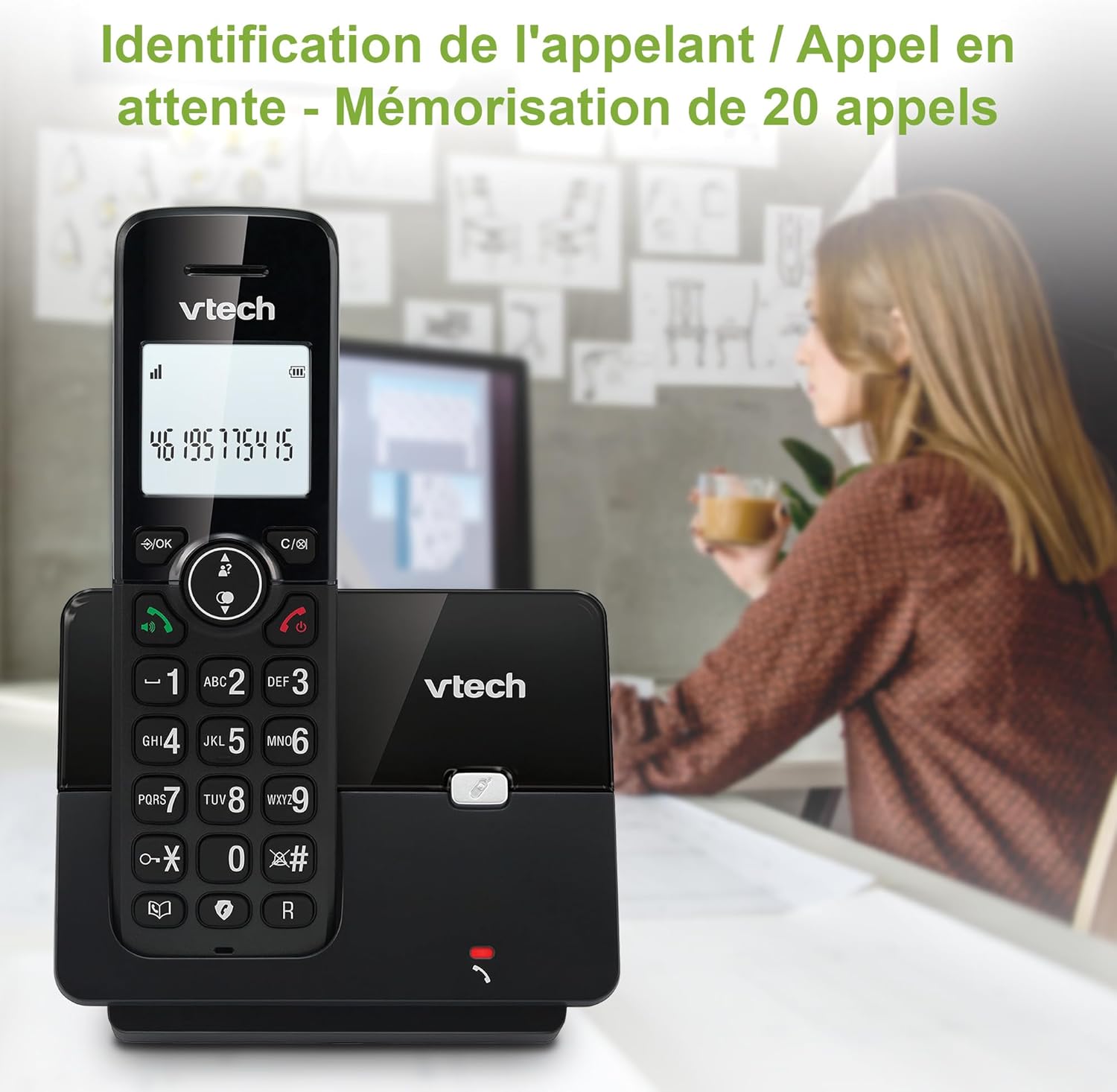
Image: The VTech CS2000 handset displaying caller ID information, with an overlay indicating storage for 20 calls.
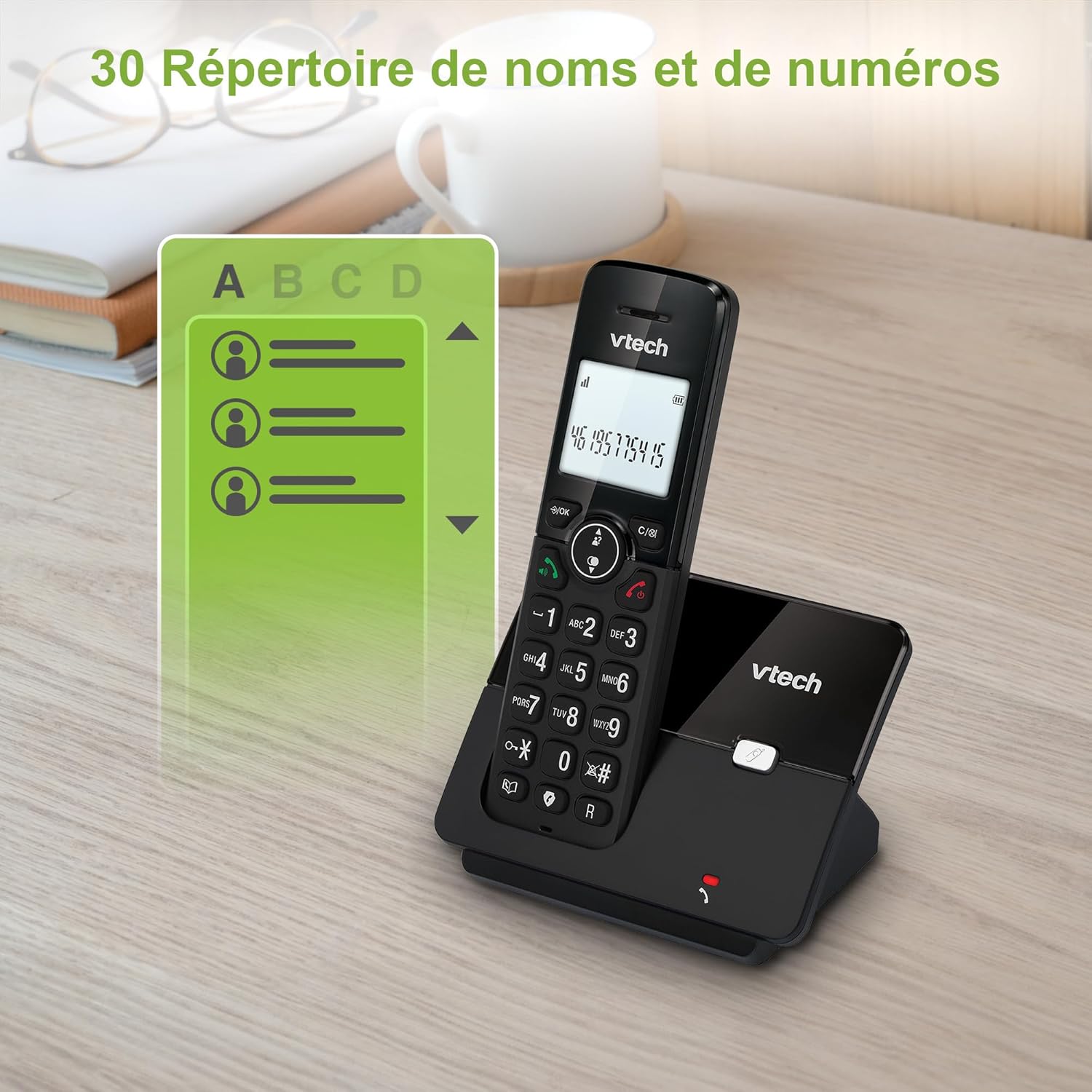
Image: The VTech CS2000 handset displaying a phone directory list, highlighting its capacity for 30 names and numbers.

Image: The VTech CS2000 handset displaying a list of recently dialed numbers, indicating the 10 last number redial feature.
Рэгуляванне налад
- Ringtone Volume and Melody: Adjust these settings through the handset menu to suit your preference.
- Alarm and Mute Function: Utilize the alarm feature for reminders and the mute function for privacy during calls.
- Рэжым ECO: The handset automatically adjusts radio frequency power based on its distance from the base station, optimizing power consumption.

Image: The VTech CS2000 handset with an overlay indicating adjustable ringtone volume and melody, showing sound waves.

Image: A split image showing the VTech CS2000's alarm function (person exercising) and mute function (couple relaxing), indicating versatility.
Тэхнічнае абслугоўванне
Proper care ensures the longevity of your VTech CS2000 phone.
- Уборка: Працярыце трубку і базавую станцыю мяккай губкайamp тканінай. Не выкарыстоўвайце ачышчальныя спрэі або агрэсіўныя хімікаты.
- Сыход за батарэяй: For optimal battery life, always return the handset to the base station when not in use. If the phone will be unused for an extended period, remove the batteries.
- Асяроддзе: Трымайце тэлефон далей ад крыніц цяпла, прамых сонечных прамянёў і вільгаці.
Ліквідацыю непаладак
If you encounter issues with your VTech CS2000, try these solutions:
| праблема | Рашэнне |
|---|---|
| Няма нумара набору. |
|
| Тэлефон не зараджаецца. |
|
| Poor sound quality or limited range. |
|
| Дысплей пусты або нечытэльны. |
|
| Cannot block calls. |
|
Тэхнічныя характарыстыкі
Detailed technical specifications for the VTech CS2000 DECT Cordless Home Phone.
| Асаблівасць | Дэталь |
|---|---|
| Марка | VTech |
| Нумар мадэлі | CS2000 |
| Колер | Чорны |
| Тып тэлефона | Бесправадная |
| Памер экрана | 1.8 цалі |
| Асаблівасці | Cordless, Call Blocking, Hands-free Speakerphone, ECO Mode |
| Склад батарэі | NiMH |
| Колькасць батарэек | 2 AAA (у камплекце) |
| Матэрыял | Пластыкавыя |
| Крыніца харчавання | Харчаванне ад батарэі |
| Тып дазвону | Адзіная клавіятура |
| Памеры прадмета (Д х Ш х У) | 17.5 х 10.5 х 9.2 сантыметраў |
| Тып аўтаадказчыка | Лічбавы |
| Час размовы | 13 гадзіны |
| Далёкасць бесправадной сувязі | Up to 300 meters (outdoors) |
| Ёмістасць тэлефоннай кнігі | 30 імёнаў і лічбаў |
| Памяць ідэнтыфікатара абанента | 20 імёнаў і лічбаў |
| Апошні нумар паўторнага набору | 10 запісаў |
| Краіна паходжання | Кітай |

Image: A visual representation of the VTech CS2000's reliable long-range capability, showing the phone in a large home environment.
Гарантыя і падтрымка
Каб атрымаць інфармацыю аб гарантыі і падтрымцы кліентаў, звярніцеся да афіцыйнага прадстаўніка вытворцы website or the warranty card included with your product. VTech products typically come with a standard manufacturer's warranty covering defects in materials and workmanship.
If you require technical assistance or have questions not covered in this manual, please contact VTech customer support. Keep your purchase receipt as proof of purchase for warranty claims.
For returns or specific purchase-related inquiries, please refer to the return policy of your retailer (e.g., Amazon's 30-day return policy).