
VTech ES2051
Кіраўніцтва карыстальніка бесправаднога тэлефона VTech ES2051 DECT
Twin Handset with Answering Machine, Call Block, and Handsfree Speakerphone
1. Уводзіны
This user manual provides comprehensive instructions for the VTech ES2051 DECT Cordless Phone system. It covers setup, operation, maintenance, and troubleshooting for your twin handset phone, featuring an integrated answering machine, nuisance call blocker, and handsfree speakerphone capabilities. Please read this manual thoroughly to ensure proper use and to take full advantagе ўсіх функцый.
2. Што ў скрынцы
Калі ласка, праверце, ці ў вашай пасылцы ёсць наступныя прадметы:
- 2 Base Units
- 2 бесправадных тэлефонаў
- 2 зарадныя прылады
- 2 батарэі
- Тэлефонны шнур
- Кароткае кіраўніцтва
3. Настройка
3.1 Усталёўка батарэй
Each handset requires 2 AAA rechargeable batteries (included). Open the battery compartment cover on the back of the handset and insert the batteries, observing the correct polarity (+ and -). Close the cover securely.
3.2 Падключэнне базавага блока
Connect one end of the telephone line cord to the LINE socket on the base unit and the other end to your telephone wall socket. Connect the small end of the power adapter to the POWER socket on the base unit and plug the large end into a mains power outlet. For the second handset, connect its charger to a mains power outlet.
3.3 Зарадка тэлефонаў
Place each handset on its respective base unit or charger. The charging indicator on the handset will illuminate. For optimal battery performance, charge the handsets for at least 16 hours before initial use.

Image: The VTech ES2051 DECT Cordless Phone system, showing the main base unit with one handset docked, and a second handset with its charging cradle. This illustrates the twin handset setup.
4. Інструкцыя па эксплуатацыі
4.1 Асноўныя функцыі выклікаў
- Здзяйсненне званка: Набярыце нумар і націсніце Тэлефануйце кнопка.
- Прыём званка: Калі тэлефон звоніць, націсніце кнопку Тэлефануйце кнопка.
- Завяршэнне выкліку: Націсніце Канец кнопку або пакладзеце трубку назад на базу/зарадную прыладу.

Image: Two VTech ES2051 DECT cordless handsets and the main base unit are displayed in a modern living room setting, highlighting the twin handset feature.
4.2 Handsfree Speakerphone
Падчас размовы націсніце Гучная сувязь button to activate handsfree mode. Press it again to switch back to handset mode.
4.3 Блакіроўка выклікаў
The nuisance call blocker allows you to stop unwanted calls. You can save up to 100 names and numbers in the call block list. Refer to the quick start guide for specific steps on how to add numbers to the block list.

Image: The VTech ES2051 DECT Cordless Phone base unit and handset are shown with a graphic indicating the 'Call Blocker' feature, emphasizing its ability to block nuisance and unwanted calls.
Лічбавы аўтаадказчык 4.4
The integrated digital answering system can record up to 30 minutes of messages. You can set up your outgoing message, play back messages, and delete them directly from the base unit or a handset. The base unit features a digital message counter.

Image: The VTech ES2051 DECT Cordless Phone base unit and handset are displayed, with a speech bubble suggesting a message, illustrating the digital answering system's function.
4.5 Easy, One-touch Features
The phone includes features like Mute/Alarm, adjustable ring volume and melodies, and a high-quality handsfree speakerphone, all accessible with ease.

Image: The VTech ES2051 DECT Cordless Phone is shown with icons representing its easy, one-touch features, including Mute/Alarm, adjustable ring volume, and handsfree speakerphone.
4.6 Volume Booster
Activate the Volume Booster function to amplify incoming sound, enhancing clarity and loudness, particularly useful for those with weakened hearing.

Image: A VTech ES2051 DECT Cordless Handset is shown with a graphic illustrating sound waves, indicating the Volume Booster feature that amplifies incoming audio.
4.7 Backlit Display and Keypad
The handset features a backlit LCD screen and keypad, illuminating the entire keypad for easier viewing and operation in dim light conditions.

Image: The VTech ES2051 DECT Cordless Phone base unit and handset are displayed, highlighting the illuminated LCD screen and keypad for improved visibility in low light.
4.8 Intercom Between Base and Handset
Utilize the handset-to-handset intercom function to communicate between the two handsets without using the telephone line. This is useful for internal communication within your home.
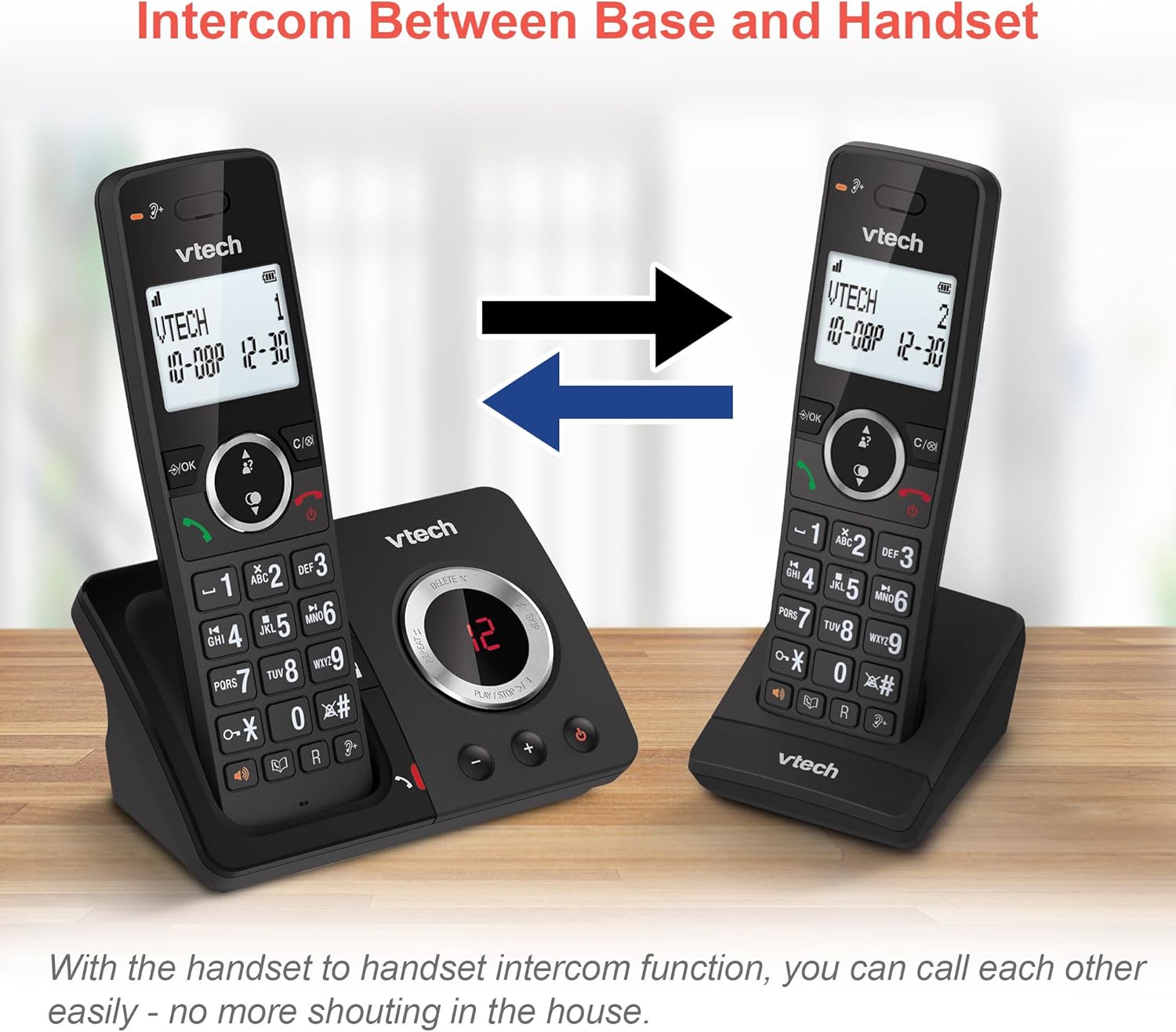
Image: Two VTech ES2051 DECT Cordless Handsets are shown with arrows indicating communication between them, illustrating the intercom function.
4.9 Трохбаковая канферэнцыя
The 3-way calling feature allows you to conference a call with two internal callers (handsets) and one external caller into a single conversation.

Image: Three individuals are depicted using phones, visually representing the 3-way conference call capability of the VTech ES2051 system.
5. Тэхнічнае абслугоўванне
5.1 Ачыстка
Clean the phone and base unit with a soft, slightly damp тканіна. Не выкарыстоўвайце абразіўныя ачышчальнікі або растваральнікі. Сачыце за тым, каб вадкасць не патрапіла ўнутр прылады.
5.2 Сыход за акумулятарам
Каб падоўжыць тэрмін службы батарэі, пазбягайце празмернай зарадкі, не пакідаючы тэлефоны на зараднай прыладзе на працяглы час пасля поўнай зарадкі. Калі тэлефон не будзе выкарыстоўвацца працяглы час, выміце батарэі.
6. Выпраўленне непаладак
If you experience issues with your VTech ES2051, please refer to the following common problems and solutions:
- Няма сігналу набору: Ensure the telephone line cord is securely connected to both the base unit and the wall socket. Check that the power adapter is plugged in correctly.
- Нельга рабіць/прымаць званкі: Verify that the phone line is active. Check battery charge level on the handset.
- Дрэнная якасць гуку/статычны шум: Move the handset closer to the base unit. Avoid placing the base unit near other electrical appliances that may cause interference.
- Тэлефон не зараджаецца: Ensure the handset is correctly seated in the charging cradle and that the charging contacts are clean.
- Аўтаадказчык не запісвае: Check if the answering machine memory is full. Ensure the answering machine is turned on.
7. Тэхнічныя характарыстыкі
| Асаблівасць | Дэталь |
|---|---|
| Марка | VTech |
| мадэль | ES2051 |
| Тып тэлефона | Бесправадная DECT |
| Тып аўтаадказчыка | Лічбавы |
| Ідэнтыфікацыя абанента | так |
| Патрабуюцца батарэі | 4 AAA (у камплекце) |
| Вага прадмета | 0.78 кілаграма |
| Памеры ўпакоўкі | 18.5 х 14 х 11 см |
| Колер | Чорны |
| UPC | 796575179615 |
8. Гарантыя і падтрымка
For warranty information and technical support, please refer to the documentation provided with your purchase or visit the official VTech webсайт. Захоўвайце пацвярджэнне пакупкі для любых гарантыйных прэтэнзій.