
Уводзіны
Thank you for choosing the Vention TGESB USB-C Docking Station. This manual provides essential information for the proper setup, operation, and maintenance of your device. Please read it thoroughly before use to ensure optimal performance and longevity.
Прадукт скончаныview
The Vention TGESB is a versatile 5-in-1 USB-C docking station designed to expand the connectivity of your USB-C enabled devices. It features multiple ports for data transfer, video output, and power delivery.

Figure 1: Vention TGESB USB-C Docking Station with port labels.
Асноўныя характарыстыкі:
- USB-C Power Delivery (PD) 100W: Supports fast charging for compatible laptops and devices.
- Парты USB 3.0 (x3): Provides high-speed data transfer up to 5Gbps.
- Порт HDMI: Supports video output up to 4K resolution at 30Hz.
- Трывалы алюмініевы корпус: Ensures heat dissipation and product longevity.
- Кампактны дызайн: Лёгка насіць з сабой і выкарыстоўваць у дарозе.
Змест пакета
- Vention TGESB USB-C Docking Station (x1)
- Кіраўніцтва карыстальніка (x1)
Інструкцыя па наладзе
- Падключэнне да хост-прылады: Plug the USB-C connector of the Vention TGESB docking station into an available USB-C port on your laptop, tablet, or smartphone. Ensure your device's USB-C port supports video output (DisplayPort Alternate Mode) and power delivery for full functionality.
- Падключэнне перыферыйных прылад:
- USB прылады: Connect USB flash drives, external hard drives, keyboards, mice, or other USB peripherals to the USB 3.0 ports.
- HDMI-дысплей: Connect an HDMI cable from the docking station's HDMI port to your monitor or TV.
- Power Adapter (Optional): If your host device requires charging, connect your original USB-C power adapter to the PD (Power Delivery) port on the docking station. This will pass power through to your host device.
- Ўстаноўка драйвера: The Vention TGESB is typically plug-and-play and does not require additional drivers for most operating systems (Windows, macOS, Linux, Android). If you encounter issues, ensure your operating system is up to date.
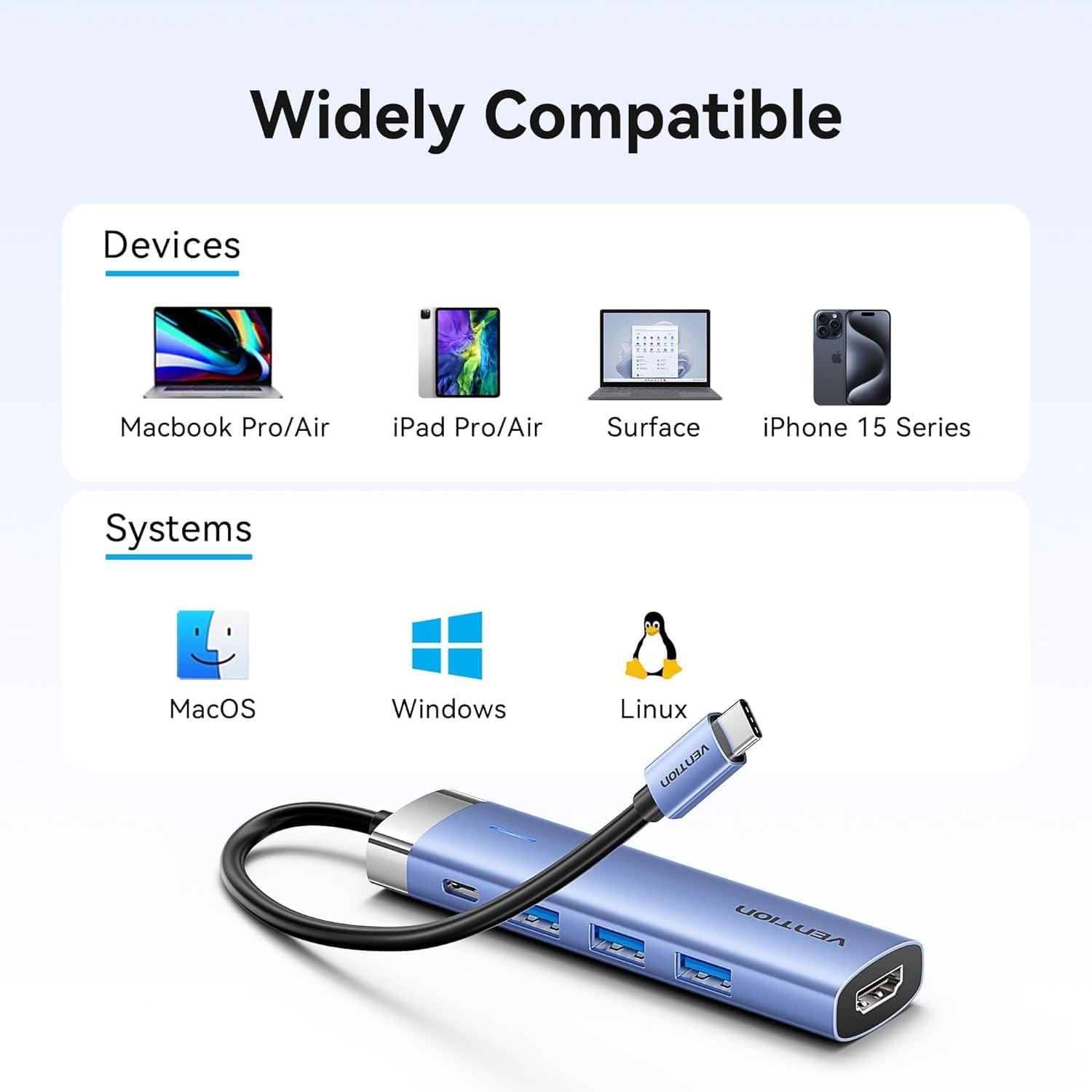
Figure 2: Device and operating system compatibility.
Інструкцыя па эксплуатацыі
Using USB 3.0 Ports:
Connect your USB devices to any of the three USB 3.0 ports. These ports support data transfer speeds up to 5Gbps, allowing for quick file transfers. For optimal performance, ensure your connected USB devices also support USB 3.0.
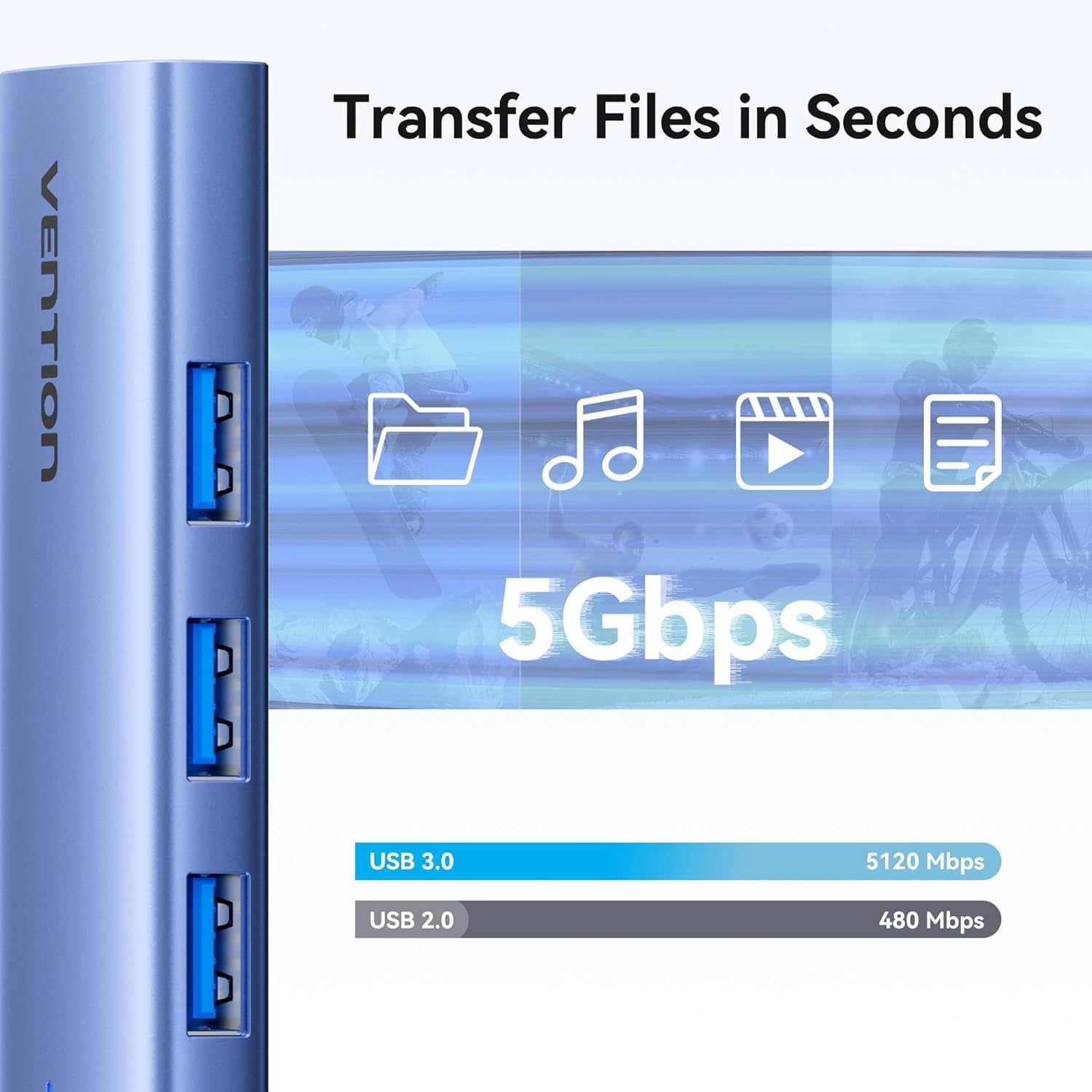
Малюнак 3: Высокахуткасная перадача дадзеных праз парты USB 3.0.
Using HDMI Output:
The HDMI port supports resolutions up to 4K at 30Hz. After connecting your monitor, your operating system should automatically detect the external display. You can configure display settings (mirror mode, extend mode) through your device's display settings.

Figure 4: Multiple display modes (Mirror and Extend).
Using Power Delivery (PD) Port:
Connect your laptop's original USB-C power adapter to the PD port on the docking station. This port supports up to 100W power delivery, allowing you to charge your host device while using the docking station's other features.

Figure 5: Power Delivery 100W fast charging.
Тэхнічнае абслугоўванне
- Уборка: Use a soft, dry cloth to clean the surface of the docking station. Avoid using liquid cleaners or solvents.
- захоўванне: Захоўвайце прыладу ў прахалодным, сухім месцы, удалечыні ад прамых сонечных прамянёў і экстрэмальных тэмператур.
- Апрацоўка: Avoid dropping or subjecting the device to strong impacts. Do not attempt to disassemble the docking station.
Ліквідацыю непаладак
| праблема | Магчымая прычына | Рашэнне |
|---|---|---|
| Няма вываду дысплея праз HDMI. |
|
|
| Прылады USB не распазнаюцца. |
|
|
| Host device is not charging. |
|
|
Тэхнічныя характарыстыкі
| Асаблівасць | Дэталь |
|---|---|
| мадэль | TGESB |
| Марка | ВЕНЦЫЯ |
| Увод | USB-C |
| Выхадныя парты |
|
| Памеры (Д х Ш х У) | 6.5 х 3.54 х 0.79 цалі (16.5 х 9 х 2 см) |
| Вага | 2.46 унцый (0.07 кг) |
| Матэрыял абалонкі | Алюмініевы сплаў |
| Сумяшчальнасць | Devices with full-featured USB-C port (supporting DisplayPort Alt Mode and Power Delivery). Compatible with Windows, macOS, Linux, Android. |
Гарантыя і падтрымка
Vention products come with a standard manufacturer's warranty. For detailed warranty information, technical support, or customer service, please visit the official Vention webсайт або звярніцеся да мясцовага дыстрыбутара. Калі ласка, захавайце пацвярджэнне пакупкі для прэтэнзій па гарантыі.
Official Vention Webсайт: Vention Store on Amazon (Спасылка прадастаўлена для даведкі, фактычны афіцыйны webсайт можа адрознівацца)


