
BINNUNE BW01
BINNUNE Wireless Gaming Headset User Manual
Мадэль: BW01
Марка: BINNUNE
Уводзіны
Thank you for choosing the BINNUNE Wireless Gaming Headset. This manual provides detailed instructions on how to set up, operate, and maintain your headset to ensure optimal performance and a superior gaming experience. Please read this manual thoroughly before using the product.
Што ў скрынцы
Upon unboxing your BINNUNE Wireless Gaming Headset, please verify that all the following components are included:
- BINNUNE Wireless Gaming Headset (Blue)
- 2.4 ГГц USB-ключ
- Аўдыёкабель 3.5 мм
- USB-кабель для зарадкі
- Кіраўніцтва карыстальніка (гэты дакумент)

Image: The BINNUNE Wireless Gaming Headset in blue, accompanied by its 2.4GHz USB dongle and a 3.5mm audio jack. These are the primary components included in the product package.
Прадукт скончаныview
Familiarize yourself with the key features and components of your BINNUNE Wireless Gaming Headset:
- Рэгуляваная павязка на галаву: Для камфортнай пасадкі.
- Мяккія навушнікі: Large-size memory foam earmuffs (110mm diameter, 45mm thickness) made of breathable PU leather and mesh material for extended comfort.
- 50-міліметровыя драйверы: High-performance 50mm driver units for clear and rich stereo sound.
- Unidirectional Noise-Canceling Microphone: A 120° adjustable boom mic designed to filter out background noise for clear communication.
- Элементы кіравання на гарнітуры: Buttons for power, volume adjustment, and microphone mute.

Выява: Падрабязны view of the BINNUNE Wireless Gaming Headset's unidirectional boom microphone, highlighting its flexible design and noise-canceling capabilities.

Image: An exploded diagram illustrating the internal components of the 50mm audio drivers within the BINNUNE headset, emphasizing their design for rich, full-range sound.
Настройка
Зарадка гарнітуры
Before first use, fully charge the headset. A full charge takes approximately 3 hours. A 10-minute quick charge can provide up to 3 hours of battery life. The headset offers up to 80 hours of continuous use in 2.4GHz mode and up to 120 hours in Bluetooth mode.
- Connect the USB charging cable to the headset's charging port.
- Падключыце другі канец USB-кабеля да сумяшчальнай крыніцы харчавання USB (напрыклад, USB-порта кампутара, насценнага адаптара USB).
- The LED indicator on the headset will show charging status (refer to the headset's LED guide for specific indications).

Image: The BINNUNE Wireless Gaming Headset displayed alongside a visual representation of its impressive 120-hour battery life, indicating extended usage time.
Параметры падлучэння
Your BINNUNE headset supports three connection modes:
- Бесправадная сувязь 2.4 ГГц (USB-адаптар): Provides ultra-low latency (15ms) for gaming. Ideal for PS5, PS4, PC, and Mac.
- Bluetooth 5.3: For wireless connection to mobile phones, tablets, PC, and Mac.
- Правадное злучэнне 3.5 мм: Universal compatibility with any device featuring a 3.5mm audio jack.
2.4GHz Wireless Connection (for PS5, PS4, PC, Mac)
- Устаўце USB-адаптар 2.4 ГГц у даступны USB-порт на вашай PS5, PS4, ПК або Mac.
- Уключыце гарнітуру. Яна аўтаматычна паспрабуе падключыцца да адаптара.
- Once connected, the LED indicator on the headset will confirm the connection (refer to LED guide).
- On your device, ensure the BINNUNE headset is selected as the audio output and input device.
Bluetooth 5.3 Connection (for PC, Mac, Mobile Phone, Tablet)
- Ensure the headset is powered on and in Bluetooth pairing mode (usually indicated by a blinking LED). If not, double-press the power button to switch to Bluetooth mode.
- On your device (PC, Mac, mobile phone, tablet), go to Bluetooth settings and search for available devices.
- Select "BINNUNE BW01" (or similar) from the list of found devices to pair.
- Once paired, the LED indicator will show a solid light (refer to LED guide).
3.5mm Wired Connection (for All Platforms)
- Падключыце адзін канец аўдыёкабеля 3.5 мм да порта 3.5 мм гарнітуры.
- Connect the other end of the 3.5mm audio cable to the 3.5mm audio jack on your device (e.g., PS4/PS5 controller, PC, mobile phone).
- The headset will function in passive wired mode. Note that some headset features (like LED lighting or specific controls) may be limited in wired mode.
Note: The BINNUNE Wireless Gaming Headset is not compatible with Xbox consoles.
Сумяшчальнасць скончанаview
The following table provides a quick reference for device compatibility across different connection modes:

Image: A visual compatibility chart detailing which devices (PC, PS4/PS5 Console, PS4/PS5 Controller, Switch, Cell Phone, Tablet) support sound, microphone, and microphone mute functions across 2.4GHz Wireless (USB Dongle), Bluetooth 5.3, and 3.5mm Wired connection modes.
Інструкцыя па эксплуатацыі
Уключэнне/выключэнне харчавання
- Уключэнне: Націсніце і ўтрымлівайце кнопку харчавання прыблізна 3 секунды, пакуль не загарыцца святлодыёдны індыкатар.
- Выключэнне: Націсніце і ўтрымлівайце кнопку харчавання прыблізна 3 секунды, пакуль не пагасне святлодыёдны індыкатар.
Switching Between 2.4GHz and Bluetooth Modes
The headset supports simultaneous wireless operation, allowing quick toggling between 2.4GHz and Bluetooth modes.
- Каб пераключыць рэжымы: Double-press the Power button. The headset will switch between 2.4GHz wireless mode and Bluetooth mode.
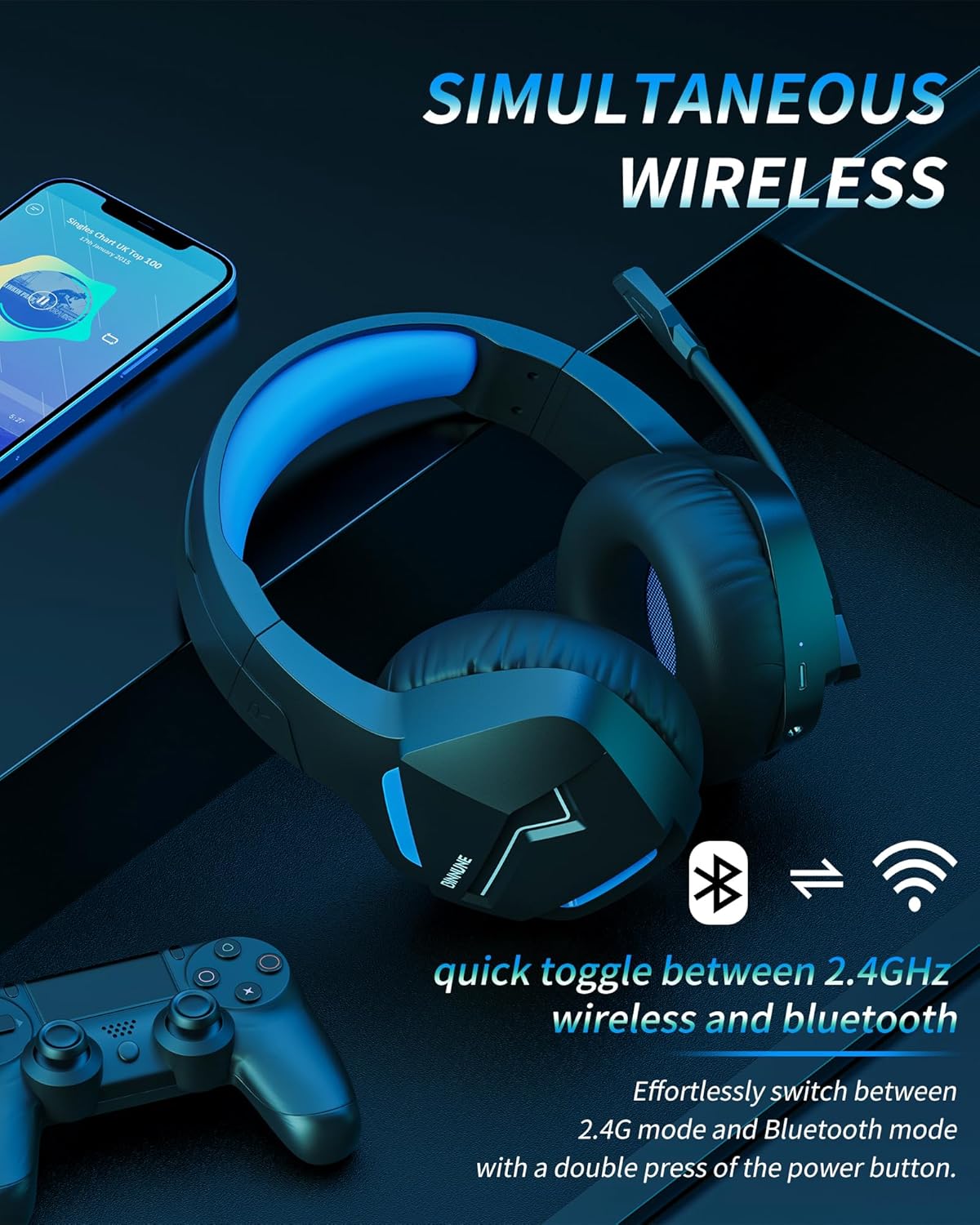
Image: The BINNUNE Wireless Gaming Headset shown with icons representing both 2.4GHz wireless and Bluetooth connectivity, indicating its ability to switch between these modes for versatile use.
Рэгулятар гучнасці
- Павялічыць гучнасць: Націсніце кнопку павелічэння гучнасці (+).
- Паменшыць гучнасць: Націсніце кнопку памяншэння гучнасці (-).
Кіраванне мікрафонам
- Выключыць/уключыць мікрафон: Press the Microphone Mute button. A red LED on the microphone tip usually indicates it is muted.
- Адрэгулюйце становішча мікрафона: The 120° adjustable memory line microphone can be freely shaped and adjusted to your ideal angle.
Гульнявая прадукцыйнасць
The headset is designed for an immersive gaming experience with features like:
- Accurate Sound Positioning: The 50mm drivers provide clear and rich stereo sound, allowing you to accurately pinpoint in-game sounds like footsteps and environmental details.
- Нізкая затрымка: The 2.4GHz wireless technology ensures an ultra-low latency of 15ms, providing synchronized audio and video for competitive gaming.
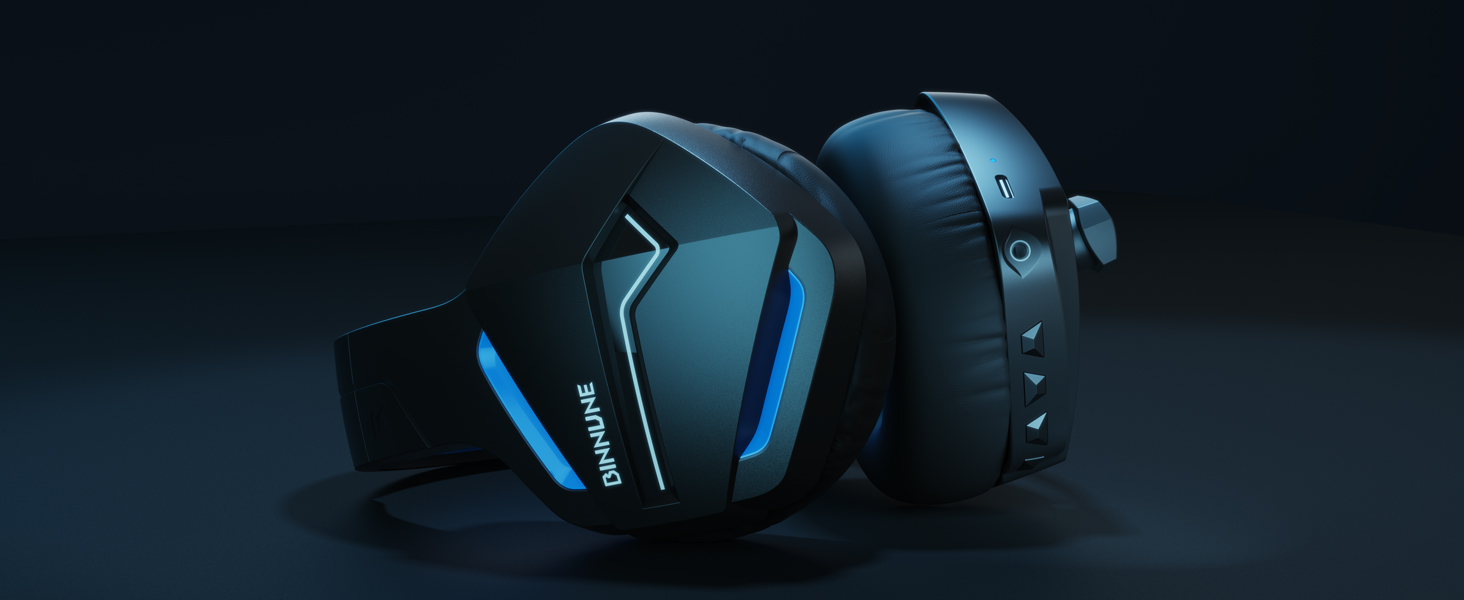
Image: A gamer immersed in a game, wearing the BINNUNE headset, highlighting the benefits of low latency and stable wireless connection for an enhanced gaming experience.
Тэхнічнае абслугоўванне
Proper maintenance ensures the longevity and performance of your BINNUNE Wireless Gaming Headset.
- Уборка:
- Use a soft, dry, lint-free cloth to clean the headset's surfaces.
- Для навушнікаў акуратна працярыце іх злёгку злёгкуamp тканінай і дайце цалкам высахнуць на паветры перад выкарыстаннем.
- Не выкарыстоўвайце агрэсіўныя хімічныя рэчывы, ачышчальныя растваральнікі або моцныя мыйныя сродкі.
- захоўванне:
- Захоўвайце гарнітуру ў прахалодным, сухім месцы, удалечыні ад прамых сонечных прамянёў і экстрэмальных тэмператур.
- Пазбягайце класці цяжкія прадметы на гарнітуру.
- Сыход за батарэяй:
- Пазбягайце частай поўнай разрадкі акумулятара.
- If storing for a long period, charge the headset to about 50% every few months to preserve battery health.
Ліквідацыю непаладак
If you encounter issues with your BINNUNE Wireless Gaming Headset, please refer to the following common solutions:
| праблема | Магчымая прычына | Рашэнне |
|---|---|---|
| Няма гуку / Нізкая гучнасць |
|
|
| Мікрафон не працуе |
|
|
| Connection Issues (Intermittent/No Connection) |
|
|
| Headset Not Compatible with Xbox |
|
|
Тэхнічныя характарыстыкі
Detailed technical specifications for the BINNUNE Wireless Gaming Headset (Model: BW01):
| Асаблівасць | Дэталь |
|---|---|
| Назва мадэлі | BW01 |
| Тэхналогія падлучэння | Wireless (2.4GHz USB Dongle, Bluetooth 5.3), Wired (3.5mm Jack) |
| Тэхналогія бесправадной сувязі | Bluetooth 5.3 |
| Дыяпазон Bluetooth | Да 10 метраў (33 футаў) |
| Затрымка гуку (2.4 ГГц) | 15ms (Ultra Stable 2.4GHz Wireless Connection) |
| Тып аўдыё драйвера | Дынамічны драйвер |
| Памер аўдыё драйвера | 50 міліметра |
| АЧХ | 20 Гц - 20 000 Гц |
| Адчувальнасць | 96 дБ |
| Мікрафон | Unidirectional Noise-Canceling Mic (120° adjustable) |
| Тэрмін службы батарэі | Up to 80 hours (2.4GHz mode), Up to 120 hours (Bluetooth mode) |
| Час зарадкі | Прыбл. 3 гадзіны для поўнай зарадкі |
| Форма навушніка | Oval (110mm diameter, 45mm thickness memory foam) |
| Матэрыял | Plastic (headset), PU leather and mesh (earmuffs) |
| Вага прадмета | 10.7 унцый (прыблізна 303 грамаў) |
| Памеры прадукту | 8.27 х 7.48 х 4.33 цалі |
| Сумяшчальныя прылады | Gaming Consoles (PS4, PS5), Laptops, PC, Mac, Mobile Phones, Tablets |
| Тып кіравання | Кіраванне кнопкамі |
| Уключаныя кампаненты | User Manual, 2.4GHz USB Dongle, 3.5mm Audio Cable, USB Charging Cable |
Інфармацыя аб гарантыі
BINNUNE products are manufactured with high-quality standards. While specific warranty details are not provided in this manual, BINNUNE typically offers a limited warranty against defects in materials and workmanship. For detailed warranty terms, conditions, and registration, please refer to the official BINNUNE webсайт або звярніцеся ў службу падтрымкі кліентаў.
Падтрымка кліентаў
For further assistance, technical support, or inquiries regarding your BINNUNE Wireless Gaming Headset, please contact BINNUNE customer support through the following channels:
- Official BINNUNE Webсайт: Visit the official BINNUNE webсайт з часта задаванымі пытаннямі, рэсурсамі падтрымкі і кантактнымі формамі.
- Крама Amazon: Вы таксама можаце наведаць в BINNUNE Store on Amazon каб атрымаць інфармацыю пра прадукт і варыянты сувязі з прадаўцом.
Please have your product model (BW01) and purchase details ready when contacting support.
Ask a question about this manual
Ask about setup, troubleshooting, compatibility, parts, safety, or missing instructions. Manuals+ will review the question and use this page’s manual context to help answer it.