
1. Уводзіны
Thank you for choosing the aosu 4MP Indoor Security Camera. This manual provides essential information for the safe and efficient use of your device. This camera offers 2.5K QHD resolution, 360° pan and 155° tilt for comprehensive coverage, dual-band Wi-Fi support (5GHz/2.4GHz), two-way audio with one-touch call functionality, and smart motion tracking. It is ideal for home security, baby monitoring, and pet surveillance.

Выява: Зверхуview of aosu 4MP Indoor Camera features.
2. Змесціва ўпакоўкі
- aosu 4MP Indoor Security Camera
- USB кабель харчавання
- Адаптар сілкавання
- Mounting Accessories (Screws, Wall Mount Plate)
- Кароткае кіраўніцтва
3. Кіраўніцтва па наладцы
3.1 Усталёўка прыкладання
- Спампаваць аосу праграму з крамы праграм вашага смартфона (Google Play Store для Android або Apple App Store для iOS).
- Стварыце ўліковы запіс або ўвайдзіце, калі ў вас ужо ёсць.
3.2 Падключэнне камеры
- Connect the camera to a power source using the provided USB cable and power adapter. The camera will power on and indicate readiness for setup.
- Open the aosu app and follow the on-screen instructions to add your new device.
- Пераканайцеся, што ваша сетка Wi-Fi 5 ГГц або 2.4 ГГц compatible for a hassle-free connection. The camera supports both frequencies.
- Scan the QR code displayed in the app with your camera lens when prompted.
- Once connected, you can name your camera and begin using its features.

Image: The camera supports both 2.4GHz and 5GHz Wi-Fi for flexible connectivity.
Відэа: Чыноўнік скончыўview of the aosu indoor security camera, demonstrating its features and ease of use.
4. Інструкцыя па эксплуатацыі
4.1 У прамым эфіры View and Control (360° Pan/Tilt)
Access the live feed from your camera through the aosu app. Use the on-screen controls to pan (360° horizontal rotation) and tilt (155° vertical tilt) the camera lens, allowing you to view any corner of your room. You can also zoom in for more detail.

Image: The camera offers a 360° horizontal view and 155° vertical tilt for full room coverage.
4.2 One-Touch Call
The camera features a physical button that, when pressed, initiates a call to your connected smartphone. This is ideal for children or elderly family members to quickly get in touch with you.
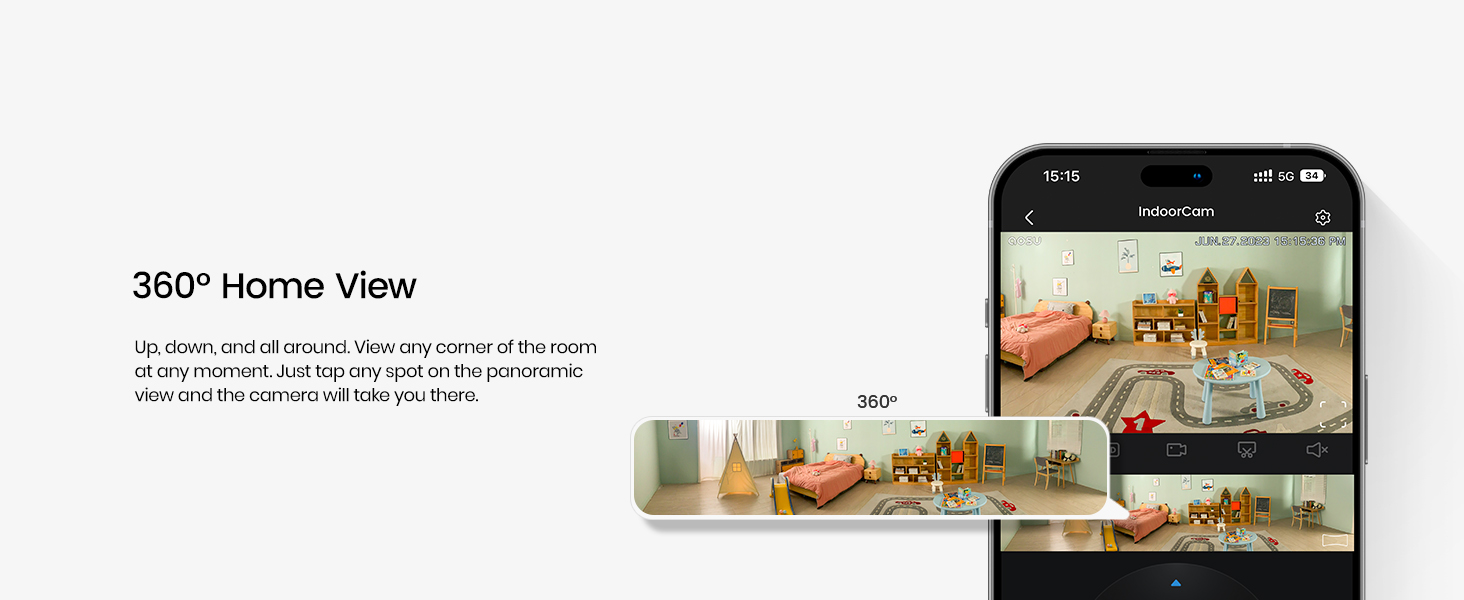
Image: The one-touch call feature allows instant communication from the camera to your phone.
4.3 Двухбаковае аўдыё
Utilize the built-in microphone and speaker for two-way communication. Speak through your smartphone app to the camera, and hear responses from the camera's location.

Image: Engage in real-time two-way communication through the camera and your smartphone.
4.4 Smart Motion Tracking
Enable smart tracking in the app to have the camera automatically follow detected motion, such as people or pets, ensuring no important activity is missed.
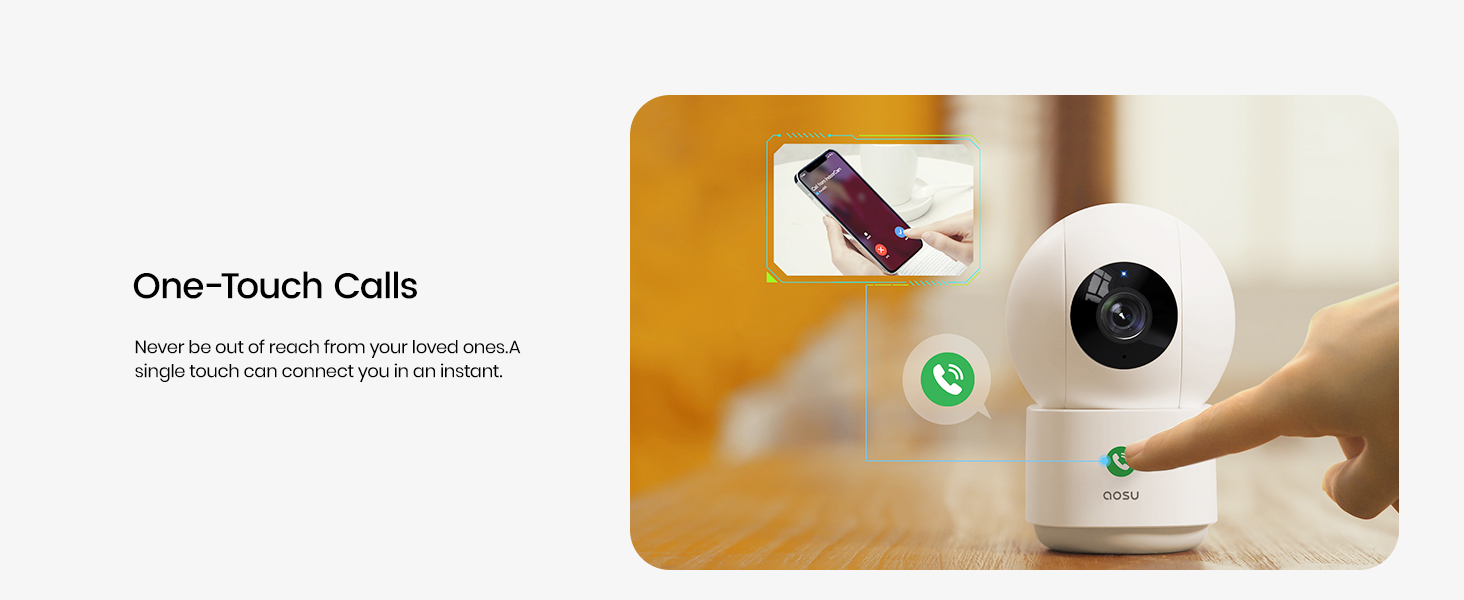
Image: The camera's smart motion tracking feature follows movement within its field of view.
4.5 Начное бачанне
The camera is equipped with clear night vision capabilities, allowing for monitoring in low-light or dark conditions.
4.6 Рэжым прыватнасці
Activate Privacy Mode via the aosu app. In this mode, the camera lens will rotate downwards, physically hiding itself to ensure your privacy when monitoring is not required.
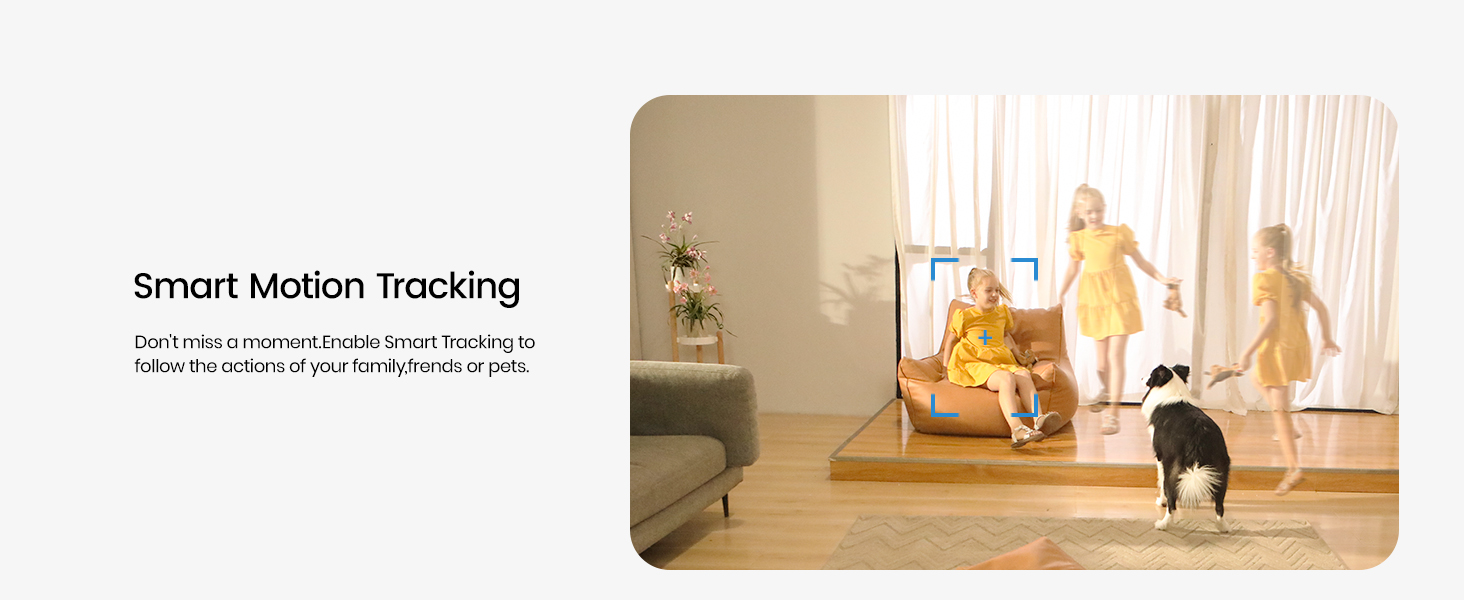
Image: Privacy Mode allows the camera to physically hide its lens when not in use.
4.7 Варыянты захоўвання
The camera supports both local storage via a MicroSD card (not included) and cloud storage options (subscription may be required). This allows for flexible recording and playback of events.

Image: Choose between local MicroSD card storage or cloud storage for your recordings.
4.8 Інтэграцыя разумнага дома
The aosu camera is compatible with Amazon Alexa and Google Assistant. Integrate it into your smart home ecosystem to view live feeds on compatible smart displays or receive voice-activated commands.

Image: Seamlessly integrate your camera with Amazon Alexa and Google Assistant.
5. Тэхнічнае абслугоўванне
- Уборка: Акуратна працярыце аб'ектыў і корпус камеры мяккай сухой тканінай. Пазбягайце выкарыстання агрэсіўных хімічных рэчываў або абразіўных матэрыялаў.
- Абнаўленні прашыўкі: Regularly check the aosu app for available firmware updates to ensure optimal performance and security.
- Размяшчэнне: Пераканайцеся, што камера размешчана ў стабільным месцы, удалечыні ад прамых сонечных прамянёў, крыніц цяпла і вільгаці.
6. Выпраўленне непаладак
- Праблемы з падключэннем: If the camera loses connection, ensure your Wi-Fi router is functioning correctly and the camera is within range. Try restarting both the camera and your router.
- Праграма не адказвае: Close and reopen the aosu app. If the issue persists, reinstall the app.
- Дрэнная якасць відэа: Check your internet connection speed. Ensure the camera lens is clean and free from obstructions. Adjust video quality settings in the app if necessary.
- Выяўленне руху не працуе: Verify that motion detection is enabled in the app settings and that the detection zone is correctly configured.
7. Тэхнічныя характарыстыкі
| Асаблівасць | Дэталь |
|---|---|
| Марка | аосу |
| Назва мадэлі | C2P2BH11 |
| Тэхналогія падлучэння | Бесправадная сувязь (Wi-Fi, Bluetooth) |
| Асаблівасці | 2-Way Audio, Local Recording, Motion Sensor, Night Vision, One-Touch Call |
| Выкарыстанне ў памяшканні/на вуліцы | У памяшканні |
| Сумяшчальныя прылады | Smartphone (Amazon Alexa, Google Assistant) |
| Эфектыўнае рашэнне | 4 МП |
| Дазвол відэазахопу | 1920p (2.5K QHD) |
| Частата кадраў | 25 кадраў у секунду |
| Viewing кут | 360 градусаў (панарамаванне), 155 градусаў (нахіл) |
| Аптычны зум | 6x |
| Крыніца харчавання | Правадная электрычная |
| Памеры прадмета | 3 х 3 х 5 цалі |
| Вага прадмета | 0.74 кілаграма |
8. Гарантыя і падтрымка
For warranty information, please refer to the documentation included with your product or visit the official aosu website. For technical support or further assistance, please contact aosu customer service.
вытворца: AOSU
Палітыка вяртання: 30-day refund/replacement policy may apply (check retailer for details).
AOSU Official Store: Наведайце краму