
Уводзіны
This manual provides comprehensive instructions for the JBL PartyBox Club 120 portable wireless speaker. It covers essential information regarding product setup, operation, maintenance, and troubleshooting to ensure optimal performance and longevity of your device. Please read this manual thoroughly before using the speaker.
Што ў скрынцы
Пасля распакавання пераканайцеся, што ўсе наступныя рэчы наяўныя:
- 1 x JBL PartyBox 120 Portable Wireless Speaker
- 1 х шнур харчавання
- 1 х дапаможны кабель
- 1 х тканіна з мікрафібры

Выява: спераду view of the JBL PartyBox Club 120 speaker, showcasing its grille and illuminated JBL logo.
Настройка
1. Зарадка дынаміка
Before initial use, fully charge the speaker. Connect the provided AC power cord to the speaker's power input and then to a wall outlet. The charging indicator will show the battery status. A full charge provides approximately 12 hours of playtime.
2. Уключэнне / выключэнне харчавання
- To power on: Press the Power button located on the control panel.
- To power off: Press and hold the Power button until the speaker shuts down.
3. Спарванне Bluetooth
- Пераканайцеся, што дынамік уключаны.
- Націсніце кнопку Bluetooth на дынаміку. Індыкатар Bluetooth будзе міргаць, паказваючы, што ён знаходзіцца ў рэжыме спалучэння.
- On your mobile device (smartphone, tablet, or laptop), enable Bluetooth and search for available devices.
- Select "JBL PartyBox Club 120" from the list of devices.
- Once paired, the Bluetooth indicator will glow solid, and you will hear a confirmation sound.
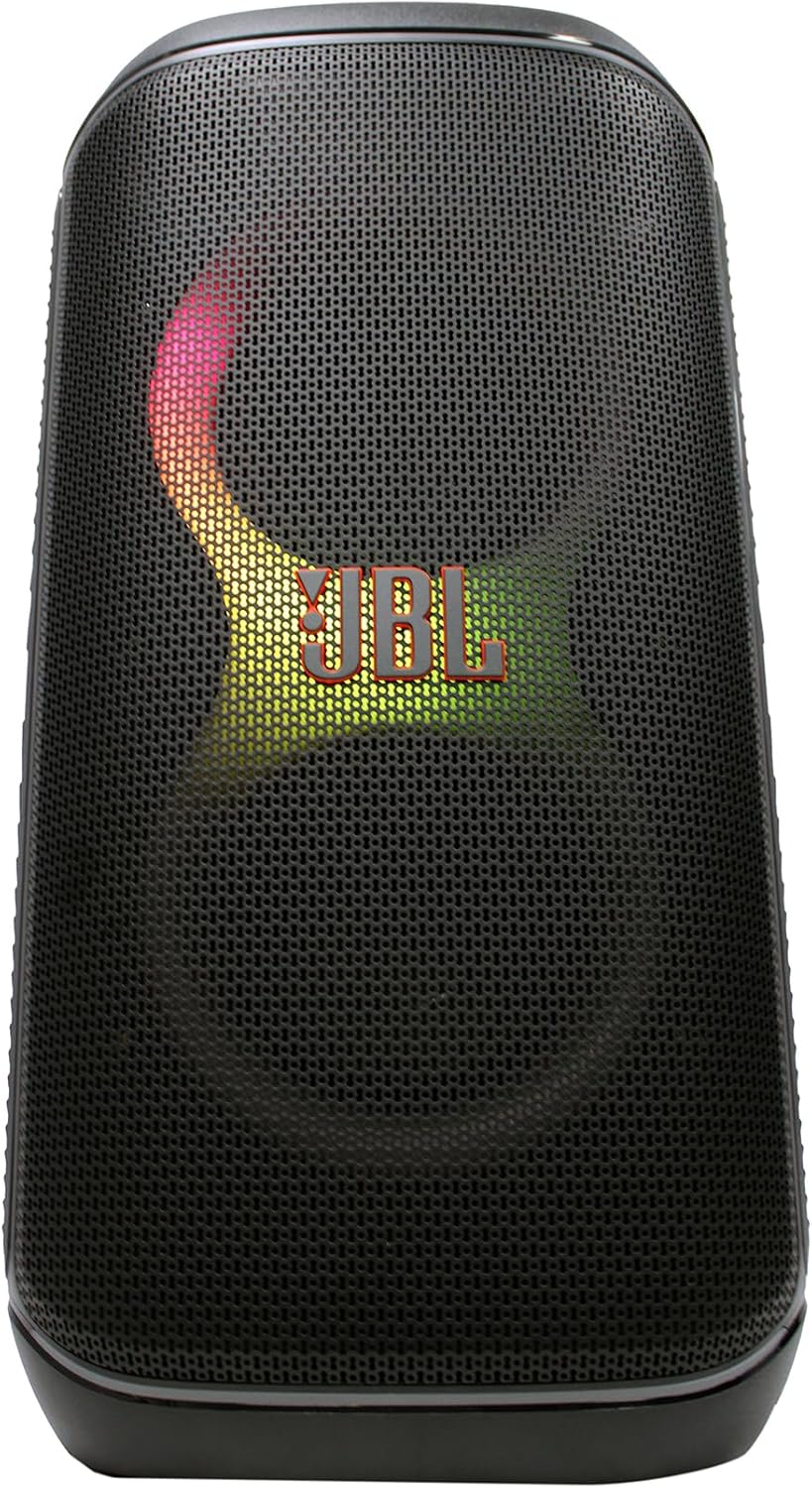
Выява: спераду view of the JBL PartyBox Club 120 speaker, displaying dynamic multi-color lighting effects.
4. Падключэнне AUX
Каб падключыць аўдыёпрыладу праз дадатковы ўваход:
- Connect one end of the provided auxiliary cable to the AUX IN port on the speaker.
- Падключыце другі канец дапаможнага кабеля да раздыма для навушнікаў або аўдыёвыхаду вашай прылады.
- The speaker will automatically switch to AUX input mode, or you may need to select it manually using the input source button.
Інструкцыя па эксплуатацыі
1. Прайграванне аўдыё
- Рэгулятар гучнасці: Use the volume up (+) and volume down (-) buttons on the speaker or your connected device to adjust the audio level.
- Прайграванне/Паўза: Націсніце кнопку прайгравання/паўзы, каб пачаць або спыніць прайграванне аўдыё.
- Навігацыя па трэку: Use the skip forward and skip backward buttons to change tracks.
2. Light Show Features
The JBL PartyBox Club 120 features dynamic LED lighting effects that synchronize with your music. Use the dedicated Light Mode button on the speaker to cycle through different light patterns or turn the lights off.
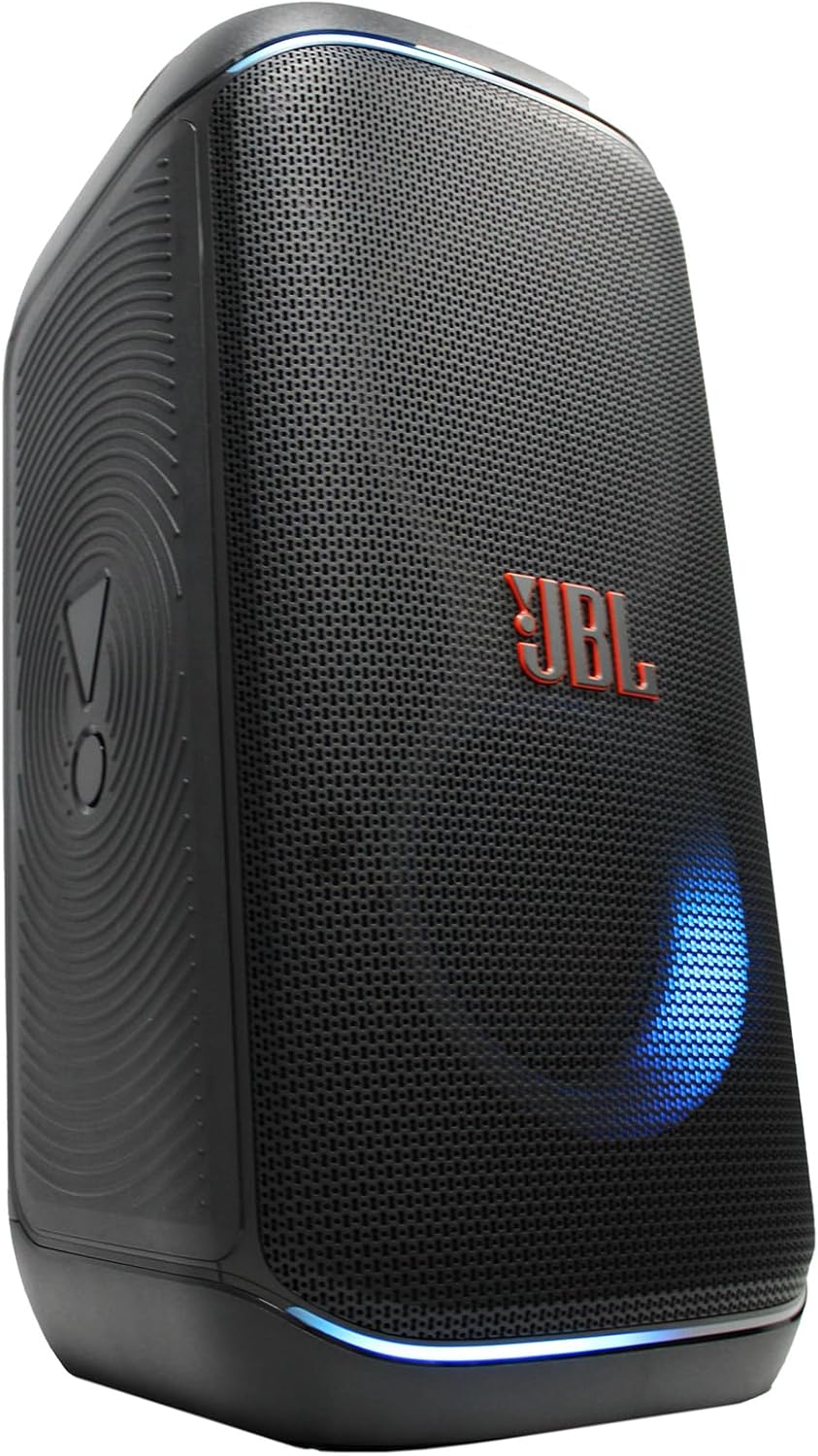
Выява: Збоку view of the JBL PartyBox Club 120 speaker, showing its robust design and a blue light effect.
3. Splash Proof Design
The speaker is designed to be splash-proof, making it suitable for outdoor use and near water. However, it is not fully waterproof and should not be submerged in water. Ensure all port covers are securely closed to maintain splash resistance.
Тэхнічнае абслугоўванне
- Уборка: Use the provided microfiber cloth or a soft, damp cloth to clean the speaker's exterior. Avoid using abrasive cleaners or solvents.
- захоўванне: Захоўвайце дынамік у прахалодным, сухім месцы, удалечыні ад прамых сонечных прамянёў і экстрэмальных тэмператур.
- Сыход за батарэяй: Каб падоўжыць тэрмін службы батарэі, пазбягайце частай поўнай разрадкі батарэі. Рэгулярна зараджайце дынамік, нават калі ён не выкарыстоўваецца працяглы час.
Ліквідацыю непаладак
| праблема | Магчымая прычына | Рашэнне |
|---|---|---|
| Няма ўлады | Battery is depleted; Power cord not connected | Charge the speaker; Ensure power cord is securely connected to speaker and outlet |
| Няма гуку | Volume too low; Incorrect input source; Device not playing audio | Increase volume on speaker and device; Select correct input source (Bluetooth/AUX); Ensure audio is playing on connected device |
| Bluetooth не падключаецца | Дынамік не ў рэжыме спалучэння; Bluetooth прылады выключаны; Занадта далёка ад дынаміка | Press Bluetooth button to enter pairing mode; Enable Bluetooth on device; Move device closer to speaker (within 30 feet) |
| Светлавое шоу не працуе | Light mode off; Speaker malfunction | Press Light Mode button to activate; Contact support if issue persists |
Тэхнічныя характарыстыкі
| Марка | JBL |
| Нумар мадэлі | JBLPARTYBOX120AM |
| Выхад ватtage | 160 ват |
| Тэхналогія падлучэння | AUX, Bluetooth |
| Крыніца харчавання | Працуе ад акумулятара, электрычны |
| Тып батарэі | Акумулятарная |
| Памеры прадмета (Д х Ш х У) | 11.6 х 11.8 х 22 цалі |
| Вага прадмета | 25 фунта |
| Колер | Чорны |
| Матэрыял | Пластык, гума |
| Сумяшчальныя прылады | Смартфон, планшэт, ноўтбук |
| Тып мацавання | Стальніца |
| UPC | 094148647852 |
Гарантыя і падтрымка
Каб атрымаць падрабязную інфармацыю пра гарантыю, звярніцеся да гарантыйнага талона, які ўваходзіць у камплект пастаўкі прадукту, або наведайце афіцыйны сайт JBL. website. For technical support, product registration, or service inquiries, please contact JBL customer support through their official channels.
Note: This manual provides general guidance. Specific features and operations may vary. Always refer to the latest information available from the manufacturer.