
Уводзіны
Thank you for choosing the KOORUI 2.4G Silent Full Size Ergonomic Wireless Keyboard and Mouse Combo. This manual provides essential information for setting up, operating, maintaining, and troubleshooting your new wireless peripheral set. Please read this manual thoroughly before use to ensure optimal performance and longevity of your product.

Figure 0: KOORUI Wireless Keyboard and Mouse Combo
1. Настройка
1.1 Змест пакета
- Бесправадная клавіятура
- Бесправадная мыш
- 2-in-1 USB Receiver
- Кіраўніцтва карыстальніка
1.2 Устаноўка батарэі
- Locate the battery compartment on the underside of the keyboard. Insert one AAA battery (not included), ensuring correct polarity.
- Locate the battery compartment on the underside of the mouse. The 2-in-1 USB receiver is stored inside this compartment. Remove the receiver, then insert one AA battery (not included), ensuring correct polarity.
- Close both battery compartments securely.

Figure 1: Battery and USB Receiver Installation
1.3 Падключэнне да прылады
- Ensure both the keyboard and mouse are switched to the "ON" position using their respective power switches.
- Plug the 2-in-1 USB receiver into an available USB port on your computer (Laptop/PC/Gaming Console).
- Your operating system should automatically detect and install the necessary drivers. The keyboard and mouse are ready for use once the installation is complete.
Video 1: Demonstrating the setup and functionality of the KOORUI 104-key wireless keyboard and mouse combo.
2. Інструкцыя па эксплуатацыі
2.1 Функцыі клавіятуры
- Full Size Layout: The keyboard features a full-size layout with 104 keys, including a numeric keypad, for comprehensive input.
- Ціхае ўвядзенне тэксту: Soft and responsive keys provide a quiet typing experience, reducing noise in shared environments.
- Эрганамічны дызайн: Designed for comfort, the keyboard includes an 8° tilt angle to reduce wrist strain during extended use.
- Multimedia & Shortcut Keys: Access 5 multimedia keys and 12 shortcut functions (primarily for Windows systems) for quick control over media, applications, and system functions.

Figure 2: Ergonomic Design with 8° Tilt
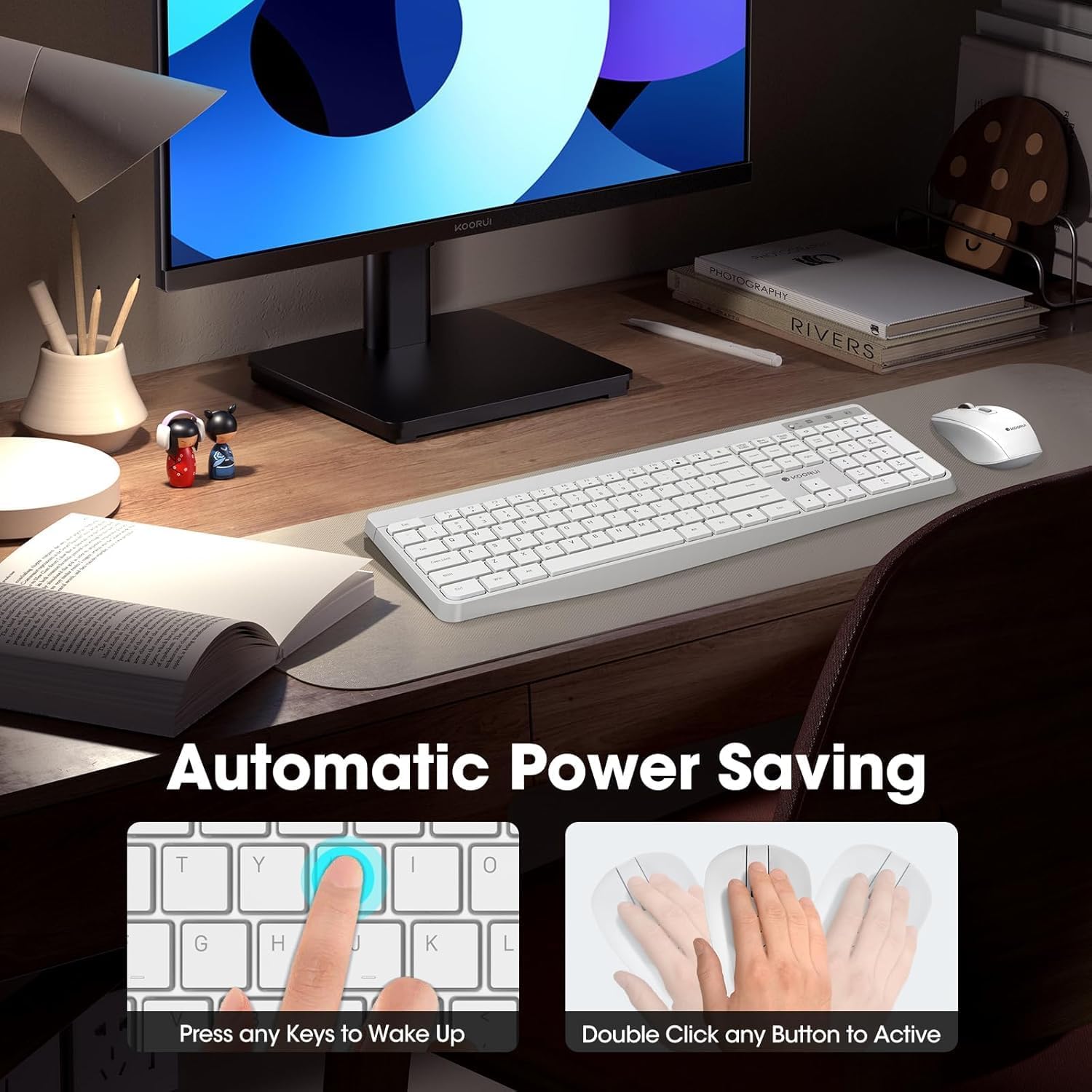
Figure 3: Multimedia and Shortcut Keys
2.2 Функцыі мышы
- 3 рэгуляваных узроўняў DPI: Cycle through 800, 1200, and 1600 DPI settings to adjust cursor sensitivity for precise control.
- Бясшумныя клікі: The mouse features ultra-quiet buttons, minimizing click noise.
- Эрганамічны дызайн: Contoured shape fits comfortably in your hand for extended use.

Figure 4: Mouse DPI Settings
2.3 Сумяшчальнасць
The KOORUI Wireless Keyboard and Mouse Combo is compatible with a wide range of operating systems, including Windows 7/8/10/11/Vista, macOS, and Linux. It can be used with laptops, personal computers, and gaming consoles.

Малюнак 5: Шырокая сумяшчальнасць
3. Тэхнічнае абслугоўванне
3.1 Ачыстка
The keyboard features a waterproof design, offering protection against accidental spills. To clean, gently wipe the surfaces of the keyboard and mouse with a soft, damp cloth. Avoid using harsh chemicals or abrasive materials. Ensure the devices are completely dry before use.

Figure 6: Waterproof Keyboard Design
3.2 Battery Life and Power Saving
- The keyboard and mouse are equipped with an auto-sleep mode function to conserve battery life. They will enter sleep mode after a period of inactivity.
- To wake the devices, simply click any button on the mouse or press any key on the keyboard.
- Replace batteries when the low battery indicator light appears (Keyboard: 1 AAA, Mouse: 1 AA).
Figure 7: Battery Compartments and Power Indicators
4. Выпраўленне непаладак
4.1 Праблемы з падключэннем
- Няма адказу:
- Ensure the keyboard and mouse power switches are in the "ON" position.
- Праверце, ці правільна ўсталяваныя батарэйкі і ці дастаткова яны зараджаныя. Пры неабходнасці замяніце іх.
- Пераканайцеся, што USB-прыёмнік надзейна падключаны да спраўнага USB-порта вашага кампутара. Паспрабуйце іншы USB-порт.
- Move the keyboard and mouse closer to the USB receiver to rule out range issues (maximum 10m/33ft).
- Затрымка або перарывістае падключэнне:
- Каб паменшыць перашкоды, перамясціце іншыя бесправадныя прылады далей ад прымача.
- Пераканайцеся, што паміж прыладамі і прыёмнікам няма буйных металічных прадметаў.
4.2 Праблемы, спецыфічныя для клавіятуры
- Клавішы не рэагуюць:
- Праверце ўзровень батарэі.
- Пераканайцеся, што клавіятура не знаходзіцца ў рэжыме сну (націсніце любую клавішу, каб абудзіць яе).
4.3 Праблемы, спецыфічныя для мышы
- Cursor Not Moving:
- Праверце ўзровень батарэі.
- Ensure the mouse is not in sleep mode (click any button to wake).
- Ачысціце аптычны датчык на ніжняй частцы мышы.
- Пераканайцеся, што вы карыстаецеся мышшу на прыдатнай паверхні.
5. Тэхнічныя характарыстыкі
| Марка | КООРУІ |
| мадэль | B0C4DVG5WV |
| Колер | Белы |
| Тэхналогія падлучэння | Радыёчастата 2.4 ГГц |
| Асаблівасць | Ergonomic, Silent Keys, Waterproof Design, Auto Power Saving |
| Сумяшчальныя прылады | Гульнявая прыстаўка, ноўтбук, персанальны камп'ютар |
| Movement Detection (Mouse) | Optical (800/1200/1600 DPI) |
| Сумяшчальнасць аперацыйнай сістэмы | Windows 7/8/10/11/Vista, macOS, Linux |
| Раскладка клавіятуры | QWERTY, Full Size (104 keys) |
| Крыніца харчавання | Battery Powered (Keyboard: 1 AAA, Mouse: 1 AA) |
| Далёкасць бесправадной сувязі | Да 10 м (33 футаў) |
| Вага прадмета | 0.7 кілаграма |
| UPC | 738060953515 |
6. Інфармацыя аб гарантыі
This KOORUI product comes with a 1-гадовая абмежаваная гарантыя from the date of purchase. This warranty covers manufacturing defects and workmanship under normal use. It does not cover damage caused by misuse, accident, unauthorized modification, or external causes.
Калі ласка, захавайце доказы пакупкі для прэтэнзій па гарантыі.
7. Падтрымка кліентаў
For any questions, technical assistance, or warranty inquiries regarding your KOORUI Wireless Keyboard and Mouse Combo, please contact our customer support team. We are committed to providing 24-hour service to assist you.
Please refer to the product packaging or the official KOORUI webсайт для атрымання самай актуальнай кантактнай інфармацыі.