
Прадукт скончаныview
The Avantalk Lingo N21 is an open-ear Bluetooth headset designed for clear communication and all-day comfort. It features a noise-cancelling microphone, Bluetooth 5.3 connectivity, and comes with a convenient charging dock that also functions as a phone stand. This headset is ideal for professionals, remote workers, and anyone needing reliable audio for calls and online meetings while remaining aware of their surroundings.
Што ў скрынцы
- Lingo N21 Headset
- Док-станцыя для зарадкі
- USB C Power Cable for Dock
- Contact Charging Cable for Headset
Кіраўніцтва па ўстаноўцы
1. Пачатковая зарадка
Before first use, fully charge your Lingo N21 headset. Place the headset onto the charging dock or connect it directly using the contact charging cable. The indicator light on the headset will show charging status.
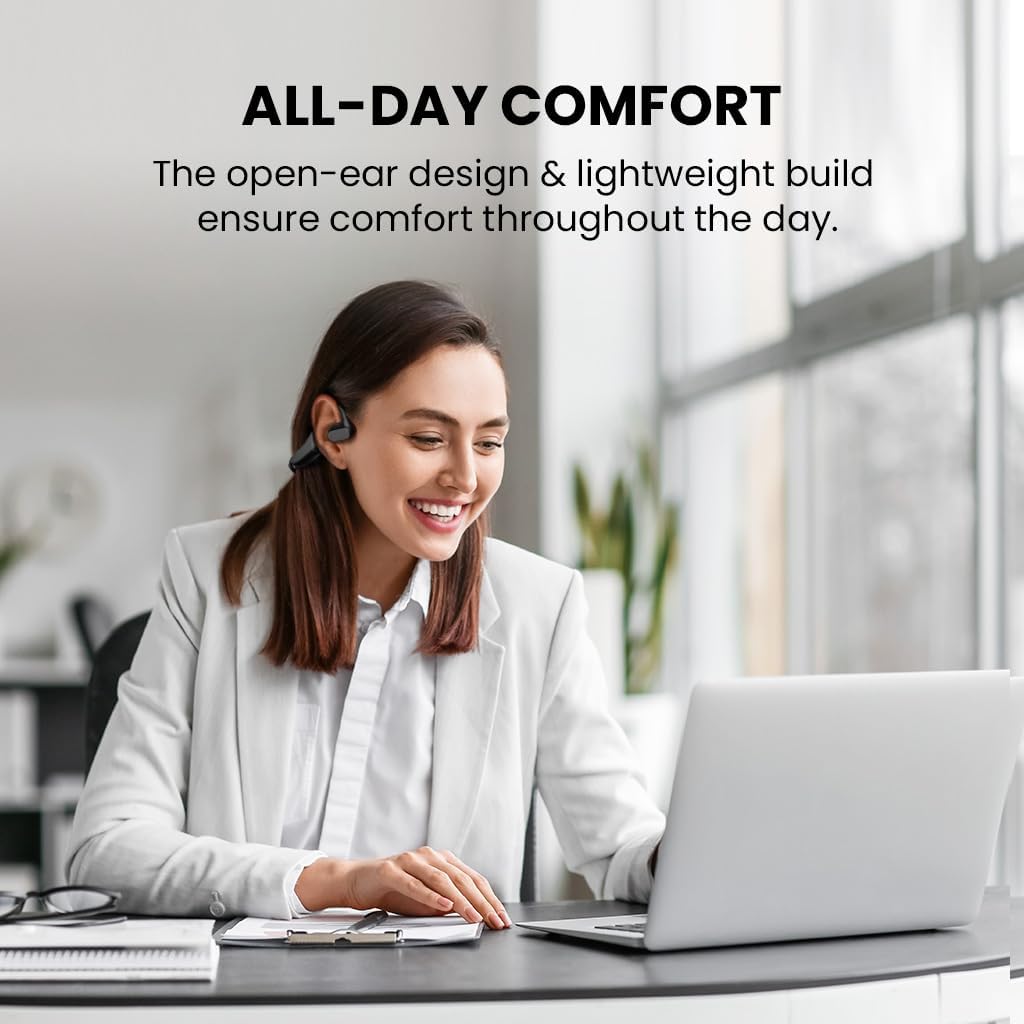
Image: The Avantalk Lingo N21 headset resting securely in its charging dock. The dock also features a slot for propping up a smartphone.

Image: The Lingo N21 headset charging dock, highlighting its dual function as a phone stand. A smartphone is shown propped up in the dock, displaying a video call.
2. Спалучэнне з вашай прыладай
- Пераканайцеся, што гарнітура зараджана і выключана.
- Press and hold the Multi-function button on the headset until the LED indicator flashes blue and red alternately. This indicates pairing mode.
- On your device (smartphone, laptop, PC, tablet), go to Bluetooth settings and enable Bluetooth.
- Пошук "Avantalk Lingo N21" in the list of available devices and select it to connect.
- Once connected, the LED indicator on the headset will flash blue slowly.
Interactive Setup Guide Video
Video: An interactive setup guide for the Avantalk Lingo N21 headset. This video demonstrates the step-by-step process of setting up and connecting your headset to various devices, including scanning a QR code for an interactive portal.
Інструкцыя па эксплуатацыі
Нашэнне гарнітуры
The Lingo N21 features an open-ear hook design for comfortable, all-day wear. Position the ear hooks over your ears so the speakers rest gently outside your ear canal. Adjust the boom microphone for optimal voice pickup, ensuring it is close to your mouth.

Image: A woman wearing the Avantalk Lingo N21 headset, demonstrating its comfortable open-ear design during work at a laptop.

Image: A close-up of the Avantalk Lingo N21 headset, illustrating the 240-degree rotatable boom microphone for flexible positioning.
Элементы кіравання і індыкатары
The headset features intuitive buttons for managing calls and media playback. Refer to the diagram below for button locations and functions.
- Шматфункцыянальная кнопка: Power On/Off, Play/Pause, Answer/End Call, Voice Assistant.
- Кнопкі павелічэння / памяншэння гучнасці: Адрэгулюйце гучнасць гуку.
- Кнопка адключэння: Выключыць/уключыць мікрафон падчас званкоў.
- Святлодыёдны індыкатар: Паказвае стан харчавання, спалучэння і зарадкі.

Выява: Падрабязны view of the Avantalk Lingo N21 headset, highlighting the easily accessible mute button on the microphone boom.
Кіраванне званкамі
- Адказ/завяршэнне выкліку: Націсніце шматфункцыянальную кнопку адзін раз.
- Адхіліць выклік: Націсніце і ўтрымлівайце шматфункцыянальную кнопку на працягу 2 секунд.
- Выключыць мікрафон: Націсніце спецыяльную кнопку адключэння гуку на штанге мікрафона.
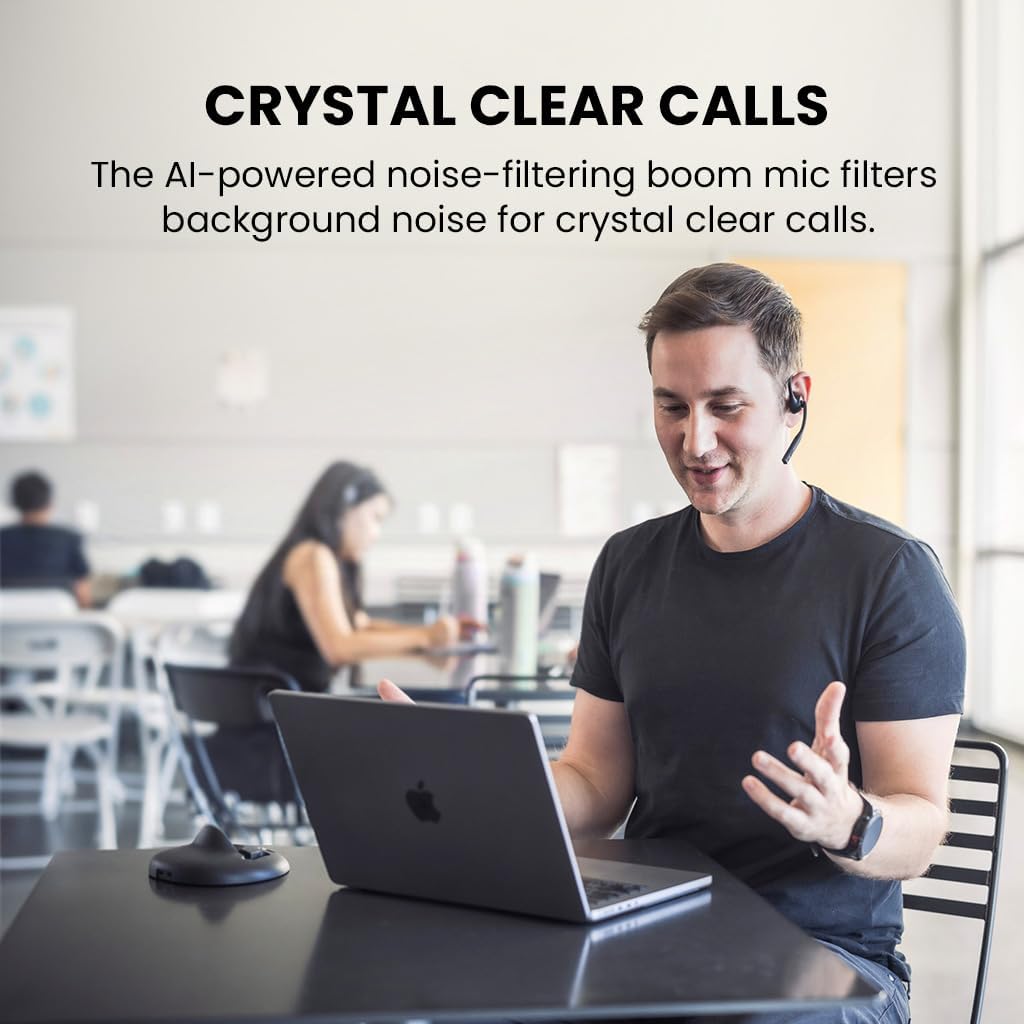
Image: A man engaged in a clear conversation using the Avantalk Lingo N21 headset with its boom mic, demonstrating its effectiveness for calls in an office setting.
Тэхнічнае абслугоўванне
Уборка
Wipe the headset and charging dock with a soft, dry, lint-free cloth. Avoid using harsh chemicals, cleaning solvents, or strong detergents. Do not immerse the headset or dock in water.
Сыход за батарэяй
- To prolong battery life, fully charge the headset before first use.
- Recharge the headset when the battery is low. A full charge takes approximately 2 hours.
- The headset provides up to 15 hours of average use per charge.
- Захоўвайце гарнітуру ў прахалодным, сухім месцы, калі яна не выкарыстоўваецца.

Image: The Avantalk Lingo N21 headset on its charging dock, with an overlay indicating "15 hours per charge" for extended playtime.
Ліквідацыю непаладак
Headset Not Powering On
- Ensure the headset is fully charged. Connect it to the charging dock or cable and check the LED indicator.
- Press and hold the Multi-function button for a few seconds to power on.
Немагчыма спалучыцца з прыладай
- Make sure the headset is in pairing mode (LED flashing blue and red alternately).
- Пераканайцеся, што на вашай прыладзе ўключаны Bluetooth, і яна знаходзіцца ў межах 10 метраў ад гарнітуры.
- Forget/remove "Avantalk Lingo N21" from your device's Bluetooth list and try pairing again.
- Перазагрузіце і гарнітуру, і прыладу.
Няма гуку або дрэнная якасць гуку
- Праверце ўзровень гучнасці як на гарнітуры, так і на падлучанай прыладзе.
- Ensure the headset is selected as the audio output device in your device's sound settings.
- Падыдзіце бліжэй да прылады, каб пазбегнуць перашкод або праблем з дальнасцю сувязі.
- If using for calls, ensure the microphone is not muted.
Тэхнічныя характарыстыкі
| Назва мадэлі | Lingo N21 |
| Нумар мадэлі | ATBH-NB21M |
| Марка | Аванталк |
| Тэхналогія падлучэння | Bluetooth 5.3 |
| Дыяпазон Bluetooth | 10 метраў |
| Размяшчэнне вушэй | Адкрытае вуха |
| Мікрафон | Noise-reducing boom mic |
| Тэрмін службы батарэі (сярэдні) | 15 гадзін |
| Час зарадкі акумулятара | 2 гадзін |
| Метад кантролю | Кнопка, дотык |
| Вага | 175 грам |
| Матэрыял | Акрыланітрылбутадыенстырол (АБС) |
| Сумяшчальныя прылады | Cellphones, Laptops, PC, Computer, Desktops, Tablets |
Гарантыя і падтрымка
Інфармацыя аб гарантыі
The Avantalk Lingo N21 comes with a Гарантыя 24 месяцаў. Product registration may cover the first 12 months of return shipment costs. Please refer to the official Avantalk webсайт з поўнымі ўмовамі гарантыі.
Падтрымка кліентаў
For extensive support, including chat, email, phone, online clinic, video tutorials, and FAQs, please visit the Avantalk support portal:
You can also email support at support@avantalk.com.