
Уводзіны
The THOKWOK TK-X2 is a versatile Bluetooth headset designed for motorcycle riders, ATV users, and skiers. It offers communication for up to 3 riders with a 1000m intercom distance, noise cancellation, FM radio, and stereo music playback. This manual provides detailed instructions for installation, operation, and maintenance to ensure optimal performance and user experience.
Што ў скрынцы
Перад тым, як працягнуць усталёўку, пераканайцеся, што ўсе кампаненты наяўныя.
- 2 x TK-X2 Main Unit
- 2 x Headphone Cable
- 2 x Boom Microphone
- 2 x Button Microphone
- 2 х зарадны кабель
- 2 х клamp з шрубамі
- 2 x Velcro Clip
- 4 x Speaker Pad
- 2 х гаечны ключ
- 2 х Кіраўніцтва карыстальніка

Image: Contents of the THOKWOK TK-X2 package, showing two main units, headphone cables, boom mics, button mics, charging cables, clamps with screws, Velcro clips, speaker pads, an Allen wrench, and user manuals.
Настройка і ўстаноўка
Параметры мікрафона
The TK-X2 helmet intercom includes two interchangeable microphones to suit different helmet types:
- Мікрафон-штамб: Recommended for open-face or flip-face (convertible) helmets.
- Кнопкавы мікрафон: Рэкамендуецца для поўнамасавых шлемаў.
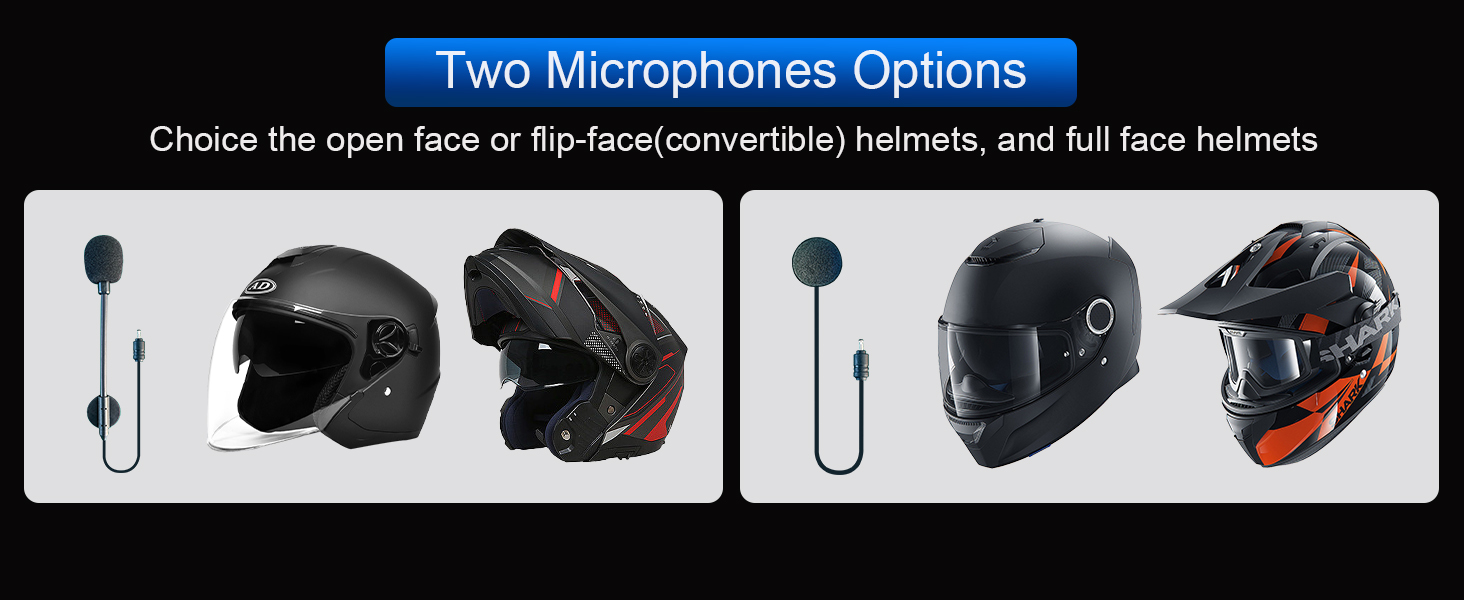
Image: Illustration of the two microphone options provided with the TK-X2 headset, demonstrating their suitability for different helmet styles.
Інструкцыя па эксплуатацыі
Спалучэнне з тэлефонам
To connect your TK-X2 headset to your smartphone:
- Ensure the TK-X2 headset is powered off.
- Long press the power button for 4 seconds until the red and blue lights flash alternately. This indicates pairing mode.
- On your phone, go to Bluetooth settings and turn on Bluetooth.
- Пошук "TK-X2" in the list of available devices and select it to connect.
- Once connected, the blue light on the headset will flash slowly, and you will hear "Bluetooth connected".
After successful pairing, you can play music, make calls, and use voice assistant features.
Video: This video demonstrates how to pair the THOKWOK TK-X2 headset with a mobile phone, including activating pairing mode, connecting via Bluetooth settings, and confirming successful connection. It also shows basic music playback controls and voice assistant activation.
Прайграванне музыкі
- Прайграванне/Паўза: Click the phone button once.
- Наступная песня: Press and hold the forward button.
- Папярэдняя песня: Press and hold the backward button.
- Павялічыць гучнасць: Press and hold the volume up button. A "Di" sound indicates maximum volume.
- Паменшыць гучнасць: Націсніце і ўтрымлівайце кнопку памяншэння гучнасці.
Voice Assistant (Siri/S-Voice)
To activate your phone's voice assistant:
- Long press the phone button for 2 seconds. You will hear "Voice Dial" and your phone's voice assistant will activate.
FM-радыё
Каб выкарыстоўваць функцыю FM-радыё:
- Double-click the phone button to start FM radio. You will hear "Turn on radio".
- Double-click the phone button again to end FM radio.
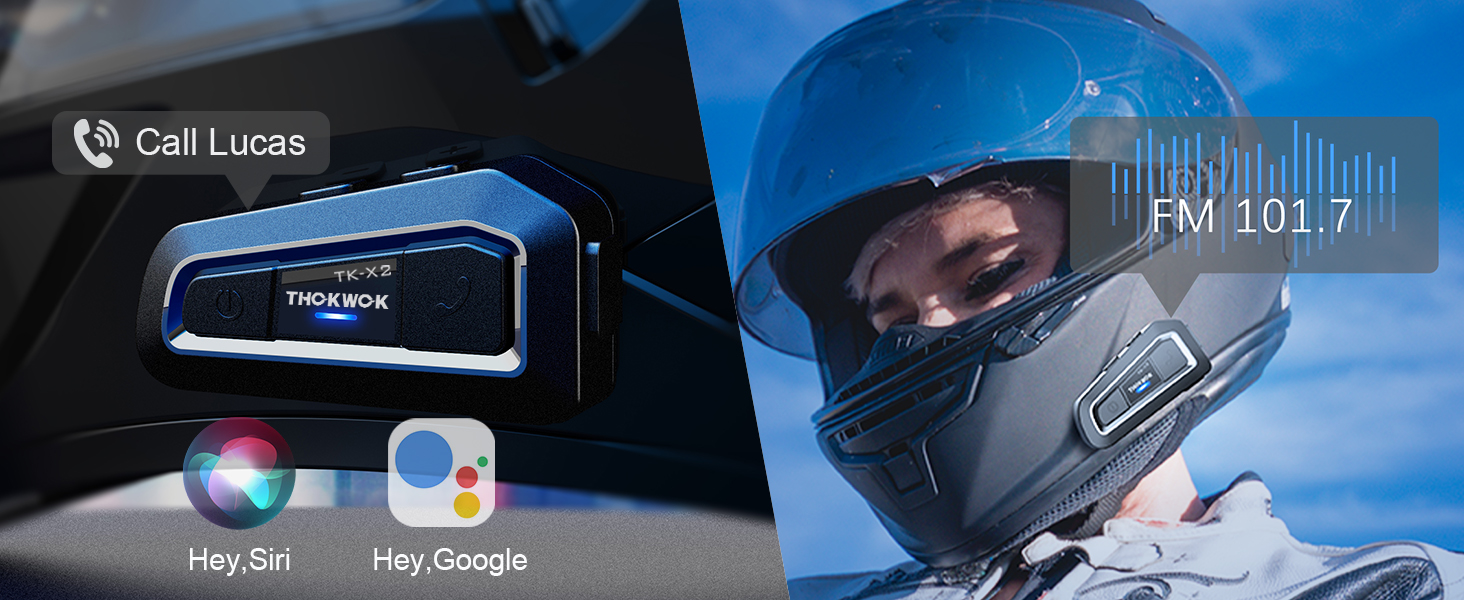
Image: Visual representation of activating voice assistant and FM radio functions on the TK-X2 headset.
Intercom Pairing (Two TK-X2 Units)
To pair two TK-X2 units for intercom communication:
- Clear Previous Pairings: If the headsets have been paired with other Bluetooth devices before, clear their pairing records first. Turn on both headsets. Then, long press the power button on both units simultaneously for 8 seconds until the pink lights flash twice. This indicates that previous pairing records have been cleared.
- Пачаць спалучэнне: With both units powered on and in pairing mode (red and blue lights flashing alternately), click the power button on one of the units.
- Пацверджанне падключэння: Pairing is successful when the blue lights on both units flash slowly, and you hear "Intercom connected".
- Hang Up Intercom: Click the power button once to hang up the intercom. You will hear "Intercom disconnected".
- Пачаць інтэрком: Click the power button again to start the intercom. You will hear "Intercom connected".
Connecting Two TK-X2 Units to Your Phone Simultaneously
To use two TK-X2 units with your phone (e.g., for rider and passenger, while maintaining intercom functionality):
- First, ensure the intercom between the two TK-X2 units is disconnected. Click the power button on one unit to hang up the intercom if it's active.
- Long press the power button and the phone button on one of the TK-X2 units simultaneously for 2 seconds until red and blue lights flash alternately.
- On your phone, go to Bluetooth settings and connect to the TK-X2 unit. The blue light will flash slowly, and you will hear "Bluetooth connected".
- You can now listen to music through this connected headset.
- To pause music, click the phone button. (Note: The intercom call must be hung up to pause music).
- To play music again, click the phone button.
- To start the intercom, click the power button. Music will automatically pause.
- To hang up the intercom and return to music mode, click the power button again.
Video: This video demonstrates the process of clearing Bluetooth pairing records, pairing two TK-X2 units for intercom, and then connecting one of the paired units to a phone for music playback while maintaining intercom functionality.
Асаблівасці большview
- Адлегласць дамафона: Up to 1000 meters (without obstacles) for 3 riders, with 2 riders able to communicate simultaneously.
- Універсальнае спалучэнне: Compatible with most Bluetooth intercoms on the market.
- Зніжэнне шуму: Features DSP and CVC advanced noise reduction technology for clear audio.
- Hi-Fi Stereo Speakers: Upgraded 40mm speakers provide high-quality sound with deep bass.
- Bluetooth 5.0: HFP profile for hands-free calls, music, FM radio, and GPS voice guidance.
- Доўгі тэрмін службы батарэі: Built-in 650mAh battery offers up to 24 hours of music/intercom time and 280 hours of standby time.
- Воданепранікальны дызайн: Integral casting process reduces seams, providing good waterproof function (IP67 rated). Suitable for various weather conditions.
- Сігналізацыя разраду батарэі: Announces "Battery full", "Battery medium", or "Battery low" upon power-on.
- Лёгкае кіраванне: Large buttons designed for easy operation even with gloves.

Image: The TK-X2 headset highlighting its 1000-meter intercom range for up to three riders.

Image: Visual explanation of DSP and CVC noise reduction technology in the TK-X2, ensuring clear audio during high-speed activities.

Image: Depiction of the TK-X2's extended battery life, showing up to 24 hours of operation and 280 hours of standby time, along with battery level indicators.

Image: The TK-X2 headset demonstrating its universal pairing capability with various Bluetooth headsets.

Image: Close-up of the TK-X2 headset's large buttons, designed for easy control while wearing gloves.

Image: The TK-X2 headset depicted in diverse environments (snowy, rainy, dusty, racing), emphasizing its robust and waterproof design suitable for all weather conditions.
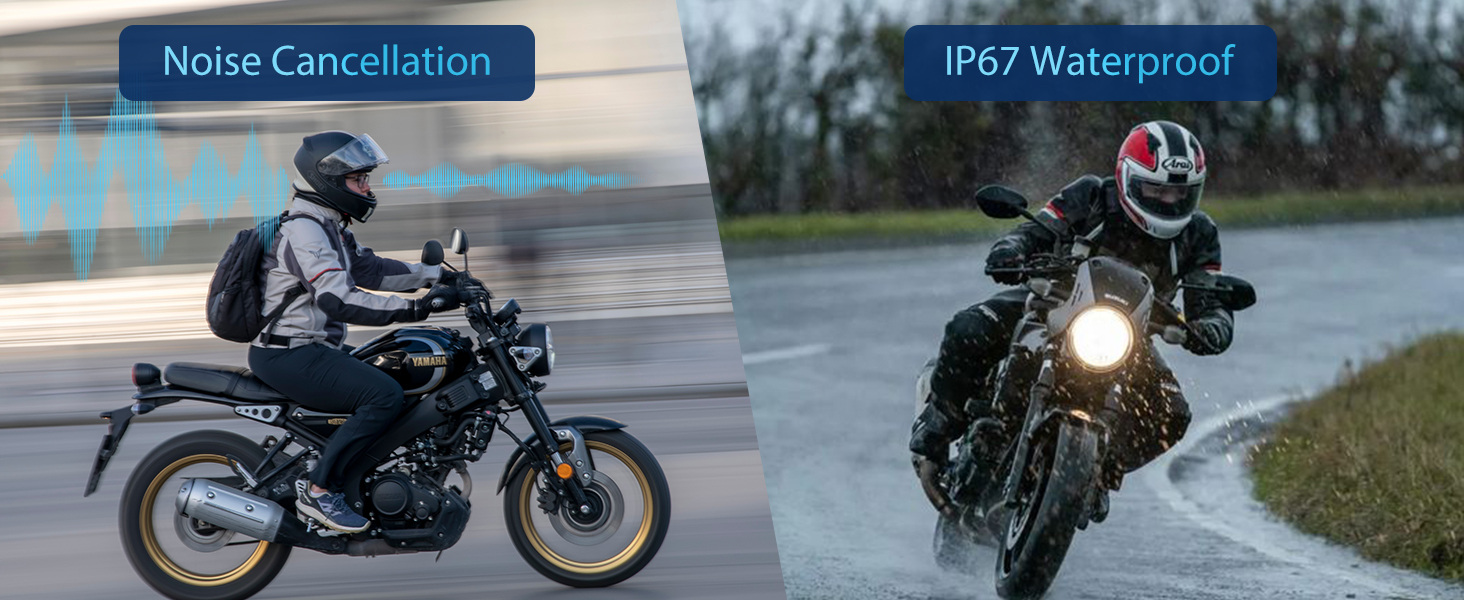
Image: Visual representation of the TK-X2's noise cancellation capabilities and its IP67 waterproof rating.

Image: Illustration detailing the Qualcomm Bluetooth 5.0 technology for lower power consumption and strong compatibility, alongside the 40mm speakers for crystal-clear sound quality.
Тэхнічныя характарыстыкі
| Назва мадэлі | TK-X2 Double |
| Марка | ТХОКВОК |
| Тэхналогія падлучэння | Bluetooth |
| Тэхналогія бесправадной сувязі | Bluetooth |
| Версія Bluetooth | 5.0 (HFP profile) |
| Кантроль шуму | Актыўнае шумапрыглушэнне (DSP і CVC) |
| Гняздо для навушнікаў | Тып-C |
| Узровень воданепранікальнасці | Воданепранікальны (IP67) |
| Тэрмін службы батарэі | Up to 24 Hours (Music/Intercom) |
| Час чакання | Да 280 гадзін |
| Час зарадкі | 2.5 гадзін |
| Матэрыял | Акрыланітрылбутадыенстырол (АБС) |
| Вага прадмета | 1.01 фунта |
| Памеры прадукту | 3 х 1.6 х 0.83 цалі |
Ліквідацыю непаладак
- Няма харчавання: Пераканайцеся, што прылада цалкам зараджана. Падключыце яе да крыніцы харчавання і праверце індыкатар зарадкі.
- Немагчыма спалучыць з тэлефонам: Ensure the headset is in pairing mode (red and blue lights flashing alternately). Clear previous Bluetooth pairings on both the headset and phone, then attempt to pair again.
- Дамафон не падключаецца: Ensure both TK-X2 units have cleared previous intercom pairings. Initiate intercom pairing as described in the 'Operating Instructions' section. Ensure units are within range.
- Нізкі аб'ём: Adjust the volume using the headset's volume buttons. Check the volume settings on your connected phone. Ensure speakers are correctly positioned within the helmet.
- Скажэнне гуку/шум: Ensure the microphone is correctly positioned and not obstructed. Check for interference from other electronic devices.
- FM-радыё не працуе: Ensure you are in an area with good FM signal reception. Double-check that the FM function is activated correctly.
Інфармацыя па бяспецы
- Always prioritize safety while riding. Do not operate the device in a way that distracts you from the road.
- Maintain appropriate volume levels to remain aware of your surroundings.
- Не спрабуйце разбіраць або мадыфікаваць прыладу, бо гэта можа ануляваць гарантыю і прывесці да пашкоджанняў.
- Трымайце прыладу далей ад экстрэмальных тэмператур, прамых сонечных прамянёў і агрэсіўных матэрыялаў.
- Перад падключэннем кабеля зарадкі пераканайцеся, што порт зарадкі сухі.
Гарантыя і падтрымка
The THOKWOK TK-X2 headset comes with a standard manufacturer's warranty. For specific warranty details, please refer to the warranty card included in your package or contact THOKWOK customer support.
For technical assistance, troubleshooting, or any questions regarding your product, please contact THOKWOK customer service through the contact information provided on the official THOKWOK webсайт або ваша платформа для пакупак.