
1. Уводзіны
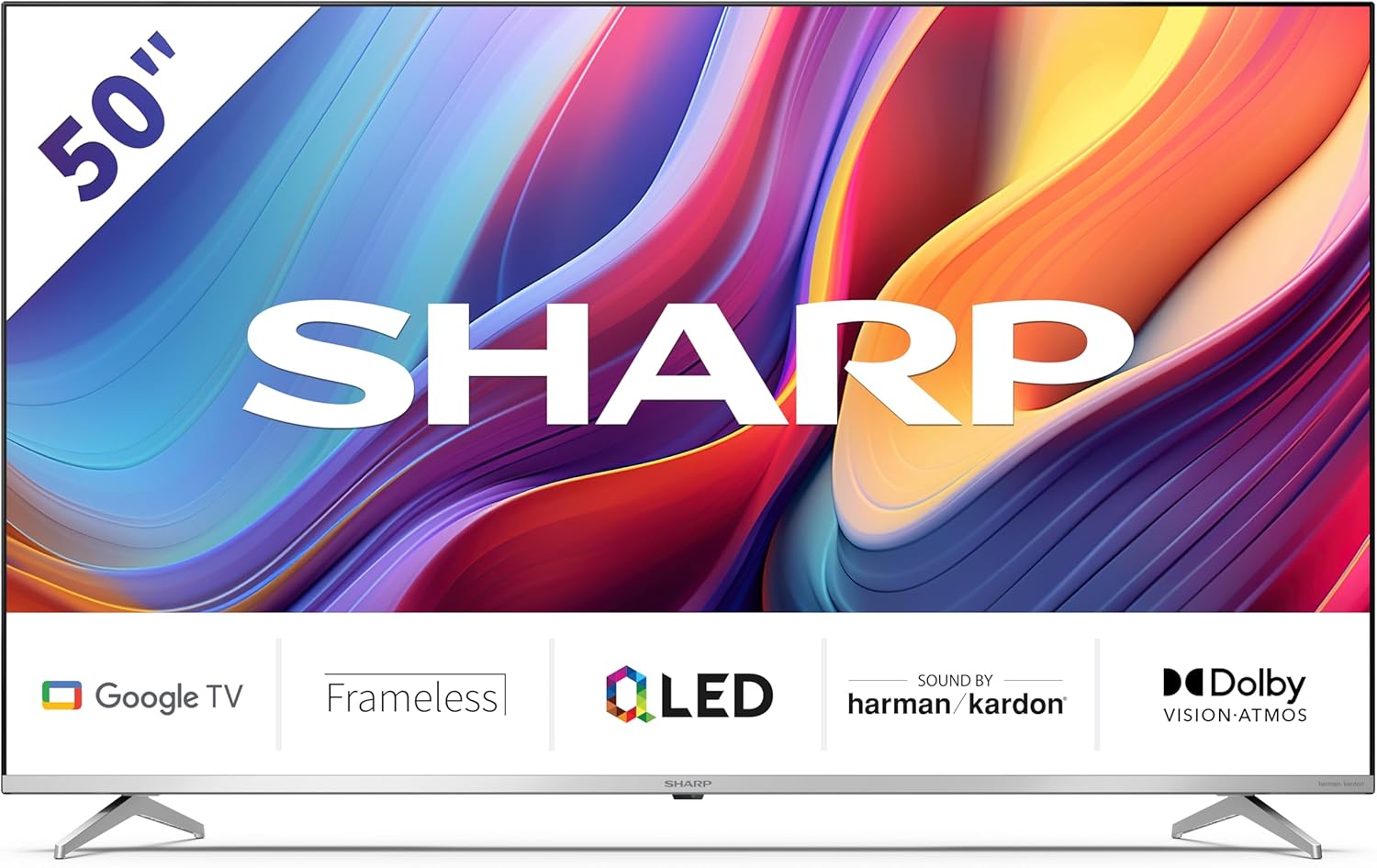
Welcome to the user manual for your new Sharp 50GP6265E 50-inch QLED 4K Ultra HD Google TV. This manual provides essential information for the safe and efficient use of your television. Please read it thoroughly before operating the device and retain it for future reference.
Важная інфармацыя па бяспецы
- Ensure the television is placed on a stable surface to prevent it from falling.
- Не блакуйце вентыляцыйныя адтуліны. Правільная цыркуляцыя паветра мае вырашальнае значэнне для прадухілення перагрэву.
- Абараніце сеткавы шнур ад наступання або заціскання.
- Do not expose the TV to rain or moisture to reduce the risk of fire or electric shock.
- Звяртайцеся да кваліфікаванага абслугоўваючага персаналу.
2. Што ў скрынцы
Пасля распакавання пераканайцеся, што ўсе наступныя кампаненты ў камплекце:
- Sharp 50GP6265E 50-inch QLED 4K Ultra HD Google TV
- Пульт дыстанцыйнага кіравання
- 2 батарэйкі тыпу AAA (для пульта дыстанцыйнага кіравання)
- Кароткае кіраўніцтва
- TV stands (if not wall-mounted)
- Сілавы кабель
3. Настройка
3.1 Распакаванне
Carefully remove the television from its packaging. It is recommended to keep the original packaging for potential future transport or servicing.
3.2 Устаноўка падстаўкі
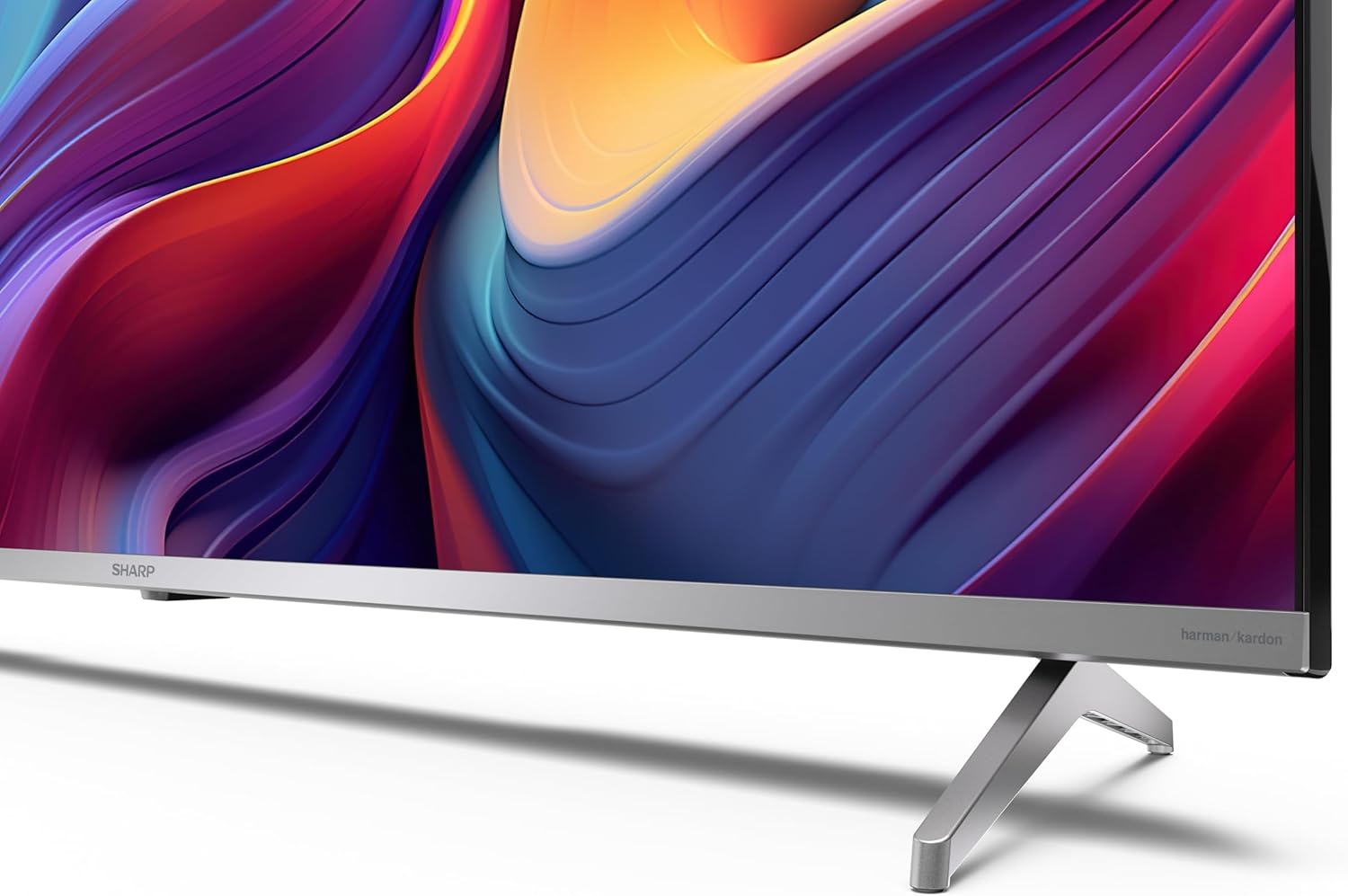
If you are not wall-mounting the television, attach the included stands to the bottom of the TV. Ensure the screws are securely fastened. Refer to the quick start guide for detailed diagrams.
3.3 Насценны мантаж
For wall mounting, the VESA dimensions required are 400 x 300 mm. Use a compatible wall mount bracket (sold separately) and follow the instructions provided with the bracket. Ensure the wall can support the weight of the television (9.7 kg net weight).

3.4 Падключэнне перыферыйных прылад
Your Sharp TV offers various connectivity options:
- HDMI: Connect external devices such as Blu-ray players, gaming consoles, or set-top boxes using the 4 HDMI 2.1 ports. One port supports eARC for enhanced audio return channel functionality.
- USB: Use the 2 USB ports for connecting external storage devices to play media or for service updates.
- Ethernet: Для стабільнага праваднога падключэння да Інтэрнэту.
- Wi-Fi: Для бесправаднога падключэння да Інтэрнэту.
- Bluetooth: Падключыце бесправадныя навушнікі, саўндбары або іншыя аксэсуары з падтрымкай Bluetooth.

3.5 Першая ўстаноўка
After connecting the power cable and turning on the TV, follow the on-screen instructions to complete the initial setup. This typically includes language selection, network connection, and Google account sign-in for Google TV features.
4. Кіраванне тэлевізарам
4.1 Пульт дыстанцыйнага кіравання
The included remote control allows you to navigate the TV's interface, adjust volume, change channels, and access smart features. Insert the 2 AAA batteries into the remote control, ensuring correct polarity.
4.2 Інтэрфейс Google TV
Your Sharp TV runs on Google TV, which organizes movies, shows, and live TV from all your apps and subscriptions. The home screen provides personalized recommendations and quick access to your favorite content.

Supported internet services include Netflix, Amazon Prime Video, HBO, Disney+, Movistar+, DAZN, Atresmedia, KODI, IPTV, Steamlink, Twitch, VLC, YouTube, Puffin TV Browser, Spotify, Deezer, TuneIn Radio, and many more available on Google Play for Google TV.
4.3 Налады выявы
Experience stunning visuals with 4K Ultra HD resolution and Quantum Dot technology for vibrant colors. The TV supports Dolby Vision and HDR10 for enhanced contrast and brightness. Access picture settings through the TV menu to customize brightness, contrast, color, and sharpness to your preference. AQUOS Smooth Motion technology provides image interpolation for smoother motion.
4.4 Налады гуку
The integrated Harman/Kardon speaker system (2 x 12 W) delivers immersive audio. With Dolby Atmos support, you can enjoy a rich, multi-dimensional sound experience. Adjust sound modes and equalizer settings in the audio menu.
4.5 Разумныя функцыі
- Памочнік Google: Выкарыстоўвайце галасавыя каманды для пошуку кантэнту, кіравання прыладамі разумнага дома і атрымання інфармацыі.
- Убудаваны Chromecast: Cast content from your smartphone, tablet, or computer directly to your TV screen.
5. Тэхнічнае абслугоўванне
5.1 Чыстка тэлевізара
- Заўсёды адключайце тэлевізар ад сеткі перад чысткай.
- Выкарыстоўвайце мяккую сухую тканіну для працірання экрана і корпуса. Для ўстойлівых плям злёгку працярыцеampпрацярыце тканіну вадой або спецыяльным сродкам для чысткі экранаў.
- Пазбягайце выкарыстання абразіўных ачышчальнікаў, воску або растваральнікаў.
5.2 Абнаўленне праграмнага забеспячэння
Ваш тэлевізар можа атрымліваць абнаўленні праграмнага забеспячэння для паляпшэння прадукцыйнасці і дадання новых функцый. Пераканайцеся, што ваш тэлевізар падключаны да Інтэрнэту, каб атрымліваць гэтыя абнаўленні аўтаматычна, або праверце іх наяўнасць уручную ў меню налад.
6. Выпраўленне непаладак
Калі ў вас узніклі праблемы з тэлевізарам, звярніцеся да наступных распаўсюджаных праблем і іх рашэнняў:
| праблема | Магчымае рашэнне |
|---|---|
| Няма ўлады | Праверце, ці надзейна падключаны кабель сілкавання да тэлевізара і разеткі. Пераканайцеся, што разетка спраўная. |
| Няма выявы, але гук ёсць | Пераканайцеся, што выбрана правільная крыніца ўваходнага сігналу. Праверце падключэнне знешніх прылад. |
| Няма гуку, але выява ёсць | Check the volume level and mute status. Ensure audio cables are correctly connected for external devices. |
| Пульт дыстанцыйнага кіравання не працуе | Замяніце батарэйкі тыпу AAA. Пераканайцеся, што паміж пультам дыстанцыйнага кіравання і ІЧ-датчыкам тэлевізара няма перашкод. |
| Праблемы з падключэннем да Wi-Fi | Restart your router and the TV. Re-enter the Wi-Fi password. Ensure the TV is within range of your Wi-Fi network. |
7. Тэхнічныя характарыстыкі
| Асаблівасць | Дэталь |
|---|---|
| Марка | Востры |
| Нумар мадэлі | 50GP6265E |
| Памер экрана | 50 цалі |
| Тэхналогія адлюстравання | QLED, Quantum Dot |
| дазвол | 4K Ultra HD (3840 x 2160 пікселяў) |
| Частата абнаўлення | 60 Гц |
| Аперацыйная сістэма | Google TV |
| Падтрымка HDR | Dolby Vision, HDR10 |
| Аўдыёсістэма | Harman/Kardon (2 x 12 W), Dolby Atmos |
| Сувязь | 4x HDMI 2.1 (with eARC), 2x USB, Wi-Fi, Bluetooth, Ethernet |
| Асаблівасці | Google Assistant, Chromecast built-in, AQUOS Smooth Motion |
| Насценнае мацаванне VESA | 400 х 300 мм |
| Памеры (з падстаўкай) | 111.6P x 26.5l x 69.3H cm (1116.4 x 692.9 x 264.7 mm) |
| Памеры (без падстаўкі) | 111.6P x 9.2l x 65.1H cm (1116.4 x 651.3 x 91.5 mm) |
| Вага нета | 9.7 кг |
| Клас энергаэфектыўнасці (SDR) | G (69 кВт·г/1000 г) |
| Клас энергаэфектыўнасці (HDR) | G (98 кВт·г/1000 г) |

Каб атрымаць падрабязную інфармацыю аб прадукце і дадзеныя аб энергаэфектыўнасці, звярніцеся да базы дадзеных EPREL: https://eprel.ec.europa.eu/qr/1942440
8. Гарантыя і падтрымка
Information regarding spare parts availability and software updates is not explicitly provided for a guaranteed period. Please refer to the manufacturer's official website for the most up-to-date warranty terms and support information.
Вытворца: SHARP
Афіцыйны Webсайт: www.sharpconsumer.com
For customer service inquiries, please visit the Sharp consumer website or contact their support channels as listed on their official site.