
VTech VG232
Кіраўніцтва карыстальніка бесправаднога тэлефона VTech VG232
Мадэль: VG232
Уводзіны
This manual provides detailed instructions for the setup, operation, and maintenance of your VTech VG232 Cordless Phone with Answering System. Please read this manual thoroughly to ensure proper use and to take full advantagе ўсіх функцый.

Image: VTech VG232 Cordless Phone and Base Unit
Што ў скрынцы
Пераканайцеся, што ваш пакет змяшчае наступныя элементы:
- Базавая адзінка
- Бесправадная трубка
- Адаптар пераменнага току
- Акумулятар
- Тэлефонны шнур
Настройка
1. Устаноўка батарэі
- Адкрыйце крышку батарэйнага адсека на задняй панэлі трубкі.
- Шчыльна падключыце раз'ём акумулятарнай батарэі да гнязда ўнутры адсека.
- Place the battery pack with the label UP.
- Зачыніце крышку батарэйнага адсека.
2. Падключэнне базавага блока
- Plug the small end of the AC adaptor into the power jack on the back of the telephone base.
- Plug the large end of the AC adaptor into a wall outlet not controlled by a wall switch.
- Plug one end of the telephone line cord into the telephone jack on the back of the telephone base.
- Падключыце другі канец тэлефоннага шнура да тэлефоннай разеткі.
3. Пачатковая зарадка
Place the handset in the telephone base to charge. The handset will display 'Charging' and the charge light on the handset will illuminate. Allow at least 16 hours for the battery to fully charge before initial use.
4. Варыянты размяшчэння
The VTech VG232 base unit can be placed on a tabletop or mounted on a wall.

Image: VTech VG232 Cordless Phone Base Unit on a tabletop and wall-mounted
Інструкцыя па эксплуатацыі
Лічбавая сістэма адказаў
The integrated digital answering system records messages when you are unavailable to answer calls. It offers up to 14 minutes of recording time.
- Прайграванне паведамленняў: Прэса ПРАЙГРАЦЬ/СТОП на базавым блоку.
- Skipping Messages: Прэса ПРАПУСЦІЦЬ to advance to the next message.
- Repeating Messages: Прэса Паўтор to replay the current message. Press twice to go to the previous message.
- Выдаленне паведамленняў: Прэса ВЫДАЛІЦЬ падчас прайгравання паведамлення.
- Лічыльнік паведамленняў: Базавая прылада адлюстроўвае колькасць новых паведамленняў.

Image: VTech VG232 Cordless Phone with Digital Answering System

Image: VTech VG232 Cordless Phone indicating 14 minutes of recording time

Image: VTech VG232 Cordless Phone base unit with message counter displaying '12'
Ідэнтыфікатар абанента/Чаканне выкліку
The phone displays the name, number, time, and date of incoming calls. It stores up to 50 calls in the Caller ID log.
- Reviewing Calls: Выкарыстоўвайце CID button to scroll through the Caller ID log.
- Перазвон: Прэса ГОВОР / МІГАЦЬ to call a number from the Caller ID log.

Image: VTech VG232 Cordless Phone displaying Caller ID information and storing 50 calls
Поўнадуплексны дынамік тэлефона
Engage the speakerphone function for hands-free conversations. The full-duplex feature allows both parties to speak and be heard simultaneously.
- Activating Speakerphone: Націсніце ГОВОР / МІГАЦЬ button during a call to switch to speakerphone.
- Рэгуляванне гучнасці: Выкарыстоўвайце АБ'ЁМ buttons on the handset.
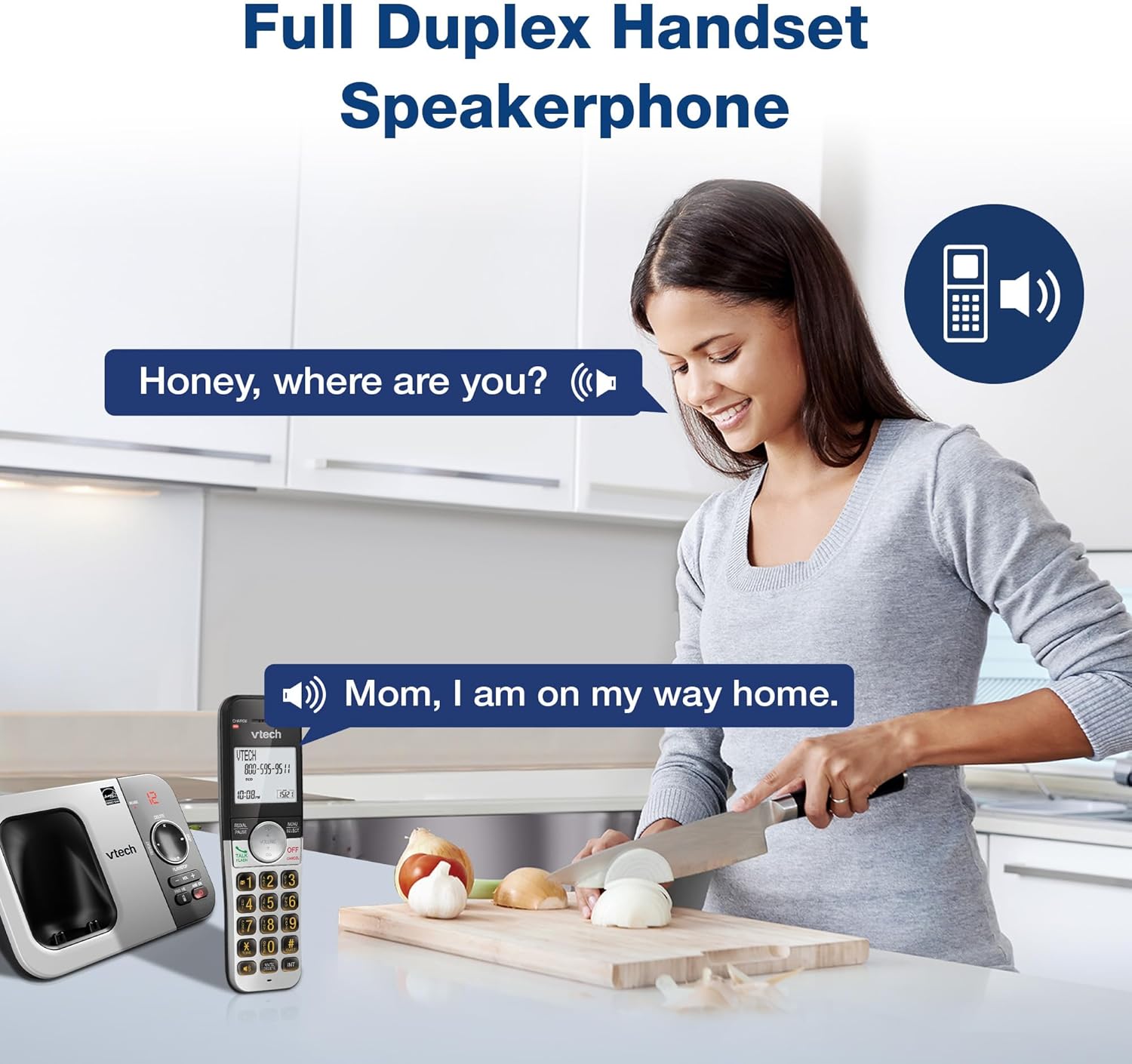
Image: VTech VG232 Cordless Phone with Full Duplex Handset Speakerphone in use
Backlit Keypad and Display
The handset features a backlit keypad and a large 2-inch white backlit LCD screen for improved visibility in low-light conditions.

Image: VTech VG232 Cordless Phone with illuminated keypad
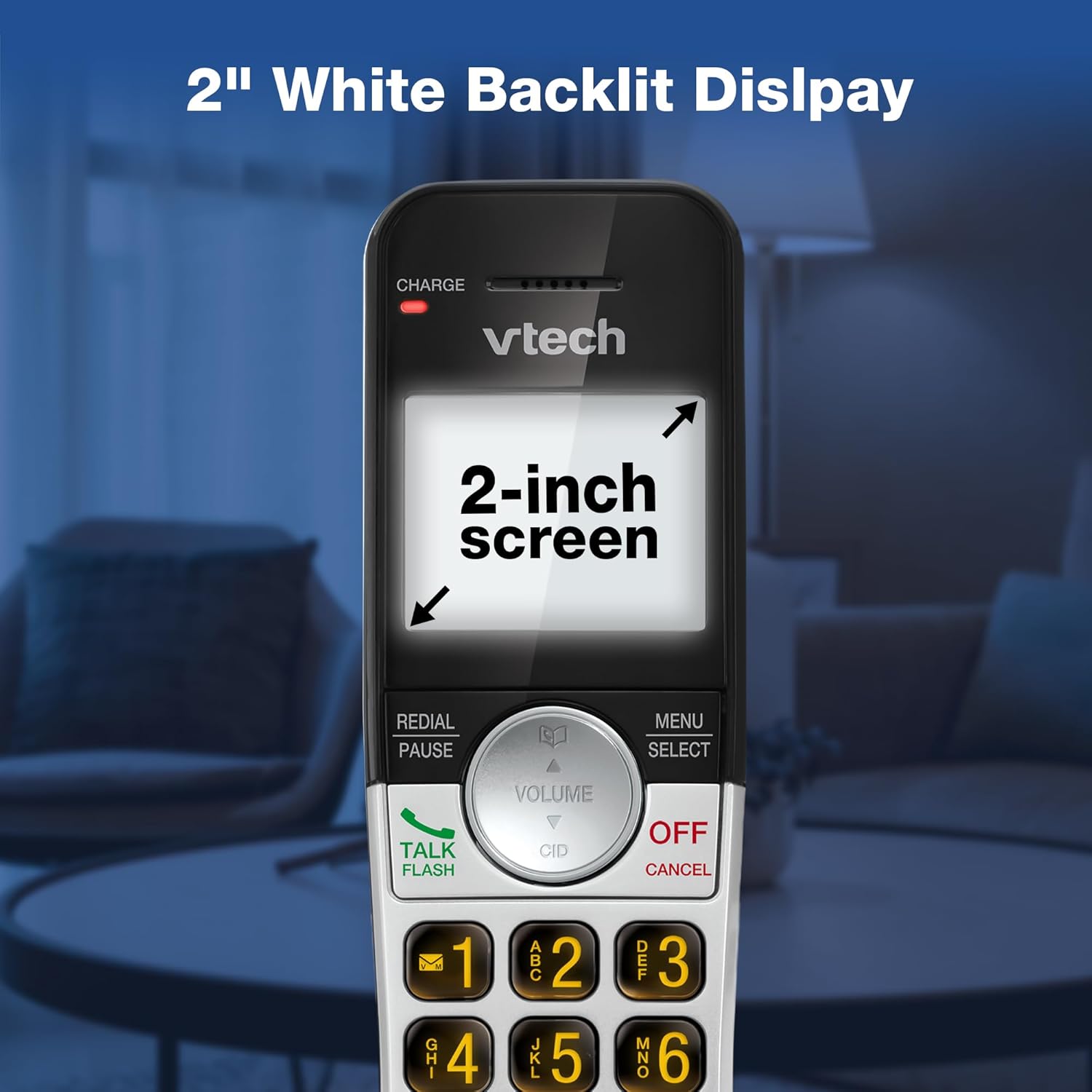
Image: VTech VG232 Cordless Phone with 2-inch white backlit display
Ціхі рэжым
Activate Quiet Mode to silence the ringer on the handset and base unit for a specified period, providing uninterrupted peace.
- Activating Quiet Mode: Націсніце і ўтрымлівайце ЦІША button (usually #) on the handset. Follow the on-screen prompts to set the duration.

Image: VTech VG232 Cordless Phone showing Quiet Mode feature
Тэлефонная кніга
Захоўвайце да 50 імёнаў і нумароў у тэлефоннай кнізе для хуткага набору.
- Даданне запісаў: Прэса МЕНЮ/ВЫБАР, navigate to Phonebook, and select 'Add New Entry'.
- Searching Entries: Use the alphabetical search function or scroll through the list.

Image: VTech VG232 Cordless Phone displaying 50 Name and Number Phonebook Contacts
Last 10 Number Redial
Quickly redial any of the last 10 numbers called.
- Паўторны набор: Прэса Паўторны набор/паўза каб view the last 10 numbers. Select a number and press ГОВОР / МІГАЦЬ набраць.

Image: VTech VG232 Cordless Phone showing Last 10 Number Redial feature
Intercom Between Handsets (if applicable)
If you have multiple handsets, you can use the intercom feature to communicate between them.
- Уключэнне інтэркома: Прэса ІНТ on the handset and select the desired handset to call.

Image: Two VTech VG232 Cordless Handsets communicating via intercom
Remote Access to Answering System
Access your answering system messages from an outside line.
- Доступ: Dial your phone number from an external phone. When the answering system answers, enter your remote access code.

Image: VTech VG232 Cordless Phone showing remote access feature
Тэхнічнае абслугоўванне
To ensure the longevity and optimal performance of your VTech VG232 Cordless Phone, follow these maintenance guidelines:
- Уборка: Чысціце тэлефон і базу мяккай губкайamp тканінай. Не выкарыстоўвайце ачышчальныя спрэі або агрэсіўныя хімікаты.
- Сыход за батарэяй: Replace the battery pack when the handset indicates low battery or when performance significantly decreases. Use only the specified replacement battery.
- Умовы навакольнага асяроддзя: Пазбягайце ўздзеяння на тэлефон экстрэмальных тэмператур, прамых сонечных прамянёў або вільгаці.
Ліквідацыю непаладак
If you experience issues with your phone, refer to the following common problems and solutions:
| праблема | Рашэнне |
|---|---|
| Няма сігналу набору | Ensure the telephone line cord is securely connected to both the base unit and the wall jack. Check if the AC adaptor is properly connected to the base unit and a working power outlet. |
| Handset displays "Low Battery" | Place the handset in the base unit to charge. Allow at least 16 hours for a full charge. If the issue persists, the battery pack may need replacement. |
| Не чую абанента / Абанент не чуе мяне | Adjust the handset volume. Check the telephone line cord connection. If using speakerphone, ensure you are speaking clearly towards the handset. |
| Аўтаадказчык не запісвае паведамленні | Ensure the answering system is turned ON. Check if the memory is full; delete old messages if necessary. |
| Ідэнтыфікатар абанента не адлюстроўваецца | Пераканайцеся, што вы падпісаліся на паслугу ідэнтыфікацыі абанента ў вашага тэлефоннага аператара. |
Тэхнічныя характарыстыкі
| Асаблівасць | Дэталь |
|---|---|
| Нумар мадэлі | VG232 |
| Памеры прадукту | 5.54 х 3.36 х 7.23 цалі |
| Вага прадмета | 1.1 фунта |
| Тып тэлефона | Бесправадная |
| Тып аўтаадказчыка | Лічбавы |
| Час запісу аўтаадказчыка | Да 14 хвілін |
| Памяць ідэнтыфікатара абанента | 50 званкоў |
| Ёмістасць тэлефоннай кнігі | 50 імёнаў і лічбаў |
| Дысплей | 2-inch White Backlit LCD |
| Клавіятура | Падсвятленне |
| Крыніца харчавання | Працуе ад батарэі (1 батарэя для канкрэтнага прадукту ў камплекце) |
| Матэрыял | Пластыкавыя |
| Колер | Серабрысты, чорны |
| Сумяшчальныя прылады | PSTN networks, VTech models |
Гарантыя і падтрымка
VTech products are manufactured with high-quality components and are designed to provide years of trouble-free operation. For specific warranty details, please refer to the warranty card included with your purchase or visit the official VTech webсайт.
For technical support, product registration, or to purchase accessories, please visit the VTech support webсайт або звяжыцеся са службай падтрымкі кліентаў:
- Інтэрнэт-падтрымка: www.vtechphones.com/support
- Абслугоўванне кліентаў: Refer to your product packaging for the most current contact information.
Ask a question about this manual
Ask about setup, troubleshooting, compatibility, parts, safety, or missing instructions. Manuals+ will review the question and use this page’s manual context to help answer it.