
WIITHINK WTB-978
WIITHINK HD Blu-Ray DVD Player User Manual
Мадэль: WTB-978
1. Уводзіны
This manual provides detailed instructions for the setup, operation, and maintenance of your WIITHINK HD Blu-Ray DVD Player (Model WTB-978). This player is designed to deliver a high-definition cinematic experience with versatile disc and multimedia playback capabilities. Please read this manual thoroughly before using the product to ensure proper operation and to maximize your enjoyment.
2. Змесціва ўпакоўкі
Калі ласка, пераканайцеся, што ўсе пералічаныя ніжэй прадметы ўваходзяць у ваш пакет:
- 1 x WIITHINK Blu-Ray DVD Player (Model WTB-978)
- 1 х пульт дыстанцыйнага кіравання (батарэі не ўваходзяць у камплект)
- 1 х кабель HDMI
- 1 х AV-кабель
- 1 х Інструкцыя па эксплуатацыі

Image: Contents of the WIITHINK Blu-Ray DVD Player package. This image displays the Blu-ray DVD player, its remote control, an HDMI cable, an RCA (AV) cable, and the instruction manual, illustrating all items included in the box.
3. Настройка
3.1 Падключэнне да тэлевізара
The WIITHINK Blu-Ray DVD Player offers multiple connectivity options to suit your television or home theater system.
- HDMI Connection (Recommended for HD Quality):
For the best audio and video quality, connect the included HDMI cable from the HDMI OUT port on the player to an HDMI IN port on your television. Select the corresponding HDMI input on your TV.
- Падключэнне AV (RCA):
Use the included AV cable to connect the player to your TV. Match the colored plugs (Yellow for Video, White for Left Audio, Red for Right Audio) from the player's AV OUT ports to the corresponding AV IN ports on your TV. Select the AV input on your TV.
- Coaxial Audio Connection:
For digital audio output to a compatible receiver or sound system, connect a coaxial cable (not included) from the Coaxial OUT port on the player to the Coaxial IN port on your audio device.
3.2 Падключэнне харчавання
After connecting the player to your TV, plug the player's power cord into a standard electrical outlet.
3.3 Батарэйкі пульта дыстанцыйнага кіравання
Устаўце дзве батарэйкі тыпу ААА (не ўваходзяць у камплект) у пульт дыстанцыйнага кіравання, сачыце за правільнай палярнасцю.
4. Інструкцыя па эксплуатацыі
4.1 Уключэнне/выключэнне
Націсніце УЛАДА button on the front panel of the player or on the remote control to turn the unit on or off.
4.2 Прайграванне дыскаў
This player supports a wide range of disc formats, including Blu-ray Discs (Region A/1), standard DVDs (Region Free), CDs, and VCDs.
- Націсніце АДКРЫЦЬ/ЗАКРЫЦЬ кнопку на пярэдняй панэлі або пульце дыстанцыйнага кіравання, каб адкрыць латок для дыскаў.
- Акуратна пакладзеце дыск у латок для дыскаў этыкеткай уверх.
- Націсніце АДКРЫЦЬ/ЗАКРЫЦЬ зноў націсніце кнопку, каб закрыць латок. Плэер аўтаматычна пачне чытаць дыск.
- Выкарыстоўвайце кнопкі навігацыі пульта дыстанцыйнага кіравання (Уверх, уніз, налева, направа, добра) to select options from the disc menu.
- Прэса ПРАЙГРАЦЬ/Паўза каб пачаць або прыпыніць прайграванне.
- Прэса СТОП каб завяршыць прайграванне.
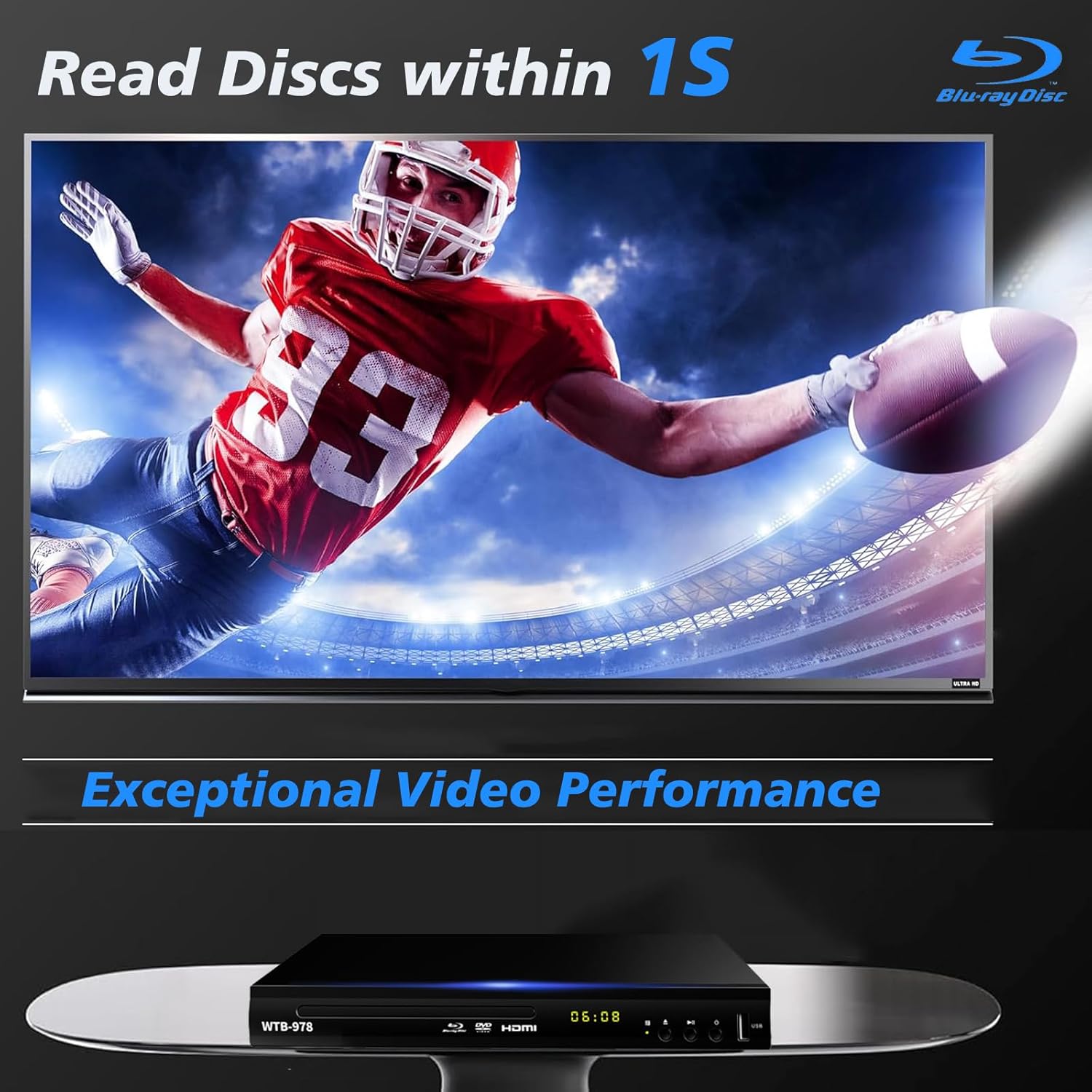
Image: The Blu-Ray DVD player is shown with a screen displaying a high-definition football game, emphasizing its exceptional video performance and quick disc reading capabilities.

Image: A Blu-Ray DVD player with its disc tray open, revealing a Blu-ray disc. The image highlights the player's ability to deliver 1080P HD picture quality, with a film strip graphic above suggesting movie playback.

Image: The Blu-Ray DVD player is positioned in front of a world map, illustrating its "ALL Region Free" capability for DVD playback across multiple countries, while also specifying support for Blu-ray Discs from Region A/1.
4.3 Прайграванне мультымедыя праз USB
The player features a USB input for playing multimedia files from external storage devices (up to 2TB USB flash drives/HDDs).
- Insert your USB flash drive or external HDD into the USB port on the front of the player.
- The player should automatically detect the USB device and display a menu. If not, navigate to the USB input using the remote control.
- Use the navigation buttons to browse through your files (MP4, AVI, MP3, etc.) and press OK to select and play.
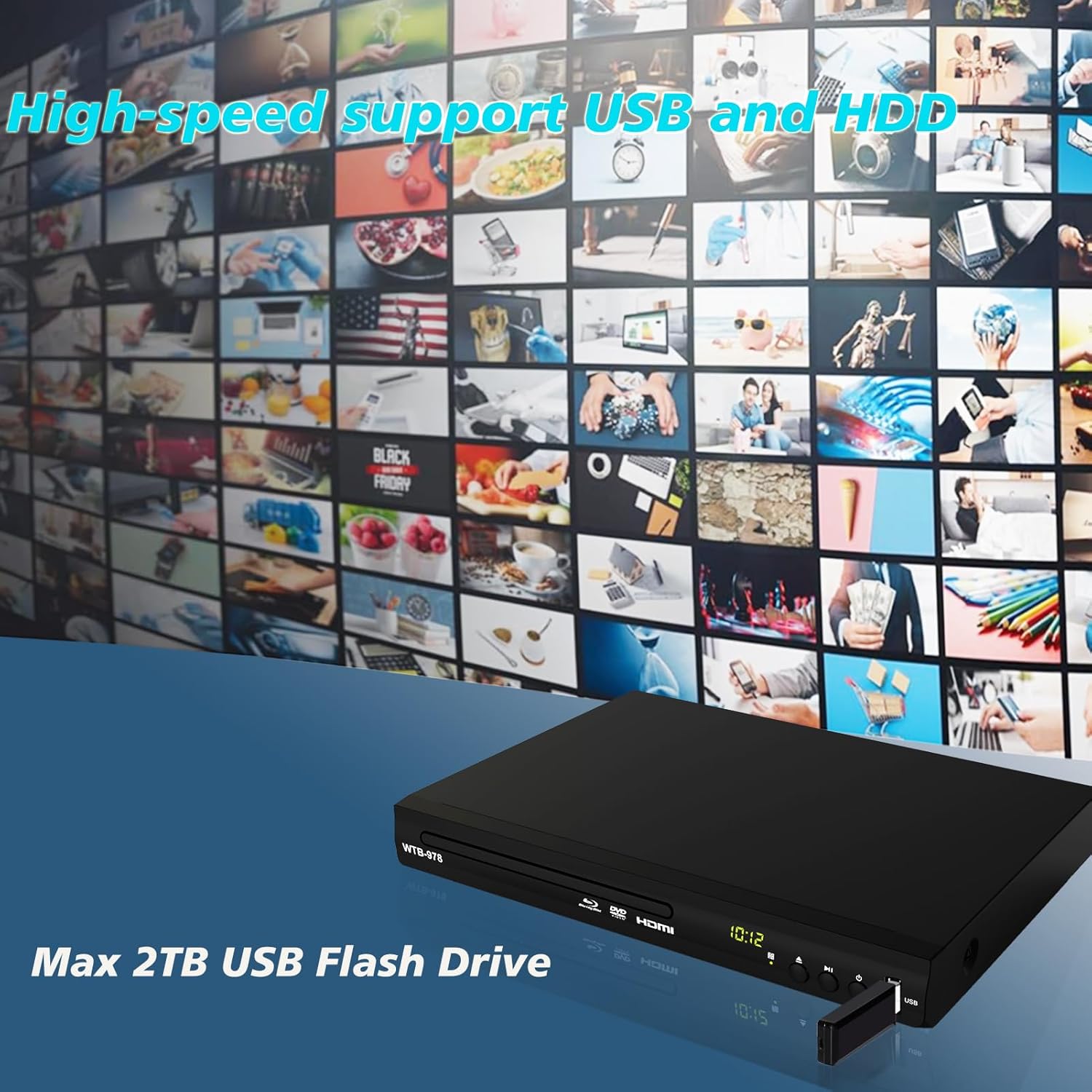
Image: The Blu-Ray DVD player is shown with a USB flash drive inserted into its port, set against a background of numerous video thumbnails, illustrating its high-speed support for USB and HDD multimedia playback.
4.4 Audio Features (Dolby & DTS)
The player supports Dolby and DTS audio formats for an immersive sound experience. Ensure your audio receiver or sound system is properly connected and configured to utilize these features.
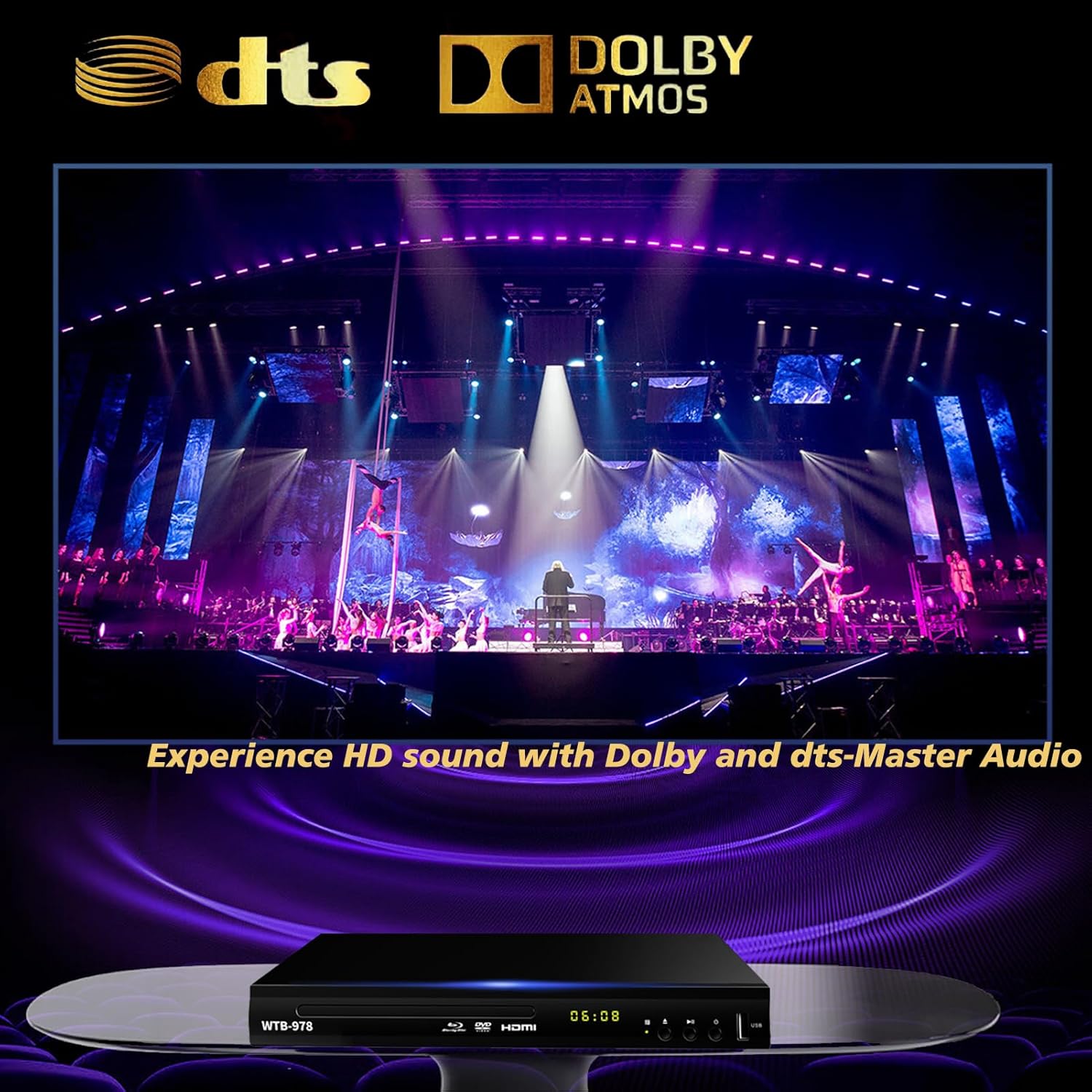
Image: The Blu-Ray DVD player is displayed with prominent DTS and Dolby logos, and a concert scene on the screen, highlighting its capability to deliver HD sound with Dolby and DTS-Master Audio.
4.5 Resume Playback
The player features a resume function, allowing it to continue playback from where it was last paused, even after being powered off.

Image: Two television screens illustrate the resume playback feature. The first screen shows a video paused, and the second shows the video resuming from the exact point after the player was powered off, demonstrating seamless continuity.
5. Тэхнічнае абслугоўванне
- Уборка: Use a soft, dry cloth to clean the exterior of the player. Do not use liquid cleaners or abrasive chemicals.
- Сыход за дыскамі: Трымайце дыскі за краю. Трымайце іх чыстымі і без драпін. Выкарыстоўвайце мяккую тканіну без ворса, каб праціраць дыскі ад цэнтра да краёў.
- Вентыляцыя: Ensure the player has adequate ventilation. Do not block the ventilation openings.
- захоўванне: Захоўвайце прайгравальнік у прахалодным, сухім месцы, удалечыні ад прамых сонечных прамянёў і экстрэмальных тэмператур.
6. Выпраўленне непаладак
| праблема | Магчымая прычына | Рашэнне |
|---|---|---|
| Няма ўлады | Шнур харчавання не падключаны; разетка неактыўная. | Пераканайцеся, што шнур харчавання надзейна падключаны. Праверце разетку з дапамогай іншай прылады. |
| Фотаздымка няма | Incorrect input selected on TV; Loose HDMI/AV cable connection. | Select the correct HDMI or AV input on your TV. Check cable connections at both ends. |
| Няма гуку | Audio cables not connected; TV/receiver volume too low or muted. | Ensure audio cables (HDMI/AV/Coaxial) are properly connected. Increase volume and check mute settings on TV/receiver. |
| Дыск не прайграваецца | Disc is dirty, scratched, or inserted incorrectly; Incorrect disc region. | Clean the disc. Ensure the disc is inserted label-side up. Verify Blu-ray disc region (Region A/1 supported). DVDs are region-free. |
| Пульт дыстанцыйнага кіравання не працуе | Батарэйкі разраджаныя або няправільна ўстаўленыя; паміж пультам дыстанцыйнага кіравання і прайгравальнікам ёсць перашкода. | Replace batteries, ensuring correct polarity. Remove any obstructions and point the remote directly at the player's sensor. |
7. Тэхнічныя характарыстыкі
- мадэль: ВТБ-978
- дазвол: 1920x1080 (1080p)
- Сумяшчальныя прылады: Тэлебачанне
- Асаблівасці: Surround Sound, Standard DVDs All-Region Free, Anti-Shock, Noise Reduction Technology, Blu-Ray Region A discs support
- Рэжым вываду гуку: Акружаць
- Падтрымліваюцца аўдыяфарматы: DTS, Dolby
- Тыпы раздымаў: RCA, USB, HDMI, Coaxial
- Падтрымліваюцца тыпы носьбітаў: CD, DVD, VCD, Blu-Ray Disc (BD, BD-R, BD-RE, DVD-R/RW, DVD+R/RW, DVD-Video, VCD, CD, CD-R/RW)
- Падтрымліваецца File Formats (USB): MP4, AVI, MP3
- USB Drive Support: Max 2TB USB Flash Drive/HDD
- Памеры (Д х Ш х У): Approximately 10.24 in x 7.56 in x 1.57 in
- Вага: Прыкладна 1.62 кг
8. Гарантыя і падтрымка
For warranty information and technical support, please refer to the contact details provided on the product packaging or visit the official WIITHINK webсайт. Захоўвайце чэк аб куплі як пацверджанне пакупкі.
For further assistance, you may contact WIITHINK customer service through their official channels.
Ask a question about this manual
Ask about setup, troubleshooting, compatibility, parts, safety, or missing instructions. Manuals+ will review the question and use this page’s manual context to help answer it.