
1. Уводзіны
This manual provides detailed instructions for the T-Wolf TF800 Gaming Combo, a 4-in-1 package designed for an enhanced gaming experience. The combo includes a backlit keyboard, a gaming mouse, a stereo headset with microphone, and a mouse pad. Please read this manual carefully before using the product to ensure proper setup and operation.

Image: T-Wolf TF800 Gaming Combo retail box. The box displays the included keyboard, mouse, headset, and mouse pad, highlighting features like floating keycaps, highlight light, multimedia keys, and ergonomic design.
2. Змесціва ўпакоўкі
Пераканайцеся, што ў вашай упакоўцы ёсць усе наступныя прадметы:
- 1 x T-Wolf Gaming Keyboard
- 1 x T-Wolf Gaming Mouse
- 1 x T-Wolf Gaming Headset
- 1 x T-Wolf Gaming Mouse Pad
3. Інструкцыі па ўсталёўцы
Follow these steps to set up your T-Wolf TF800 Gaming Combo:
3.1 Налада клавіятуры
- Знайдзіце даступны порт USB 2.0 на вашым кампутары.
- Падключыце USB-раздым клавіятуры да USB-порта.
- Аперацыйная сістэма аўтаматычна выявіць і ўсталюе неабходныя драйверы.
- The keyboard backlight will illuminate upon successful connection.
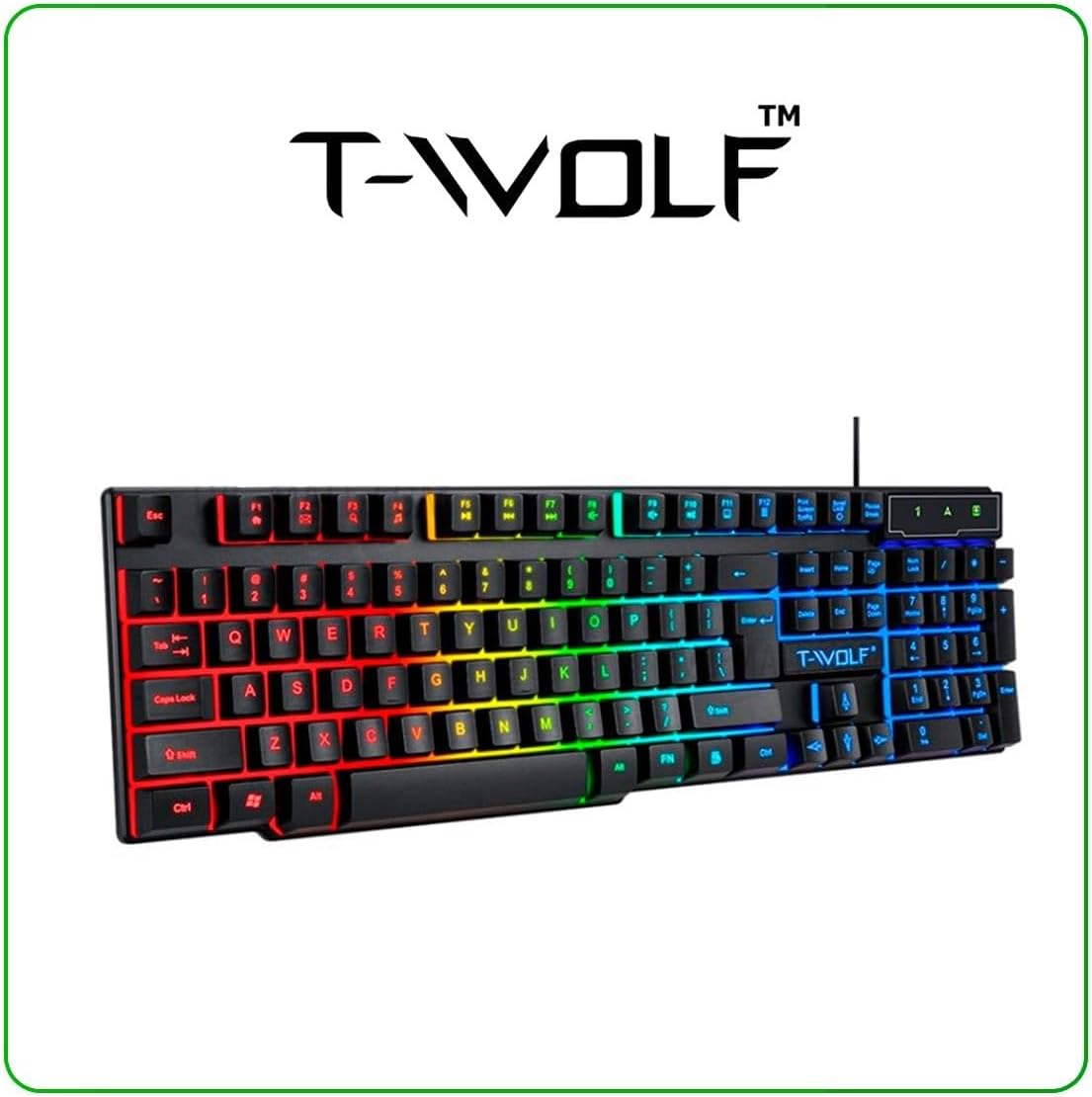
Image: T-Wolf Gaming Keyboard. This image shows the full 104-key layout with vibrant RGB backlighting, including the 'Ñ' key.
3.2 Налада мышы
- Locate another available USB 2.0 port on your computer.
- Падключыце USB-раздым мышы да USB-порта.
- Аперацыйная сістэма аўтаматычна выявіць і ўсталюе неабходныя драйверы.
- The mouse LED lighting will activate upon successful connection.

Image: T-Wolf Gaming Mouse. This image displays the ergonomic design of the mouse with multi-color RGB lighting accents.
3.3 Headset Setup
- Locate the 3.5mm audio jack on your computer (usually marked with a headphone icon).
- Plug the 3.5mm connector of the headset into the audio jack.
- If your computer has separate microphone and headphone jacks, you may need a Y-splitter (not included) or connect to a combined audio jack.
- Adjust the volume using the in-line control on the headset cable.
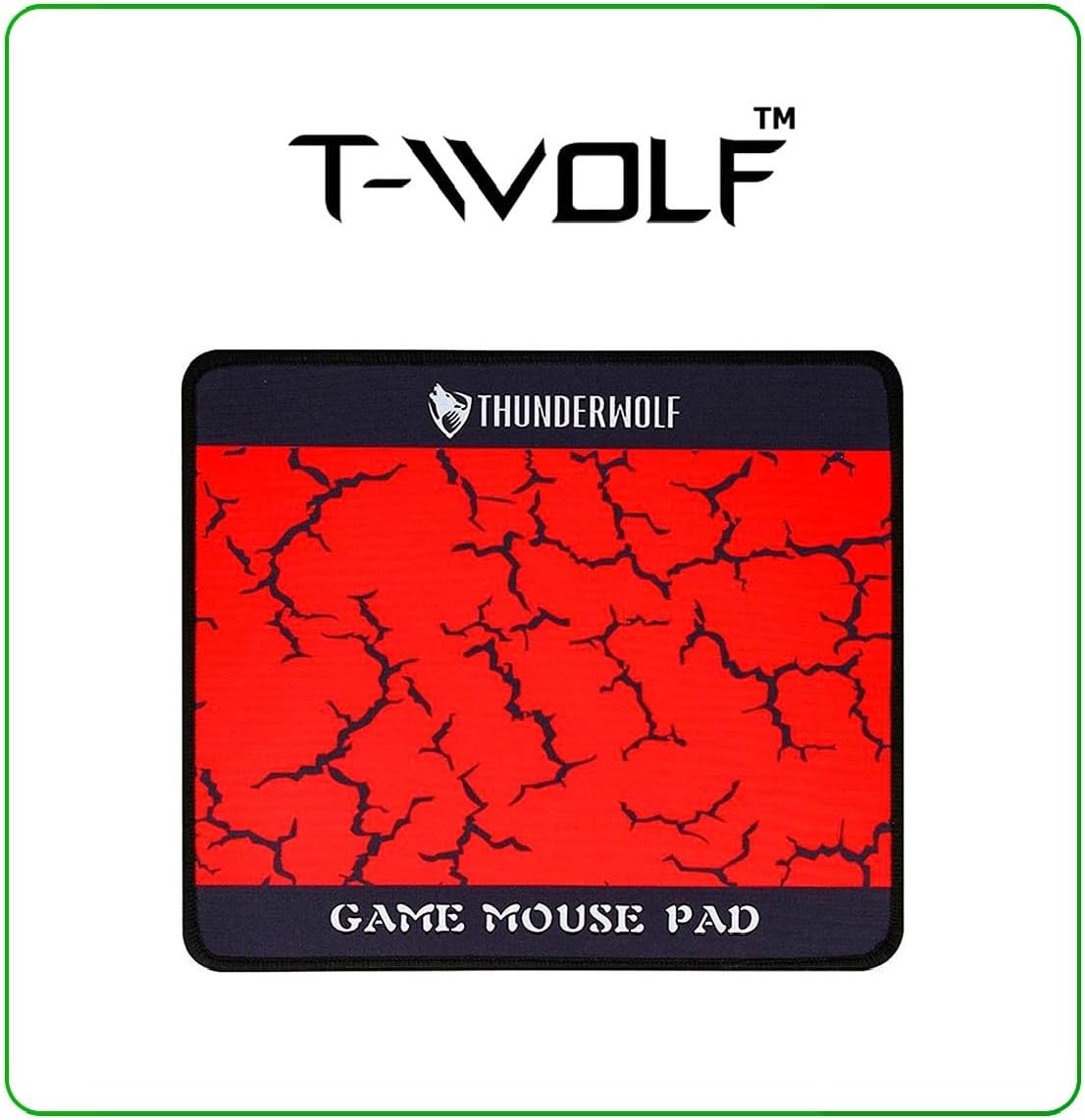
Image: T-Wolf Gaming Headset. This image shows the over-ear headset with a flexible microphone and red accents.
3.4 Mouse Pad Placement
- Пакладзеце кілімок для мышы на роўную чыстую паверхню.
- Ensure the non-slip rubber base is in full contact with the desk to prevent movement during use.
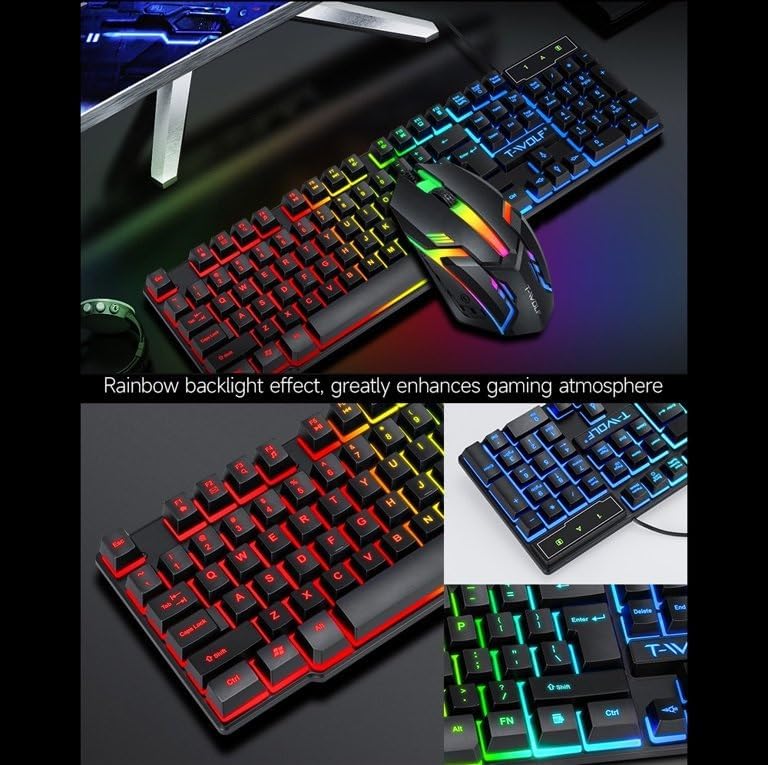
Image: T-Wolf Gaming Mouse Pad. This image features the mouse pad with a red cracked pattern and a black border, designed for optimal mouse precision.
4. Інструкцыя па эксплуатацыі
4.1 Кіраванне клавіятурай
- Кіраванне падсветкай: The keyboard features a 3-color LED backlight (Red, Blue, Green). Press the Scroll Lock key to toggle the backlight ON/OFF.
- Мультымедыйныя ключы: Utilize the dedicated multimedia keys (usually F-keys combined with Fn) for quick access to volume control, media playback, and other functions. Refer to the keyboard layout for specific key assignments.
- Эрганамічны дызайн: The keyboard is designed for comfortable typing during extended use.

Image: T-Wolf Keyboard and Mouse. This image illustrates the rainbow backlight effect on both the keyboard and mouse, enhancing the gaming atmosphere.
4.2 Кіраванне мышкай
- Рэгуляванне DPI: The mouse supports adjustable DPI settings (up to 1200 DPI). Use the DPI button (typically located near the scroll wheel) to cycle through different sensitivity levels.
- Святлодыёднае асвятленне: The mouse features 4-color circular breathing LED lighting, which activates automatically when connected.
- кнопкі: The mouse has 3 buttons for standard operation.
4.3 Праца з гарнітурай
- Рэгулятар гучнасці: Adjust the audio volume using the in-line control wheel located on the headset cable.
- Выкарыстанне мікрафона: The microphone is foldable. Position it appropriately for clear voice communication. Ensure your computer's audio settings recognize the headset microphone as the input device.
- Стэрэагук: The headset provides stereo sound for deep bass and crisp treble.

Image: T-Wolf Gaming Headset in use and with dimensions. This image shows a user wearing the headset and provides detailed dimensions (200x130x100mm) for the headset.
5. Тэхнічнае абслугоўванне
Правільнае абслугоўванне гарантуе даўгавечнасць і аптымальную прадукцыйнасць вашай гульнявой камбінацыі.
- Уборка:
- Use a soft, dry cloth to wipe down the keyboard, mouse, and headset.
- Для ўстойлівага бруду злёгку ачысціцеampпрацярыце тканіну вадой або мяккім ачышчальным растворам. Пазбягайце агрэсіўных хімічных рэчываў.
- Do not immerse any component in water.
- The mouse pad can be gently hand-washed with mild soap and water, then air-dried.
- захоўванне:
- Store the combo in a cool, dry place away from direct sunlight and extreme temperatures.
- Avoid placing heavy objects on the keyboard or headset to prevent damage.
- Кабельнае кіраванне: Пазбягайце рэзкіх выгібаў або перагібаў у кабелях, каб пазбегнуць пашкоджання ўнутраных правадоў.
6. Выпраўленне непаладак
If you encounter any issues with your T-Wolf TF800 Gaming Combo, refer to the following common problems and solutions:
- Клавіятура/мыш не рэагуе:
- Ensure the USB connectors are securely plugged into the computer's USB ports.
- Паспрабуйце падключыць прылады да розных USB-партоў.
- Перазагрузіце кампутар.
- Check if the Scroll Lock key is pressed (for keyboard backlight).
- Headset No Sound/Microphone Not Working:
- Ensure the 3.5mm audio jack is fully inserted into the correct port.
- Check the in-line volume control on the headset cable and ensure it is not muted or set to minimum.
- Verify your computer's audio settings:
- For output, ensure the headset is selected as the default playback device.
- For input, ensure the headset microphone is selected as the default recording device.
- Test the headset on another device if possible to rule out a device-specific issue.
- Святлодыёдныя ліхтары не працуюць:
- For the keyboard, press the Scroll Lock key to toggle the backlight.
- Ensure the devices are properly connected via USB.
- Some systems may require specific drivers or software for advanced lighting control, though basic functionality should be plug-and-play.
7. Тэхнічныя характарыстыкі
Detailed specifications for each component of the T-Wolf TF800 Gaming Combo:
7.1 Тэхнічныя характарыстыкі клавіятуры
| Backlight System | 3-color LED (Red, Blue, Green) |
| Раскладка клавіш | 104 keys, includes 'Ñ' |
| Інтэрфейс падлучэння | USB 2.0 |
| Даўжыня кабеля | 1.45 метраў (4.8 футы) |
| Тэрмін службы ключавога ўдару | 1 мільёнаў разоў |
| Памеры | 430 х 130 х 30 мм |
| Вага | 650 г |
7.2 Тэхнічныя характарыстыкі мышы
| DPI | 1200 |
| Гузікі | 3 |
| Падсвятленне | 4-color circular breathing LED |
| Інтэрфейс падлучэння | USB 2.0 |
| Даўжыня кабеля | 1.35 метраў (4.4 футы) |
| Stroke Life | 2 мільёнаў разоў |
| Вага | 95 г |
7.3 Headset Specifications
| Дыяметр дынаміка | 50 мм |
| Імпеданс | 32Ω ±15% |
| АЧХ | 20 Гц-20 кГц |
| Даўжыня кабеля | 1.8 метраў |
| Намінальная магутнасць | 25 мВт |
| Максімальная ўваходная магутнасць | 100 мВт |
| Тып штэкера | 3.5 мм |
| Адчувальнасць мікрафона | -58dB ± 3dB |
| Памеры | 200 х 130 х 100 мм |
| Вага | Not specified in detail, but generally lightweight |
7.4 Mouse Pad Specifications
| Памер | 300 х 250 х 2 мм |
| Матэрыял | Cloth surface, Rubber base |
| Асаблівасці | Ultra-smooth weave surface, Anti-slip bottom |
| Вага | 122 г |
8. Інфармацыя аб гарантыі
This T-Wolf TF800 Gaming Combo comes with a standard manufacturer's warranty against defects in materials and workmanship. The specific duration and terms of the warranty may vary by region and retailer. Please retain your proof of purchase for warranty claims. For detailed warranty information, refer to the documentation provided at the point of purchase or contact your retailer.
9. Падтрымка кліентаў
If you require further assistance or have questions not covered in this manual, please contact your retailer or the product manufacturer's customer support.
- Падтрымка рознічных прадаўцоў: Refer to the contact information provided by your purchase retailer.
- Падтрымка вытворцы: For general inquiries, please visit the official T-Wolf website (if available) or search for T-Wolf customer service online.