
1. Уводзіны
The LOFREE Zero ARTZ Mechanical Keyboard is a 75% layout keyboard designed for versatile use across multiple operating systems. It features a rechargeable battery, hot-swappable switches, and offers three connection types: Bluetooth, 2.4G wireless, and USB-C wired. This manual provides essential information for setting up, operating, and maintaining your keyboard.

Image: The LOFREE Zero ARTZ keyboard, showcasing its unique Terrazzo-inspired design and minimalist aesthetic.
2. Што ў скрынцы
Калі ласка, праверце змесціва пакета, каб пераканацца ў наяўнасці ўсіх прадметаў:
- LOFREE Zero ARTZ Mechanical Keyboard
- USB-кабель (для зарадкі і праваднога падключэння)
- 2.4G Wireless Receiver (typically stored in the keyboard's magnetic silo)
3. Настройка
3.1 Першапачатковая зарадка
Before first use, connect the keyboard to a power source using the provided USB-C cable. The keyboard features a long-lasting battery life. An LED indicator will show charging status.
3.2 Варыянты падключэння
The LOFREE Zero ARTZ keyboard supports three connection methods:
- Bluetooth: Pair with up to three devices.
- Бесправадная сувязь 2.4G: Use the included USB receiver for a stable connection.
- Правадны USB-C: Connect directly via the USB-C cable.
The keyboard is compatible with MacOS, iOS, Windows, and Android operating systems.
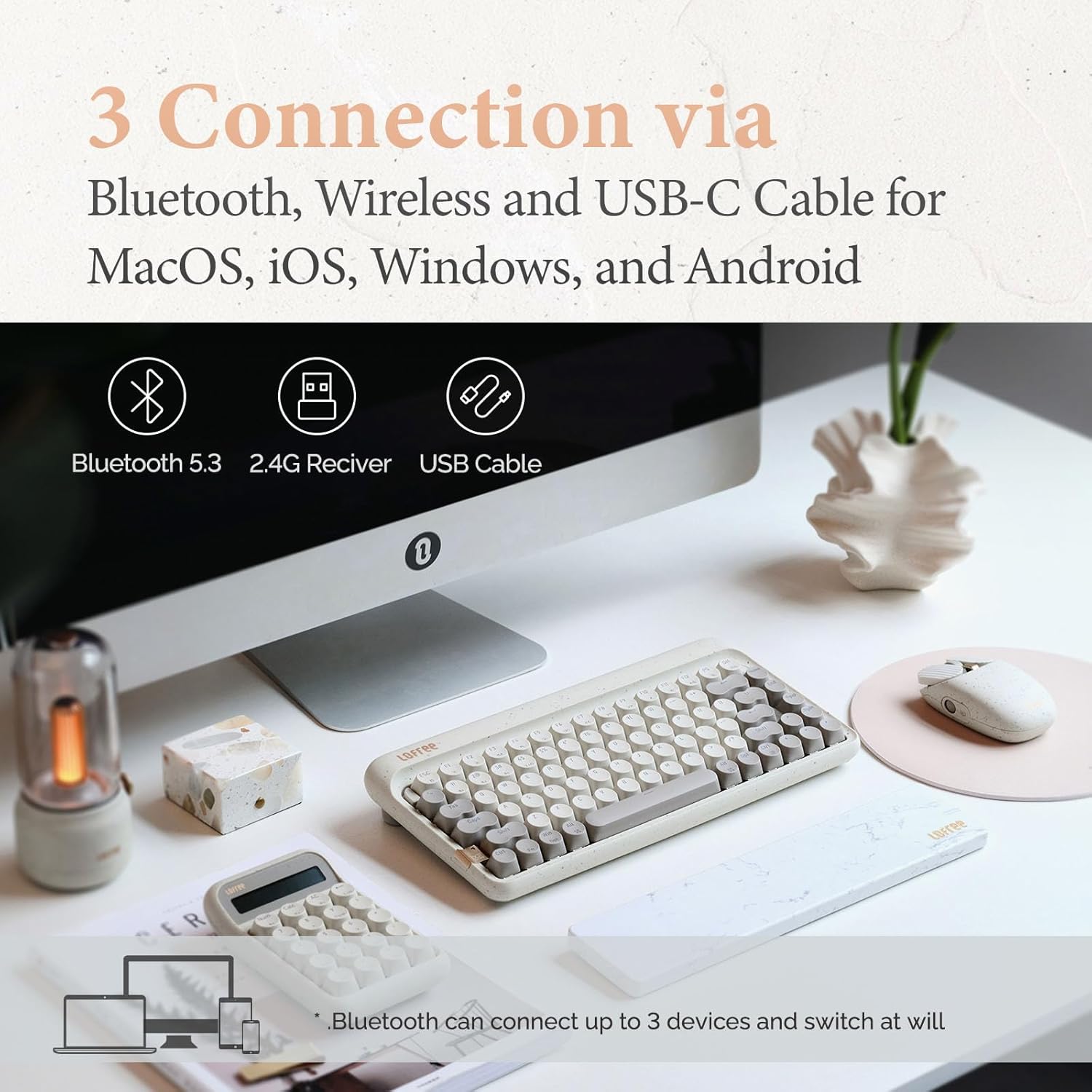
Image: Visual representation of the three connection types: Bluetooth, 2.4G wireless, and USB-C cable, highlighting multi-device compatibility.

Image: The keyboard illustrating efficient switching between various scenarios and devices.
4. Інструкцыя па эксплуатацыі
4.1 Агульнае выкарыстанне
The 75% layout provides a compact yet functional typing experience. The keyboard features dual-color PBT keycaps for durability and aesthetic appeal. Its gasket mount design contributes to a softer typing feel and purer sound.

Выява: буйны план view of the keyboard's dual-color PBT keycaps.

Image: An exploded diagram illustrating the gasket mount structure of the keyboard, highlighting its various layers for improved typing experience.
4.2 Частата апытання
The keyboard supports up to a 1000Hz polling rate, ensuring quick and responsive input, particularly beneficial for tasks requiring precision.

Image: The keyboard in use, with a display indicating a 1000Hz polling rate for fast response times.
4.3 Падсвятленне
The keyboard features backlighting with 7 distinct lighting effects, 4 brightness levels, and 4 blink frequencies. Adjust these settings to your preference using the designated function keys.
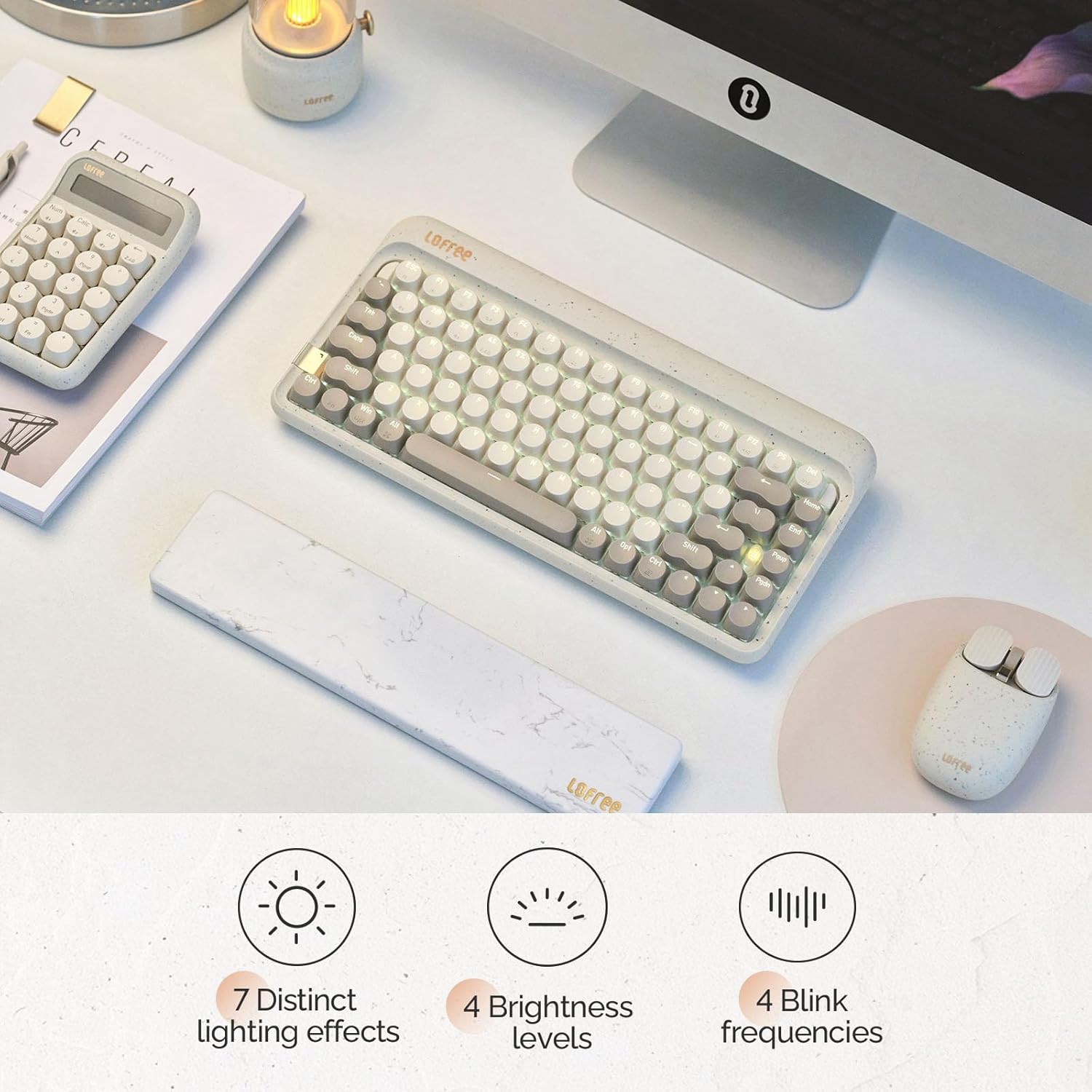
Image: The keyboard illuminated, highlighting its various backlighting features including distinct effects, brightness levels, and blink frequencies.

Image: The keyboard's keys glowing, described as resembling fireflies shining on rocks, emphasizing the aesthetic quality of the backlighting.
4.4 Перамыкачы з магчымасцю гарачай замены
The LOFREE Zero ARTZ keyboard is equipped with full POM hot-swappable switches, allowing users to easily change switches without soldering. This feature enables customization of typing feel and sound.
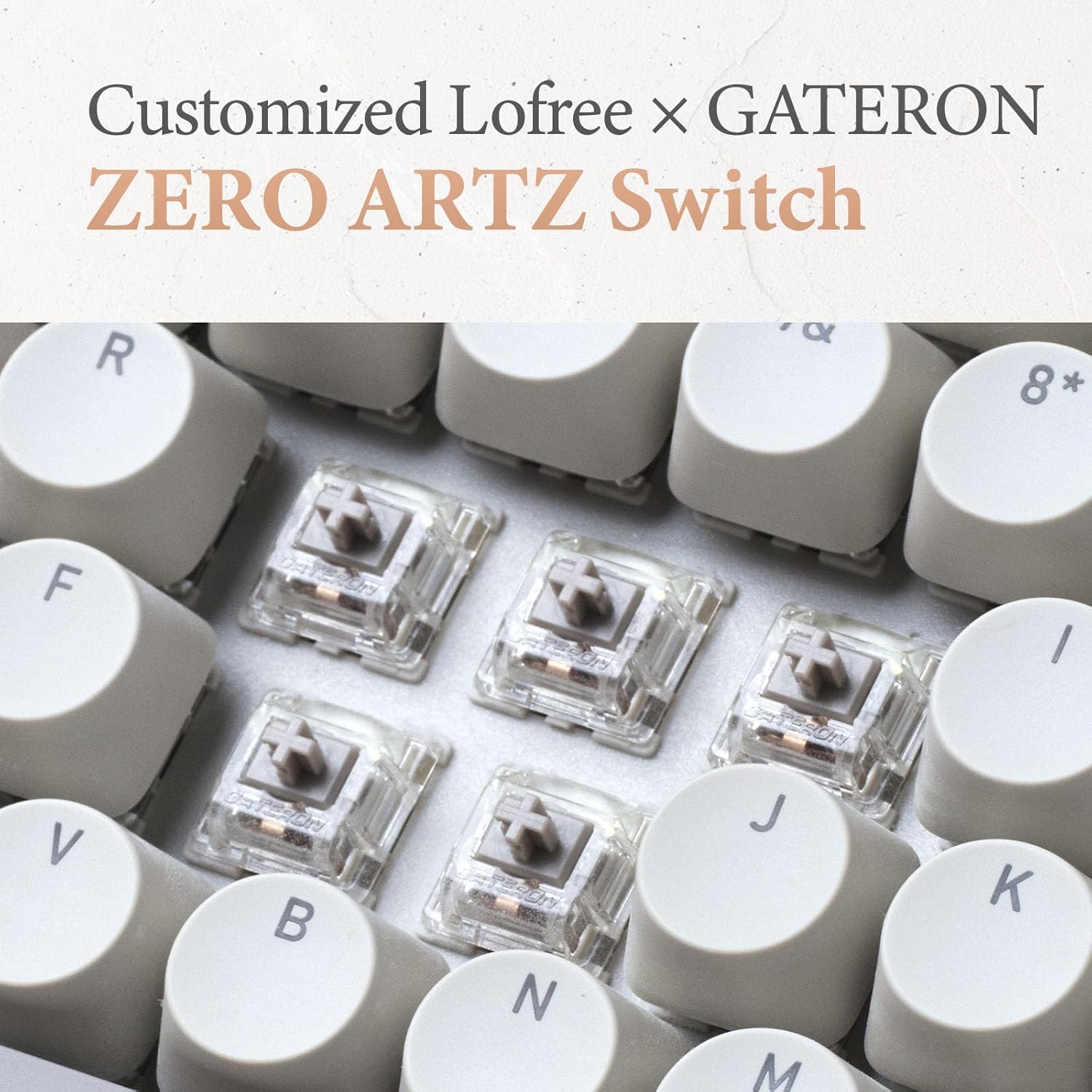
Image: A close-up of the customized LOFREE x GATERON ZERO ARTZ switches, visible beneath the keycaps.

Image: The keyboard highlighting its FULL POM switches and hot-swappable capability.
5. Тэхнічнае абслугоўванне
Каб забяспечыць даўгавечнасць і аптымальную прадукцыйнасць вашай клавіятуры:
- Уборка: Выкарыстоўвайце мяккую сухую тканіну для працірання паверхні клавіятуры. Для больш глыбокай ачысткі зніміце каўпачкі клавіш і выкарыстоўвайце сціснутае паветра для выдалення смецця.
- Сыход за батарэяй: Avoid extreme temperatures. For long-term storage, charge the battery to approximately 50% and store in a cool, dry place.
- захоўванне: Keep the keyboard away from direct sunlight, excessive moisture, and dust.
6. Выпраўленне непаладак
If you encounter issues with your LOFREE Zero ARTZ keyboard, consider the following:
- Праблемы з падключэннем: Ensure the keyboard is charged. For Bluetooth, re-pair the device. For 2.4G wireless, ensure the receiver is securely plugged in and try a different USB port. For wired, check the USB-C cable connection.
- Клавішы не рэагуюць: If a specific key is not responding, ensure it is properly seated. For hot-swappable switches, try reseating or replacing the switch.
- Падсвятленне не працуе: Check the brightness settings. Ensure the keyboard has sufficient battery charge.
- Затрымка/лаг: For wireless connections, ensure there are no strong interference sources nearby. For optimal performance, especially in gaming, consider using the wired connection with its 1000Hz polling rate.
7. Тэхнічныя характарыстыкі
| Асаблівасць | Дэталь |
|---|---|
| Памеры прадукту | 12.8 х 6.32 х 1.75 цалі (12.8"Д х 6.32"Ш х 1.75"В) |
| Вага прадмета | 2.88 фунта |
| Вытворца | LOFREE |
| Нумар мадэлі тавару | OE914 |
| Батарэі | Патрабуецца 1 літый-палімерная батарэя (у камплекце) |
| Сумяшчальныя прылады | Laptop (and other devices supporting Bluetooth/USB-C) |
| Тэхналогія падлучэння | Bluetooth, 2.4G Wireless, USB-C |
| Апісанне клавіятуры | Механічны |
| Рэкамендуемае выкарыстанне | Business, Everyday Use, Personal |
| Асаблівасць | Backlit, Hot-swappable switches, Gasket mount |
| Колер | Terrazzo Grey |
| Падтрымка колеру падсвятлення клавіятуры | Адзін колер |
| стыль | Класіка |
8. Прадукт скончыўсяview Відэа
Video: This official LOFREE video provides an overview of the Zero ARTZ Terrazzo Keyboard and Mouse series, showcasinяго дызайн і асаблівасці.
9. Гарантыя і падтрымка
Specific warranty details are not provided in the product information. For warranty claims, technical support, or further assistance, please refer to the official LOFREE webсайт або звярніцеся непасрэдна ў службу падтрымкі кліентаў. Захоўвайце чэк аб куплі як пацверджанне пакупкі.