
1. Уводзіны
This manual provides essential information for setting up, operating, maintaining, and troubleshooting your SHARP 55FJ2E 4K UHD Smart TV. Please read these instructions carefully before using your television to ensure proper functionality and safety.
2. Што ўваходзіць у камплект
Праверце наяўнасць усіх кампанентаў ва ўпакоўцы:
- SHARP 55FJ2E 4K UHD Smart TV
- Пульт дыстанцыйнага кіравання
- 2 х ААА батарэі
- TV Stand Installation Kit
- Кароткае кіраўніцтва
3. Настройка
3.1 Мацаванне падстаўкі для тэлевізара
Carefully place the TV screen-down on a soft, clean surface to prevent damage. Attach the included stand components to the bottom of the TV using the provided screws. Ensure the stand is securely fastened before placing the TV upright.
Alternatively, the TV supports VESA wall mounting (400 x 300 mm) for compatible wall brackets (sold separately).
3.2 Падключэнне знешніх прылад
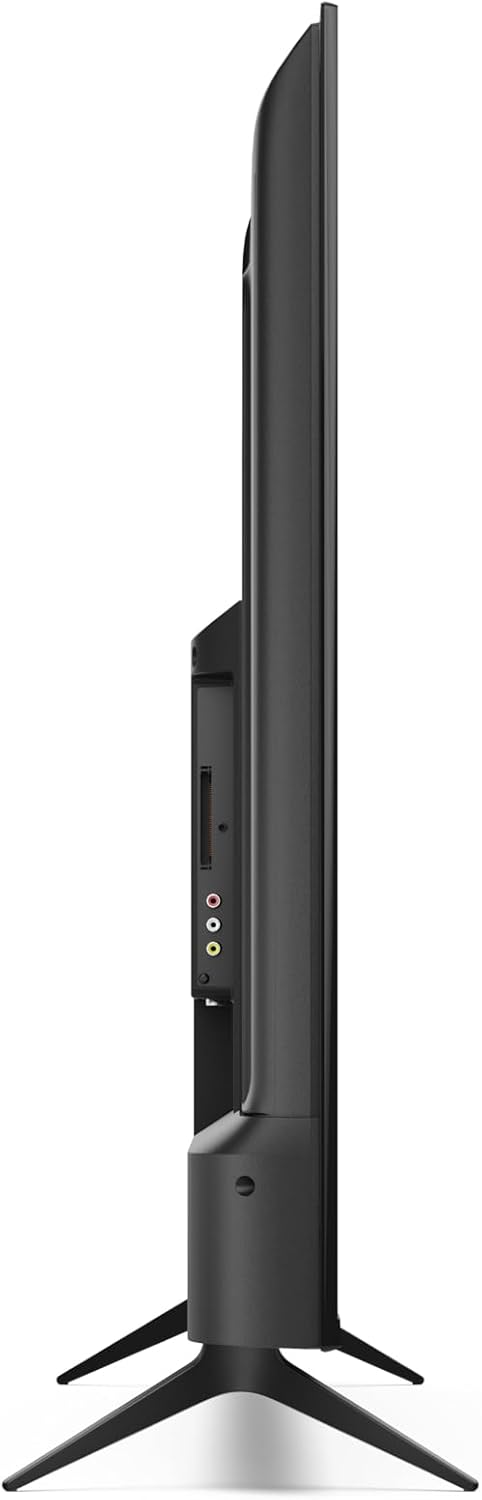
Connect your external devices such as cable boxes, gaming consoles, or media players to the appropriate ports on the TV.
- HDMI Ports (3x HDMI 4K @ 60 Hz (2.1)): For high-definition audio and video devices.
- USB Ports (2x): For connecting USB storage devices or other peripherals.
- Увод антэны: For connecting a terrestrial antenna.
- Спадарожнікавы ўваход: For connecting a satellite dish.
- Раз'ём для навушнікаў: For private listening.
- Лічбавы аптычны аўдыявыхад: Для падключэння да знешніх аўдыёсістэм.
- LAN (RJ45): Для праваднога падключэння да Інтэрнэту.
Выява: Збоку view of the TV displaying connectivity ports.
Выява: Задняя частка view of the TV with port layout.
3.3 Initial Power On and Roku TV Setup
After connecting all necessary cables, plug the TV into a power outlet. Press the power button on the remote control or the TV. Follow the on-screen instructions to complete the initial Roku TV setup, including network connection (Wi-Fi or LAN) and channel scanning.

Выява: спераду view of the Sharp 55FJ2E TV.
4. Кіраванне тэлевізарам
4.1 Функцыі дыстанцыйнага кіравання
The included remote control allows you to navigate the Roku TV interface and control your television. Insert the 2 AAA batteries into the remote control before use.

Image: Sharp Roku TV Remote Control.
- Кнопка харчавання: Уключае або выключае тэлевізар.
- Кіраўніцтва: Accesses the program guide.
- Navigation Pad (Up/Down/Left/Right): Moves through menus and options.
- Кнопка ОК: Пацвярджае выбар.
- Павялічыць/паменшыць гучнасць: Рэгулюе ўзровень гуку.
- Адключыць гук: Silences the TV sound.
- Элементы кіравання прайграваннем: Play, Pause, Fast Forward, Rewind.
- Кнопка "Дадому".: Returns to the Roku TV home screen.
- Кнопкі з лічбамі: Для прамога ўводу канала.
- Выхад/Назад: Returns to the previous screen or exits a menu.
4.2 Навігацыя па інтэрфейсе тэлевізара Roku
The Roku TV home screen provides access to streaming channels, input sources, and settings. Use the navigation pad and OK button on your remote to browse.

Image: Roku TV Home Screen Interface.
- Streaming Channels: Access pre-installed apps like YouTube, Netflix, Prime Video, Disney+, and Apple TV.
- Жывое тэлебачанне: Access broadcast channels via antenna or satellite.
- Уваходы: Select connected devices (e.g., HDMI 1, USB).
- Налады: Adjust picture, sound, network, and system settings.
4.3 Мабільная праграма Roku
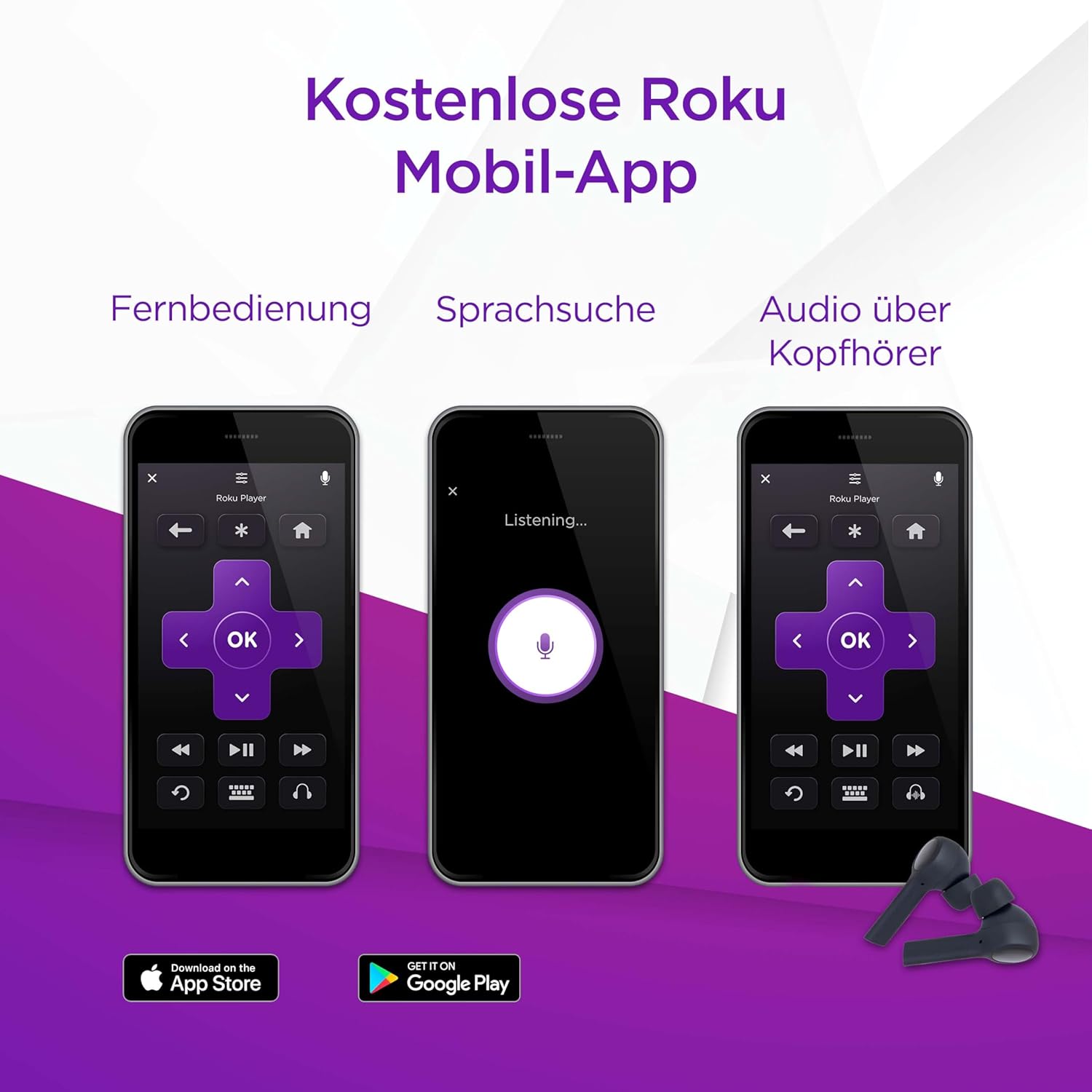
You can also control your SHARP Roku TV using the free Roku Mobile App on your smartphone or tablet. The app offers remote control functionality, voice search, and private listening via headphones.
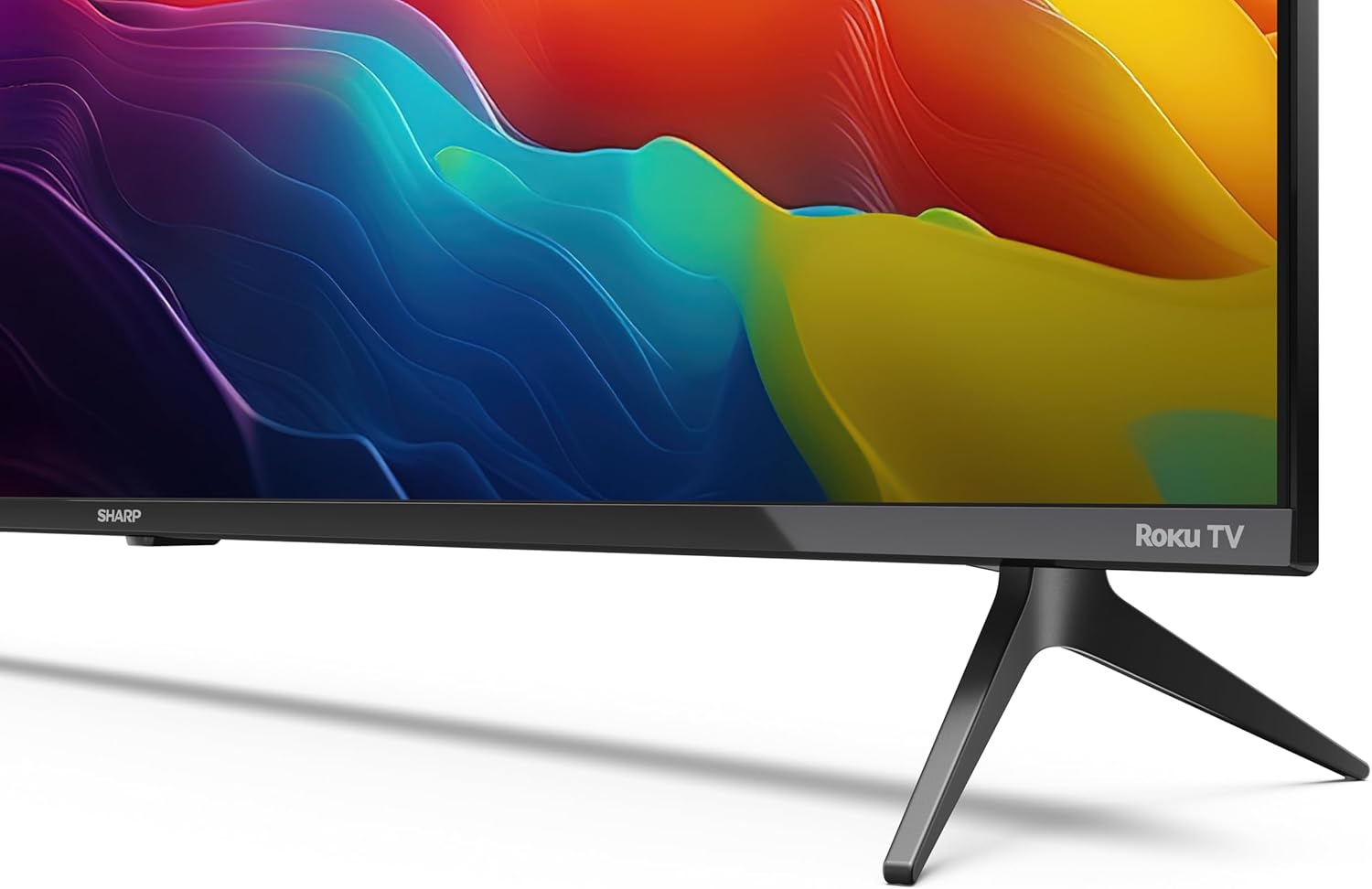
Image: Roku Mobile App features.
5. Тэхнічнае абслугоўванне
5.1 Чыстка тэлевізара
- Экран: Gently wipe the screen with a soft, lint-free cloth. For stubborn marks, use a screen cleaning solution specifically designed for TVs, applied to the cloth, not directly to the screen.
- Кабінет: Wipe the TV cabinet with a soft, dry cloth. Avoid using abrasive cleaners or solvents.
5.2 Абнаўленне праграмнага забеспячэння
Your Roku TV automatically receives software updates to improve performance and add new features. Ensure your TV is connected to the internet for these updates to download and install.
6. Выпраўленне непаладак
Калі ў вас узніклі праблемы з тэлевізарам, звярніцеся да наступных распаўсюджаных рашэнняў:
- Няма сілы: Check if the power cord is securely plugged into both the TV and the wall outlet. Try a different outlet.
- Няма выявы, але ёсць гук: Ensure the correct input source is selected. Check cable connections to external devices.
- Няма гуку, але ёсць выява: Check the volume level and mute status. Verify audio cable connections to external sound systems.
- Пульт дыстанцыйнага кіравання не працуе: Replace the AAA batteries. Ensure there are no obstructions between the remote and the TV's IR sensor.
- Праблемы з падключэннем да сеткі: Restart your router and modem. Re-enter your Wi-Fi password in the TV's network settings. For wired connections, ensure the Ethernet cable is properly connected.
- Бацькоўскі кантроль: If content is blocked, check parental control settings. These are typically protected by a PIN.
For further assistance, consult the online support resources for Roku TV or contact Sharp customer support.
7. Тэхнічныя характарыстыкі
| Асаблівасць | Спецыфікацыя |
|---|---|
| Нумар мадэлі | 55FJ2E |
| Памер экрана | 55 цалі (139 см) |
| Тэхналогія адлюстравання | святлодыёд |
| дазвол | 4K UHD (3840 x 2160 px) |
| Частата абнаўлення | 60 Гц |
| Падтрымка HDR | HDR10 |
| Motion Enhancement Technology | Актыўны рух 400 |
| Аперацыйная сістэма | Roku OS |
| Рэжым выхаду гуку | Dolby Digital, Dolby Digital Plus |
| Акустычная сістэма | Front silk tweeter (10W), Down-firing woofer (10W) |
| Парты HDMI | 3 (4K @ 60 Hz, 2.1) |
| Парты USB | 2 |
| Сувязь | Wi-Fi, LAN (RJ45), Antenna, Satellite, Headphone, Digital Optical Audio Out |
| Тып цюнэра | UHD DVB-T/T2/C/S/S2 (MPEG4 + 10 bits HEVC/H.265) |
| Стандарт мацавання VESA | 400 х 300 мм |
| Памеры прадукту (Д х Ш х У) | 9.1 х 123.1 х 71.8 см (без падстаўкі) |
| Спажыванне энергіі (SDR) | 67.0 Вт |
| Спажыванне энергіі (HDR) | 114 Вт |
| Энергаспажыванне ў рэжыме чакання | 0.5 Вт |
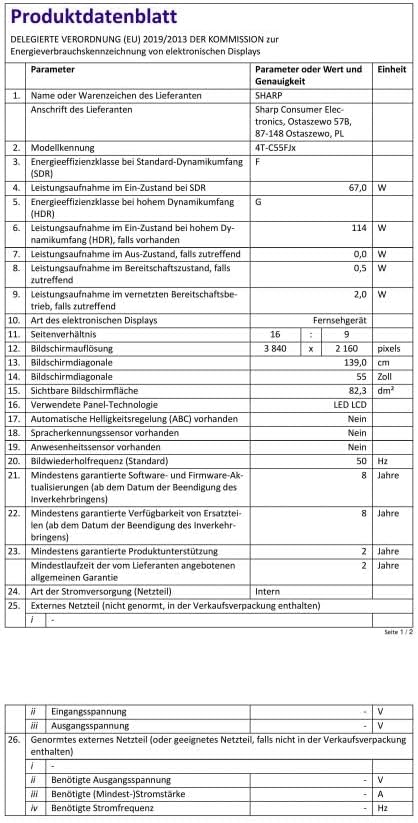
Image: Product Data Sheet (German).
8. Гарантыя і падтрымка
8.1 Інфармацыя аб гарантыі
Warranty details for your SHARP 55FJ2E TV are typically provided with the product packaging or available on the official Sharp webсайт. Калі ласка, захавайце пацвярджэнне пакупкі для прэтэнзій па гарантыі.
8.2 Падтрымка кліентаў
For technical support, service, or further inquiries, please visit the official Sharp website or contact their customer service department. Contact information can usually be found in the quick guide or on the manufacturer's webсайт.