
1. Уводзіны
Thank you for choosing the wegear MW2 Wireless Bluetooth Mouse. This compact and portable mouse is designed for comfort and precision, offering seamless connectivity and adjustable sensitivity for various tasks. Please read this manual carefully to ensure proper setup and optimal performance.
2. Інфармацыя па бяспецы
- Трымайце прыладу далей ад вады і іншых вадкасцей, каб пазбегнуць паражэння электрычным токам або пашкоджанняў.
- Пазбягайце ўздзеяння экстрэмальных тэмператур або прамых сонечных прамянёў на мыш.
- Не спрабуйце разбіраць або рамантаваць прыладу самастойна. Звярніцеся па дапамогу да кваліфікаванага абслугоўваючага персаналу.
- Утылізуйце батарэйкі ў адпаведнасці з мясцовымі правіламі. Не спальвайце.
3. Змесціва ўпакоўкі
- wegear MW2 Wireless Bluetooth Mouse
- 1 батарэйка тыпу АА (папярэдне ўсталяваная або ў камплекце)
- USB Receiver (stored in battery compartment)
- Кіраўніцтва карыстальніка
4. Прадукт скончыўсяview
Familiarize yourself with the components of your wegear MW2 Wireless Bluetooth Mouse:

Выява: Ніжняя частка view of the wegear MW2 mouse, highlighting the power on/off switch, Bluetooth pairing button, DPI button, battery compartment, and the storage slot for the USB receiver.
- Левая/правая кнопкі мышы: Стандартныя кнопкі мышы для ўзаемадзеяння.
- Кола пракруткі: Для вертыкальнай пракруткі.
- Кнопка DPI: Located on the bottom, cycles through 800, 1200, and 1600 DPI settings.
- Пераключальнік уключэння / выключэння харчавання: Located on the bottom, to conserve battery life.
- Кнопка спалучэння Bluetooth: Located on the bottom, used to initiate Bluetooth pairing.
- USB Receiver Slot: Located inside the battery compartment for convenient storage.
5. Настройка
5.1. Устаўце батарэю
- Remove the battery compartment cover from the bottom of the mouse.
- Устаўце адну батарэйку тыпу АА, сачыце за правільнай палярнасцю (+/-).
- Замяніце крышку батарэйнага адсека.
For a visual guide on battery insertion and initial setup, please refer to the video below:
Video: Demonstrates the process of inserting the AA battery and initial power-on for the wegear Wireless Mouse.
5.2. Уключэнне
Slide the Power On/Off switch on the bottom of the mouse to the 'ON' position. A light indicator will illuminate.
5.3. Падключыцеся праз Bluetooth
- Пераканайцеся, што мыш уключана.
- Long press the Bluetooth Pairing Button on the bottom of the mouse for 3 seconds. The LED indicator will flash green, indicating it's in pairing mode.
- On your computer (PC, Mac, etc.), open your Bluetooth settings.
- Пошук new devices and select "Bluetooth MS" (or similar name) from the list to connect.
- Пасля падключэння святлодыёдны індыкатар перастане міргаць.
For a visual guide on Bluetooth pairing, please refer to the image below:
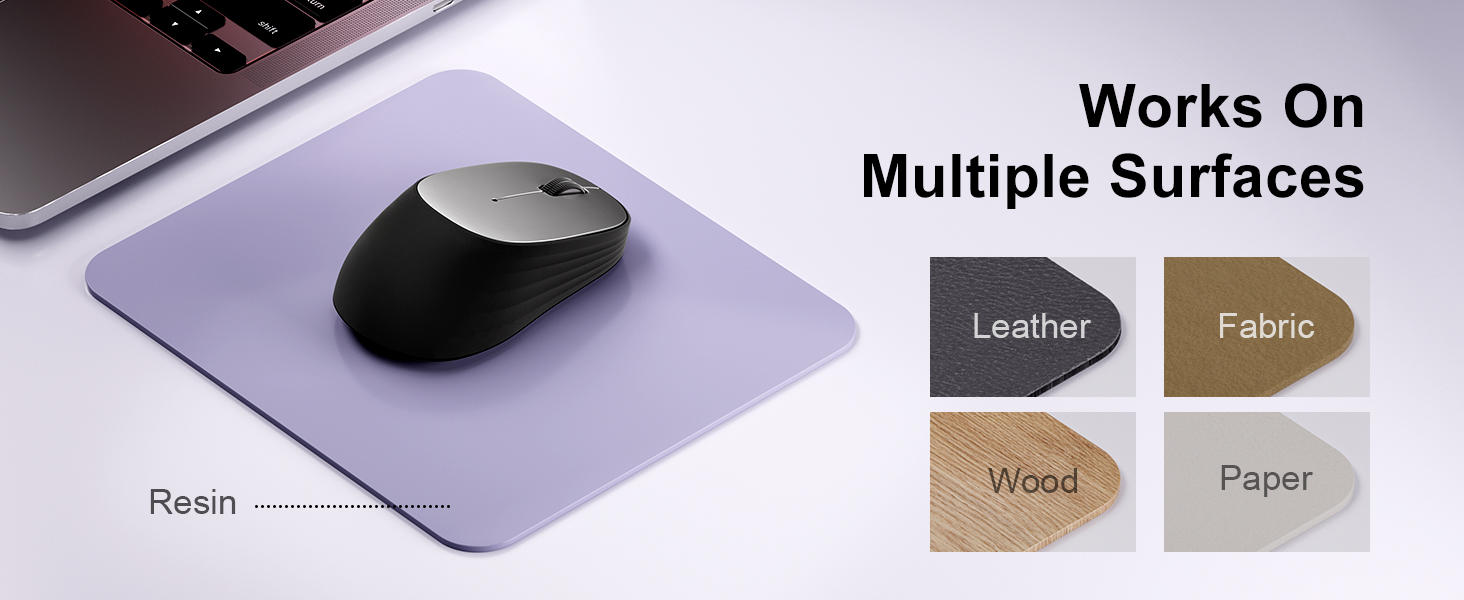
Image: A laptop screen displays a Bluetooth pairing prompt, indicating a new device (Bluetooth mouse) is found. The wegear mouse is shown nearby with a '10M' range indicator, illustrating its Bluetooth 5.0 connectivity.
5.4. Connect via USB Receiver (2.4G Wireless)
If your device does not support Bluetooth or you prefer a 2.4G wireless connection:
- Locate the USB receiver inside the battery compartment of the mouse.
- Падключыце USB-прыёмнік да вольнага порта USB на вашым кампутары.
- The mouse should automatically connect to your device. No additional pairing is required.
6. Кіраванне мышшу
6.1. Рэгуляванне DPI
The wegear MW2 mouse features 3 adjustable DPI levels (800, 1200, 1600) for customized cursor sensitivity. To change the DPI:
- Press the DPI button on the bottom of the mouse.
- Each press will cycle through the DPI settings. The cursor speed will change accordingly.
For a visual representation of DPI levels, please refer to the image below:
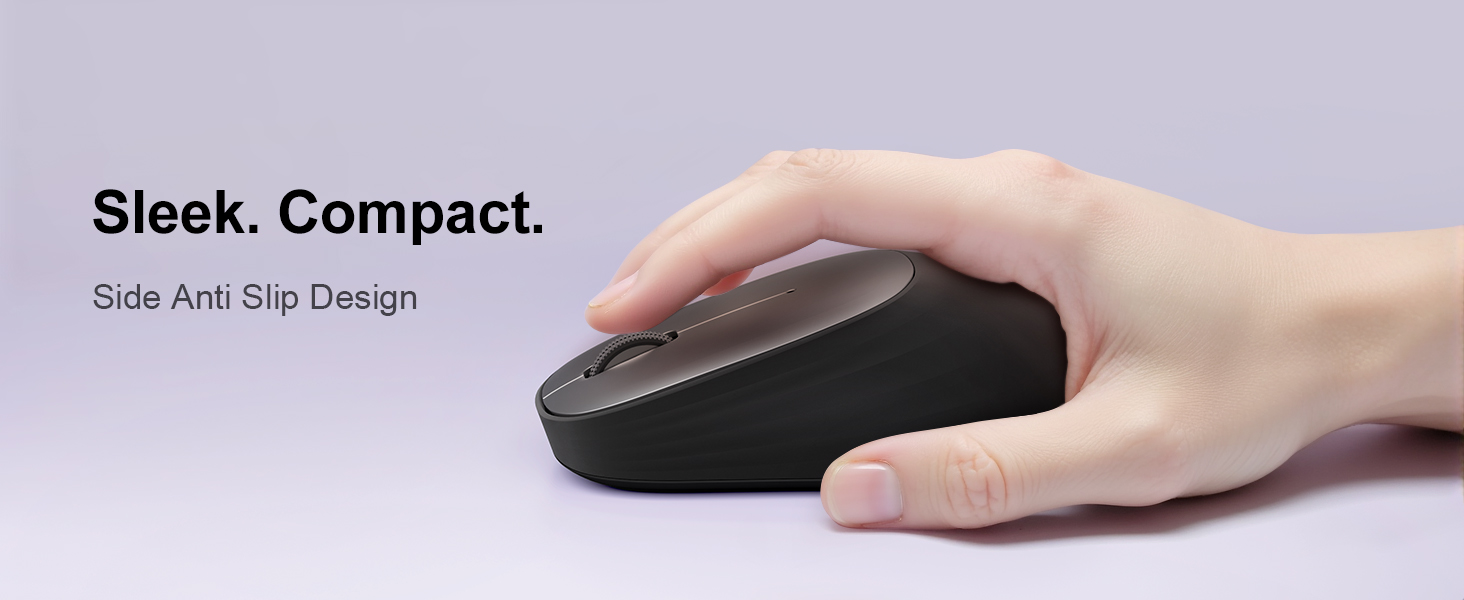
Image: The wegear MW2 mouse is depicted with three distinct visual arcs, each labeled with a DPI setting (800, 1200, 1600), illustrating the adjustable sensitivity levels for smooth navigation.
6.2. Бясшумныя клікі
The mouse is designed with silent click buttons, providing a quiet user experience suitable for various environments without disturbing others.
6.3. Рэжым энергазберажэння
To conserve battery life, the mouse automatically enters a sleep mode after 10 seconds of inactivity. Simply move the mouse to wake it up and resume operation.
For more details on power saving, please refer to the image below:
Image: A user is shown working on a laptop with the wegear MW2 mouse. An overlay text explains that the mouse enters power-saving mode after 10 seconds of inactivity and can be woken by moving it.
7. Тэхнічнае абслугоўванне
7.1. Тэрмін службы батарэі
The wegear MW2 mouse is designed for long-lasting performance, offering up to 12 months of battery life with a single AA battery, especially when utilizing the automatic sleep mode and manually turning off the mouse when not in use.
7.2. Уборка
To clean your mouse, gently wipe its surface with a soft, dry cloth. Avoid using harsh chemicals or abrasive materials that could damage the finish.
8. Выпраўленне непаладак
- Мышка не падключаецца:
- Ensure the mouse is powered on.
- Check if the battery is inserted correctly and has sufficient charge.
- For Bluetooth connection, ensure your device's Bluetooth is enabled and the mouse is in pairing mode.
- For USB receiver connection, ensure the receiver is securely plugged into a USB port. - Курсор нерэгулярны або не рэагуе:
- Clean the optical sensor on the bottom of the mouse.
- Ensure you are using the mouse on a suitable surface (non-reflective, non-transparent). - Кароткі тэрмін службы батарэі:
- Make sure to turn off the mouse using the Power On/Off switch when not in use for extended periods.
9. Тэхнічныя характарыстыкі
| Асаблівасць | Дэталь |
|---|---|
| Нумар мадэлі | MW2 |
| Тэхналогія падлучэння | Bluetooth 5.0, 2.4G Wireless (via USB receiver) |
| Тэхналогія выяўлення руху | Аптычны |
| Рэгуляваны DPI | 800, 1200, 1600 |
| Тып батарэі | 1 х АА батарэя |
| Разліковы тэрмін службы батарэі | Да 12 месяцаў |
| Асаблівасць | Portable, Compact Design, Silent Clicks, Automatic Sleep Mode |
| Вага прадмета | 4.2 унцыі |
| Памеры ўпакоўкі | 4.25 х 3.27 х 1.73 цалі |
10. Гарантыя і падтрымка
The wegear MW2 Wireless Bluetooth Mouse comes with a standard manufacturer's warranty. For detailed warranty information, product support, or technical assistance, please refer to the contact information provided on the product packaging or visit the official wegear webсайт.
We are committed to providing high-quality products and excellent customer service. If you encounter any issues or have questions, please do not hesitate to reach out to our support team.