
Уводзіны
This manual provides instructions for the Xtrike Me 12800 DPI Gaming Mouse. It covers setup, operation, maintenance, troubleshooting, and product specifications. Please read this manual thoroughly before using the device to ensure proper function and longevity.
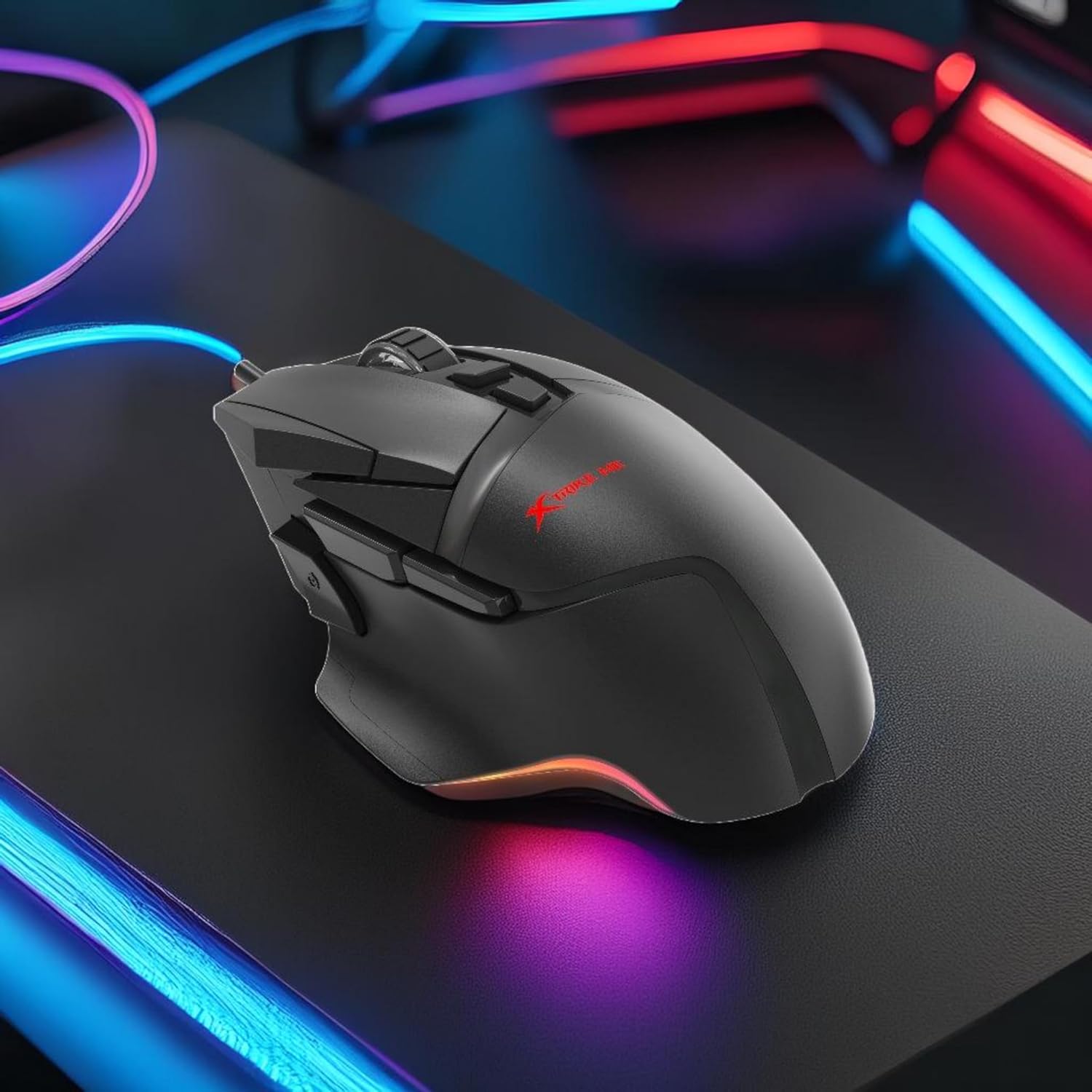
Малюнак 1: Xtrike Me 12800 DPI Gaming Mouse. This image shows the gaming mouse from a side angle, highlighting its ergonomic shape and dynamic RGB lighting along the base, set against a dark, illuminated gaming setup.
Прадукт скончаныview
The Xtrike Me 12800 DPI Gaming Mouse is designed for precision and customization. It features an advanced optical sensor, 8 programmable buttons, and dynamic RGB backlighting.
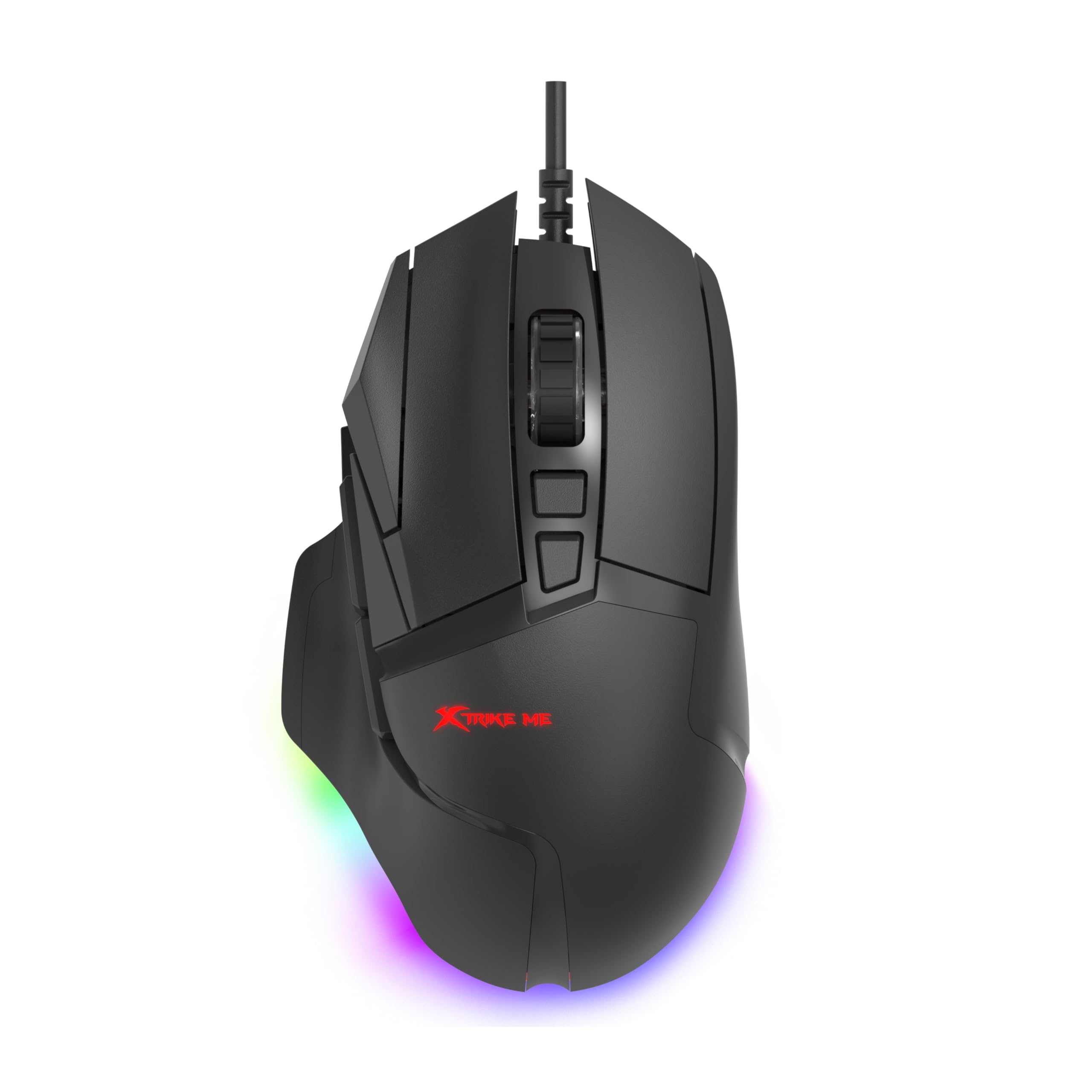
Малюнак 2: З верхнім вуглом view of the mouse. This image provides a clear view of the mouse's top surface, showcasing the scroll wheel, main click buttons, and several programmable side buttons, along with the Xtrike Me logo.

Малюнак 3: Зверху ўніз view of the mouse. This image presents the mouse from directly above, emphasizing its symmetrical design and the layout of its primary buttons and scroll wheel.
Асноўныя характарыстыкі:
- Аптычны сэнсар 12800 DPI: Adjustable sensitivity for precise control.
- 8D Programmable Buttons: Customizable commands and shortcuts.
- 13 RGB Lighting Effects: Personalize lighting to match your setup.
- 5 Million Click Rating: Durable switches for extended use.
- Частата апытання 1000 Гц: Ultra-smooth and responsive tracking.
- Эрганамічны дызайн: Comfortable for prolonged gaming sessions.
- 1.6m Braided Cable: Durable and tangle-free connectivity.
Настройка
- Падключыце мыш: Plug the USB connector of the Xtrike Me Gaming Mouse into an available USB port on your computer (PC or Mac).
- Аўтаматычная ўстаноўка драйвераў: Your operating system (Windows XP and newer, or Mac) should automatically detect and install the necessary drivers.
- Ўстаноўка праграмнага забеспячэння (неабавязкова): For advanced customization, including button programming and RGB lighting effects, download the dedicated software from the Xtrike Me official webсайт. Выконвайце інструкцыі на экране, каб завяршыць усталёўку.

Малюнак 4: Mouse connected via USB. This image shows the Xtrike Me gaming mouse positioned on a desk, with its braided USB cable clearly visible, indicating its wired connectivity.
Інструкцыя па эксплуатацыі
Рэгуляванне DPI:
The mouse features an adjustable DPI (Dots Per Inch) sensor, allowing you to change sensitivity on the fly. Use the dedicated DPI buttons (usually located near the scroll wheel) to cycle through preset DPI levels (800, 1600, 2400, 3200, 4800, 6400, 12800 DPI). The current DPI setting may be indicated by a change in the mouse's RGB lighting color or pattern.
Праграмуемыя кнопкі:
The 8D programmable buttons can be assigned various functions, macros, or shortcuts. To customize these buttons:
- Ensure the optional software is installed.
- Open the Xtrike Me Gaming Mouse software.
- Navigate to the "Button Assignment" or "Macro" section.
- Select the button you wish to program and assign your desired function.
- Захавайце змены.
Кіраванне падсветкай RGB:
The mouse features 13 dynamic RGB lighting effects. These can typically be controlled via the optional software. Within the software, you can select different lighting modes, adjust brightness, speed, and choose specific colors or turn the lighting off entirely.

Малюнак 5: Збоку view with RGB. This image captures the side profile of the Xtrike Me gaming mouse, highlighting its ergonomic curve and the vibrant RGB lighting emanating from its base, creating an ambient glow.
Тэхнічнае абслугоўванне
- Уборка: Выкарыстоўвайце мяккую сухую тканіну для чысткі паверхні мышы. Для ўстойлівага бруду злёгкуampпрамыйце тканіну вадой. Пазбягайце агрэсіўных хімічных рэчываў або абразіўных ачышчальнікаў.
- Сыход за датчыкам: Для забеспячэння дакладнага адсочвання падтрымлівайце аптычны датчык на ніжняй частцы мышы ў чысціні і без пылу і смецця.
- Кабельнае кіраванне: Пазбягайце рэзкіх выгібаў або празмернага нацягвання аплётанага кабеля, каб пазбегнуць пашкоджанняў.
- захоўванне: Калі мыш не выкарыстоўваецца, захоўвайце яе ў чыстым, сухім месцы, удалечыні ад экстрэмальных тэмператур.
Ліквідацыю непаладак
- Мышка не рэагуе:
- - Пераканайцеся, што кабель USB надзейна падключаны да спраўнага порта USB.
- - Try plugging the mouse into a different USB port or another computer to rule out port issues.
- - Перазагрузіце кампутар.
- Inaccurate tracking or cursor lag:
- - Clean the optical sensor on the underside of the mouse.
- - Ensure you are using the mouse on a suitable surface (e.g., a mouse pad). Avoid highly reflective or transparent surfaces.
- - Adjust the DPI settings to a lower value if the cursor is too sensitive.
- RGB-падсветка не працуе:
- - Check the optional software settings to ensure lighting is enabled and configured correctly.
- - Ensure the mouse is properly connected to your computer.
- Праграмуемыя кнопкі не працуюць:
- - Verify that the Xtrike Me software is installed and running.
- - Check the button assignments within the software and ensure they are saved.
- - Ensure the software is up to date.
Тэхнічныя характарыстыкі
| Асаблівасць | Дэталь |
|---|---|
| Марка | Xtrike Me |
| мадэль | Гульнявая мыш 12800 DPI |
| Тэхналогія падлучэння | Правадной USB |
| Тэхналогія выяўлення руху | Аптычны |
| Mouse Maximum Sensitivity | 12800 DPI (Adjustable: 800-12800 DPI) |
| Стаўка апытання | 1000 Гц |
| Колькасць кнопак | 8 (праграмуемых) |
| Click Rating | 5 мільёнаў клікаў |
| Даўжыня кабеля | 1.6 meters (Braided) |
| Падсвятленне | RGB (13 effects) |
| Рука арыентацыі | Амбідэкстр |
| Сумяшчальныя прылады | Гульнявая кансоль, персанальны кампутар |
| Аперацыйная сістэма | Windows XP and newer, Mac |
| Вага прадмета | 180 грам |
| Матэрыял | Пластыкавыя |
| Колер | Чорны |
| Вытворца | Xtrike Me |
Гарантыя і падтрымка
Інфармацыя аб гарантыі:
The product warranty is provided "As Per Amazon" policy. Please refer to your purchase documentation or Amazon's customer service for detailed warranty terms and conditions.
Кантактная асоба вытворцы:
For technical support or further inquiries, please contact the manufacturer:
вытворца: Xtrike Me
Кантактная інфармацыя: White Cloud Ventures Canada
For the most up-to-date support information, please visit the official Xtrike Me webсайт або звярніцеся да прадаўца.