
1. Уводзіны
This manual provides detailed instructions for the installation, setup, operation, and maintenance of your ASD 2 Pack 2x4 Smart RGBW LED Flat Panel Lights. Please read this manual thoroughly before installation and retain it for future reference.
The ASD Smart RGBW LED Flat Panel Light offers versatile lighting solutions with selectable color temperatures (3500K, 4000K, 5000K), full RGB color control, and smart app integration for convenient management via Wi-Fi, Alexa, and Google Assistant.
2. Інфармацыя па бяспецы
- Электрабяспека: Installation must be performed by a qualified electrician in accordance with national and local electrical codes. Ensure power is disconnected at the circuit breaker before installation or maintenance.
- тtage: This fixture operates on 120-277V. Verify your supply voltagадпавядае патрабаванням прыстасавання.
- Толькі для выкарыстання ў памяшканні: This product is designed for indoor use in dry and damp месцах. Не падвяргайце ўздзеянню вады або празмернай вільгаці.
- Апрацоўка: Handle the LED panel with care to avoid damage to the light source or housing.
- Цяпло: Не накрывайце прыбор ізаляцыйным матэрыялам. Забяспечце дастатковую вентыляцыю вакол прыбора.
3. Змесціва ўпакоўкі
Ваш пакет павінен змяшчаць наступныя рэчы:
- 2 x ASD 2x4 Smart RGBW LED Flat Panel Lights
- 1 х Інструкцыя па эксплуатацыі
- Necessary mounting hardware for recessed installation
Note: Additional accessories for surface mount or suspended installation (e.g., ASD Surface Mounting Frame, suspension kits) are sold separately.
4. Тэхнічныя характарыстыкі
| Асаблівасць | Спецыфікацыя |
|---|---|
| Нумар мадэлі | A-BLP-24D40SM-RGB |
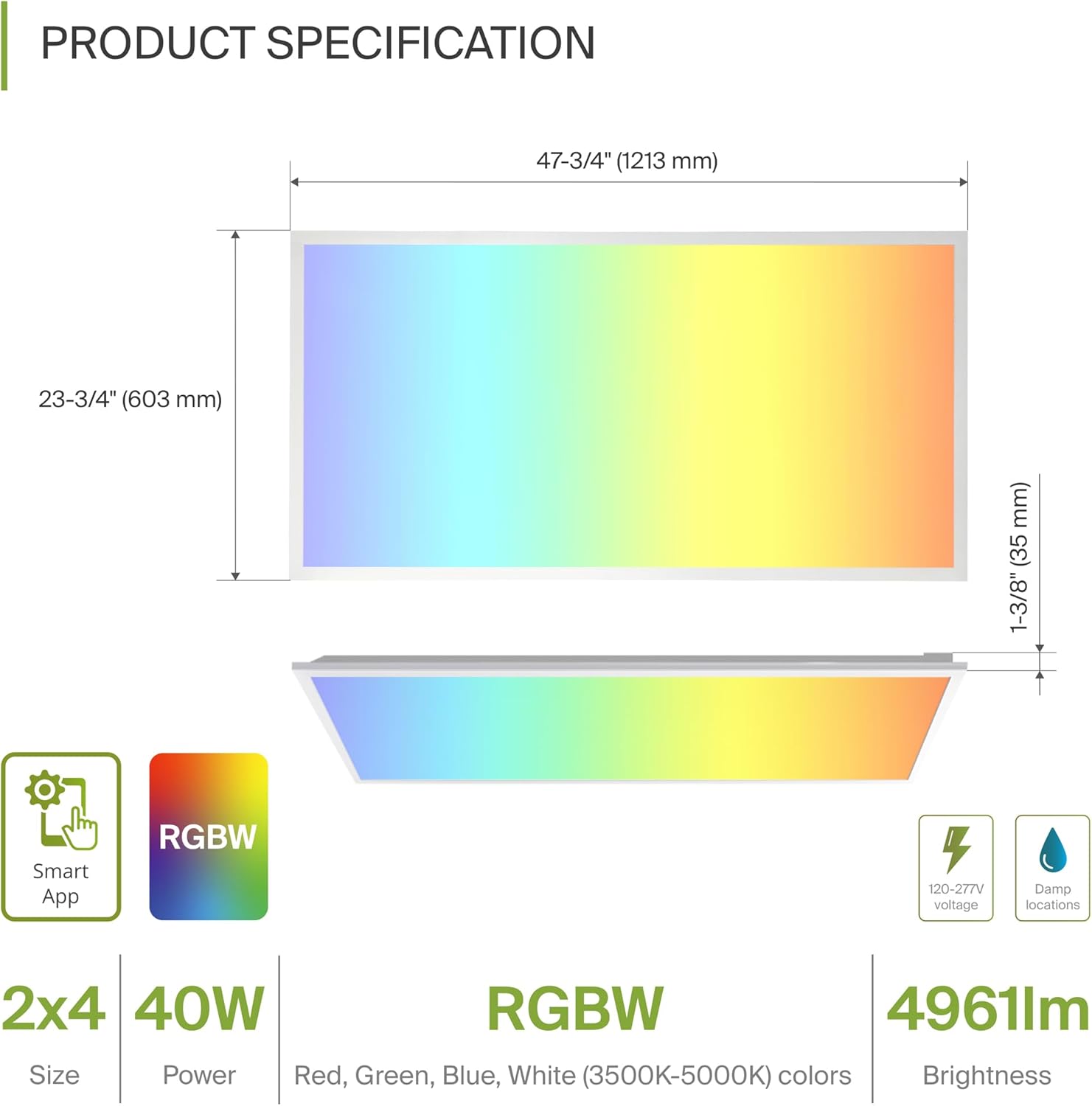
| Памеры (Д х Ш х У) | 47.74 цалі х 23.74 цалі х 1.37 цалі (1213 мм х 603 мм х 35 мм) |
| Ватtage | 40 ват |
| Яркасць | 4961 люмен |
| Каляровая тэмпература | 3500K, 4000K, 5000K Selectable (White Light) |
| Параметры колеру | RGBW (16.7 million colors) |
| тtage | 120-277 Вольт |
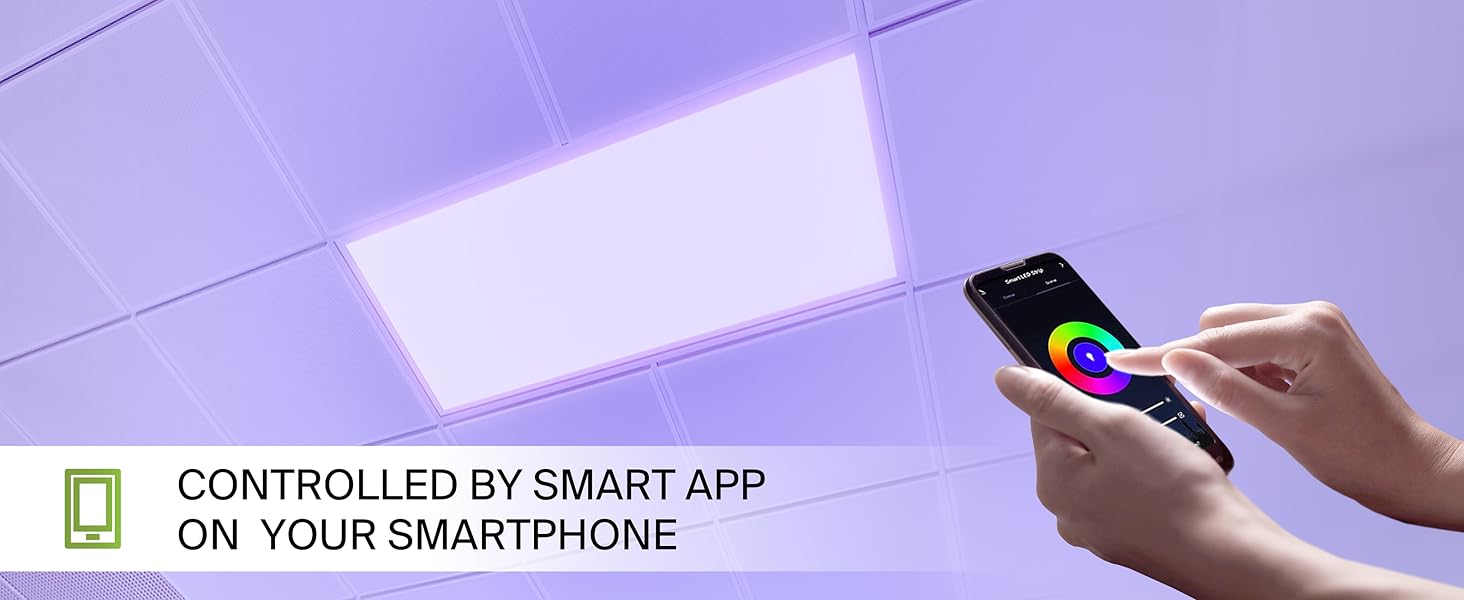
| Метад кантролю | ASD Smart App (Wi-Fi), Alexa, Google Assistant |
| Матэрыял | Aluminum, Iron, Polycarbonate |
| Працягласць жыцця | 54,000 гадзін |
| Сертыфікаты | UL, DLC Premium |
5. Ўстаноўка
The ASD Smart RGBW LED Flat Panel Light supports three primary mounting options: recessed, surface, and suspended. Ensure all electrical connections are made safely and securely.
5.1 Mounting Options Overview
- Убудаванае мацаванне: For installation into standard T-bar grid ceilings.
- Павярхоўнае мацаванне: Requires an ASD Surface Mounting Frame (ASIN: B07GGMMJCV), sold separately.
- Падвеснае мацаванне: Requires a suspension kit (e.g., ASD-CHS4), sold separately.
5.2 Recessed Installation Steps
Follow these steps for recessed installation in a T-bar grid ceiling:
- Падрыхтуйце адкрыццё: Ensure the ceiling grid opening is appropriate for a 2x4 panel.
- Lift Mounting Clips: Lift all mounting clips along the edges of the panel. Turn the mounting clip head outwards.
- Падключэнне правадоў: Connect the electrical wires (Neutral, Live, Ground) from your building's power supply into the junction box on the back of the panel. Ensure wire colors match (N, L, G) and use appropriate wire nuts for secure connections.
- Пазіцыйная панэль: Carefully place the panel into the ceiling grid opening.
- Бяспечныя заціскі: Adjust the panel into place, ensuring the mounting clips are securely fastened to the ceiling's T-bar grid.
6. Setup: Smart App Control
The ASD Smart RGBW LED Flat Panel Light is controlled via the ASD Smart App, compatible with Wi-Fi, Alexa, and Google Assistant.
6.1 Download the ASD Smart App
Scan the QR codes below or visit your app store to download the ASD Smart App:
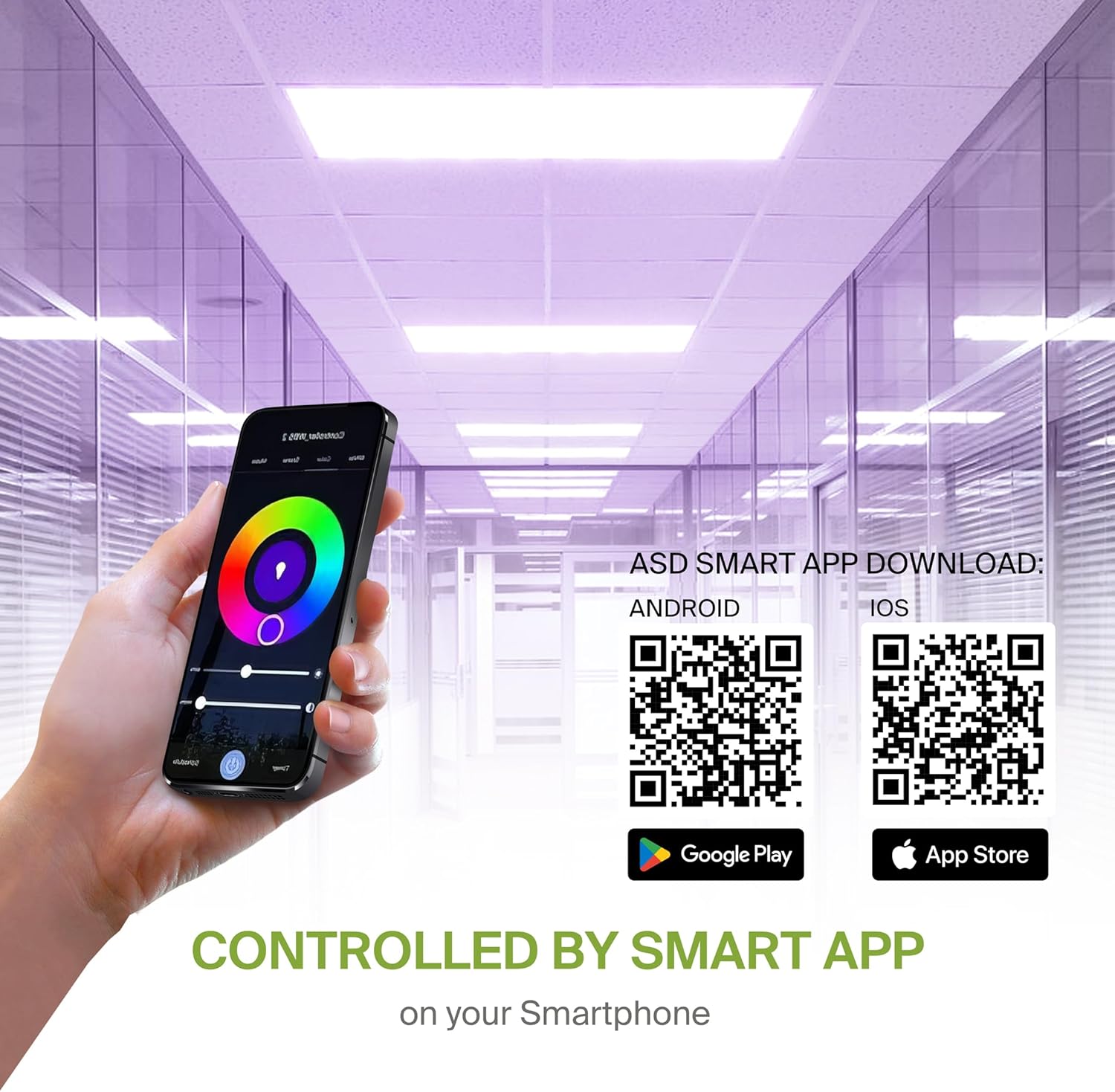
- Android: Крама Google Play
- iOS: Apple App Store
6.2 Wi-Fi Connection and Pairing
After downloading the app, follow the in-app instructions to create an account and connect your LED panel to your Wi-Fi network. A stable 2.4GHz Wi-Fi connection is required for smart functionality.
6.3 Інтэграцыя галасавога памочніка
The fixture is compatible with Alexa and Google Assistant. Refer to the ASD Smart App's integration guide to link your lighting system with your preferred voice assistant for voice control.
7. Інструкцыя па эксплуатацыі
Utilize the ASD Smart App to access the full range of features for your LED panel.
7.1 Color Changing and CCT Tuning
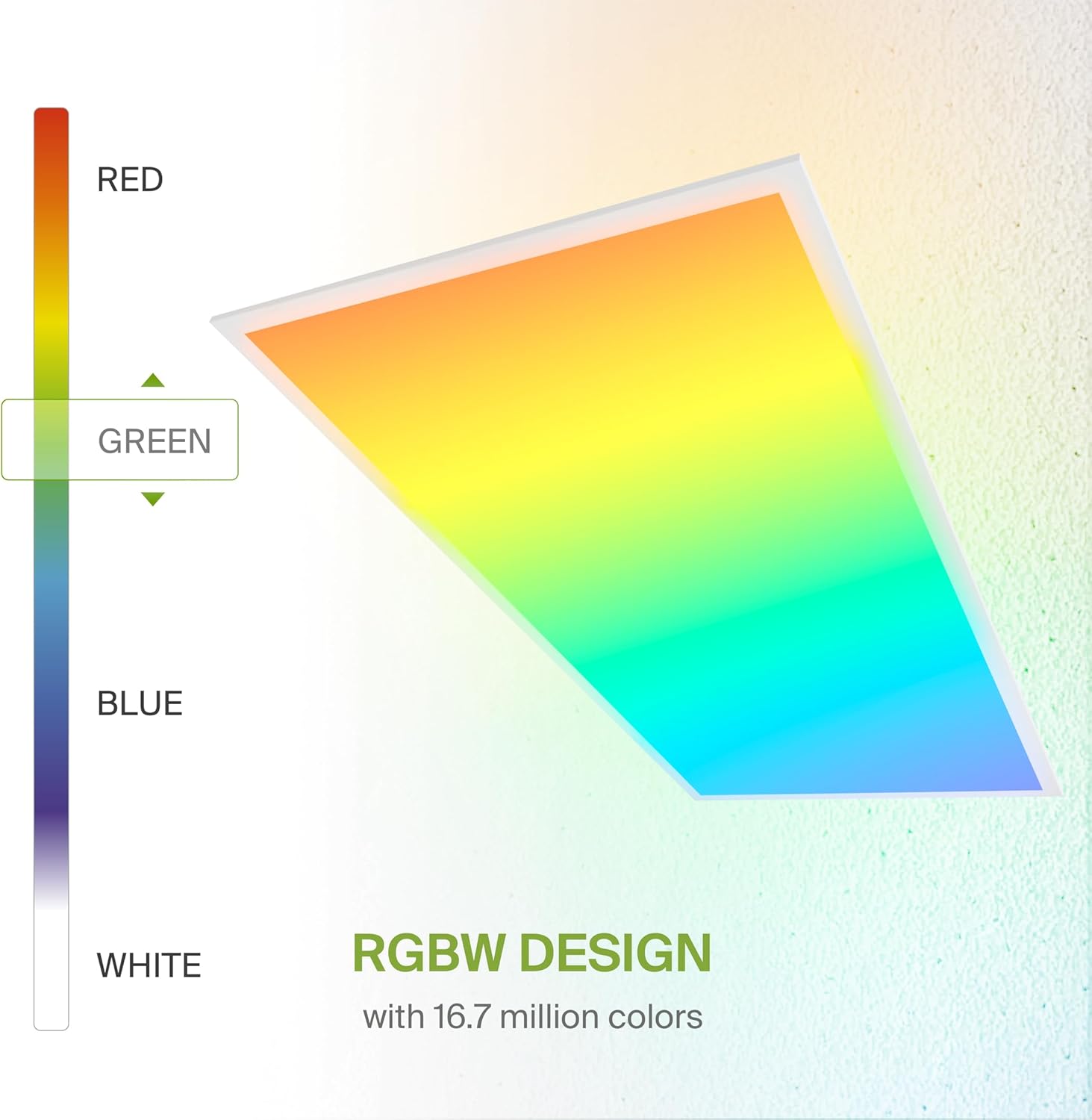
- Колеры RGB: Select from 16.7 million colors to create custom ambiances.
- White Light (CCT): Adjust the white light color temperature between 3500K (Warm White), 4000K (Cool White), and 5000K (Daylight).
7.2 Зацямненне
Smoothly dim the light output from 0-100% using the app or voice commands to achieve desired brightness levels.
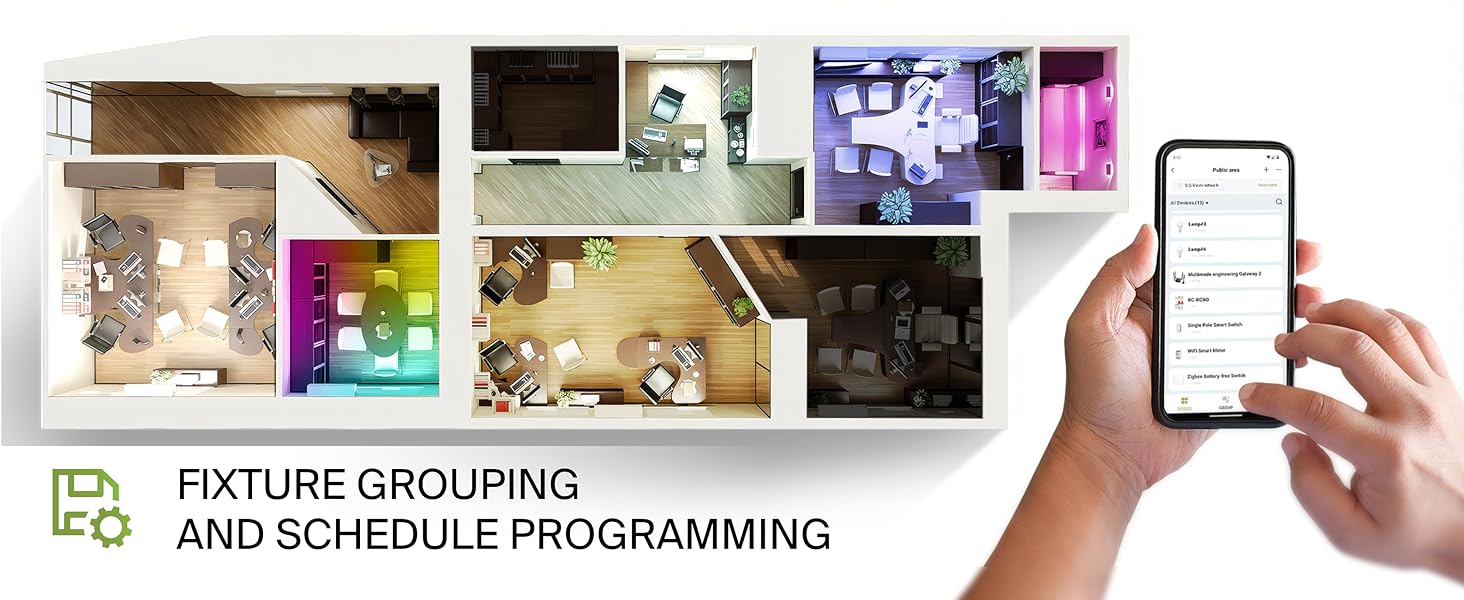
7.3 Fixture Grouping and Scheduling
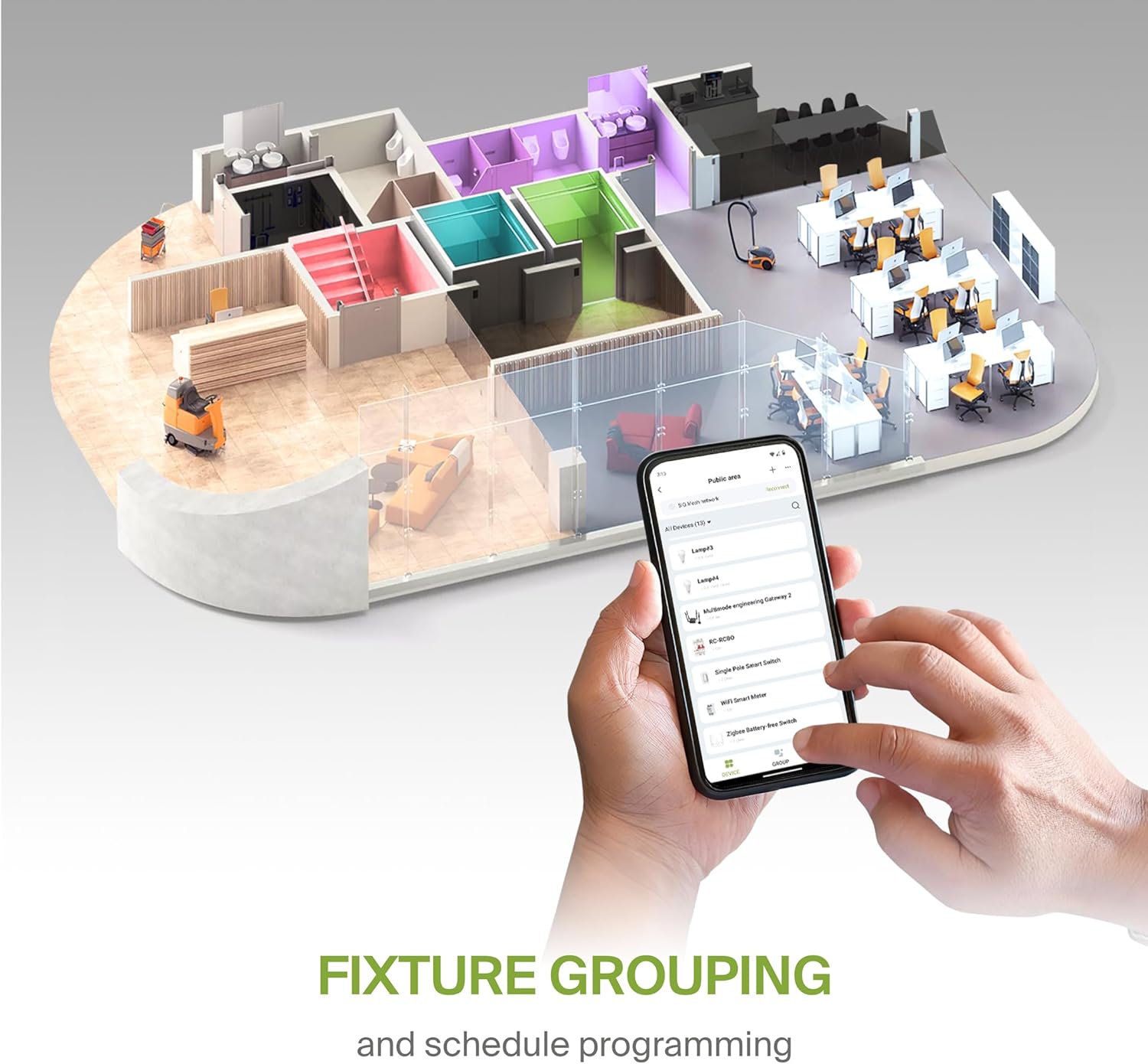
- Групоўка: Combine multiple ASD Smart LED panels to control them simultaneously.
- Планаванне: Set automated on/off times, color changes, and dimming levels based on your daily routine or specific events.
8. Тэхнічнае абслугоўванне
To ensure optimal performance and longevity of your LED panel, follow these simple maintenance guidelines:
- Уборка: Адключыце электрычнасць перад чысткай. Выкарыстоўвайце мяккую, сухую або злёгку змочаную губку.amp cloth to wipe the surface of the panel. Avoid abrasive cleaners or solvents that could damage the finish or lens.
- агляд: Periodically inspect the wiring and mounting for any signs of wear or damage. Address any issues promptly.
9. Выпраўленне непаладак
If you encounter issues with your ASD Smart RGBW LED Flat Panel Light, refer to the following common troubleshooting steps:
- Святло не загараецца:
- Праверце аўтаматычны выключальнік, каб пераканацца, што прыбор падаецца на электрычнасць.
- Праверце, ці ўсе злучэнні правадоў надзейныя і правільныя.
- Ensure the light switch (if applicable) is in the ON position.
- Праблемы з падключэннем праграмы:
- Ensure your Wi-Fi network is active and stable (2.4GHz band).
- Restart your Wi-Fi router and the LED panel (by cycling power).
- Confirm your smartphone is connected to the same Wi-Fi network as the light.
- Try re-pairing the device through the ASD Smart App.
- Inconsistent Color/Brightness:
- Пераканайцеся, што праграма абноўлена да апошняй версіі.
- Check for any interference with the Wi-Fi signal.
- If controlling multiple lights, verify they are correctly grouped in the app.
For further assistance, please contact ASD customer support.
10. Гарантыя і падтрымка
ASD забяспечвае 5-гадовая абмежаваная гарантыя for this product, covering defects in materials and workmanship under normal use. Please retain your proof of purchase for warranty claims.
For technical support, warranty inquiries, or additional information, please visit the official ASD webсайт або звярніцеся ў іх аддзел абслугоўвання кліентаў.