
Уводзіны
This manual provides instructions for the proper setup, operation, and maintenance of your Generic PK Control 1 Mouse Pad. Please read this guide thoroughly to ensure optimal performance and longevity of your product.
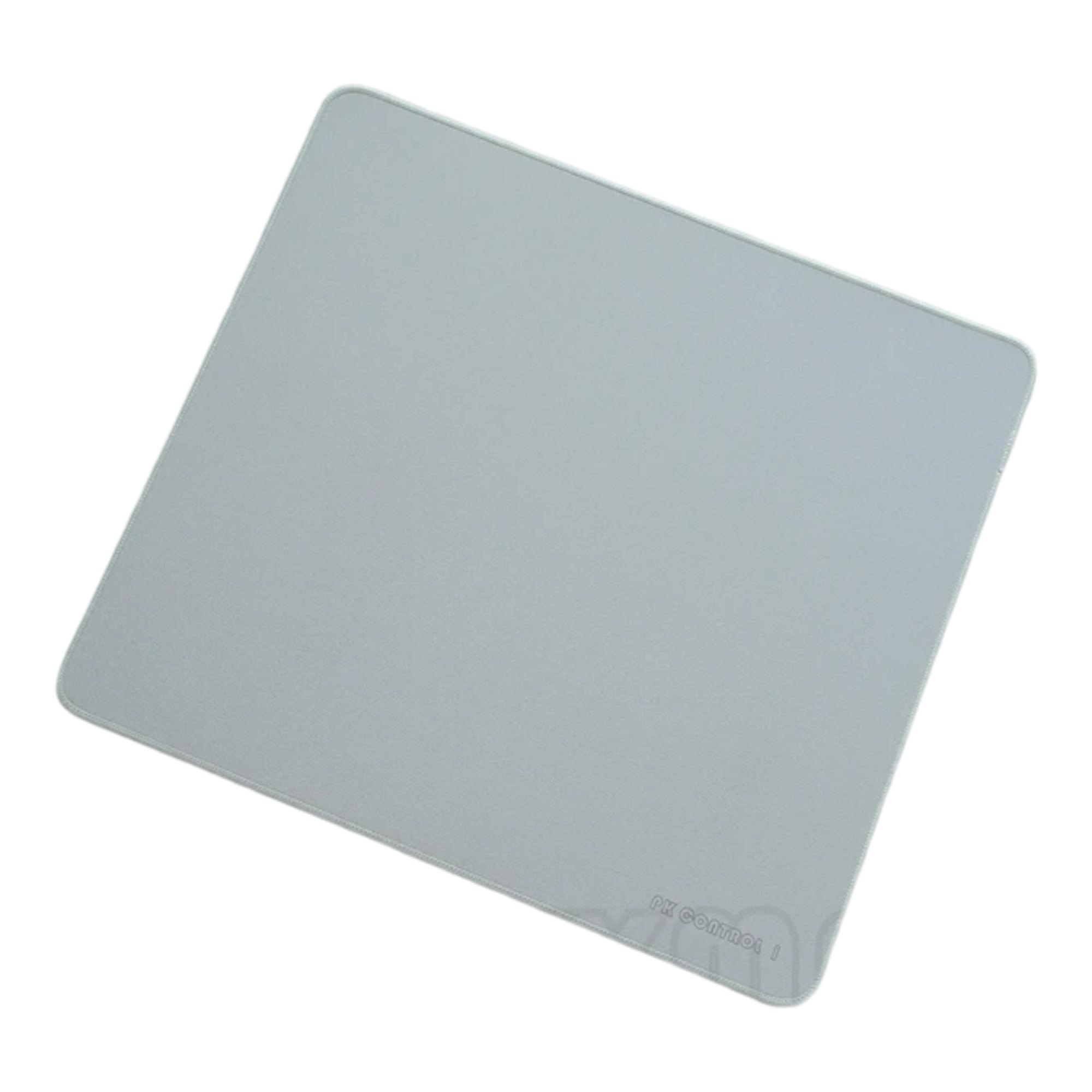
Image: A close-up of the grey PK Control 1 mouse pad, highlighting its surface texture and branding.

Image: A selection of PK Control 1 mouse pads in various colors, demonstrating the product's aesthetic versatility. A mechanical keyboard is visible to the right.
Настройка
The PK Control 1 Mouse Pad is designed for immediate use. Follow these steps to set up your mouse pad:
- Распакуйце: Асцярожна дастаньце кілімок для мышы з упакоўкі.
- Разгарнуць: If the mouse pad was rolled, gently unroll it and lay it flat on your desired surface. Allow a few minutes for the material to flatten completely.
- Размяшчэнне: Place the mouse pad on a clean, dry, and flat surface, such as a desk or table. Ensure the non-slip rubber base is in full contact with the surface to prevent movement during use.

Image: Rolled-up PK Control 1 mouse pads in different colors, illustrating how they are packaged and ready for unrolling.

Image: A pink PK Control 1 mouse pad positioned on a desk, ready for use with a computer setup.
Інструкцыя па эксплуатацыі
The PK Control 1 Mouse Pad is designed to provide a smooth and consistent surface for your mouse, enhancing precision and comfort.
- Mouse Placement: Пакладзеце камп'ютэрную мыш непасрэдна на паверхню кілімка для мышы.
- Рух: Move your mouse as usual. The optimized surface material ensures accurate tracking for both optical and laser mice.
- Стабільнасць: The non-slip rubber base prevents the mouse pad from sliding during intense use, providing a stable platform for your mouse movements.

Image: A white wireless mouse resting on a pink PK Control 1 mouse pad, demonstrating typical usage.

Image: A white wireless mouse on a white PK Control 1 mouse pad, integrated into a clean desk environment.
Тэхнічнае абслугоўванне
To maintain the performance and appearance of your PK Control 1 Mouse Pad, follow these cleaning guidelines:
- Рэгулярная ўборка: Працярыце паверхню мяккай, damp cloth to remove dust and light smudges.
- Глыбокая ачыстка: For more stubborn dirt, use a small amount of mild soap diluted in water. Gently scrub the affected area with a soft brush or cloth.
- Паласканне: Rinse the mouse pad thoroughly with clean water to remove all soap residue.
- Сушка: Allow the mouse pad to air dry completely before reuse. Do not expose it to direct sunlight or high heat, as this may damage the rubber material.
- Пазбягайце рэзкіх хімічных рэчываў: Do not use abrasive cleaners, bleach, or strong solvents, as these can degrade the material and print.

Выява: Падрабязны view of the non-slip rubber base, highlighting its textured pattern designed for grip.
Ліквідацыю непаладак
If you encounter any issues with your PK Control 1 Mouse Pad, refer to the following common solutions:
| праблема | Магчымая прычына | Рашэнне |
|---|---|---|
| Кілімок для мышы не ляжыць роўна. | Recently unrolled; material needs to settle. | Place heavy, flat objects on the corners for a few hours to help it flatten. |
| Кілімок для мышы слізгае па стале. | Desk surface is dirty or uneven; non-slip base is not fully engaged. | Clean the desk surface. Ensure the mouse pad is placed on a flat, dry area. |
| Адсочванне мышы непаслядоўнае. | Mouse pad surface is dirty; mouse sensor is obstructed. | Clean the mouse pad surface as per maintenance instructions. Clean your mouse's optical/laser sensor. |
Тэхнічныя характарыстыкі
- Марка: Genérico
- мадэль: PK Control 1
- матэрыял: Гумавая
- Асаблівасці: Аснова супраць слізгацення
- Форма: Прамавугольны
- Прызначэнне: Офіс, гульні

Image: A close-up of the mouse pad surface, displaying the "PK control I" branding and the quality of the stitched edges.
Гарантыя і падтрымка
This product is covered by a standard manufacturer's warranty against defects in materials and workmanship. For specific warranty details and support inquiries, please refer to the retailer's return policy or contact the manufacturer directly.
For further assistance, please visit the product page on the retailer's website or consult their customer service.