
1. Уводзіны
Thank you for choosing the GGSTOPWATER JM13 Open Ear Headphones. These innovative earbuds are designed for comfort and safety, allowing you to enjoy high-quality audio while remaining aware of your surroundings. Their non-intrusive design reduces ear fatigue, making them ideal for extended wear during various activities.

Figure 1: Open-ear design for comfort and awareness.
2. Што ў скрынцы
Your GGSTOPWATER JM13 package includes the following items:
- True Wireless Bluetooth Headphones (2 units)
- Headset Charging Compartment (1 unit)
- Зарадны кабель Type-C (1 шт.)
- Кіраўніцтва карыстальніка (1 адзінка)
- Silicone Lanyard (1 unit)

Малюнак 2: Усе кампаненты ў камплекце.
3. Кіраўніцтва па наладцы
3.1 Зарадка навушнікаў і футляра
Before first use, fully charge the earbuds and the charging case. The case features a Type-C charging port for convenient power input.
- Place the earbuds into their respective slots in the charging case. They are magnetized to ensure proper placement.
- Падключыце зарадны кабель Type-C, які ўваходзіць у камплект, да зараднага чахла і крыніцы харчавання.
- Індыкатары на чахле будуць паказваць стан зарадкі. Пасля поўнай зарадкі індыкатары будуць паказваць завяршэнне.

Figure 3: Charging the earbuds and case.
3.2 Спалучэнне па Bluetooth
The JM13 headphones utilize advanced Bluetooth 5.4 technology for a fast and stable connection.
- Пераканайцеся, што навушнікі зараджаныя і вынятыя з зараднага футляра. Яны аўтаматычна пяройдуць у рэжым спалучэння.
- На вашай прыладзе (смартфоне, планшэце, ноўтбуку) перайдзіце ў налады Bluetooth і ўключыце Bluetooth.
- Пошук available devices and select "JM13" from the list.
- Пасля падключэння галасавая падказка пацвердзіць паспяховае спалучэнне.

Figure 4: Bluetooth connection process.
The headphones support multi-device linking, compatible with iOS, Android, and Windows systems, allowing seamless switching between devices.
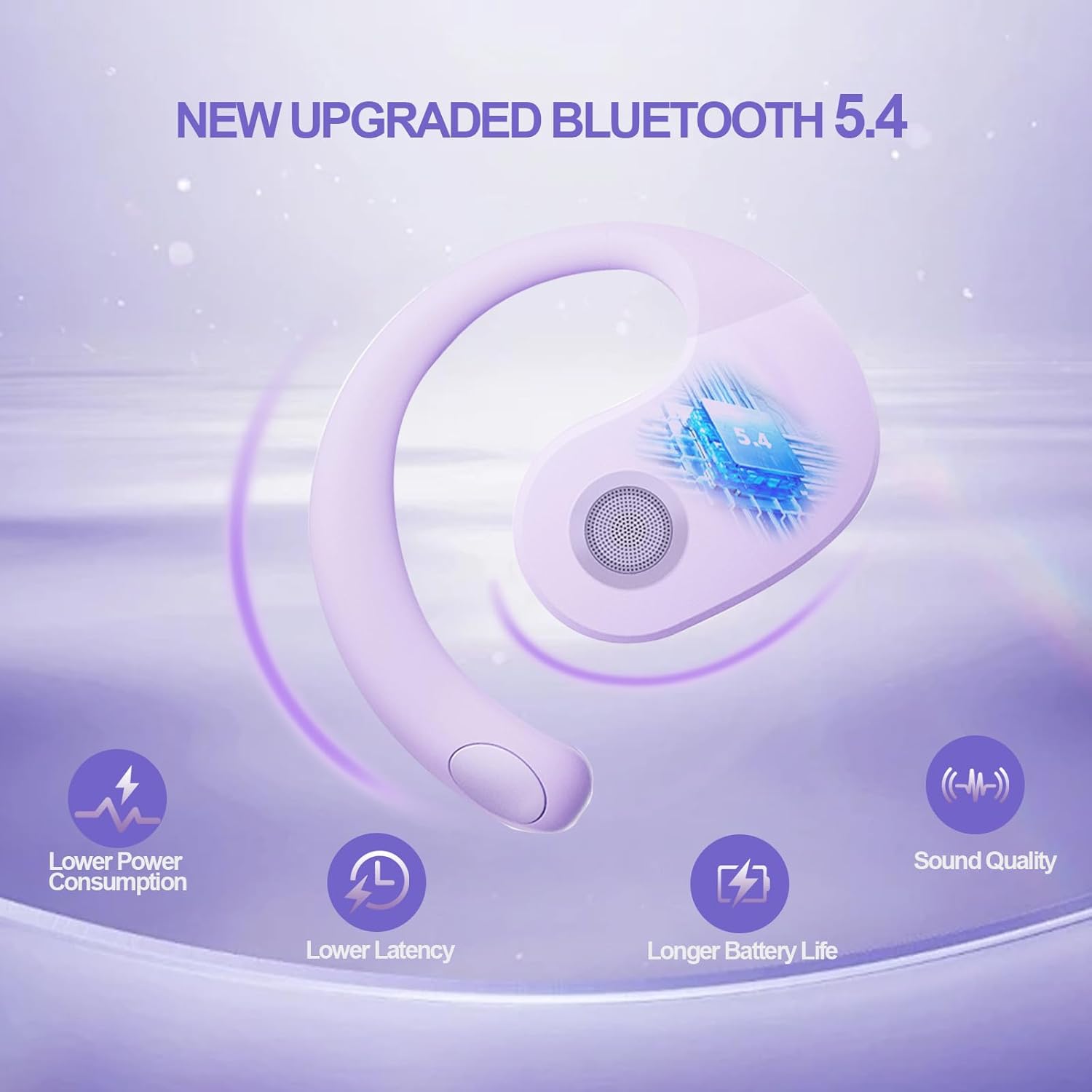
Figure 5: Benefits of Bluetooth 5.4 connectivity.
4. Інструкцыя па эксплуатацыі
4.1 Сэнсарнае кіраванне
The JM13 earbuds feature intuitive touch controls for managing calls and music:
| Дзеянне | Камандаванне |
|---|---|
| Прайграванне/прыпыненне музыкі | Single touch (either earbud) |
| Папярэдняя песня | Double touch (Left earbud) |
| Наступная песня | Double touch (Right earbud) |
| Памяншэнне гучнасці | Triple touch (Left earbud) |
| Павялічыць гучнасць | Triple touch (Right earbud) |
| Адказаць/завяршыць выклік | Click to answer, then click to hang up |
| Адхіліць выклік | Доўгі націск 2 секунды |
| Уключэнне | Доўгі націск 3 секунды |
| Выключэнне | Доўгі націск 5 секунды |
4.2 Сцэнарыі выкарыстання
The open-ear design and secure fit make these earbuds suitable for a variety of activities:
- Sports & Fitness: The flexible ear hooks and IPX5 waterproof rating ensure they stay secure and protected during workouts, running, and other physical activities.
- Адпачынак на свежым паветры: Maintain spatial awareness to hear approaching vehicles or people, enhancing safety during outdoor sports or walks.
- Office & Daily Use: Enjoy audio content or take calls comfortably without blocking out important ambient sounds.

Figure 6: Versatile use for various scenarios.
4.3 Official Product Video: Touch Controls & Features
Video Description: This video demonstrates the physical product, its open-ear design, and how to use the touch controls for music playback and call management. It also highlights the secure fit and portability of the earbuds.
5. Тэхнічнае абслугоўванне і догляд
5.1 Воданепранікальнасць і пыланепранікальнасць
The JM13 earbuds are rated IPX5 waterproof, meaning they are protected against low-pressure water jets from any direction. They are also dustproof.
- Wipe the earbuds clean with a soft, dry cloth after each use, especially after workouts or exposure to moisture.
- Не апускайце навушнікі ў ваду і не падвяргайце іх уздзеянню струменяў вады пад высокім ціскам.
- Avoid exposing the charging case to water or excessive dust, as it is not waterproof.

Figure 7: IPX5 waterproof and dustproof protection.
5.2 Захоўванне
Захоўвайце навушнікі ў зарадным чахле, калі яны не выкарыстоўваюцца, каб абараніць іх ад пылу, пашкоджанняў і падтрымліваць іх зараджанымі.
6. Выпраўленне непаладак
If you encounter issues with your GGSTOPWATER JM13 headphones, please refer to the following common solutions:
- Няма гуку/нізкая гучнасць: Ensure the earbuds are properly connected to your device. Check the volume levels on both the earbuds (via touch controls) and your connected device.
- Немагчыма спалучыць: Make sure the earbuds are in pairing mode (alternating flashing white and green lights). Turn off and on your device's Bluetooth, then try searching again. Ensure no other devices are currently connected to the earbuds.
- Праблемы з зарадкай: Verify that the Type-C cable and power source are working correctly. Ensure the earbuds are correctly seated in the charging case and that the case itself has power. Clean the charging contacts on both the earbuds and the case if necessary.
- Voice Prompts Not in English: If voice prompts are in an unexpected language, refer to the full instruction manual (included in the box) for language setting adjustments, or perform a factory reset if available.
- Перарывістае злучэнне: Move closer to your connected device to reduce signal interference. Ensure there are no major obstructions between the earbuds and your device.
Калі праблема не знікне, звярніцеся ў службу падтрымкі кліентаў.
7. Тэхнічныя характарыстыкі
| Асаблівасць | Дэталь |
|---|---|
| Назва мадэлі | JM13 |
| Марка | GGSTOPWATER |
| Тэхналогія падлучэння | Бесправадная сувязь (Bluetooth 5.4) |
| Размяшчэнне вушэй | Адкрытае вуха |
| Формаў-фактар | On Ear (with ear hooks) |
| Кантроль шуму | Актыўнае падаўленне шуму |
| Тып аўдыё драйвера | Дынамічны драйвер (16 мм) |
| Дыяпазон частот | 20 Гц - 20 000 Гц |
| Імпеданс | 32 Ом |
| Тэрмін службы батарэі (агульны з чахлом) | Да 48 гадзін |
| Рэйтынг воданепранікальнасці | IPX5 |
| Матэрыял | Сілікон, пластык |
| Вага прадмета | 3.52 унцыі |
| Колер | Фіялетавы |
8. Гарантыя і падтрымка
GGSTOPWATER products come with a standard manufacturer's warranty. For detailed warranty information, product support, or service inquiries, please refer to the warranty card included in your package or visit the official GGSTOPWATER webсайт.
For direct assistance, you may contact our customer support team via the contact information provided in your product documentation.