
amazon basics AB-IBT-82ANC
Amazon Basics Pro Series Wireless Noise Cancelling ANC Over Ear Headphone
Model: AB-IBT-82ANC
Уводзіны
This manual provides detailed instructions for the setup, operation, maintenance, and troubleshooting of your Amazon Basics Pro Series Wireless Noise Cancelling ANC Over Ear Headphones. Please read this manual thoroughly before using the product to ensure proper function and longevity.

Image: The Amazon Basics Pro Series Wireless Noise Cancelling ANC Over Ear Headphone in black, showcasinг яго элегантны дызайн.
Змест пакета
Праверце наяўнасць усіх прадметаў у камплекце:
- Amazon Basics Pro Series Wireless Noise Cancelling ANC Over Ear Headphone
- Зарадны кабель USB Type-C
- 3.5-мм AUX-кабель
- Кіраўніцтва карыстальніка (гэты дакумент)
Настройка
1. Пачатковая зарадка
Before first use, fully charge the headphones. Connect the supplied USB Type-C charging cable to the headphone's charging port and the other end to a USB power source (e.g., computer USB port or wall adapter). The LED indicator will show charging status and turn off or change color when fully charged.
A full charge provides up to 74 hours of playback at 50% volume with ANC off, or 34 hours with ANC on.
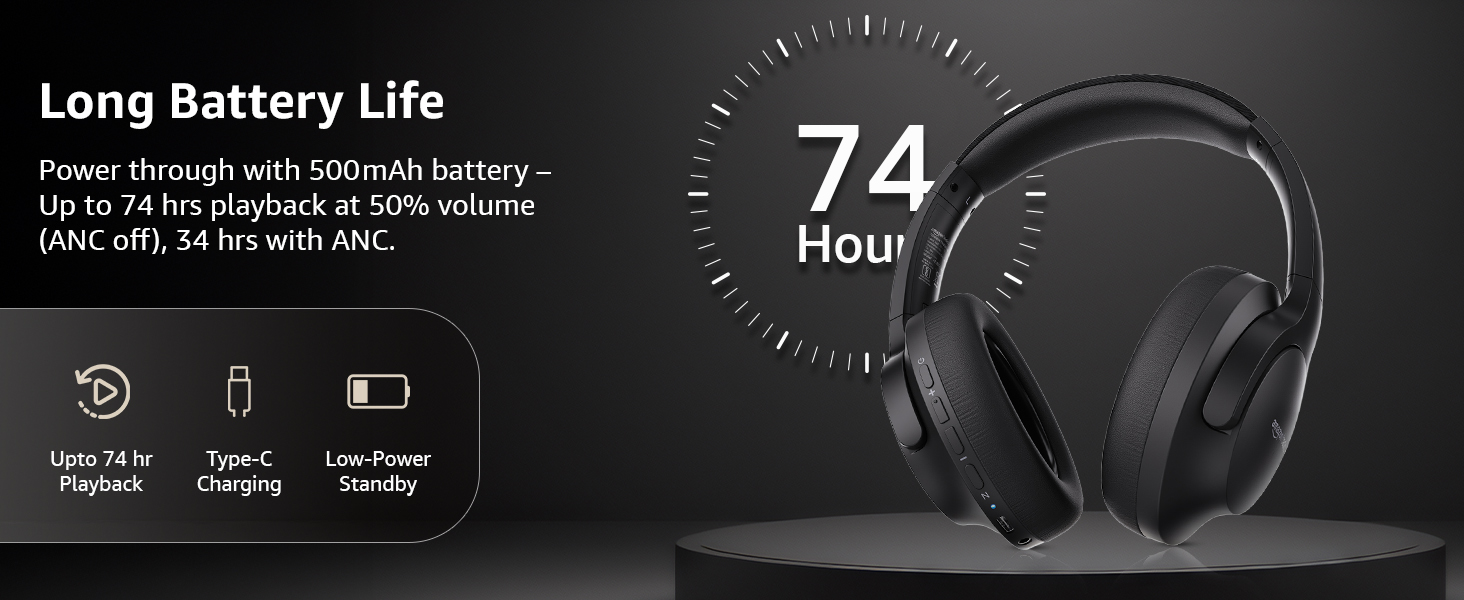
Image: An illustration highlighting the long battery life of the headphones, indicating up to 74 hours of playback.
2. Спарванне Bluetooth
- Пераканайцеся, што навушнікі зараджаныя і выключаныя.
- Націсніце і ўтрымлівайце кнопку харчавання, пакуль святлодыёдны індыкатар не пачне міргаць сінім і чырвоным колерамі, што паказвае на рэжым спалучэння.
- На вашай прыладзе (смартфоне, планшэце, ноўтбуку) уключыце Bluetooth і знайдзіце даступныя прылады.
- Select "AB-IBT-82ANC" from the list of found devices.
- Пасля падключэння святлодыёдны індыкатар будзе гарэць сінім колерам або павольна міргаць.
The headphones support dual pairing, allowing connection to two devices simultaneously for seamless switching.

Image: The headphones shown connected to both a smartphone and a laptop, illustrating the multi-pairing capability.
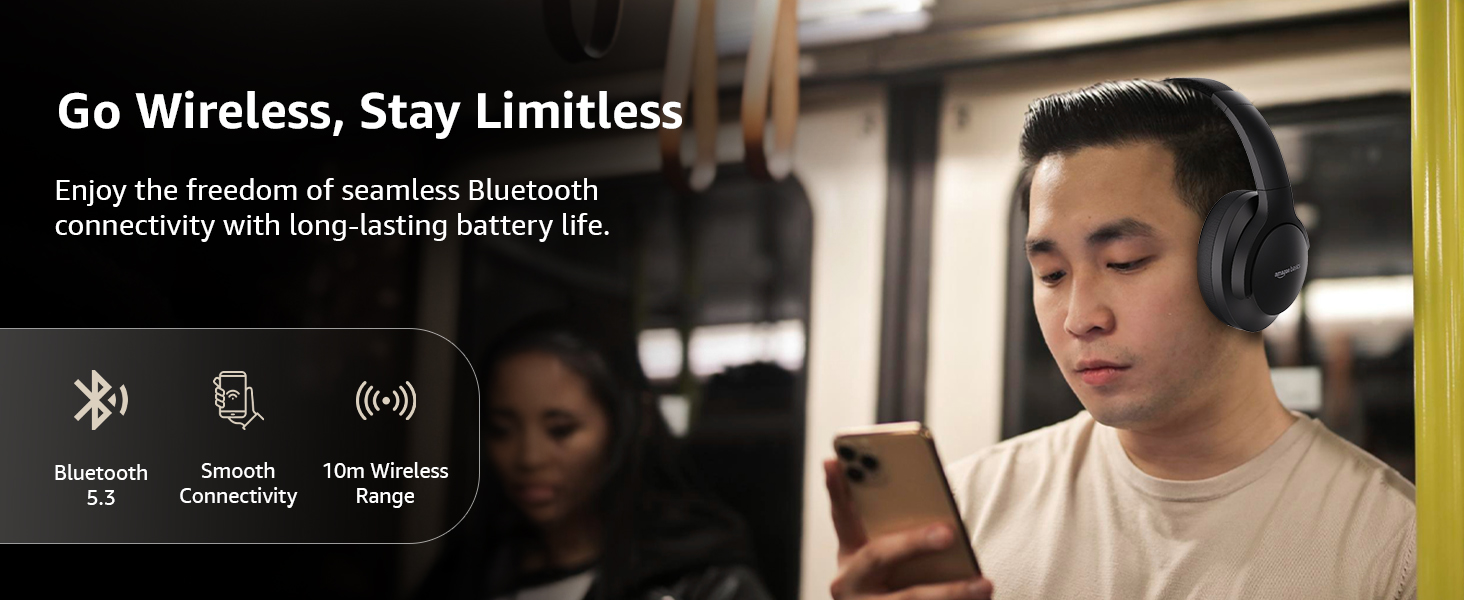
Image: A visual representation of the wireless capabilities, including Bluetooth 5.3 and a 10-meter wireless range.
3. Правадное злучэнне (рэжым AUX)
For a wired connection, plug the 3.5mm AUX cable into the headphone's AUX port and the other end into your audio device's 3.5mm jack. This mode does not require battery power.
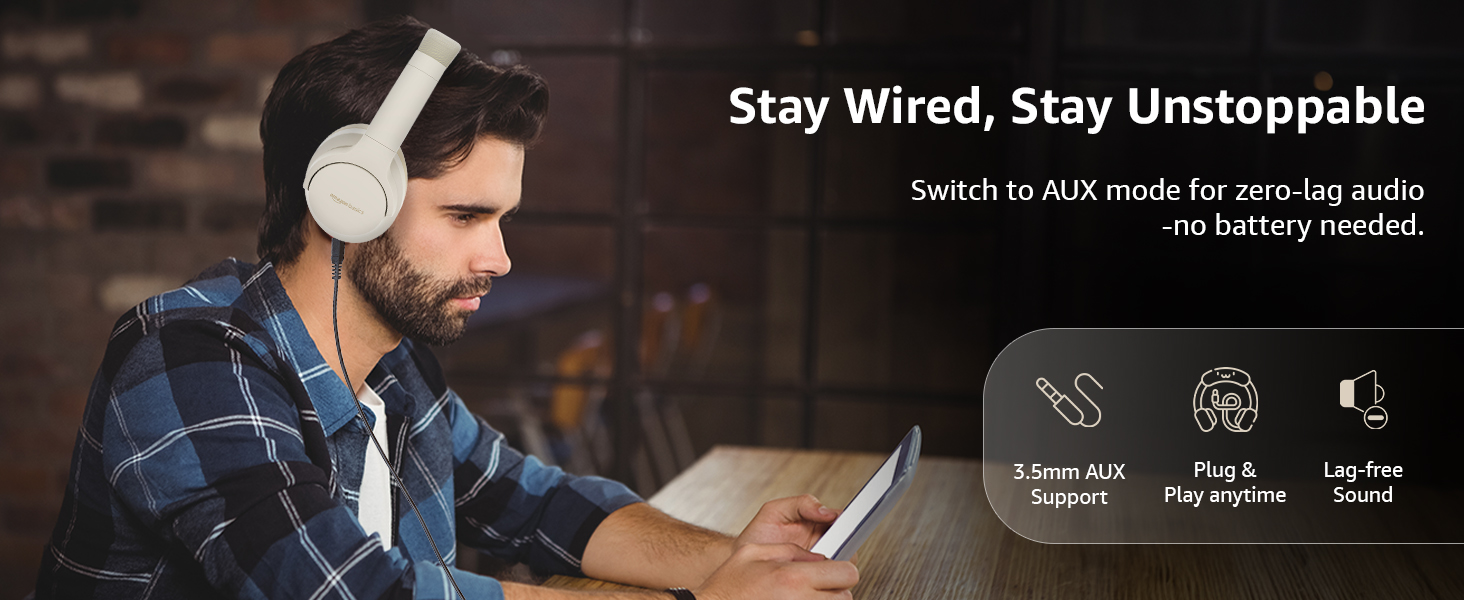
Image: A user demonstrating the wired AUX connection, emphasizing lag-free audio without needing battery power.
Інструкцыя па эксплуатацыі
1. Уключэнне/выключэнне харчавання
- Уключэнне: Націсніце і ўтрымлівайце кнопку харчавання прыблізна 3 секунды.
- Выключэнне: Націсніце і ўтрымлівайце кнопку харчавання прыблізна 5 секунды.
2. Accessible Controls
Навушнікі маюць інтуітыўна зразумелае кіраванне, размешчанае на амбушурах:
- Узмацненне гучнасці/наступны трэк: Кароткае націсканне для павелічэння гучнасці, доўгае націсканне для наступнага трэка.
- Паменшыць гучнасць/Папярэдні трэк: Кароткае націсканне для памяншэння гучнасці, доўгае націсканне для папярэдняга трэка.
- Прайграванне/Паўза/Адказаць на выклік: Аднаразовае націсканне шматфункцыянальнай кнопкі.
- Завяршыць выклік: Single press the multi-function button during a call.
- Адхіліць выклік: Доўга націсніце шматфункцыянальную кнопку падчас уваходнага званка.
- Актывацыя галасавога памочніка (Siri/Google Assistant): Двойчы націсніце шматфункцыянальную кнопку.
- Уключэнне/выключэнне ANC: Dedicated ANC button to toggle Active Noise Cancellation.
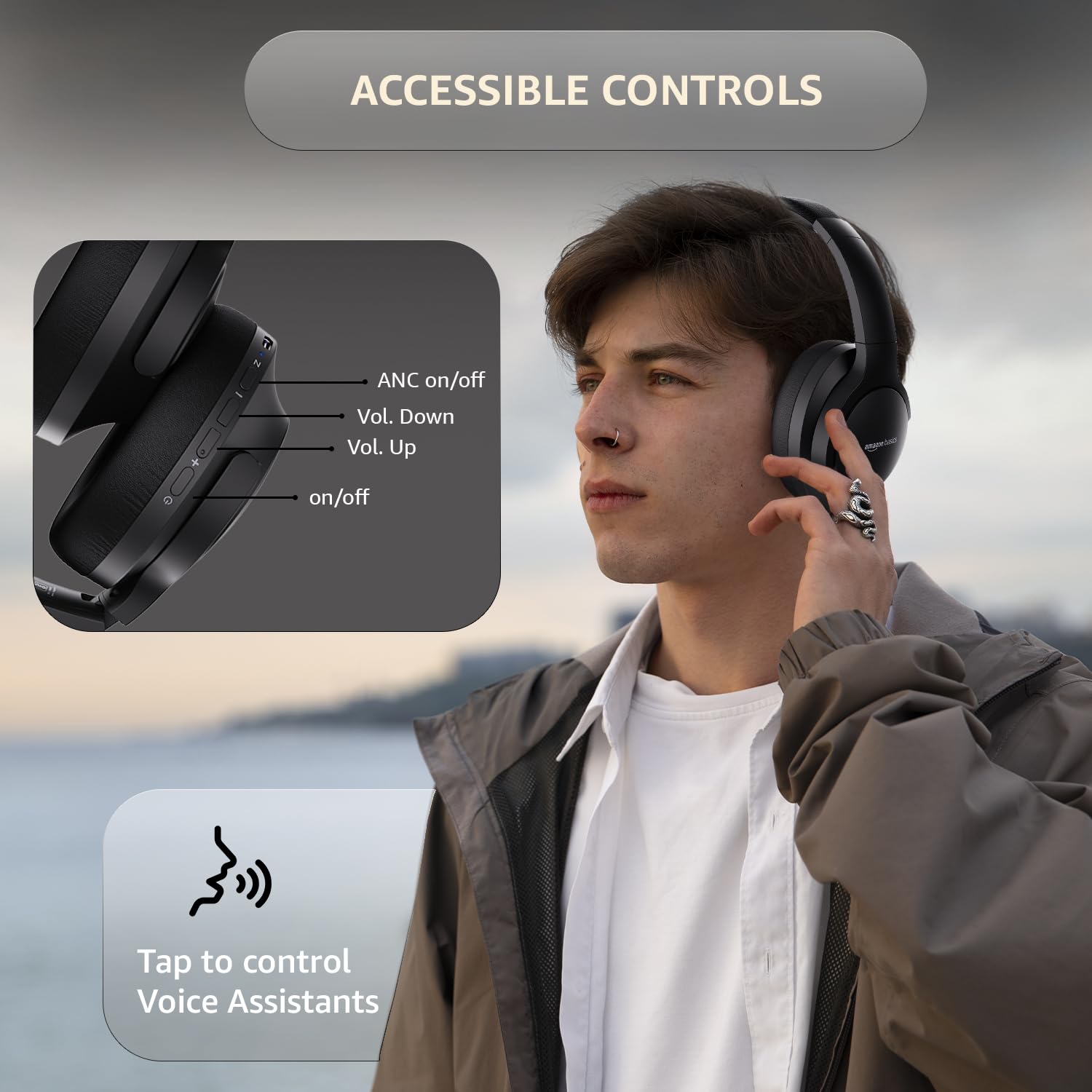
Image: A detailed diagram illustrating the location and function of the accessible controls on the headphone earcup.
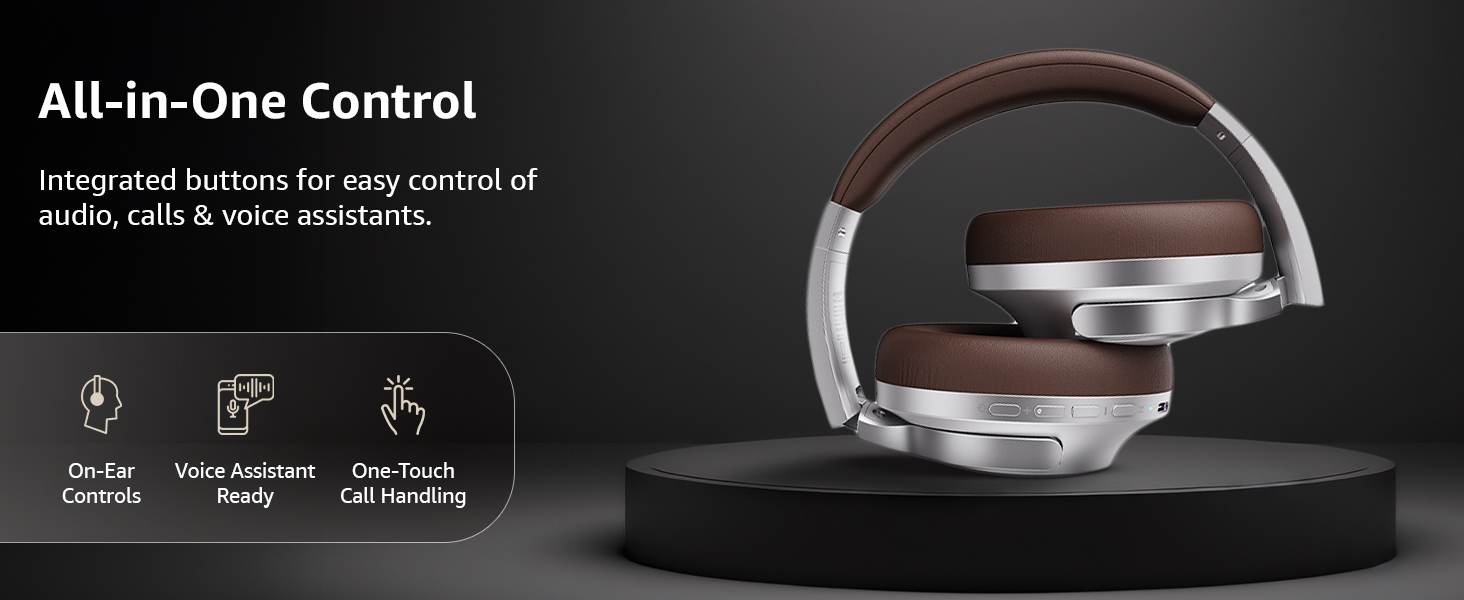
Выява: Оверview of the integrated controls, highlighting ease of use for audio, calls, and voice assistants.
3. Актыўнае шумапрыглушэнне (ANC)
The Active Noise Cancellation feature reduces ambient noise, providing a more immersive listening experience. Press the dedicated ANC button to activate or deactivate this feature. Note that ANC functionality may slightly reduce overall battery life.

Image: A person wearing the headphones in a public setting, illustrating the effectiveness of Active Noise Cancellation in reducing distractions.
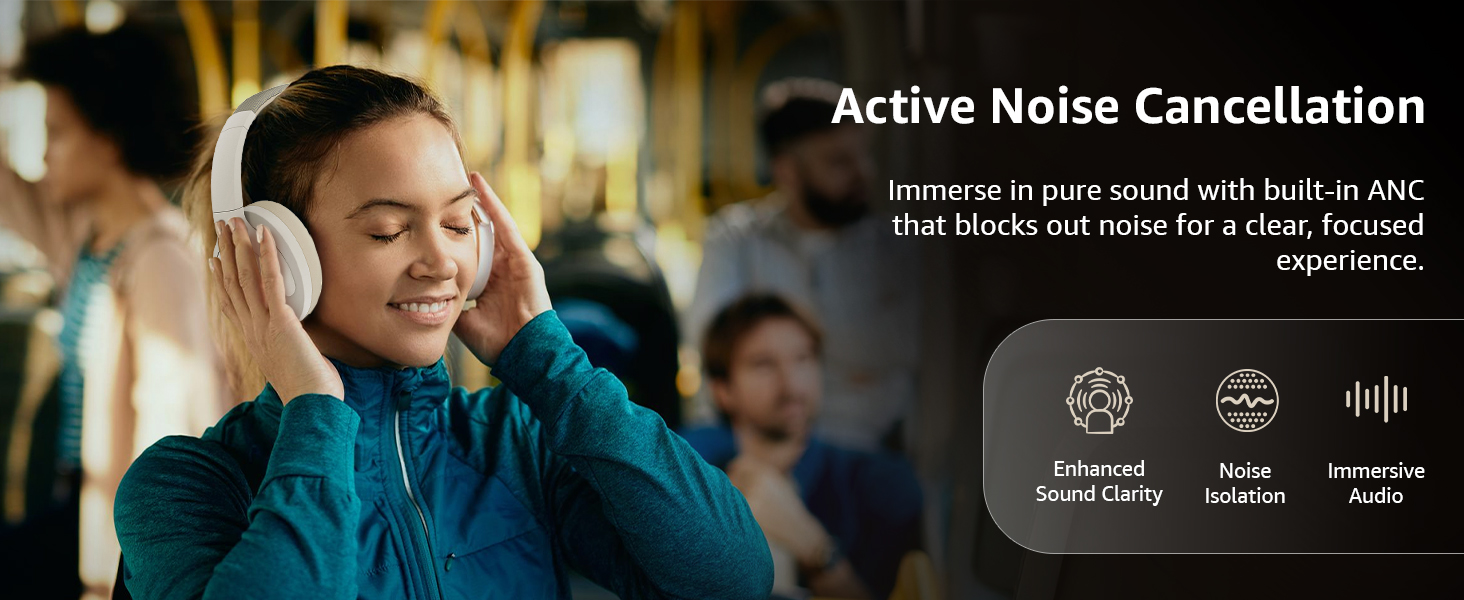
Image: A graphic emphasizing the benefits of Active Noise Cancellation, including enhanced sound clarity and immersive audio.
4. Якасць гуку і драйверы
The headphones are equipped with 40mm drivers, designed to deliver rich bass, clear mids, and precise highs for a balanced audio experience.
Выява: Выбухнула view diagram illustrating the 40mm drivers, which are responsible for the headphone's sound output.
Тэхнічнае абслугоўванне
1. Уборка
- Працірайце навушнікі мяккай, сухой тканінай без ворса.
- Do not use abrasive cleaners, solvents, or spray cleaners directly on the headphones.
- Clean the ear cushions gently with a damp тканінай пры неабходнасці і дайце ім цалкам высахнуць перад выкарыстаннем.
2. Захоўванне
When not in use, store the headphones in a cool, dry place, away from direct sunlight and extreme temperatures. The headphones feature a sleek and foldable design for convenient storage and portability.
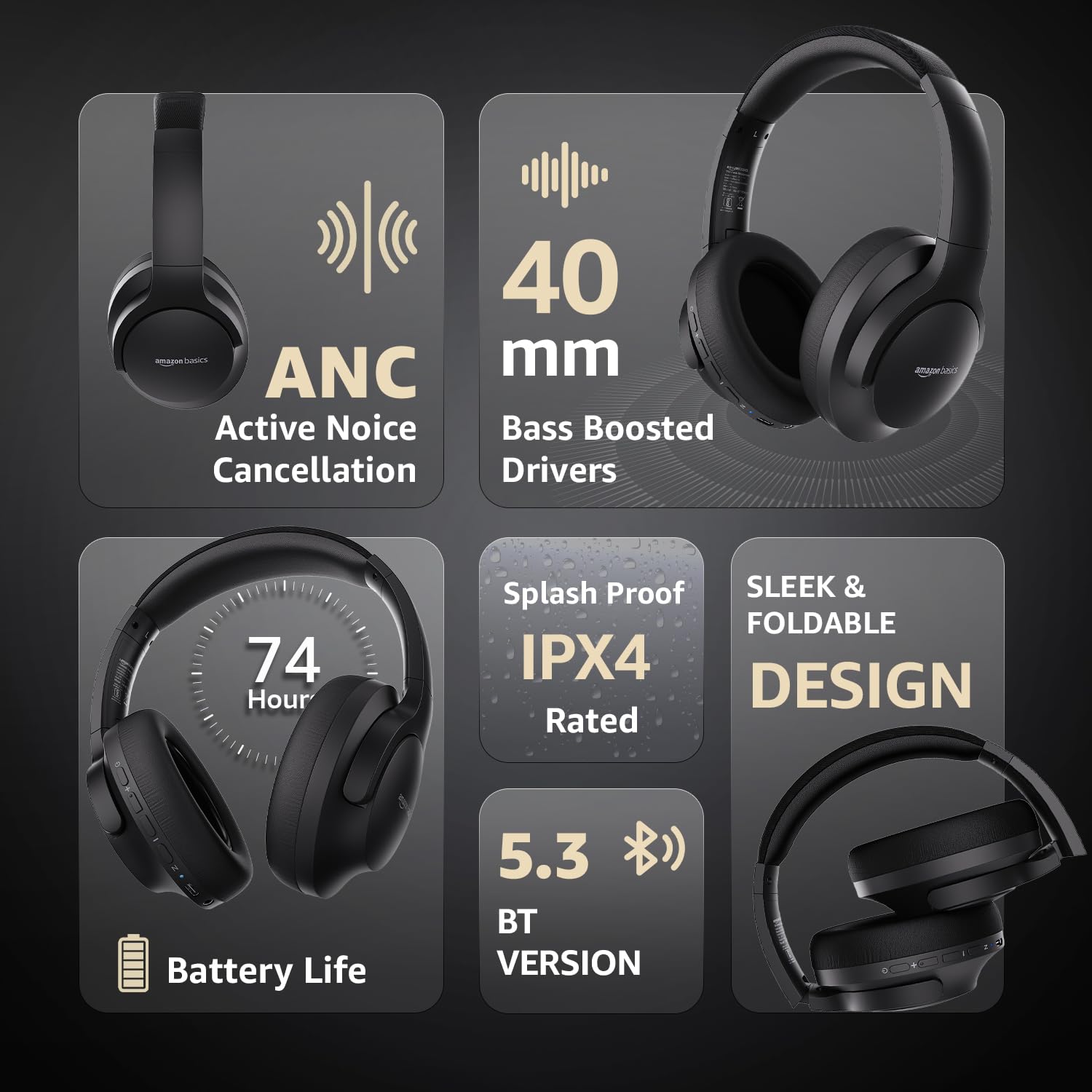
Image: An infographic highlighting key features, including the sleek and foldable design of the headphones for easy storage.
3. Сыход за батарэяй
- Пазбягайце частай поўнай разрадкі акумулятара.
- Рэгулярна зараджайце навушнікі, нават калі яны не выкарыстоўваюцца працяглы час, каб падтрымліваць іх працаздольнасць.
- Не падвяргайце акумулятар уздзеянню высокіх тэмператур.
Ліквідацыю непаладак
| праблема | Магчымая прычына | Рашэнне |
|---|---|---|
| Навушнікі не ўключаюцься. | Нізкі акумулятар. | Charge the headphones fully using the supplied USB Type-C cable. |
| Немагчыма падключыцца праз Bluetooth. | Навушнікі не ў рэжыме спалучэння; Bluetooth прылады выключаны; занадта далёка ад прылады. | Ensure headphones are in pairing mode (flashing blue/red). Turn Bluetooth on your device. Move headphones closer to the device (within 10m). |
| Няма гуку. | Занадта нізкі гук; няправільная крыніца гуку; навушнікі не падключаны. | Increase volume on headphones and device. Verify correct audio output on device. Re-pair Bluetooth or check AUX cable connection. |
| АНК працуе неэфектыўна. | ANC not activated; environmental noise too high. | Press the ANC button to activate. ANC is most effective against low-frequency, constant noise. |
Тэхнічныя характарыстыкі
| Асаблівасць | Дэталь |
|---|---|
| Нумар мадэлі | AB-IBT-82ANC |
| Тэхналогія падлучэння | Бесправадны (Bluetooth 5.3), правадны (3.5 мм AUX) |
| Памер драйвера | 40 мм |
| Ёмістасць батарэі | Літый-палімерны 500 мАг |
| Тэрмін службы батарэі (ANC выключаны) | Да 74 гадзін (пры гучнасці 50%) |
| Тэрмін службы батарэі (з уключаным ANC) | Up to 34 hours (at 100% volume), 62 hours (at 50% volume) |
| Порт для зарадкі | USB Type-C |
| Далёкасць бесправадной сувязі | Да 10 метраў |
| Рэйтынг воданепранікальнасці | IPX4 (абаронены ад пырскаў) |
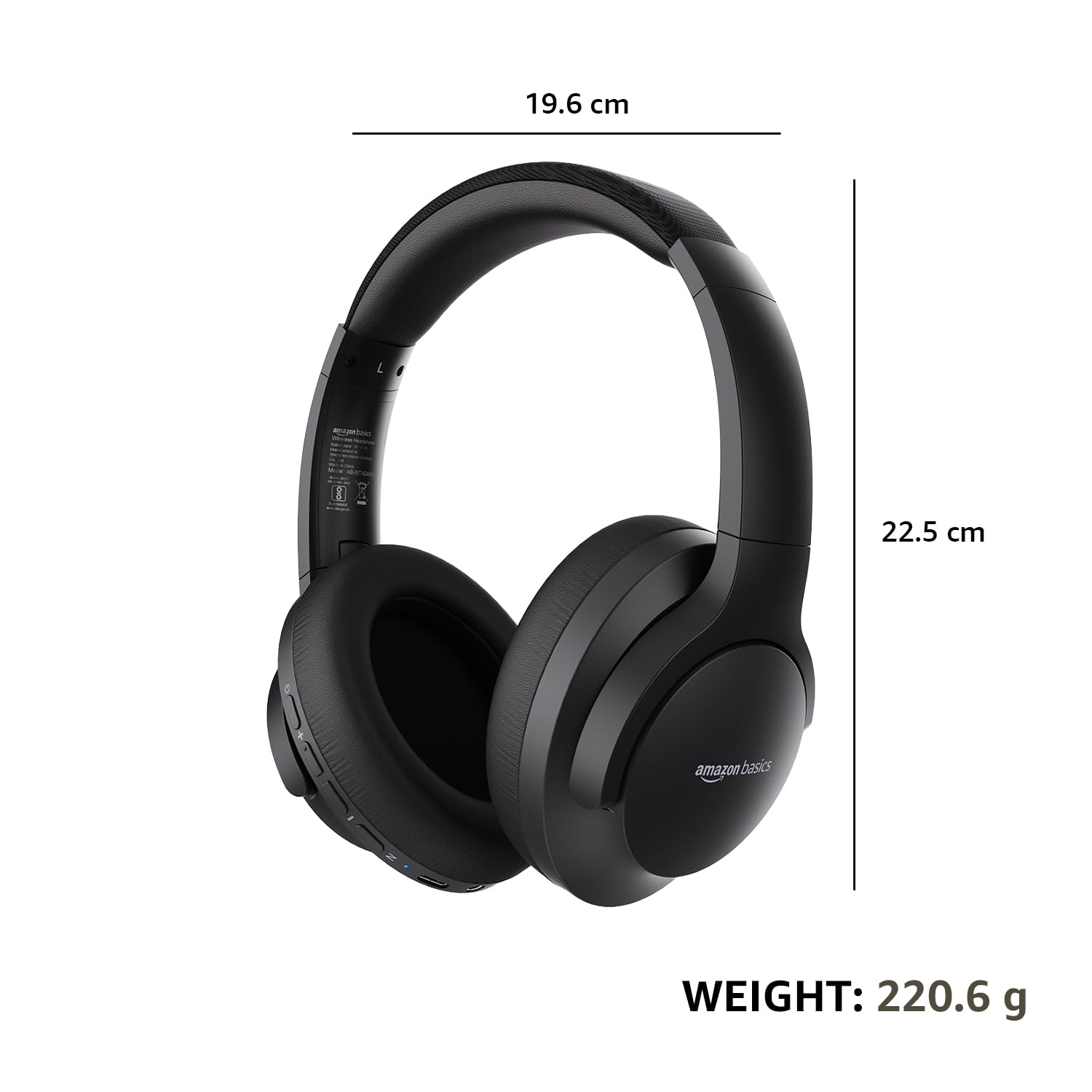
| Dimensions (Headphone) | 19.61 х 22.5 х 8.72 см |
| Вага (навушнікі) | 220.6 г |
| Матэрыял | Пластык, поліўрэтан (ПУ) |
| Сумяшчальныя прылады | Мабільныя тэлефоны, гульнявыя прыстаўкі, ноўтбукі, планшэты |

Image: A visual representation of the headphone's dimensions and weight for reference.
Камфорт і дызайн
The headphones are designed for extended wear with an over-ear fit, soft ear cushions, and an adjustable headband, ensuring comfort during long listening sessions.

Image: A person wearing the headphones, demonstrating the comfortable over-ear fit.
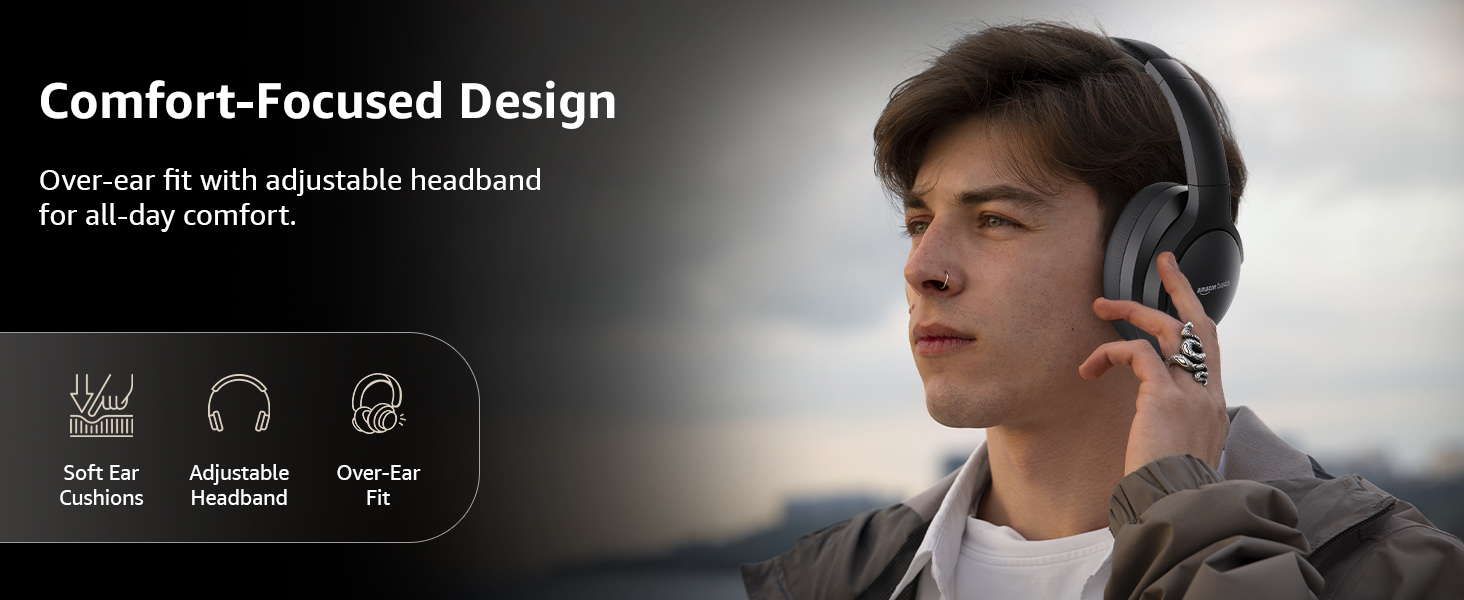
Image: A graphic detailing the comfort-focused design elements, including soft ear cushions and an adjustable headband.
Гарантыя і падтрымка
Warranty information for your Amazon Basics Pro Series Wireless Noise Cancelling ANC Over Ear Headphones is typically provided with the product packaging or can be found on the Amazon Basics official website. For technical support or warranty claims, please refer to the contact information provided with your purchase or visit the Amazon Basics support page.
Калі ласка, захавайце пацвярджэнне пакупкі для любых пытанняў, звязаных з гарантыяй.
Ask a question about this manual
Ask about setup, troubleshooting, compatibility, parts, safety, or missing instructions. Manuals+ will review the question and use this page’s manual context to help answer it.