
1. Уводзіны
This manual provides detailed instructions for the installation, operation, and maintenance of your ASMAX F1 Motorcycle Bluetooth Headset. Please read this manual thoroughly before using the product to ensure proper function and safety. The ASMAX F1 headset is designed to enhance communication and audio experience for motorcycle riders, featuring advanced Bluetooth 5.3 technology, group intercom capabilities, and noise reduction.
2. Змесціва ўпакоўкі
Праверце, ці ўсе пералічаныя ніжэй прадметы ўваходзяць у камплект. Калі якія-небудзь прадметы адсутнічаюць або пашкоджаныя, звярніцеся ў службу падтрымкі кліентаў.
- ASMAX F1 Bluetooth Headset Units (2)
- Helmet Speakers (2 sets)
- Boom Microphones (2)
- Soft Wire Microphones (2)
- Magnetic Mounting Bases (2)
- Зарадныя кабелі USB-C (2)
- 3M Adhesive Pads for Speakers and Microphones
- Кіраўніцтва карыстальніка

3. Настройка і ўстаноўка
3.1 Зарадка гарнітуры
Before initial use, fully charge the ASMAX F1 headset. Connect the provided USB-C charging cable to the headset's charging port and a compatible USB power source. A full charge takes approximately 50 minutes.

3.2 Installing on a Helmet
The ASMAX F1 headset uses a magnetic mounting system for easy attachment and removal.
- Attach Mounting Base: Choose a suitable flat surface on the side of your helmet. Clean the area thoroughly. Peel the backing from the 3M adhesive pad on the magnetic mounting base and firmly press it onto the helmet. Hold for 30 seconds to ensure a strong bond.
- Усталяваць дынамікі: Place the helmet speakers inside the helmet's ear pockets. Use the provided adhesive pads to secure them. Ensure the speakers are positioned directly over your ears for optimal audio quality.
- Усталяваць мікрафон: Select either the boom microphone (for open-face helmets) or the soft wire microphone (for full-face helmets). Attach the microphone to the inside of the helmet, positioning it close to your mouth. Secure the wire along the helmet's interior using the provided clips or adhesive.
- Падключэнне кампанентаў: Plug the speaker and microphone cables into the corresponding ports on the magnetic mounting base.
- Падключыце гарнітуру: Align the ASMAX F1 headset unit with the magnetic mounting base on your helmet. The magnets will securely snap the unit into place.

4. Інструкцыя па эксплуатацыі
4.1 Уключэнне/выключэнне сілкавання
- Уключэнне: Press and hold the Power button for approximately 3 seconds until the indicator light illuminates and you hear an audible prompt.
- Выключэнне: Press and hold the Power button for approximately 3 seconds until the indicator light turns off and you hear an audible prompt.
4.2 Bluetooth Pairing (Phone)
To pair your ASMAX F1 headset with your mobile phone:
- Пераканайцеся, што гарнітура адключана.
- Press and hold the Power button for approximately 5-7 seconds until the indicator light flashes red and blue alternately, indicating pairing mode.
- На мабільным тэлефоне ўключыце Bluetooth і знайдзіце даступныя прылады.
- Select 'ASMAX F1' from the list of devices.
- Once paired, the indicator light will flash blue slowly, and you will hear a confirmation tone.
4.3 Universal Pairing (Other Bluetooth Headsets)
The ASMAX F1 supports universal pairing with other brands of Bluetooth motorcycle headsets.

4.4 Групавы дамафон
The ASMAX F1 supports both Free Mode and Group Mode for intercom communication with up to 10 riders.
- Свабодны рэжым: Allows for spontaneous one-on-one communication with nearby riders.
- Групавы рэжым: Establishes a mesh network for continuous communication among a predefined group of riders.
Refer to the quick start guide for specific button sequences to initiate and manage intercom modes.

4.5 Voice Commands and Button Controls
The ASMAX F1 headset can be controlled via voice commands or physical buttons.
- Галасавыя каманды: Activate the voice assistant by saying "Hi Max" followed by commands such as "Group Mesh," "Group Mode," "Free Mode," "End Intercom," "Music On," "Phone Pairing," "Answer The Phone," "Next Track," or "Volume Up."
- Кнопкі кіравання: Specific buttons on the headset allow for manual control of functions like power, volume, music playback, and intercom activation. Consult the quick start guide for a detailed button map.

4.6 Шматзадачнасць гуку
The headset supports audio multitasking, allowing you to listen to music, receive navigation instructions, and participate in group intercom simultaneously.

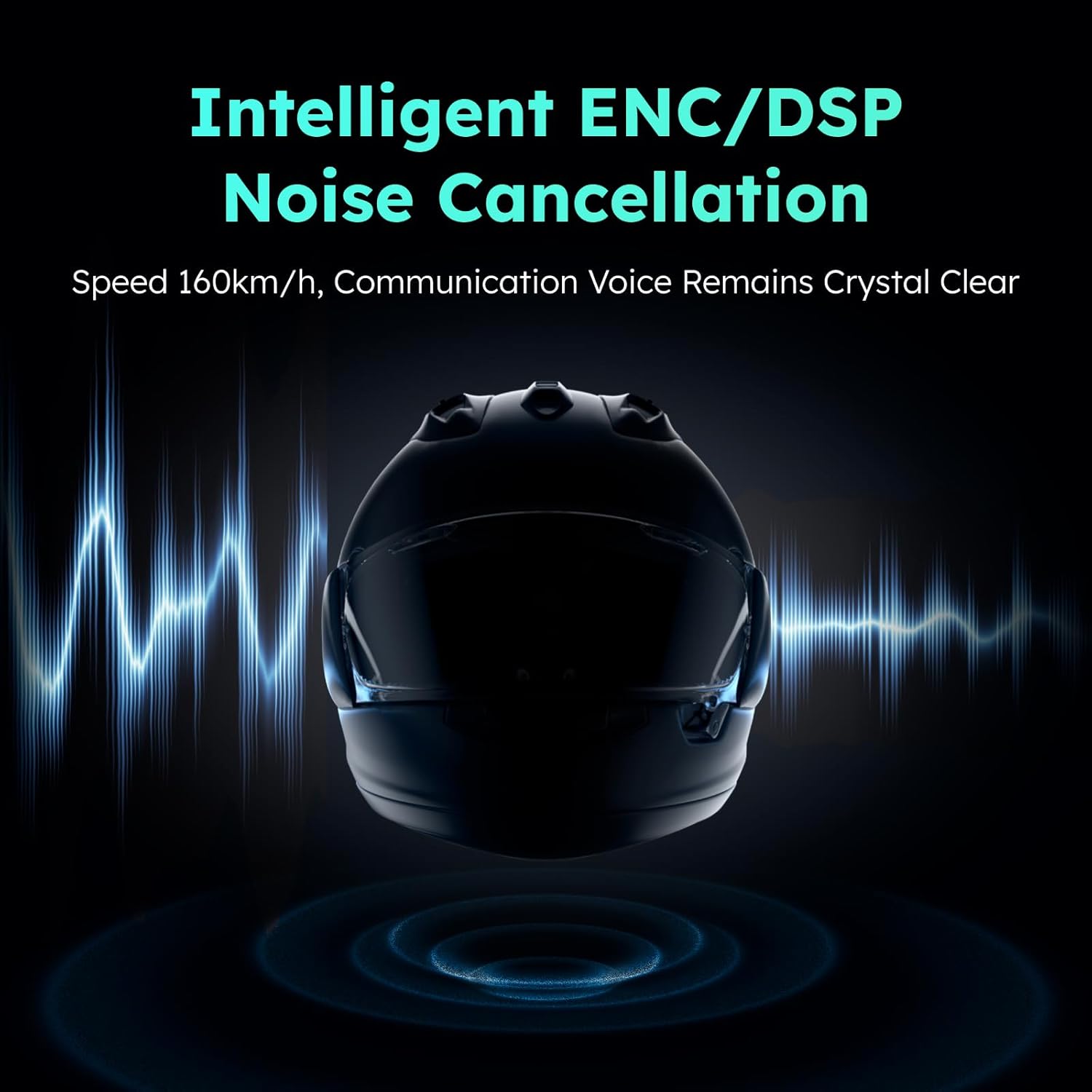
4.7 Noise Reduction (ENC/DSP)
The ASMAX F1 incorporates intelligent ENC (Environmental Noise Cancellation) and DSP (Digital Signal Processing) technologies to reduce background noise, ensuring clear communication even at speeds up to 160 km/h.
5. Тэхнічнае абслугоўванне
To ensure the longevity and optimal performance of your ASMAX F1 headset, follow these maintenance guidelines:
- Уборка: Wipe the headset unit and speakers with a soft, dry cloth. Do not use harsh chemicals or abrasive cleaners.
- захоўванне: Захоўвайце гарнітуру ў прахалодным, сухім месцы, удалечыні ад прамых сонечных прамянёў і экстрэмальных тэмператур, калі яна не выкарыстоўваецца.
- Зарадка: Avoid overcharging. Disconnect the charger once the battery is full.
- Воданепранікальнасць: The headset is not water resistant. Avoid exposure to rain or heavy moisture.
6. Выпраўленне непаладак
If you encounter issues with your ASMAX F1 headset, refer to the following common problems and solutions:
- Няма харчавання: Пераканайцеся, што гарнітура цалкам зараджана. Падключыце яе да крыніцы харчавання і праверце індыкатар зарадкі.
- Немагчыма падключыць Bluetooth: Ensure the headset is in pairing mode (flashing red and blue). Turn off and on your phone's Bluetooth and try again. Make sure no other devices are actively connected to the headset.
- Няма гуку/нізкі гук: Check speaker connections. Ensure volume is turned up on both the headset and your connected device. Reposition speakers for better ear alignment.
- Праблемы з інтэркомам: Ensure all headsets are within range and in the correct intercom mode (Free or Group). Re-establish the intercom connection if necessary. Obstacles like vehicles or buildings can affect range.
- Voice Commands Not Responding: Speak clearly and directly into the microphone. Ensure the microphone is properly positioned. Check for excessive background noise.
If the problem persists, perform a factory reset (refer to the quick start guide for instructions) or contact customer support.
7. Тэхнічныя характарыстыкі
Key technical specifications for the ASMAX F1 Motorcycle Bluetooth Headset:
| Асаблівасць | Спецыфікацыя |
|---|---|
| Назва мадэлі | F1 Motorcycle Bluetooth Headset |
| Марка | АСМАКС |
| Версія Bluetooth | 5.3 |
| Тэхналогія падлучэння | Bluetooth |
| Тэхналогія бесправадной сувязі | Bluetooth |
| Тып кіравання | Галасавое кіраванне, сэнсарны |
| Час зарадкі | 50 minutes (Fast Charging) |
| Кантроль шуму | ENC/DSP Noise Reduction |
| Intercom Range (Unit-to-unit) | Up to 3 km / 1.8 mi |
| Intercom Range (Overall, 1st to last rider) | Up to 8 km / 5 mi |
| Сумяшчальныя прылады | Motorcycles, Powersports Helmets |
| Узровень воданепранікальнасці | Не воданепранікальны |
| Асаблівасць | Fast Charging, Microphone Included |
8. Гарантыя і падтрымка
ASMAX products are covered by a limited warranty. For specific warranty terms and conditions, please refer to the warranty card included with your product or visit the official ASMAX website. For technical support, troubleshooting assistance, or to inquire about replacement parts, please contact ASMAX customer service through the contact information provided on our webсайт або ваша платформа для пакупак.