
1. Уводзіны
This manual provides essential information for the proper setup, operation, and maintenance of your redbeat M2 Android 14 Tablet. Please read this guide thoroughly before using your device to ensure optimal performance and longevity.

Image: The redbeat M2 Tablet shown with its included pink protective case. The tablet features a sleek design with a large display.
2. Што ў скрынцы
Праверце, ці ёсць усе прадметы ў вашай упакоўцы:
- redbeat M2 Tablet
- Pink Protective Case
- Зарадны кабель Type-C
- Інструкцыя па эксплуатацыі (гэтае кіраўніцтва)
- SIM Card Tray Ejector Tool

Image: A visual representation of the redbeat M2 Tablet's physical features, including camera, ports, and buttons, alongside a list of included accessories: the tablet, pink case, Type-C cable, instruction book, and card needle.
3. Схема прылады
Familiarize yourself with the physical components of your redbeat M2 Tablet:
- Пярэдняя камера: Located at the top center when held vertically.
- 10.95-цалевы HD-дысплей: Main touchscreen interface.
- Задняя камера: Located on the back, typically in the upper left corner.
- Кнопка харчавання: Usually on the side, used to turn the device on/off or wake/sleep.
- Кнопкі гучнасці: Adjacent to the power button, for adjusting audio levels.
- Порт USB Type-C: Для зарадкі і перадачы дадзеных.
- Гняздо для навушнікаў 3.5 мм: Для падключэння правадных аўдыёпрылад.
- SIM Card/MicroSD Card Slot: For inserting SIM cards and expanding storage.
- Four Stereo Speakers: Positioned for enhanced audio output.
4. Кіраўніцтва па наладцы
4.1 Першапачатковая зарадка
Before first use, fully charge your tablet using the provided Type-C cable and a compatible 18W fast charger. The 8000mAh battery provides extended usage time.
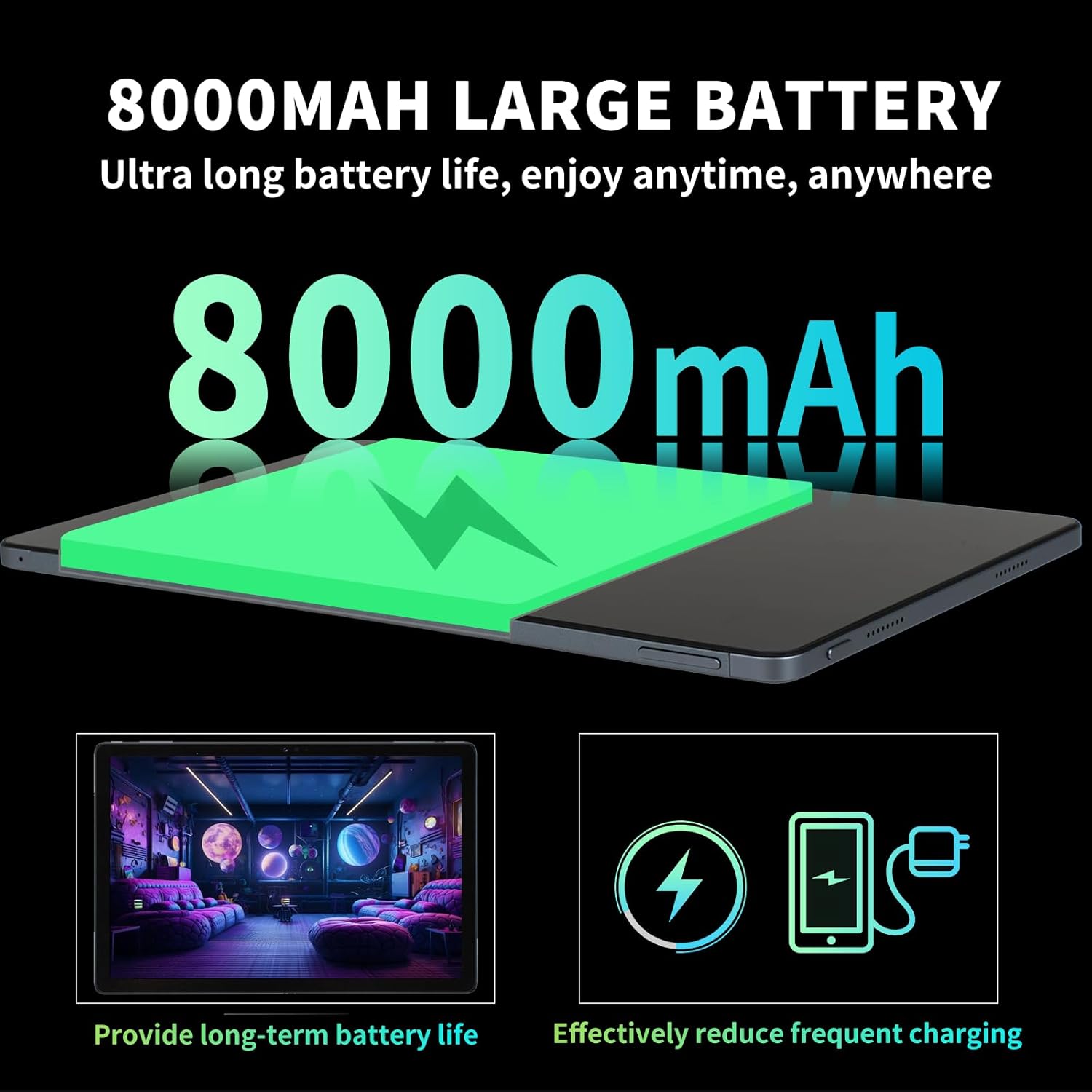
Image: Illustration highlighting the 8000mAh large battery capacity, emphasizing long battery life and reduced charging frequency.
4.2 Уключэнне/выключэнне сілкавання
- Каб уключыць: Press and hold the Power button until the redbeat logo appears.
- Каб выключыць: Націсніце і ўтрымлівайце кнопку харчавання, затым абярыце «Выключыць харчаванне» з опцый на экране.
- Каб перазапусціць: Націсніце і ўтрымлівайце кнопку харчавання, затым абярыце «Перазагрузка».
4.3 SIM Card and Storage Expansion
The redbeat M2 Tablet supports dual Nano SIM cards for 4G LTE connectivity and a TF (MicroSD) card for storage expansion up to 1TB.
- Знайдзіце латок для SIM-карты на бакавой панэлі планшэта.
- Insert the SIM card tray ejector tool into the small hole next to the tray and press gently until the tray pops out.
- Place your Nano SIM card(s) and/or TF card into the designated slots on the tray. Ensure correct orientation.
- Асцярожна ўстаўце латок назад у планшэт.

Image: The redbeat M2 Tablet displaying its 4G Global Connectivity feature, with an emphasis on dual SIM card support and compatible network frequency bands.
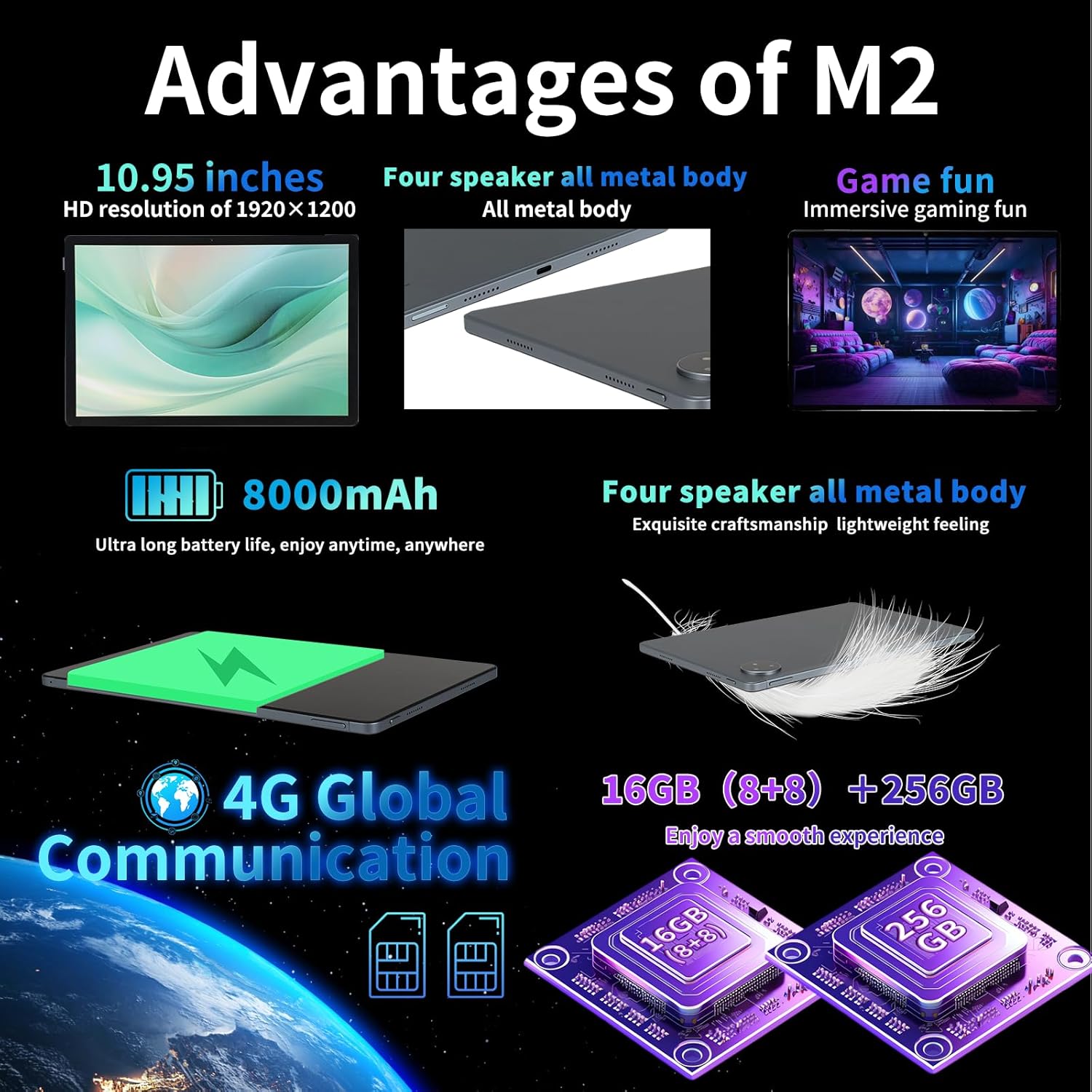
Image: A graphic illustrating the tablet's memory configuration: 16GB (8GB physical + 8GB extended) RAM and 256GB internal storage, with support for up to 1TB external storage.
4.4 Пачатковая налада прылады
Upon first power-on, follow the on-screen prompts to configure your tablet:
- Выберыце мову і рэгіён.
- Connect to a Wi-Fi network (2.4G/5G supported).
- Увайдзіце ў свой уліковы запіс Google або стварыце новы. Гэта неабходна для загрузкі праграм з крамы Google Play.
- Наладзьце блакаванне экрана (PIN-код, узор, пароль або разблакіроўка па твары).
- Review і прыняць умовы.
5. Інструкцыя па эксплуатацыі
5.1 Жэсты на сэнсарным экране
Navigate your tablet using standard Android gestures:
- Націсніце: Выберыце элемент або адкрыйце праграму.
- Доўгі націск: Доступ да кантэкстных меню або перамяшчэнне значкоў.
- Правядзіце пальцам: Пракручвайце старонкі, спісы або пераключайцеся паміж галоўнымі экранамі.
- Звядзенне пальцамі для павелічэння: Павялічваць або памяншаць маштаб малюнкаў і web старонкі.
5.2 Падключэнне
- Wi-Fi: Перайсці да Налады > Сетка і інтэрнэт > Wi-Fi to connect to available networks. Supports 2.4G and 5G bands.
- Bluetooth: Перайсці да Налады > Падлучаныя прылады > Bluetooth to pair with Bluetooth devices (e.g., headphones, keyboards). Supports BT5.0.
- Мабільная сувязь (4G LTE): Ensure a valid SIM card is inserted. Enable mobile data in Налады > Сетка і Інтэрнэт > Мабільная сетка.
5.3 Выкарыстанне камеры
Планшэт мае заднюю камеру 13 Мп і франтальную камеру 5 Мп.
- Адкрыйце праграму «Камера» на галоўным экране або ў панэлі праграм.
- Націсніце кнопку спуску засаўкі, каб зрабіць фотаздымак.
- Пераключайцеся паміж пярэдняй і задняй камерамі з дапамогай значка камеры.
- Выберыце рэжым відэа для запісу відэа.
5.4 Аўдыё і мультымедыя
Enjoy immersive audio with the tablet's four stereo speakers and Dolby panoramic surround sound. A 3.5mm headphone jack is available for private listening.

Выява: буйны план view of the redbeat M2 Tablet's all-metal body and speaker grilles, highlighting its four-speaker audio system and exquisite craftsmanship.
5.5 Face Unlock and GPS
The redbeat M2 Tablet includes Face Unlock for convenient security and GPS for navigation and location-based services.
6. Тэхнічнае абслугоўванне
6.1 Чыстка планшэта
Use a soft, lint-free cloth to clean the screen and body of your tablet. Avoid abrasive materials or harsh chemicals that could damage the surface.
6.2 Абнаўленне праграмнага забеспячэння
Рэгулярна правярайце наяўнасць абнаўленняў праграмнага забеспячэння і ўсталёўвайце іх, каб пераканацца, што ваш планшэт мае найноўшыя функцыі, патчы бяспекі і паляпшэнні прадукцыйнасці. Перайдзіце па спасылцы Налады > Сістэма > Абнаўленне сістэмы.
6.3 Кіраванне сховішчам
To optimize performance, periodically manage your tablet's storage. Delete unnecessary fileвыдаляць невыкарыстоўваныя праграмы і перамяшчаць вялікія медыяфайлы files to external storage (TF card) if applicable. Go to Налады > Сховішча.
7. Выпраўленне непаладак
If you encounter issues with your redbeat M2 Tablet, refer to the following common solutions:
- Прылада не ўключаецца: Ensure the battery is charged. Connect the tablet to the charger for at least 30 minutes before attempting to power on.
- Экран не рэагуе: Try restarting the tablet by holding the Power button for 10-15 seconds.
- Wi-Fi/4G connectivity issues: Toggle Wi-Fi/Mobile Data off and on. Restart your router or check your SIM card insertion.
- Збоі або павольная праца праграм: Зачыніце фонавыя праграмы, ачысціце кэш праграм (Налады > Праграмы > [Назва праграмы] > Памяць і кэш > Ачысціць кэш), or restart the tablet.
- Акумулятар хутка разраджаецца: Reduce screen brightness, disable unused features (Bluetooth, GPS, Wi-Fi when not needed), and check for power-intensive apps in Налады > Акумулятар.
- Планшэт не зараджаецца: Ensure the Type-C cable and charger are working correctly. Try a different cable or power adapter. Clean the charging port for any debris.
If problems persist, contact redbeat customer support for further assistance.
8. Тэхнічныя характарыстыкі
| Асаблівасць | Спецыфікацыя |
|---|---|
| Назва мадэлі | M2 |
| Аперацыйная сістэма | Android 14 |
| Працэсар | Unisoc T616 Octa-Core, 2 GHz |
| АЗП | 16 ГБ (8 ГБ + 8 ГБ пашыранай памяці) |
| Унутраная памяць | 256 ГБ |
| Сховішча з магчымасцю пашырэння | Да 1 ТБ (карта TF) |
| Памер экрана | 10.95 цалі |
| Дазвол экрана | 1920 x 1200 pixels (2K HD) |
| Задняя камера | 13 МП |
| Пярэдняя камера | 5 МП |
| Ёмістасць батарэі | 8000 мАг |
| Зарадка | 18W Fast Charge (Type-C) |
| Бесправоднае падключэнне | Wi-Fi (802.11n, 2.4G/5G), Bluetooth 5.0 |
| Сотавая сувязь | 4G LTE Dual SIM (GSM, WCDMA, LTE bands) |
| Памеры (ДхШхВ) | 10.28 х 6.89 х 0.47 цалі |
| Вага прадмета | 1.54 фунта (прыблізна 511 г) |
| Іншыя асаблівасці | GPS, Face Unlock, Four Stereo Speakers |
9. Гарантыя і падтрымка
redbeat is committed to providing quality products and customer satisfaction.
- Пажыццёвае абслугоўванне кліентаў: redbeat offers lifetime customer service to assist with any queries or issues.
- Аднагадовая абмежаваная гарантыя: Your redbeat M2 Tablet includes a one-year warranty covering manufacturing defects.
- 30-дзённая гарантыя вяртання грошай: A 30-day money-back guarantee and free return policy are available.
For support, please refer to the contact information provided with your purchase or visit the official redbeat webсайт.