
Уводзіны
Welcome to the user manual for your new GGSTOPWATER Open Ear Headphones. These wireless earbuds are designed for comfort and performance, featuring Bluetooth 5.4 connectivity, an open-ear design for situational awareness, and IPX5 water resistance, making them ideal for various activities including sports, running, and daily use. This manual provides detailed instructions on setup, operation, maintenance, and troubleshooting to ensure you get the most out of your headphones.
Што ў скрынцы
Пасля адкрыцця ўпакоўкі пераканайцеся, што ў камплекце ёсць усе наступныя прадметы:
- True Wireless Bluetooth Headphones (2 units)
- Headset Charging Compartment (1 unit)
- Зарадны кабель Type-C (1 шт.)
- Кіраўніцтва карыстальніка (1 адзінка)
- Silicone Lanyard (1 unit)
Прадукт скончаныview
Кампаненты

The image displays the two open-ear headphones and their compact charging case. The headphones feature an earhook design and touch control areas. The charging case has a digital display showing battery percentage.

This image shows the open-ear headphones and their charging case, highlighting the upgraded hook design. Insets show a close-up of the high-quality electroplating on the earhook and the memory wire used in its construction, emphasizing comfort and durability.

The image illustrates the long battery life of the headphones. It shows the charging case with a digital display indicating 100% charge, and the two earbuds. Text indicates 30 hours of standby time when not connected and 120 days when turned off.
Сэнсарныя элементы кіравання

This diagram illustrates the smart touch controls available on the GGSTOPWATER Open Ear Headphones. Icons represent functions such as Play/Pause, Voice Assistant, Answer, Reject, Previous track, Next track, Hang up, Volume +/-, and Game/Music Mode.
The headphones feature intuitive touch controls on each earbud for easy management of audio playback, calls, and other functions. Refer to the diagram above for a visual representation of each control point.
Настройка
Першапачатковая зарадка
Before first use, fully charge your headphones and charging case. Connect the provided Type-C charging cable to the charging case and a compatible USB power source. The digital battery indicator on the case will show the charging status in real-time. A full charge provides up to 64 hours of total listening time with the case, and 8 hours of playback per single earbud charge.
Спалучэнне з вашай прыладай
- Пераканайцеся, што Bluetooth на вашай прыладзе ўключаны.
- Адкрыйце зарадны чахол. Навушнікі аўтаматычна пяройдуць у рэжым спалучэння.
- На прыладзе знайдзіце прылады Bluetooth і абярыце са спісу «XG99» (ці падобную назву).
- Once connected, the headphones will automatically pair with this device in the future when the case is opened.
Прадукт скончаныview Відэа
This video provides a visual guide to the GGSTOPWATER Open Ear Wireless Headphones, showcasing their design, key features like Bluetooth 5.4, low-latency listening, touch controls, IPX5 water resistance, and battery life. It also demonstrates the pairing process and various usage scenarios.
Інструкцыя па эксплуатацыі
Нашэнне навушнікаў
The GGSTOPWATER Open Ear Headphones are designed with flexible and soft ear hooks to ensure a secure and comfortable fit without entering the ear canal. This open-ear design allows you to remain aware of your surroundings while enjoying your audio.
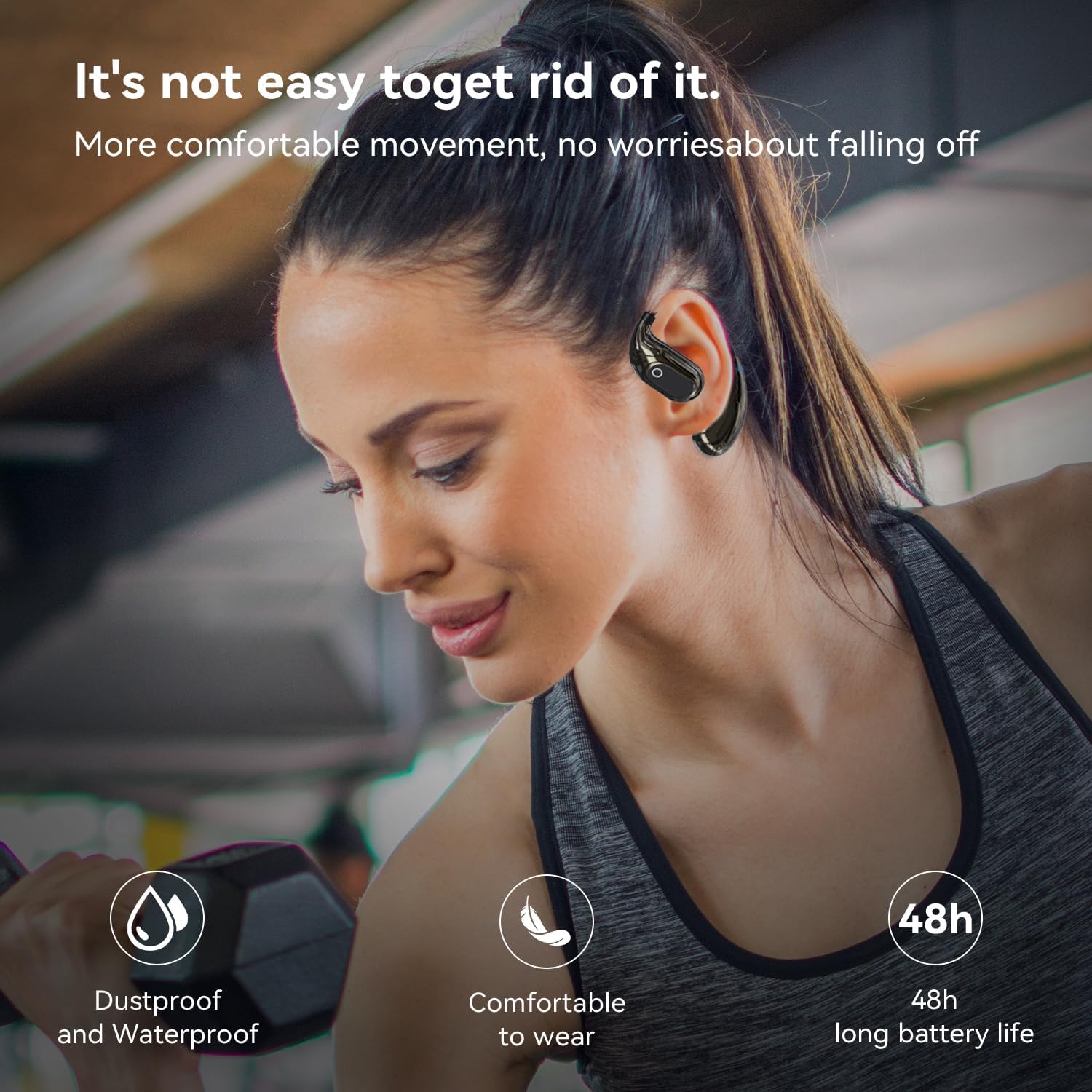
A woman is shown wearing the open-ear headphones while working out with dumbbells, illustrating their secure fit and suitability for sports. Icons indicate 'Dustproof and Waterproof', 'Comfortable to wear', and '48h long battery life'.
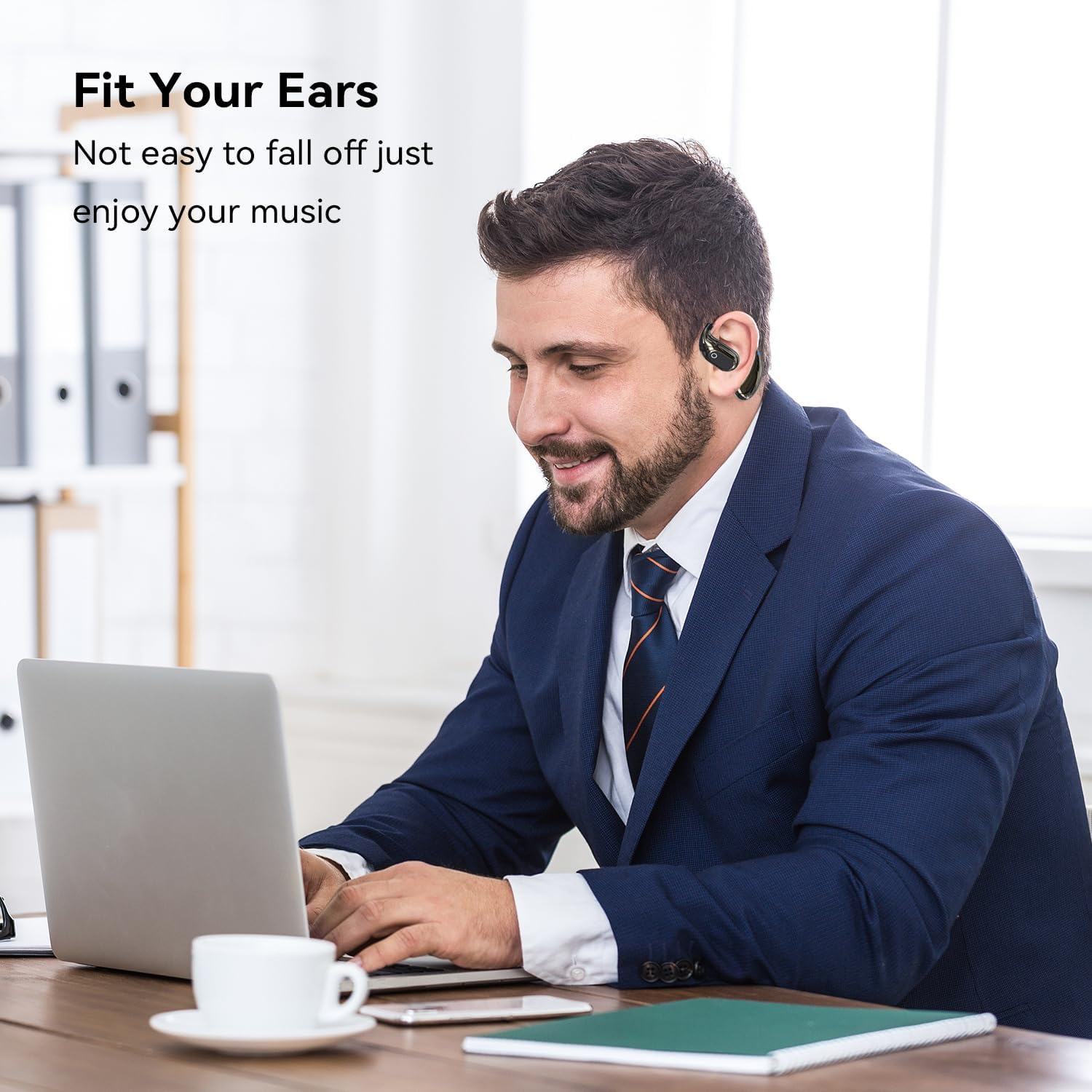
A man is depicted wearing the open-ear headphones while working on a laptop, demonstrating their comfortable and secure fit for extended use, allowing users to enjoy music without them falling off.
Асноўныя элементы кіравання
- Прайграванне/Паўза: Націсніце адзін раз на любую навушніцу.
- Наступная песня: Двойчы пастукайце па правым навушніку-ўкладышы.
- Папярэдняя песня: Двойчы пастукайце па левым навушніку-ўкладышы.
- Павялічыць гучнасць: Tap three times on the right earbud.
- Паменшыць гучнасць: Tap three times on the left earbud.
- Адказ/завяршэнне выкліку: Падчас уваходнага званка націсніце адзін раз на любы навушнік.
- Адхіліць выклік: Падчас уваходнага званка націсніце і ўтрымлівайце любы з навушнікаў на працягу 2 секунд.
- Актываваць галасавы памочнік: Націсніце і ўтрымлівайце любы навушнік на працягу 3 секунд.
Рэжым гульні/музыкі
The headphones support a Game/Music mode. To switch between modes, refer to the touch control diagram in the Product Overview section. Typically, this involves a specific tap or press-and-hold gesture. If you experience latency in video playback, switching to Game Mode may reduce it. Please note that specific activation methods can vary; if the standard method (e.g., pressing for five seconds) does not work, consult the manufacturer's official support channels for the most accurate instructions for your specific firmware version.
Тэхнічнае абслугоўванне
Proper maintenance ensures the longevity and optimal performance of your GGSTOPWATER Open Ear Headphones.
- Уборка: Use a soft, dry, lint-free cloth to wipe the earbuds and charging case. For stubborn dirt, a slightly damp cloth can be used, but ensure no moisture enters any openings. Given the IPX5 rating, the earbuds are resistant to water splashes and sweat, but they are not designed for submersion.
- захоўванне: When not in use, store the headphones in their charging case to protect them from dust and damage. Keep the case and headphones in a cool, dry place, away from extreme temperatures and direct sunlight.
- Сыход за батарэяй: To preserve battery health, avoid fully discharging the headphones or charging case frequently. Charge them regularly, even if not used for extended periods.
Ліквідацыю непаладак
Калі ў вас узнікнуць якія-небудзь праблемы з навушнікамі, звярніцеся да табліцы ніжэй, каб знайсці распаўсюджаныя праблемы і спосабы іх вырашэння.
| праблема | Магчымая прычына | Рашэнне |
|---|---|---|
| Навушнікі не спалучаюцца | Bluetooth is off on device; headphones not in pairing mode; previously paired with another device. | Ensure Bluetooth is on. Open case to activate pairing. Forget previous connections on your device. Recharge headphones. |
| Нізкая гучнасць або дрэнная якасць гуку | Device volume too low; earbud placement; low battery. | Increase device volume. Adjust earbud position for optimal sound. Ensure headphones are charged. |
| Тэрмін службы батарэі меншы, чым чакалася | High volume usage; frequent charging/discharging; aging battery. | Reduce volume. Ensure full charges. Battery performance may degrade over time. |
| Latency during video playback (audio delay) | Not in Game Mode; environmental interference. | Attempt to activate Game Mode via touch controls (refer to Product Overview). Move closer to the device or away from other wireless signals. |
| Навушнікі не зараджаюцца | Cable issue; dirty charging contacts; faulty power source. | Try a different Type-C cable and power adapter. Clean charging contacts on earbuds and case with a dry cotton swab. |
Калі праблема не знікне пасля выкарыстання гэтых рашэнняў, звярніцеся ў службу падтрымкі кліентаў.
Тэхнічныя характарыстыкі
| Асаблівасць | Дэталь |
|---|---|
| Марка | GGSTOPWATER |
| Назва мадэлі | XG99 |
| Тэхналогія падлучэння | Бесправадная сувязь (Bluetooth) |
| Версія Bluetooth | 5.4 |
| Дыяпазон Bluetooth | 30 футаў |
| Тэрмін службы батарэі (навушнікі) | Да 8 гадзін на адной зарадцы |
| Агульны час праслухоўвання (з футлярам) | Да 64 гадзін |
| Узровень воданепранікальнасці | IPX5 (Sweat-Resistant) |
| Форма навушніка | Адкрытае вуха |
| Метад кантролю | Дакранацца |
| Вага прадмета | 2.89 унцыі |
| Сумяшчальныя прылады | Smartphones, TVs, Computers, Laptops |
Гарантыя і падтрымка
GGSTOPWATER products are manufactured with high standards of quality. For information regarding warranty coverage, please refer to the warranty card included in your product packaging or visit the official GGSTOPWATER store on Amazon.
For technical support, troubleshooting assistance beyond what is provided in this manual, or to inquire about product returns and exchanges, please contact GGSTOPWATER customer service through the Amazon platform or visit the official brand store: