
1. Уводзіны
Thank you for choosing the EDYELL C5S Bluetooth Dual Earphone for Helmet. This device is designed to provide high-quality audio for music and calls while riding, ensuring convenience and safety. Please read this manual carefully before use to ensure proper installation and operation.
2. Інфармацыя па бяспецы
- Заўсёды надавайце прыярытэт бяспецы дарожнага руху. Не карыстайцеся прыладай такім чынам, каб гэта адцягвала вас ад язды.
- Ensure the device is securely mounted to your helmet to prevent detachment during use.
- Avoid listening to audio at excessively high volumes for prolonged periods to prevent hearing damage.
- Не спрабуйце разбіраць або мадыфікаваць прыладу. Гэта можа ануляваць гарантыю і стварыць пагрозу бяспецы.
- Трымайце прыладу далей ад экстрэмальных тэмператур, прамых сонечных прамянёў і адкрытага агню.
- Утылізуйце батарэю і прыладу ў адпаведнасці з мясцовымі правіламі.
3. Змесціва ўпакоўкі
Праверце, ці ёсць усе прадметы ў вашай упакоўцы:
- Motorcycle Bluetooth Headsets (x1)
- Hard Microphone Speaker (x1)
- Clamping Base (x1)
- Microphone Velcro Tape (x2)
- Speaker Velcro (x2)
- Booster Sticker (x2)
- Stand Velcro Tape (x1)
- Thick Double Sided Tape (x1)
- Stand Velcro Tape (x1)
- Кіраўніцтва карыстальніка (x1)
- Кабель для зарадкі (x1)
4. Прадукт скончыўсяview
The EDYELL C5S is a compact Bluetooth headset designed for motorcycle helmets. It features a control unit with integrated buttons and a colorful LED strip, connecting to two 50mm speakers and a microphone for communication and audio playback.

Image: The EDYELL C5S Bluetooth Helmet Headset, showing its sleek design and integrated controls.
5. Ўстаноўка
Follow these steps to install the EDYELL C5S on your helmet:
- Мантаж асноўнага блока: Прымацаваць клamping base to the side of your helmet using the provided clips or adhesive tape. Ensure it is securely fastened and does not obstruct your vision or helmet functionality.
- Размяшчэнне дынамікаў: Position the 50mm speakers inside the helmet's ear pockets. Use the speaker Velcro to secure them. Ensure the speakers are aligned with your ears for optimal sound quality and comfort.
- Размяшчэнне мікрафона: Attach the hard microphone speaker to the inside of the helmet, near your mouth. Use the microphone Velcro tape to secure it. Ensure the microphone is positioned to capture your voice clearly while minimizing wind noise.
- Кабельнае кіраванне: Route all cables neatly within the helmet's padding to avoid interference and ensure comfort.

Image: Diagram illustrating the installation of the EDYELL C5S headset components, including the main unit, speakers, and microphone, onto a motorcycle helmet.
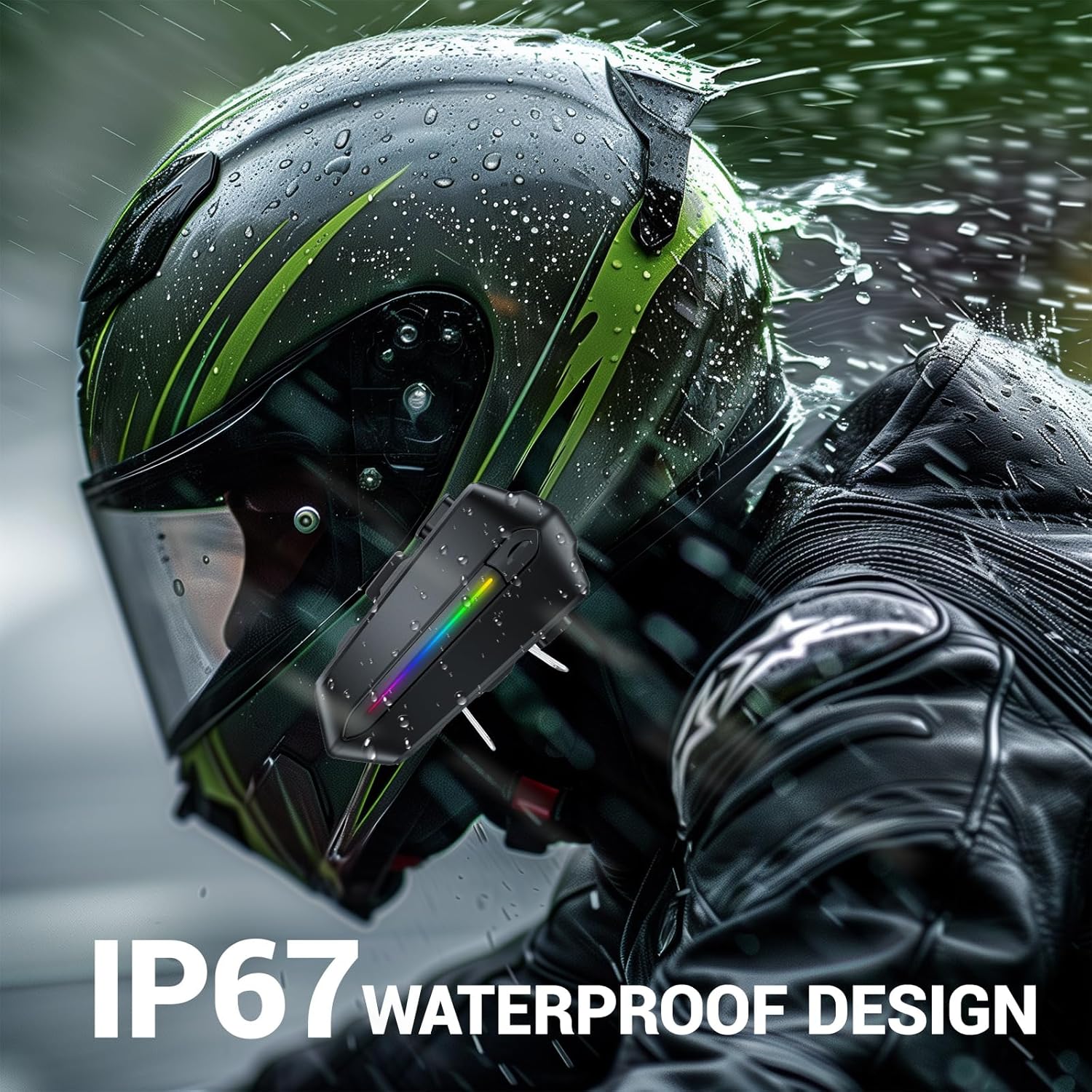
Image: Various helmet types demonstrating the wide compatibility of the EDYELL C5S Bluetooth headset.
6. Зарадка
The EDYELL C5S features an 800mAh large-capacity battery. To charge the device:
- Падключыце зарадны кабель Type-C, які ўваходзіць у камплект, да зараднага порта на гарнітуры.
- Падключыце другі канец кабеля да крыніцы харчавання USB (напрыклад, адаптара для сеткі, USB-порта кампутара).
- Святлодыёдны індыкатар будзе паказваць стан зарадкі. Поўная зарадка займае прыблізна 1.5 гадзіны.
Once fully charged, the headset provides up to 30 hours of music listening, 40 hours of calls, and over 300 hours of standby time.
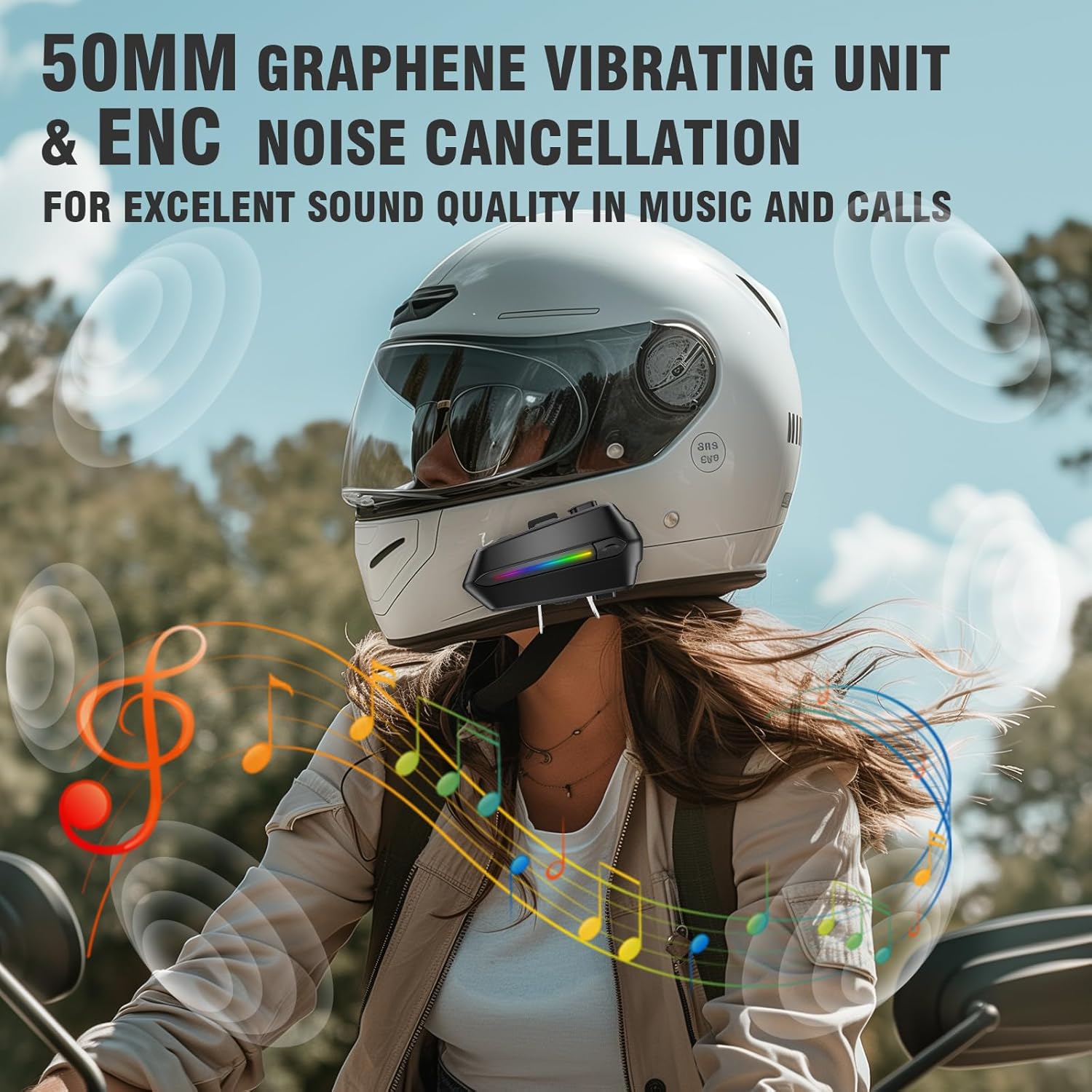
Image: The EDYELL C5S headset connected to a Type-C charging cable, illustrating the charging process and highlighting its 800mAh battery capacity.
7. Інструкцыя па эксплуатацыі
7.1 Уключэнне/выключэнне сілкавання
- Уключэнне: Націсніце і ўтрымлівайце кнопку харчавання прыблізна 3 секунды, пакуль не загарыцца святлодыёдны індыкатар.
- Выключэнне: Націсніце і ўтрымлівайце кнопку харчавання прыблізна 3 секунды, пакуль не пагасне святлодыёдны індыкатар.
7.2 Спалучэнне па Bluetooth
- Пераканайцеся, што гарнітура адключана.
- Press and hold the power button for about 5-7 seconds until the LED indicator flashes red and blue alternately, indicating pairing mode.
- On your mobile device, enable Bluetooth and search for "EDYELL C5S".
- Select "EDYELL C5S" from the list of available devices to connect. A voice prompt will confirm successful pairing.
Падвойнае падключэнне 7.3
The EDYELL C5S supports simultaneous connection to two devices. After pairing the first device, follow the pairing steps again for the second device. The headset will automatically connect to both devices when powered on.
7.4 Кіраванне выклікамі
- Аўтаматычны адказ: Incoming calls will be automatically answered after 10 seconds for hands-free communication.
- Адказ/завяршэнне выкліку: Short press the phone button to answer or end a call.
- Адхіліць выклік: Press and hold the phone button for 2 seconds to reject an incoming call.
- Галасавое кіраванне: Press the voice control button to activate your device's voice assistant (e.g., Siri, Google Assistant) to perform tasks like making calls or navigating.
7.5 Прайграванне музыкі
- Прайграванне/Паўза: Кароткае націсканне кнопкі прайгравання/паўзы.
- Наступны трэк: Кароткачасова націсніце кнопку «+».
- Папярэдні трэк: Кароткачасова націсніце кнопку «-».
7.6 Рэгулятар гучнасці
- Павялічыць гучнасць: Доўга націсніце кнопку «+».
- Паменшыць гучнасць: Доўга націсніце кнопку «-».

Image: A rider using the EDYELL C5S headset, demonstrating the one-click AI assistant wake-up and auto-answer call features for convenience while riding.
Video: An official product video demonstrating the features and usage of the EDYELL C5S Motorcycle Bluetooth Headset, including its design, controls, and functionality.
7.7 IP67 Waterproof Design
The EDYELL C5S is designed with an IP67 waterproof rating, allowing it to withstand various weather conditions, including rain and snow. This ensures reliable performance during outdoor rides.

Image: The EDYELL C5S headset mounted on a helmet, shown under simulated rain to highlight its IP67 waterproof design.
8. Тэхнічныя характарыстыкі
| Асаблівасць | Спецыфікацыя |
|---|---|
| Назва мадэлі | C5S |
| Тэхналогія падлучэння | Бесправадная сувязь (Bluetooth версіі 5.4) |
| Кантроль шуму | Пасіўнае падаўленне шуму |
| Памер аўдыё драйвера | 50 міліметраў |
| Ёмістасць батарэі | 800mAh літый-палімер |
| Час зарадкі | 1.5 гадзін |
| Час прайгравання музыкі | Да 30 гадзін |
| Час выкліку | Да 40 гадзін |
| Час чакання | Больш за 300 гадзін |
| Узровень воданепранікальнасці | Воданепранікальны IP67 |
| Тып кіравання | Галасавое кіраванне, кіраванне кнопкамі |
| Вага прадмета | 180 грам |
| Памеры прадукту | 10 х 5 х 2 см |
9. Выпраўленне непаладак
- Прылада не ўключаецца: Пераканайцеся, што акумулятар зараджаны. Падключыце прыладу да зараднай прылады і паспрабуйце яшчэ раз.
- Unable to pair with Bluetooth: Make sure the headset is in pairing mode (LED flashing red and blue). Check that Bluetooth is enabled on your mobile device and it is within range. Try restarting both devices.
- Няма гуку з дынамікаў: Check the volume level on both the headset and your connected device. Ensure speakers are correctly plugged into the main unit and positioned properly inside the helmet.
- Мікрафон не працуе: Verify the microphone is securely connected and positioned correctly near your mouth. Check privacy settings on your connected device to ensure microphone access is granted.
- Перарывістае падключэнне: Ensure there are no major obstructions between the headset and your connected device. Move closer to the device if necessary. Avoid environments with strong electromagnetic interference.
10. Гарантыя і падтрымка
For product support, installation guidance, or any queries, please contact EDYELL INDIA customer care:
- электронная пошта: support@fenman.in
- тэлефон: +91 8882786235
- Гадзіны працы: Monday to Saturday, 10:00 AM to 6:30 PM (IST)
Калі ласка, захавайце чэк аб куплі для прэтэнзій па гарантыі.