
TOMLOV P30
TOMLOV P30 Digital Microscope
Кіраўніцтва карыстальніка
Уводзіны
Дзякуй за пакупкуasing the TOMLOV P30 Portable Digital Microscope. This device is designed to provide an engaging and educational experience for exploring the microscopic world, suitable for both children and hobbyists. With its 1-100X standard and 500-1000X high magnification, 16MP camera, and 1080P video capabilities, the P30 allows for detailed observation and capture of discoveries. This manual provides essential information for the proper setup, operation, and maintenance of your microscope.
Інфармацыя па бяспецы
- Не разбірайце і не спрабуйце рамантаваць прыладу самастойна. Звярніцеся да кваліфікаванага абслугоўваючага персаналу.
- Трымайце прыладу далей ад вады і іншых вадкасцей, каб пазбегнуць паражэння электрычным токам або пашкоджанняў.
- Пазбягайце ўздзеяння на прыладу экстрэмальных тэмператур, прамых сонечных прамянёў або высокай вільготнасці.
- Use only the specified charging cable and power adapter to prevent damage to the battery or device.
- Clean the lens and screen with a soft, lint-free cloth. Avoid using abrasive cleaners or solvents.
- This product contains small parts and is not suitable for children under 3 years old without adult supervision.
Змест пакета
Калі ласка, праверце змесціва пакета пасля распакавання, каб пераканацца ў наяўнасці ўсіх прадметаў:
- TOMLOV P30 Digital Microscope
- USB-кабель для зарадкі
- Карта Micro SD на 16 ГБ (папярэдне ўсталяваная або ўваходзіць у камплект асобна)
- Шнурок
- Кіраўніцтва карыстальніка

Image: The TOMLOV P30 Digital Microscope with its included accessories, such as the charging cable and lanyard.
Прадукт скончаныview
Familiarize yourself with the main components of your TOMLOV P30 microscope:
- 2-цалевы ВК-экран: Паказвае ў прамым эфіры view, captured images, and videos.
- Кнопка харчавання: Уключае/выключае прыладу.
- Кнопка рэжыму: Switches between photo, video, and playback modes.
- Zoom/Navigation Buttons: Adjust magnification and navigate menus.
- Capture/OK Button: Takes photos, starts/stops video recording, confirms selections.
- Фокуснае кола: Рэгулюе фокус для атрымання выразных малюнкаў.
- Святлодыёдная падсветка: Provides light for observation.
- Слот для карты Micro SD: For storage of captured media.
- Порт USB-C: Для зарадкі і перадачы дадзеных.

Выява: Падрабязная view of the TOMLOV P30 microscope, highlighting its 2-inch LCD screen and control buttons.
Настройка
- Зарадка акумулятара:
Before first use, fully charge the microscope. Connect the USB charging cable to the microscope's USB-C port and the other end to a USB power adapter (not included) or a computer's USB port. The charging indicator will show the charging status. A full charge provides up to 3 hours of use.

Image: The TOMLOV P30 microscope offers up to 3 hours of battery life, ideal for outdoor exploration.
- Устаўка карты Micro SD:
The microscope comes with a 16GB Micro SD card. Locate the Micro SD card slot on the side of the device. Gently insert the card with the gold contacts facing down until it clicks into place. To remove, push the card in again until it springs out.
- Уключэнне:
Press and hold the Power button for a few seconds until the screen illuminates. The microscope will boot up and display the live view.
- Рэгуляванне павелічэння і факусоўкі:
Place the object you wish to observe directly under the microscope's lens. Rotate the focus wheel to bring the image into sharp focus on the screen. The TOMLOV P30 offers two magnification levels: 1-100X for standard observation and 500-1000X for high magnification, suitable for detailed slides.
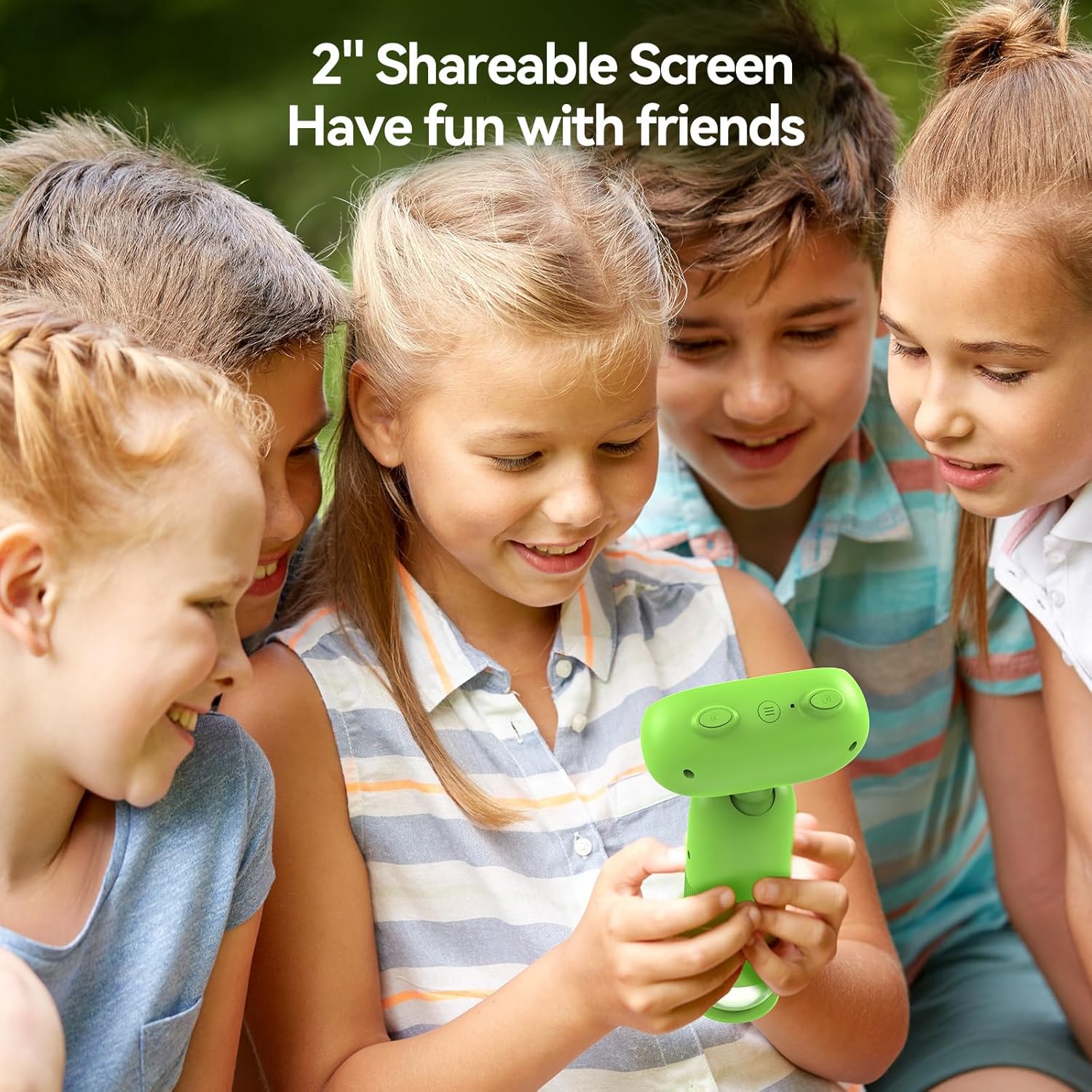
Image: The TOMLOV P30 microscope can unlock tiny details at 1000X magnification, as shown with a magnified bee on its screen.
Інструкцыя па эксплуатацыі
- Пераключэнне рэжымаў:
Press the Mode button to cycle between Photo Mode, Video Mode, and Playback Mode. The current mode icon will be displayed on the screen.
- Фотаздымкі:
In Photo Mode, frame your subject on the screen. Press the Capture/OK button once to take a photo. The image will be saved to the Micro SD card.
- Запіс відэа:
In Video Mode, press the Capture/OK button once to start recording. Press it again to stop recording. Videos are saved in 1080P resolution to the Micro SD card.

Image: The TOMLOV P30 allows users to capture 1080P videos and 16MP photos, and revisit their discoveries through playback.
- Рэжым прайгравання:
In Playback Mode, use the navigation buttons to browse through your captured photos and videos. Press the Capture/OK button to view a selected item or play a video.
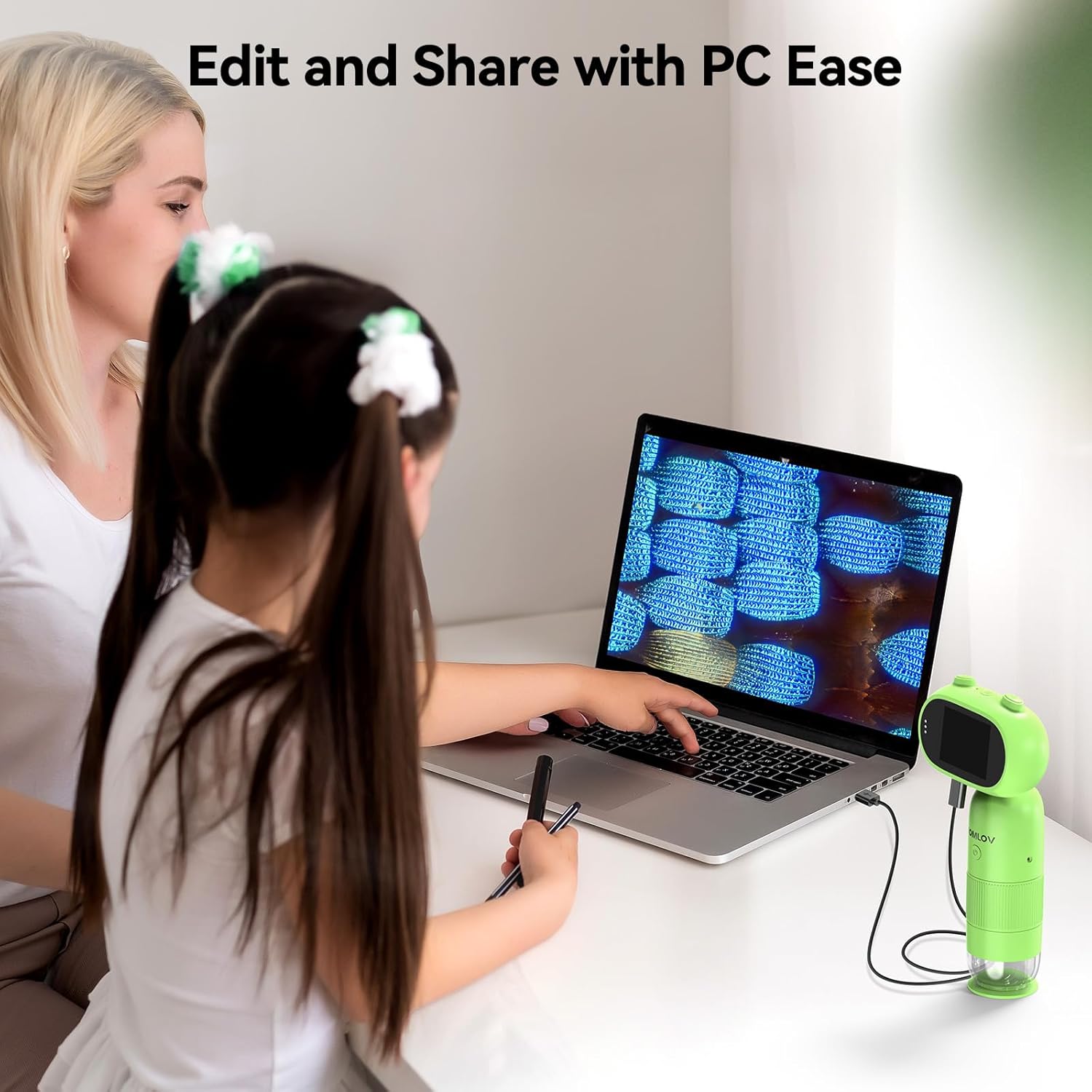
Image: The 2-inch shareable screen of the TOMLOV P30 makes it easy for children to view and share discoveries with friends.
- Падключэнне да кампутара:
Перадаць files, connect the microscope to your computer using the USB cable. The microscope will appear as a removable disk drive. You can then copy photos and videos to your computer for editing and sharing.

Image: The TOMLOV P30 microscope can be connected to a PC for easy editing and sharing of captured media.
- Лічбавае павелічэнне:
The microscope features 4X digital zoom. While in live view, use the designated zoom buttons to digitally magnify the image on the screen. Note that digital zoom may reduce image quality compared to optical magnification.
Тэхнічнае абслугоўванне
- Ачыстка аб'ектыва і экрана: Use a soft, dry, lint-free cloth to gently wipe the lens and screen. For stubborn smudges, a slightly dampened cloth with water can be used, followed by a dry cloth. Do not use alcohol or chemical cleaners.
- захоўванне: When not in use, store the microscope in a cool, dry place, away from direct sunlight and dust. Use the included lanyard for secure carrying.
- Сыход за батарэяй: To prolong battery life, avoid fully discharging the battery frequently. If storing for an extended period, charge the battery to about 50% every few months.
Ліквідацыю непаладак
| праблема | Магчымая прычына | Рашэнне |
|---|---|---|
| Microscope does not turn on. | Батарэя разраджаная або разраджаная. | Charge the microscope fully using the USB cable. |
| Выява размытая. | Focus is not adjusted correctly; object is too far/close. | Rotate the focus wheel until the image is clear. Ensure the object is within the working distance. |
| Немагчыма захаваць фота/відэа. | Micro SD card is full, not inserted correctly, or corrupted. | Check if the SD card is inserted correctly. Delete unnecessary fileабо адфарматуйце карту (гэта сатрэ ўсе дадзеныя). Заменіце карту, калі яна пашкоджана. |
| Экран пусты або завіс. | Сістэмная памылка. | Press and hold the Power button for 10 seconds to force a shutdown, then restart the device. |
Тэхнічныя характарыстыкі
| Асаблівасць | Дэталь |
|---|---|
| мадэль | P30 |
| Павелічэнне | 1-100X (Standard), 500-1000X (High) |
| Дазвол камеры | 16 мегапікселяў |
| Дазвол відэа | 1080P |
| Экран дысплея | 2-цалевы ВК-экран |
| Лічбавы зум | 4X |
| Захоўванне | Карта Micro SD (да 16 ГБ у камплекце) |
| Ёмістасць батарэі | 800 мАг (акумулятарная) |
| Тэрмін службы батарэі | Да 3 гадзін |
| Крыніца святла | святлодыёд |
| Матэрыял | Пластыкавыя |
| Вага | Прыбл. 6 унцыі |
Гарантыя і падтрымка
The TOMLOV P30 Digital Microscope comes with a standard manufacturer's warranty. Please refer to the warranty card included in your package for specific terms and conditions. For technical support, troubleshooting assistance, or warranty claims, please contact TOMLOV customer service through their official website or the contact information provided with your purchase. Ensure you have your product model number (P30) and purchase details ready when contacting support.
For more information and updates, visit the official TOMLOV store: TOMLOV Store on Amazon
Ask a question about this manual
Ask about setup, troubleshooting, compatibility, parts, safety, or missing instructions. Manuals+ will review the question and use this page’s manual context to help answer it.