Уводзіны
The Lytmi CozyClip D1 Open Clip Earbuds are designed for comfortable, all-day listening while maintaining awareness of your surroundings. Featuring an ultra-light open-ear design, Hi-Fi sound, AI-powered clear calls, and IP54 waterproof rating, these earbuds offer a unique audio experience. This manual provides essential information for setting up, operating, and maintaining your CozyClip D1 earbuds.
Што ў скрынцы
- Lytmi CozyClip D1 Open-Ear Clip-on Earphones (1 pair)
- Чахол для зарадкі (1)
- Кіраўніцтва карыстальніка (1)
- Зарадны кабель Type-C (1)

Image: Lytmi CozyClip D1 packaging and included accessories.
Прадукт скончаныview
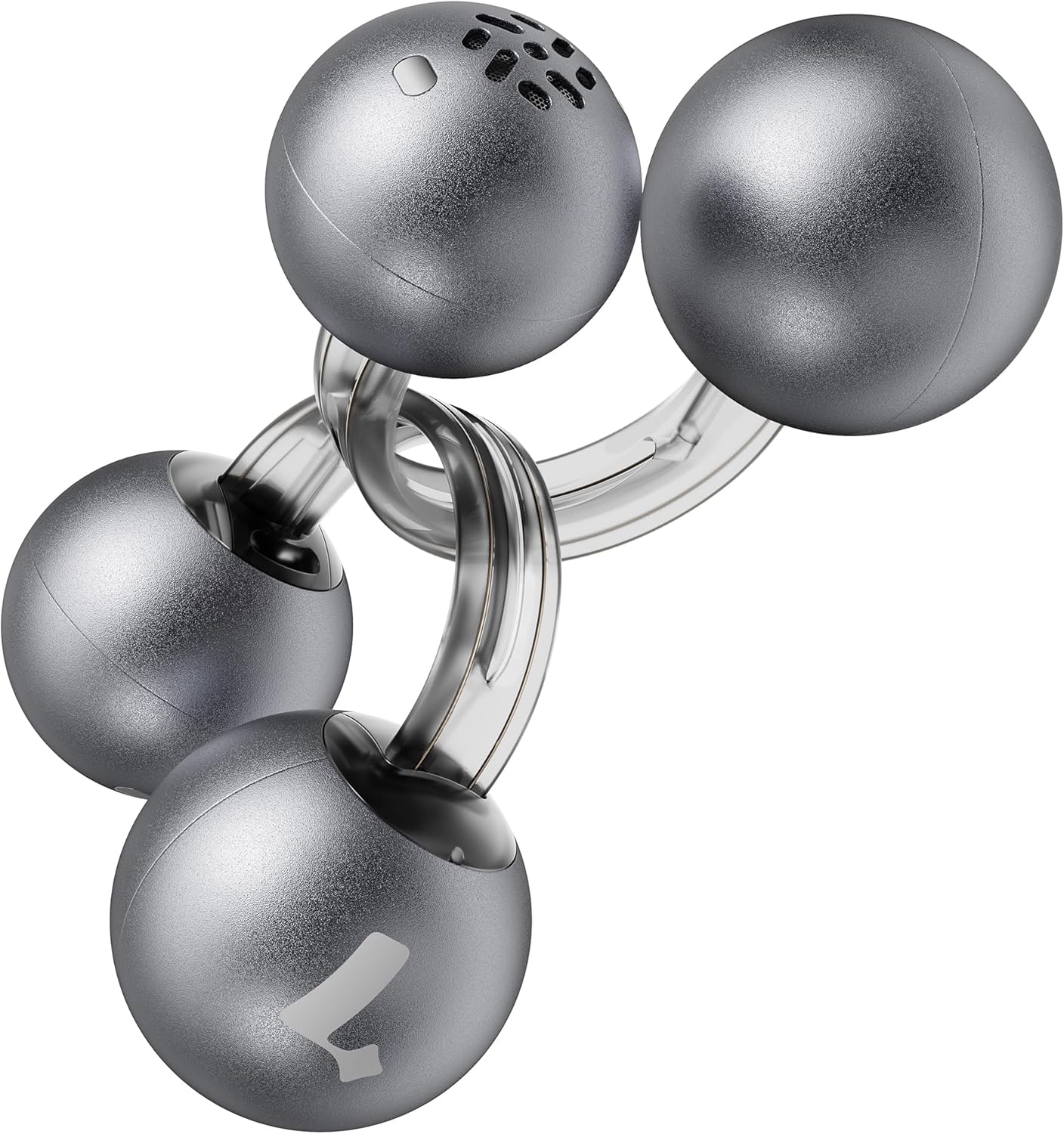
Image: Lytmi CozyClip D1 Earbuds, showcasing their open-ear clip design.

Image: Earbud resting on a feather, illustrating its ultra-lightweight design.
Асноўныя характарыстыкі:
- Дызайн з адкрытым вушам: Weighing just 5.4g each, these earbuds clip onto your ear, providing comfort and allowing you to remain aware of your surroundings.
- Hi-Fi Sound: Experience immersive audio with enhanced bass and clear highs.
- AI Noise Reduction for Calls: Ensures crystal-clear calls by reducing environmental noise, even in windy conditions.
- Auto Left-Right Recognition: Earbuds are interchangeable; wear either earbud on either ear without manual configuration.
- Доўгі тэрмін службы батарэі: Up to 9 hours of playtime on a single charge, and up to 30 hours with the charging case.
- Воданепранікальнасць і пыланепранікальнасць IP54: Designed to withstand sweat and water splashes, suitable for various activities and weather conditions.
- Bluetooth 5.4: Provides stable and efficient wireless connectivity with faster data transfer and extended signal range.
- Dual-Connection: Connect to two devices simultaneously and switch between them seamlessly.
Настройка
1. Зарадка навушнікаў і чахла
Перад першым выкарыстаннем цалкам зарадзіце навушнікі і зарадны футляр.
- Змесціце навушнікі ў зарадны футляр. Пераканайцеся, што яны правільна ўсталяваныя.
- Падключыце зарадны кабель Type-C да порта зарадкі на корпусе, а другі канец — да крыніцы харчавання USB.
- The indicator light on the case will show charging status. Once fully charged, the indicator will change or turn off.

Image: Charging case and earbuds, illustrating battery life.
2. Спалучэнне з прыладай
- Адкрыйце зарадны кейс. Навушнікі аўтаматычна пяройдуць у рэжым спалучэння.
- На вашай прыладзе (смартфоне, планшэце і г.д.) уключыце Bluetooth і знайдзіце даступныя прылады.
- Select "Lytmi CozyClip D1" from the list of devices.
- Пасля падключэння галасавая падказка пацвердзіць паспяховае спалучэнне.

Image: Quick pairing process with a smartphone.
3. Нашэнне навушнікаў-ўкладышаў
The CozyClip D1 earbuds feature an auto left-right recognition system, allowing you to wear either earbud on either ear.
- Gently clip the earbud onto your earlobe, positioning the speaker component near your ear canal.
- Adjust for a comfortable and secure fit. The flexible design ensures stability during movement.
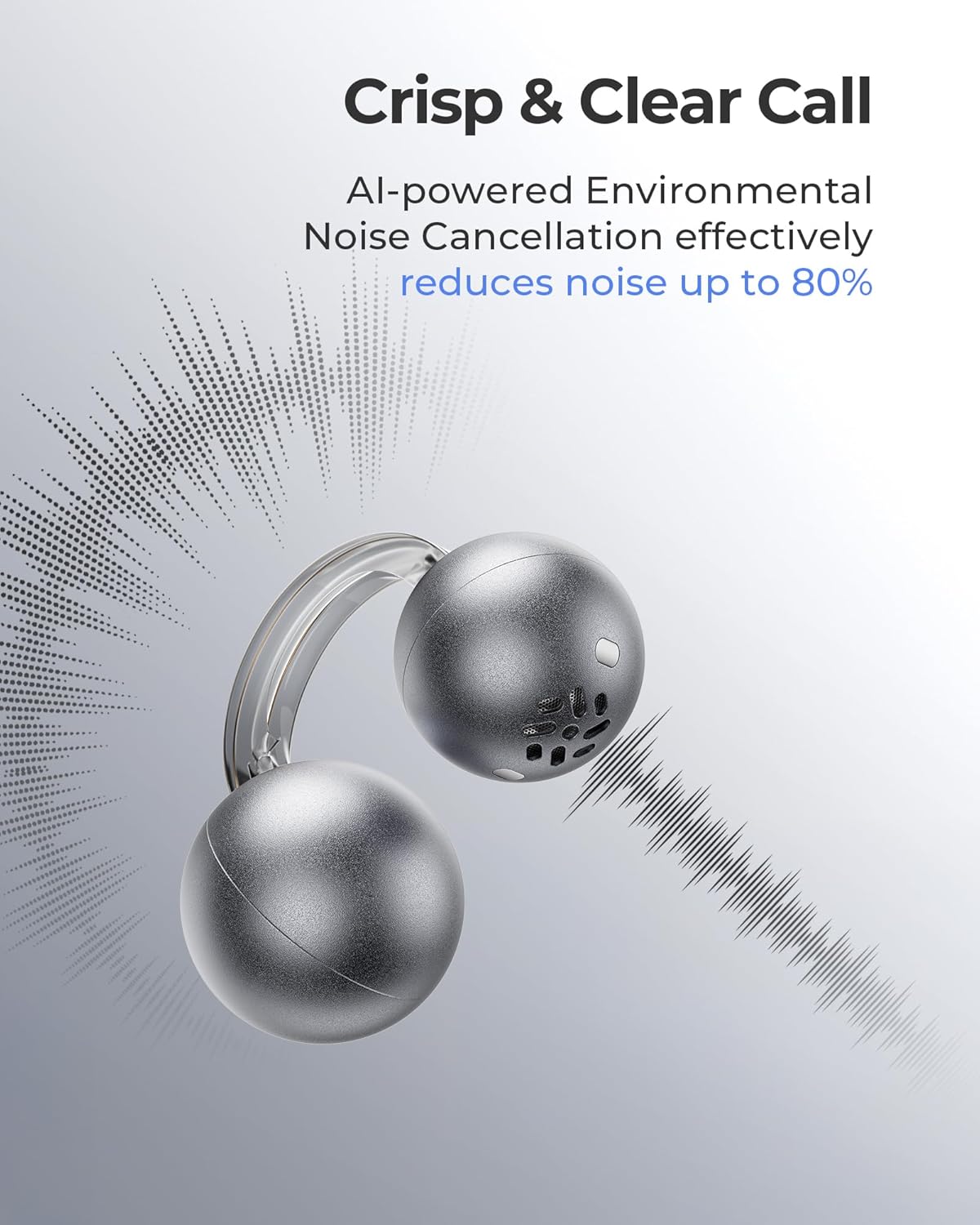
Image: Earbud worn on an ear, showing the secure fit.

Image: Wearing styles for awareness or full sound.
Інструкцыя па эксплуатацыі
Сэнсарныя элементы кіравання
Навушнікі маюць інтуітыўна зразумелае сэнсарнае кіраванне для прайгравання аўдыё і званкоў.
- Double Tap (Left or Right Earbud): Answer a call, End a call, Play/Pause music.
- Triple Tap (Left or Right Earbud): Next track, Reject a call.

Image: Touch control gestures for playback and calls.
Dual-Connection
The CozyClip D1 earbuds support simultaneous connection to two devices.
- Падключыце навушнікі да першай прылады (напрыклад, смартфона).
- Адключыце навушнікі ў наладах Bluetooth першай прылады.
- Pair the earbuds with your second device (e.g., laptop).
- Reconnect the earbuds to the first device from its Bluetooth settings. The earbuds will now be connected to both devices.
- Аўдыё аўтаматычна пераключыцца на прыладу, якая прайгравае кантэнт або прымае званок.

Image: Seamless switching between two connected devices.
Афіцыйнае відэа пра прадукт
Відэа: Оверview of the Lytmi CozyClip D1 Open Ear Clip-on Earbuds, demonstrating their design, fit, and key features in various usage scenarios.
Тэхнічнае абслугоўванне
- Уборка: Рэгулярна працірайце навушнікі і зарадны футляр мяккай сухой тканінай. Пазбягайце выкарыстання агрэсіўных хімічных рэчываў або абразіўных матэрыялаў.
- захоўванне: Калі навушнікі не выкарыстоўваюцца, захоўвайце іх у зарадным футляры, каб абараніць ад пылу і пашкоджанняў.
- Ўздзеянне вады: While IP54 rated for water splashes and sweat, avoid submerging the earbuds in water. Ensure they are dry before placing them back in the charging case.
Ліквідацыю непаладак
| праблема | Рашэнне |
|---|---|
| Навушнікі не спалучаюцца | Ensure earbuds are charged. Turn off and on Bluetooth on your device. Forget "Lytmi CozyClip D1" from your device's Bluetooth list and re-pair. |
| Няма гуку альбо малая гучнасць | Check device volume. Ensure earbuds are properly seated on your ears. Reconnect the earbuds to your device. |
| Выпадаюць навушнікі | Adjust the clip for a more secure fit around your earlobe. Experiment with different positioning for optimal stability. |
| Чахол для зарадкі не зараджаецца | Verify the charging cable and power adapter are working correctly. Ensure the Type-C cable is fully inserted into the charging port. |
| Сэнсарныя элементы кіравання не рэагуюць | Пераканайцеся, што вашы пальцы чыстыя і сухія. Паспрабуйце перазапусціць навушнікі, паклаўшы іх у чахол і зноў выняўшы. |
Тэхнічныя характарыстыкі
| Асаблівасць | Дэталь |
|---|---|
| Назва мадэлі | Lytmi CozyClip D1 |
| Тэхналогія падлучэння | Бесправадная сувязь (Bluetooth 5.4) |
| Дыяпазон Bluetooth | 10 метраў |
| Тэрмін службы батарэі (навушнікі) | Да 9 гадзін |
| Агульны час прайгравання (з кейсам) | Да 30 гадзін |
| Час зарадкі | 1 Hour (for earbuds) |
| Узровень воданепранікальнасці | IP54 (воданепранікальнасць і пыланепранікальнасць) |
| Вага прадмета (навушнікі) | 0.17 унцый (прыблізна 5.4 г) |
| Памер аўдыё драйвера | 12 міліметра |
| Імпеданс | 32 Ом |
| АЧХ | 20 KHz (Upper limit, typical range 20Hz-20kHz) |
| Кантроль шуму | Адаптыўнае шумапрыглушэнне (для званкоў) |
| Матэрыял | ABS+PC (for carrying case) |
| Метад кантролю | Дакранацца |
Гарантыя і падтрымка
For warranty information, technical support, or further assistance, please refer to the official Lytmi webсайт або звярніцеся непасрэдна ў службу падтрымкі кліентаў. Захоўвайце чэк аб куплі для прэтэнзій па гарантыі.
You can visit the Lytmi Store for more information: Lytmi Official Store