
1. Уводзіны
This manual provides essential information for the safe and efficient operation of your ZDSSY HY320MAX Mini Projector. Please read it thoroughly before using the device and retain it for future reference. The ZDSSY HY320MAX is a 1080P native mini projector featuring Android 13, built-in licensed applications, WiFi 6, Bluetooth 5.4, and automatic keystone correction, designed for versatile indoor and outdoor entertainment.
2. Інфармацыя па бяспецы
- крыніца харчавання: Выкарыстоўвайце толькі адаптар сілкавання, які ўваходзіць у камплект. Пераканайцеся, што гучнасцьtage адпавядае вашай мясцовай крыніцы харчавання.
- Вентыляцыя: Не блакуйце вентыляцыйныя адтуліны. Забяспечце дастатковую цыркуляцыю паветра вакол праектара, каб пазбегнуць перагрэву.
- Ўздзеянне вадкасці: Keep the projector away from water or other liquids. Do not operate in damp асяроддзях.
- Крыніцы цяпла: Пазбягайце размяшчэння праектара побач з крыніцамі цяпла, такімі як радыятары, абагравальнікі, пліты або іншыя прыборы, якія выпрацоўваюць цяпло.
- Абарона вачэй: Не глядзіце непасрэдна ў аб'ектыў праектара, калі ён уключаны.amp уключаны, бо яркае святло можа выклікаць напружанне вачэй або іх пашкоджанне.
- Уборка: Disconnect the power before cleaning. Use a soft, dry cloth for cleaning the exterior. For the lens, use a specialized lens cleaning cloth.
- Абслугоўванне: Не спрабуйце самастойна абслугоўваць гэты прадукт. Звярніцеся да ўсіх абслугоўванняў кваліфікаванага абслуговага персаналу.
3. Змесціва ўпакоўкі
Калі ласка, пераканайцеся, што ўсе прадметы наяўныя і ў добрым стане пасля распакавання:
- ZDSSY HY320MAX Mini Projector
- Адаптар сілкавання
- Галасавы пульт дыстанцыйнага кіравання Bluetooth
- Кіраўніцтва карыстальніка
- HDMI Cable (Высновы)
4. Прадукт скончыўсяview
4.1 Кампаненты праектара
The ZDSSY HY320MAX Mini Projector features a compact design with essential components for ease of use.
- Праекцыйны аб'ектыў: Emits the image onto the screen or surface.
- Вентыляцыйныя рашоткі: Located on the sides or rear to dissipate heat.
- Спажываная магутнасць: Для падлучэння адаптара сілкавання.
- Порт HDMI: For connecting external devices like gaming consoles or laptops.
- Порт USB: Для падключэння USB-назапашвальнікаў.
- ІЧ-прыёмнік: For receiving signals from the remote control.
- Рэгуляваная падстаўка: Allows for 180° flexible rotation for various projection angles.
4.2 Пульт дыстанцыйнага кіравання
The included Bluetooth voice remote control allows for easy navigation and voice commands.
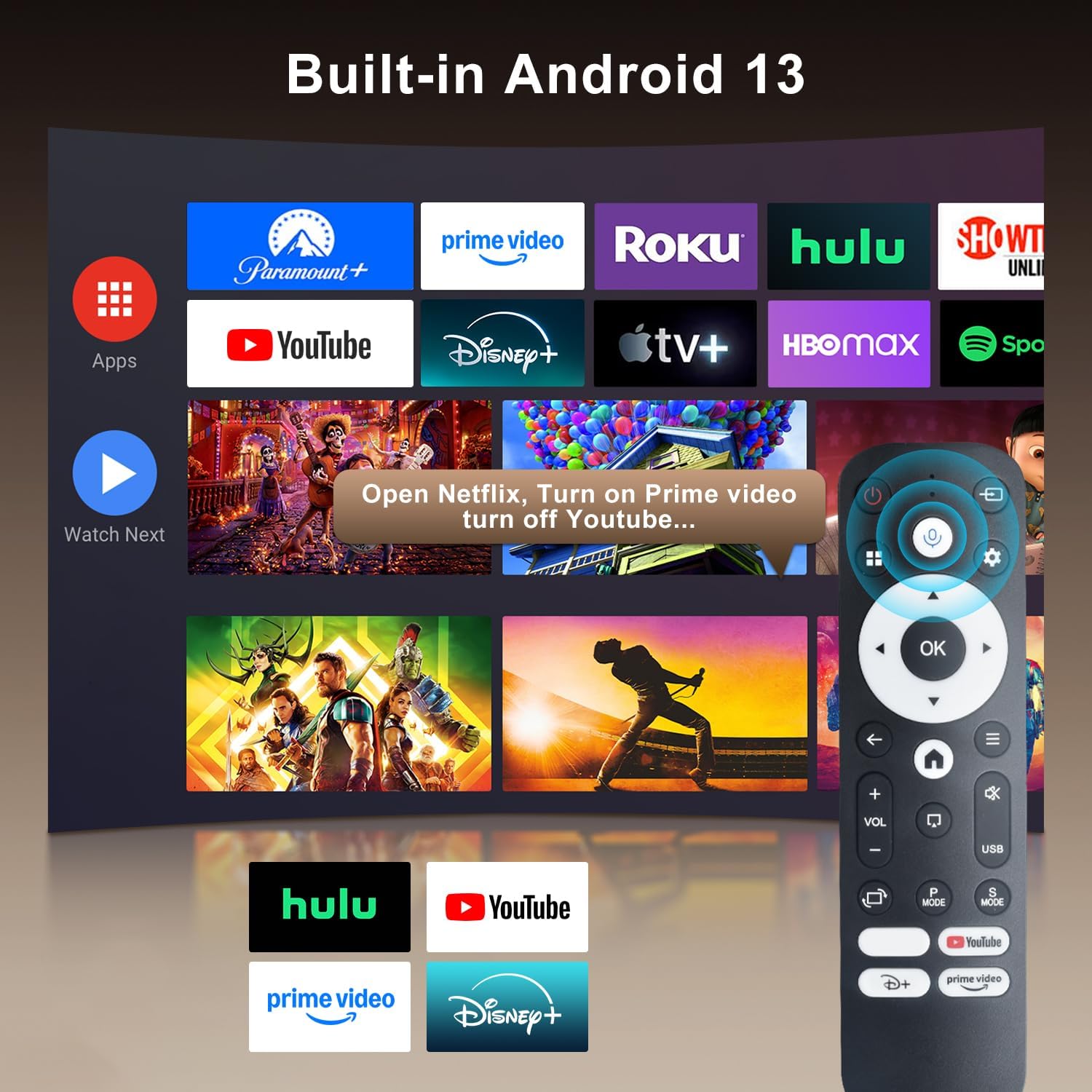
Image: The projector's interface showing built-in Android 13 apps and the Bluetooth voice remote control.
5. Настройка
5.1 Размяшчэнне
Position the projector on a stable, flat surface. The 180° flexible rotation allows projection onto walls, ceilings, or floors. Ensure the projector is within the recommended throw distance of 1 to 6 meters for an optimal image size between 30 and 300 inches.

Image: The ZDSSY HY320MAX Mini Projector set up for an outdoor movie night, demonstrating its portability and flexible placement.
5.2 Падключэнне харчавання
Падключыце адаптар сілкавання да ўваходнага порта сілкавання праектара, а затым падключыце адаптар да разеткі.
5.3 Першапачатковае ўключэнне
Press the power button on the projector or the remote control to turn on the device. The projector will boot up, displaying the Android 13 interface.
5.4 Фокус і карэкцыя трапецападобнага скажэння
The projector features AI Auto Keystone correction, which automatically adjusts the image to be rectangular even if the projector is placed at an angle. You can also use the 50%-100% zoom function to resize the screen without moving the projector.

Image: A visual representation of the projector's automatic keystone correction feature, ensuring a perfectly aligned picture.
5.5 Сеткавае падключэнне
Navigate to the settings menu to connect to a Wi-Fi network. The projector supports ultra-fast WiFi 6 for smooth streaming and lag-free gaming.

Image: The projector displaying content wirelessly, highlighting its WiFi 6 and Bluetooth 5.4 capabilities for smoother performance.
5.6 Спалучэнне па Bluetooth
For enhanced audio, pair Bluetooth 5.4 compatible speakers or headphones with the projector through the settings menu.
6. Інструкцыя па эксплуатацыі
6.1 Навігацыя па інтэрфейсе
Use the directional buttons and 'OK' button on the remote control to navigate through the Android 13 interface. The 'Back' button returns to the previous screen, and the 'Home' button returns to the main menu.

Image: The ZDSSY HY320MAX projector's home screen, displaying various pre-installed streaming applications.
6.2 Using Built-in Apps
The projector comes with officially licensed apps such as Netflix, Prime Video, and YouTube pre-installed. Access these directly from the home screen. The built-in APP STORE allows you to download additional applications.
6.3 External Input Sources
Connect external devices via the HDMI or USB ports. Select the appropriate input source from the projector's menu to display content from these devices.
6.4 Адлюстраванне экрана
The projector supports screen mirroring from compatible smartphones (Android and iOS) over Wi-Fi. Refer to the on-screen instructions for connecting your device.

Image: A user mirroring their smartphone screen to the projector, demonstrating the wireless connectivity feature.
6.5 Галасавое кіраванне
Utilize the Bluetooth voice remote for hands-free control. Press and hold the microphone button on the remote, then speak your command (e.g., "Open Netflix," "Пошук фільмы»).
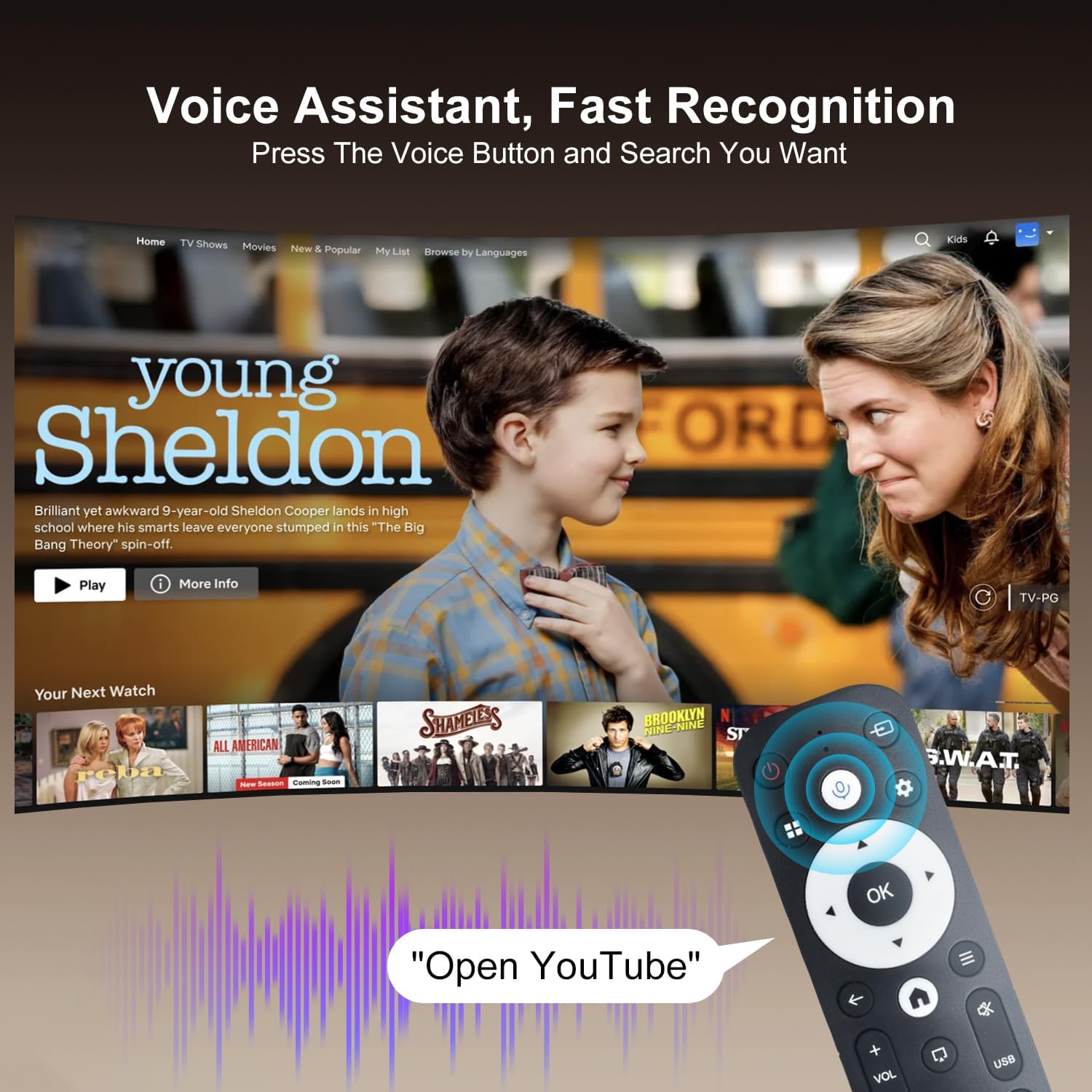
Image: The projector displaying a streaming service interface, with the remote control highlighting the voice assistant button and a voice command exampле.
7. Тэхнічнае абслугоўванне
- Ачыстка аб'ектыва: Gently wipe the projector lens with a soft, lint-free cloth specifically designed for optical lenses. Avoid using abrasive materials or harsh chemicals.
- Знешняя ачыстка: Use a soft, dry cloth to clean the projector's exterior. Do not use liquid or aerosol cleaners.
- Вентыляцыя: Regularly check that the ventilation grilles are free from dust and obstructions to ensure proper heat dissipation.
- захоўванне: Калі праектар не выкарыстоўваецца працяглы час, захоўвайце яго ў прахалодным, сухім месцы, абароненым ад пылу і прамых сонечных прамянёў.
8. Выпраўленне непаладак
Калі ў вас узніклі праблемы з праектарам, звярніцеся да наступных распаўсюджаных праблем і рашэнняў:
| праблема | Магчымая прычына | Рашэнне |
|---|---|---|
| Няма сілы | Кабель харчавання адключаны; няспраўнасць разеткі | Пераканайцеся, што кабель харчавання надзейна падключаны; паспрабуйце іншую разетку. |
| Няма выявы | Input source not selected; Device not connected | Select correct input source (HDMI/USB); Ensure external device is connected and powered on. |
| Размытая выява | Не ў фокусе; няправільнае трапецападобнае скажэнне | Allow Auto Keystone to adjust; Manually adjust focus if available. |
| Без гуку | Volume too low; External audio device not connected | Increase volume; Check Bluetooth connection for external speakers. |
| Пульт не адказвае | Low battery; Not paired | Replace batteries; Re-pair the Bluetooth remote control. |
| Праблемы з падключэннем да Wi-Fi | Няправільны пароль; праблемы з маршрутызатарам | Verify Wi-Fi password; Restart your router and the projector. |
9. Тэхнічныя характарыстыкі
Detailed technical specifications for the ZDSSY HY320MAX Mini Projector:
- Марка: ZDSSY
- Назва мадэлі: HY320MAX
- Нумар мадэлі: HY320MAX-US
- Раздзяленне дысплея: Native 1920 x 1080 Pixels
- Максімальнае раздзяленне дысплея: 3840 x 2160 Pixels (4K Support)
- Тып дысплея: ВК
- Яркасць: 20000 Lumen (400 ANSI Lumens)
- Каэфіцыент кантраснасці: 10000:1
- Тэрмін службы крыніцы святла: 60000 гадзін
- Тэхналогія падключэння: USB, HDMI, Built-In Wi-Fi (WiFi 6), Bluetooth 5.4
- Метад кантролю: Пульт дыстанцыйнага кіравання, голас
- Рэкамендуемае выкарыстанне: У памяшканні/на вуліцы
- Тып мацавання: Ceiling Mount/Table Mount/Wall Mount
- Мінімальная адлегласць кідка: 1 метраў
- Максімальная адлегласць кідка: 6 метраў
- Minimum Image Size: 30 цалі
- Максімальны памер выявы: 300 цалі
- тtage: 110 вольт
- Ватtage: 70 ват
- Памеры прадмета (Д х Ш х У): 4.09 см Д х 3.98 см Ш х 8.66 см В

Image: A comparison illustrating the native 1080P resolution and 4K support capabilities of the ZDSSY HY320MAX projector.
10. Гарантыя і падтрымка
The ZDSSY HY320MAX Mini Projector comes with a Гарантыя 3 год. This warranty includes free parts replacement and lifelong technical support. For any warranty claims, technical assistance, or support inquiries, please contact ZDSSY customer service through the retailer where the product was purchased or refer to the contact information provided on the official ZDSSY webсайт.