
Docooler NPT69542448697367MU
Docooler BT-Controller for Motorcycle, Handlebar Remote Control
Кіраўніцтва карыстальніка
Уводзіны
This manual provides detailed instructions for the proper use and maintenance of your Docooler BT-Controller. Please read this manual thoroughly before using the device to ensure optimal performance and safety. This device is designed for convenient control of calls and music while riding motorcycles, electric bicycles, or standard bicycles.

Image: The Docooler BT-Controller, a compact black device with illuminated blue buttons for call, volume, power, and voice assistant functions.
Настройка
Змест пакета
Перад тым, як працягнуць, пераканайцеся, што ўсе прадметы прысутнічаюць у камплекце:
- 1 x Wireless Key Controller (DX1 device)
- 1 х зарадны кабель
- 1 x Fixed Mounting Bracket
- 1 х Кіраўніцтва карыстальніка

Image: The components included in the product package: the DX1 device, fixed fittings (mounting bracket), charging cable, and manual.
Зарадка прылады
The device is powered by a built-in 90 mAh lithium battery. For first use, or if the battery is low, charge the device using the provided charging cable.
- Connect the charging cable to the charging port on the controller.
- Connect the other end of the cable to a standard USB power source (e.g., computer USB port, USB wall adapter).
- The charging indicator (red) will illuminate during charging.
- A full charge takes approximately 1 hour. The indicator light will change or turn off once charging is complete.

Image: An illustration showing the battery performance of the controller, indicating a standby time of 30 days, duration of use of 22 days, and a charging time of 1 hour.
Ўстаноўка
The controller is designed for easy installation on various handlebars of motorcycles, electric bicycles, and standard bicycles.
- Select a suitable position on your handlebar that allows for easy access to the buttons without obstructing your view або кантроль.
- Use the fixed mounting bracket to secure the controller firmly to the handlebar. Ensure it is tight enough to prevent movement during riding.

Image: The Docooler BT-Controller securely mounted on a motorcycle handlebar, positioned for easy access by the rider's thumb.
Спалучэнне Bluetooth
The device uses BT 5.4 technology for a stable and fast connection to your smartphone.
- Пераканайцеся, што на вашым смартфоне ўключаны Bluetooth.
- Turn on the Docooler BT-Controller by pressing and holding the Power On/Off button (center button with power icon) until the BT indicator (blue) starts flashing, indicating it's in pairing mode.
- На вашым смартфоне знайдзіце даступныя прылады Bluetooth.
- Select "DX1" or a similar name from the list of found devices to initiate pairing.
- Once paired, the blue BT indicator light will become solid, indicating a successful connection.
Інструкцыя па эксплуатацыі
The Docooler BT-Controller features intuitive buttons for managing calls, music, and voice assistant functions.

Image: A diagram illustrating the function of each button on the Docooler BT-Controller, including call, volume, power/play/pause, and voice assistant controls.
Функцыі кнопак скончаныview
- Call Button (Top, Phone Icon): Manages phone calls.
- Volume Down / Previous Song Button (Left, Minus Icon): Змяншае гучнасць або пераходзіць да папярэдняй кампазіцыі.
- Power On/Off / Play/Pause Button (Center, Power Icon): Уключае/выключае прыладу і кіруе прайграваннем музыкі.
- Volume Up / Next Song Button (Right, Plus Icon): Павялічвае гучнасць або пераходзіць да наступнай кампазіцыі.
- Voice Assistant Button (Bottom, Microphone Icon): Activates the smartphone's voice assistant.
Кіраванне званкамі
Effortlessly manage your calls while riding:
- Accept/Hang Up: Short press the Call button.
- Паўторны набор апошняга нумара: Double-click the Call button.
- Адхіліць уваходны выклік: Long press the Call button.

Image: An illustration demonstrating the one-touch operation for wireless calls, showing how short press, double-click, and long press actions on the call button correspond to answering/hanging up, redialing, and rejecting calls, respectively.
Кіраванне музыкай
Control your music playback with ease:
- Прайграванне/Паўза: Short press the Power On/Off / Play/Pause button.
- Наступны трэк: Short press the Volume Up / Next Song button.
- Папярэдні трэк: Short press the Volume Down / Previous Song button.
- Павялічыць гучнасць: Long press the Volume Up / Next Song button.
- Паменшыць гучнасць: Long press the Volume Down / Previous Song button.
Галасавы памочнік
Enjoy hands-free functionality for calls and music with simple voice commands:
- Актываваць галасавы памочнік: Short press the Voice Assistant button.
Once activated, you can issue commands such as "Play music" or "Open navigation" to your smartphone's voice assistant.

Image: An illustration showing the intelligent voice assistant operation, where a short press of the microphone button activates the voice assistant, allowing commands like "play music" or "open navigation."
Тэхнічнае абслугоўванне
Уборка
To maintain the device's appearance and functionality, clean it regularly:
- Use a soft, dry cloth to wipe the surface of the controller.
- Для ўстойлівага бруду злёгку ачысціцеampпрамыйце тканіну вадой. Пазбягайце выкарыстання агрэсіўных хімікатаў або абразіўных ачышчальнікаў.
Воданепранікальнасць
The Docooler BT-Controller features an IPX6 waterproof design, meaning it is protected against powerful water jets. This makes it suitable for use in various weather conditions, including rainy days.
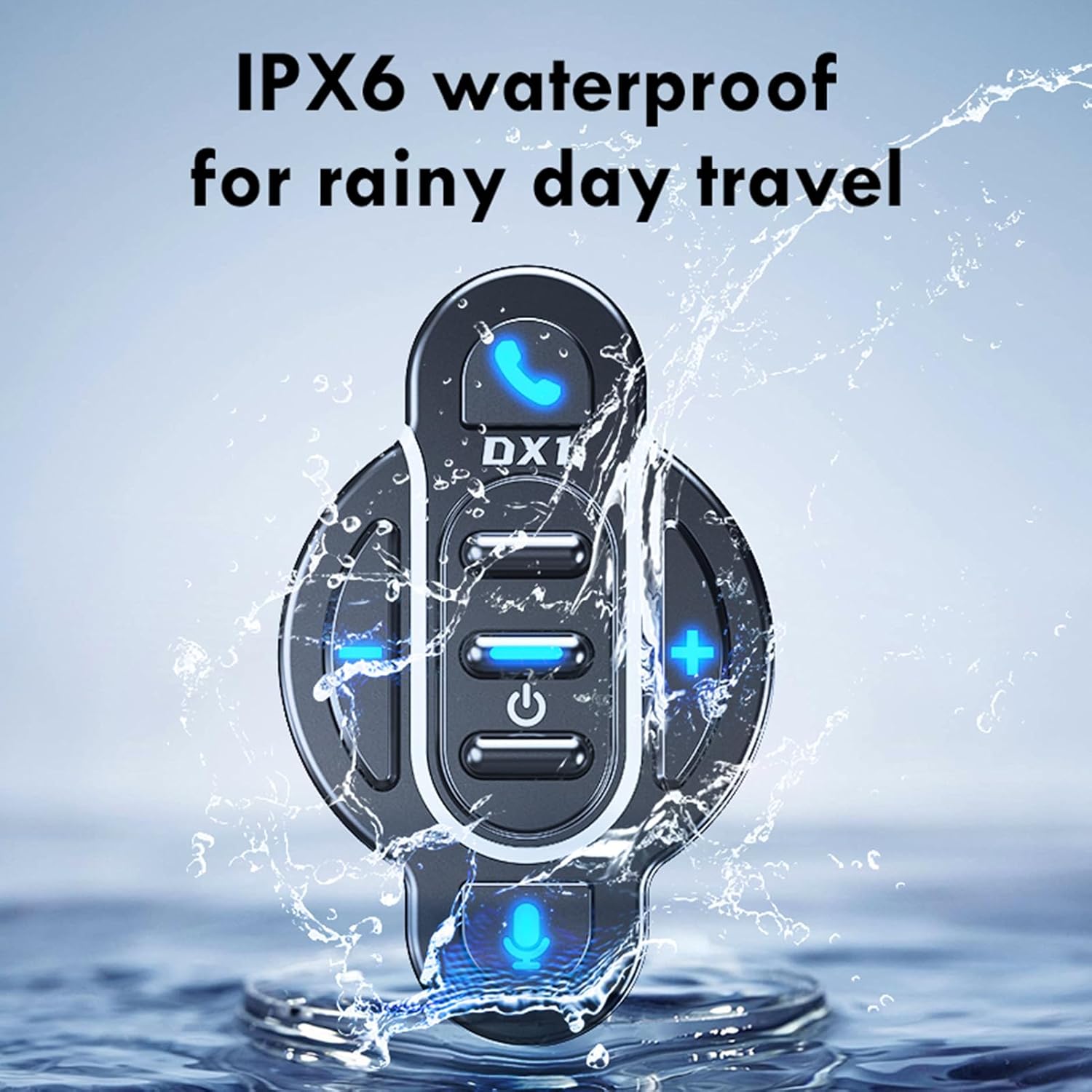
Image: The Docooler BT-Controller being splashed with water, illustrating its IPX6 waterproof rating for use in rainy conditions.
While the device is water-resistant, avoid submerging it in water or exposing it to high-pressure water streams for extended periods.
Захоўванне
Калі прылада не выкарыстоўваецца працяглы час, захоўвайце яе ў прахалодным, сухім месцы, удалечыні ад прамых сонечных прамянёў і экстрэмальных тэмператур.
Ліквідацыю непаладак
If you encounter issues with your Docooler BT-Controller, refer to the following common problems and solutions:
| праблема | Магчымая прычына | Рашэнне |
|---|---|---|
| Прылада не ўключаецца. | Акумулятар разраджаны. | Charge the device for at least 1 hour. |
| Немагчыма спалучыць са смартфонам. | Bluetooth is off on smartphone; device not in pairing mode; too far from smartphone. | Ensure smartphone Bluetooth is on. Put controller in pairing mode (flashing blue light). Move device closer to smartphone (within 10 meters). |
| No sound or control response. | Device not connected; volume too low; app issue. | Verify Bluetooth connection. Increase volume on both controller and smartphone. Restart music/call app. |
| Кнопкі не рэагуюць. | Device frozen; low battery. | Try turning the device off and on again. Charge the device. |
If the problem persists after trying these solutions, please contact Docooler customer support for further assistance.
Тэхнічныя характарыстыкі
| Асаблівасць | Дэталь |
|---|---|
| Версія БТ | 5.4 |
| Далёкасць перадачы | 10 метраў (без перашкод) |
| Тып батарэі | Убудаваны палімерны літый-іённы акумулятар 3.7 В |
| Ёмістасць батарэі | 90 мАг |
| Час працы | Прыбл. 22 дзён |
| Час чакання | Прыбл. 30 дзён |
| Час зарадкі | Прыбл. 1 гадзіна |
| Рэйтынг воданепранікальнасці | IPX6 |
| Колер | Чорны |
| Памер прадмета | Прыблізна 5.5 х 3.5 х 3 см |
| Вага прадмета | Прыбл. 20 грам |
| Колькасць кнопак | 8 |
| Максімальная колькасць падтрымоўваных прылад | 1 |
| Нумар мадэлі | NPT6954248697367MU |
Гарантыя і падтрымка
Specific warranty information for this product is not provided in this manual. For details regarding warranty coverage, returns, or technical support, please refer to the product packaging, the retailer's website where you purchased the device, or contact Docooler customer service directly.
For the latest support information and frequently asked questions, please visit the official Docooler webсайт або звярніцеся да іх каналаў падтрымкі.