
1. Уводзіны
This manual provides essential information for the safe and efficient use of your DigiLand 11-inch Android 14 Tablet. Please read this manual thoroughly before operating the device and retain it for future reference.
2. Інфармацыя па бяспецы
- Не падвяргайце планшэт уздзеянню экстрэмальных тэмператур, прамых сонечных прамянёў або высокай вільготнасці.
- Пазбягайце падзення планшэта або яго моцных удараў.
- Use only the charger and charging cable provided by the manufacturer.
- Не спрабуйце разбіраць або рамантаваць планшэт самастойна. Звярніцеся да кваліфікаванага абслугоўваючага персаналу.
- Трымайце таблетку далей ад вады і іншых вадкасцей.
3. Змесціва ўпакоўкі
Праверце, ці ёсць усе прадметы ў вашай упакоўцы:
- DigiLand R11 Tablet
- R11 Stand Case
- Зарадная прылада (адаптар сілкавання)
- Зарадны кабель
- Кіраўніцтва карыстальніка

Image: Contents of the DigiLand R11 Tablet package, showing the tablet, stand case, charger, charging cable, and user manual.
4. Схема прылады
Familiarize yourself with the physical components of your DigiLand 11-inch Android Tablet.

Выява: спераду і ззаду view of the DigiLand 11-inch Android Tablet, showcasing its design and key features like the screen and rear camera module.
Ключавыя кампаненты:
- 11-inch HD IPS Display: Main screen for interaction and content viewінж.
- Пярэдняя камера (8 Мп): Located on the front bezel, used for video calls and selfies.
- Задняя камера (13 МП): Located on the back of the tablet, for capturing photos and videos.
- Кнопка харчавання: Выкарыстоўваецца для ўключэння/выключэння планшэта або пераводу яго ў рэжым сну/абуджэння.
- Кнопкі гучнасці: Адрэгулюйце гучнасць гуку.
- Порт USB Type-C: Для зарадкі і перадачы дадзеных.
- Рашоткі дынамікаў: Для выхаду гуку.
- Слот для карты MicroSD: Для пашырэння сховішча.
5. Настройка
5.1 Зарадка планшэта
Before first use, fully charge your tablet. Connect the provided USB Type-C cable to the tablet's charging port and the other end to the power adapter. Plug the adapter into a wall outlet. The battery indicator on the screen will show charging status.

Image: The DigiLand tablet connected to a charger, showing the battery charging icon and indicating its 7000mAh capacity.
5.2 Уключэнне/выключэнне
- Каб уключыць: Press and hold the Power button until the DigiLand logo appears.
- Каб выключыць: Press and hold the Power button until the power options appear on the screen. Select "Power off."
- Каб перазапусціць: Press and hold the Power button until the power options appear. Select "Restart."
5.3 Пачатковая налада
Пры першым уключэнні планшэт правядзе вас праз працэс пачатковай налады:
- Выберыце жаданую мову.
- Падключыцеся да сеткі Wi-Fi.
- Увайдзіце ў свой уліковы запіс Google або стварыце новы. Гэта неабходна для загрузкі праграм з крамы Google Play.
- Review і прыняць умовы.
- Наладзьце блакіроўку экрана (PIN-код, узор або пароль) для бяспекі.
5.4 Устаўка карты MicroSD
To expand storage, insert a MicroSD card (up to 256GB, not included) into the designated slot. Ensure the tablet is powered off before inserting or removing the card.

Image: A visual representation of the tablet's memory capabilities, including RAM, internal storage, and MicroSD card expansion.
6. Кіраванне планшэтам
6.1 Асноўная навігацыя
Планшэт выкарыстоўвае сэнсарныя жэсты для навігацыі:
- Націсніце: Выберыце элемент або адкрыйце праграму.
- Правядзіце пальцам: Пракручваць старонкі або меню.
- Дробка: Павялічваць або памяншаць маштаб малюнкаў і web старонкі.
- Доўгі націск: Доступ да кантэкстных меню або перамяшчэнне значкоў праграм.
6.2 Падключэнне да Wi-Fi
- Перайсці да Налады > Сетка і інтэрнэт > Wi-Fi.
- Уключыць/выключыць Wi-Fi On.
- Выберыце патрэбную сетку са спісу і ўвядзіце пароль, калі будзе прапанавана.
6.3 Спалучэнне па Bluetooth
- Перайсці да Налады > Падключаныя прылады > Bluetooth.
- Пераключыць Bluetooth On.
- The tablet will scan for available devices. Select the device you wish to pair with and follow any on-screen prompts.
6.4 Выкарыстанне камер
The tablet features an 8MP front camera and a 13MP rear camera.

Image: Demonstrates the tablet's dual camera functionality, with examples of a landscape photo taken by the 13MP rear camera and a video call using the 8MP front camera.
- Адкрыйце Камера дадатак.
- Націсніце на значок камеры, каб пераключыцца паміж пярэдняй і задняй камерамі.
- Націсніце кнопку спуску засаўкі, каб зрабіць фотаздымак або пачаць/спыніць відэазапіс.
6.5 Split Screen & Screen Mirroring
- Раздзелены экран: To use two apps simultaneously, open an app, then swipe up from the bottom of the screen and hold to access recent apps. Long-press the app icon at the top of the app window and select "Split screen." Choose a second app to open in the other half of the screen.
- Адлюстраванне экрана: To cast your tablet's screen to a compatible display (e.g., smart TV), go to Налады > Падключаныя прылады > Параметры злучэння > У ролях. Select your desired display device.
6.6 Кіраванне праграмамі
Your tablet comes with Google Mobile Services (GMS) certified, allowing full access to the Google Play Store.
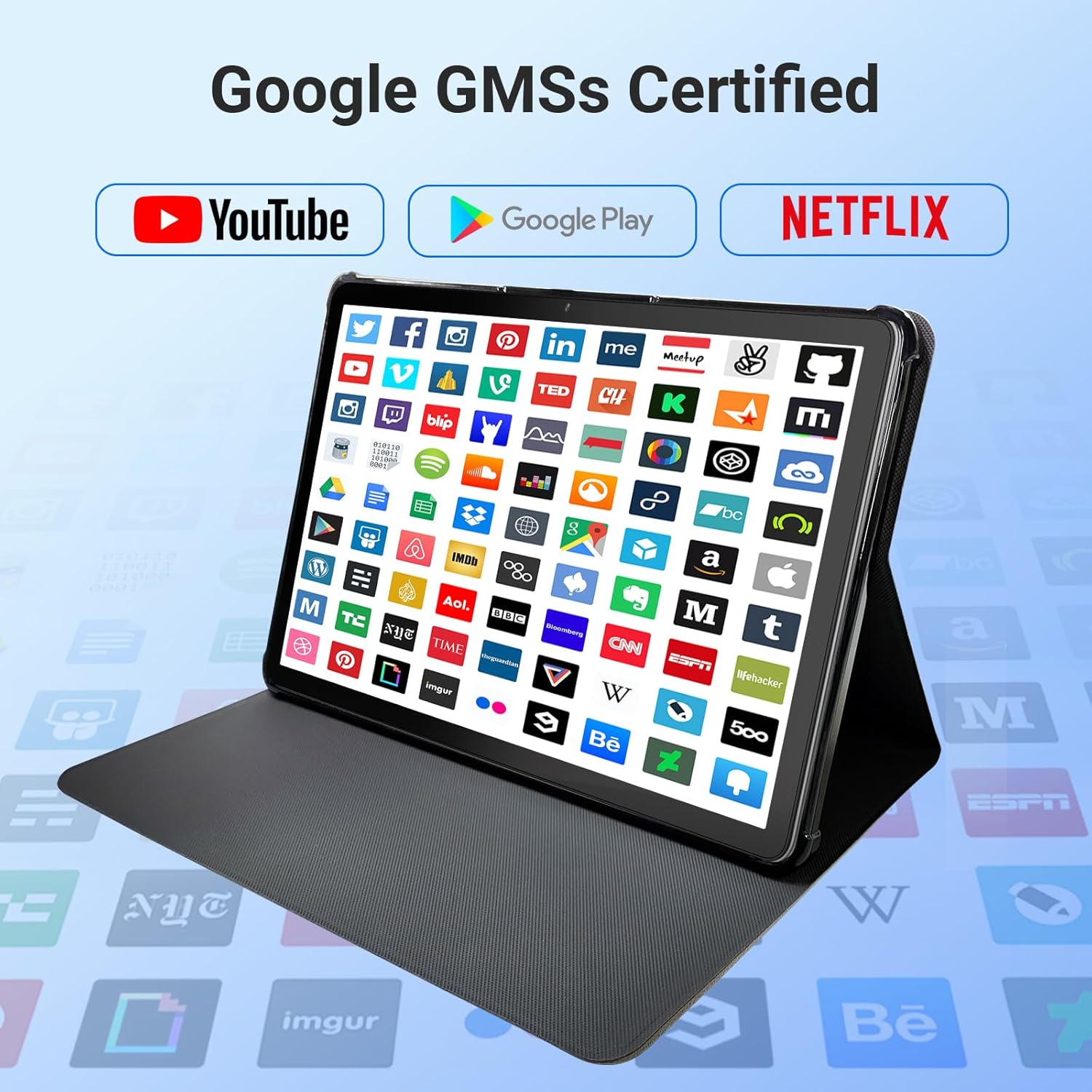
Image: The tablet screen showing numerous app icons, confirming Google GMS certification and access to popular services like YouTube and Netflix.
- Усталяваць праграмы: Адкрыйце Крама Google Play app, search for your desired app, and tap "Install."
- Выдаленне праграм: Long-press the app icon on the home screen or app drawer, then drag it to "Uninstall" or select "App info" and choose "Uninstall."
7. Тэхнічнае абслугоўванне
7.1 Ачыстка прылады
Use a soft, lint-free cloth to clean the screen and body of the tablet. Do not use abrasive cleaners or solvents.
7.2 Абнаўленне праграмнага забеспячэння
Periodically check for system updates to ensure optimal performance and security:
- Перайсці да Налады > сістэма > Абнаўленне сістэмы.
- Выконвайце інструкцыі на экране, каб загрузіць і ўсталяваць усе даступныя абнаўленні.
7.3 Кіраванне сховішчам
To manage your tablet's storage:
- Перайсці да Налады > Захоўванне.
- Here you can see storage usage and free up space by uninstalling apps, deleting files, or clearing cache data.
8. Выпраўленне непаладак
Калі ў вас узніклі праблемы з планшэтам, звярніцеся да наступных распаўсюджаных рашэнняў:
| праблема | Рашэнне |
|---|---|
| Планшэт не ўключаецца | Пераканайцеся, што акумулятар зараджаны. Падключыце зарадную прыладу і пачакайце некалькі хвілін, перш чым спрабаваць зноў уключыць прыладу. Калі прылада не рэагуе, выканайце прымусовы перазапуск, утрымліваючы кнопку харчавання 10-15 секунд. |
| Праблемы з падключэннем да Wi-Fi | Check if Wi-Fi is enabled in settings. Restart your router and the tablet. Forget the network and reconnect. |
| Павольнае выкананне | Close unused apps. Clear app caches (Settings > Apps > [App Name] > Storage > Clear cache). Free up storage space. Restart the tablet. |
| Збоі або завісанні праграм | Update the app to the latest version. Clear the app's cache and data (Settings > Apps > [App Name] > Storage). Uninstall and reinstall the app. |
| Экран не рэагуе | Перазагрузіце планшэт. Калі праблема не знікне, звярніцеся ў службу падтрымкі кліентаў. |
9. Тэхнічныя характарыстыкі
Detailed technical specifications for the DigiLand 11-inch Android 14 Tablet (Model MID1109-MX):
| Асаблівасць | Спецыфікацыя |
|---|---|
| Марка | ДыгітЛэнд |
| Назва мадэлі | R11 |
| Нумар мадэлі тавару | MID1109-MX |
| Аперацыйная сістэма | Android 14 |
| Памер экрана | 11 цалі |
| Дазвол экрана | 1280x800 пікселяў (HD IPS) |
| Працэсар | 8-Core, 2 GHz (MediaTek) |
| АЗП | 12 ГБ LPDDR4X |
| Унутраная памяць (ROM) | 128 ГБ |
| Сховішча з магчымасцю пашырэння | Up to 256GB via MicroSD (TF Card) |
| Графічны супрацэсар | Малі-G52 |
| Тыл WebДазвол камеры | 13 МП |
| Фронт WebДазвол камеры | 8 МП |
| Бесправадны тып | 802.11a/b/g/n/ac (Dual-band 2.4G/5G Wi-Fi) |
| Bluetooth | Bluetooth 5.0 |
| акумулятар | 7000mAh літый-палімер |
| Сярэдні тэрмін службы батарэі | Up to 15 Hours (8 hours HD video playback) |
| Вага прадмета | 1.32 фунта |
| Памеры прадукту | 10.16 х 6.69 х 0.32 цалі |
| Колер | Шэры |
10. Гарантыя і падтрымка
Your DigiLand tablet is covered by a manufacturer's warranty. Please refer to the warranty card included in your package for specific terms and conditions. For technical support, product inquiries, or warranty claims, please visit the official DigiLand webсайт або звярніцеся ў іх аддзел абслугоўвання кліентаў.
DigiLand Official Webсайт: Visit DigiLand Store on Amazon