
Gravity W4-C28
Gravity C20 Pro Smartwatch User Manual
Model: W4-C28
Уводзіны
This manual provides essential information for the safe and effective use of your Gravity C20 Pro Smartwatch. Please read it thoroughly before operating the device.
The Gravity C20 Pro Smartwatch is designed for durability and advanced functionality, featuring a rugged 1.83-inch TFT display. It is built to withstand various conditions, including dust and water, with an IP68 rating. Key features include Bluetooth calling, AI voice assistant, and comprehensive health monitoring.
Змест пакета
Before proceeding with setup, ensure all items are present in the package:
- Gravity C20 Pro Smartwatch
- Зарадны кабель
- Кіраўніцтва карыстальніка (гэты дакумент)
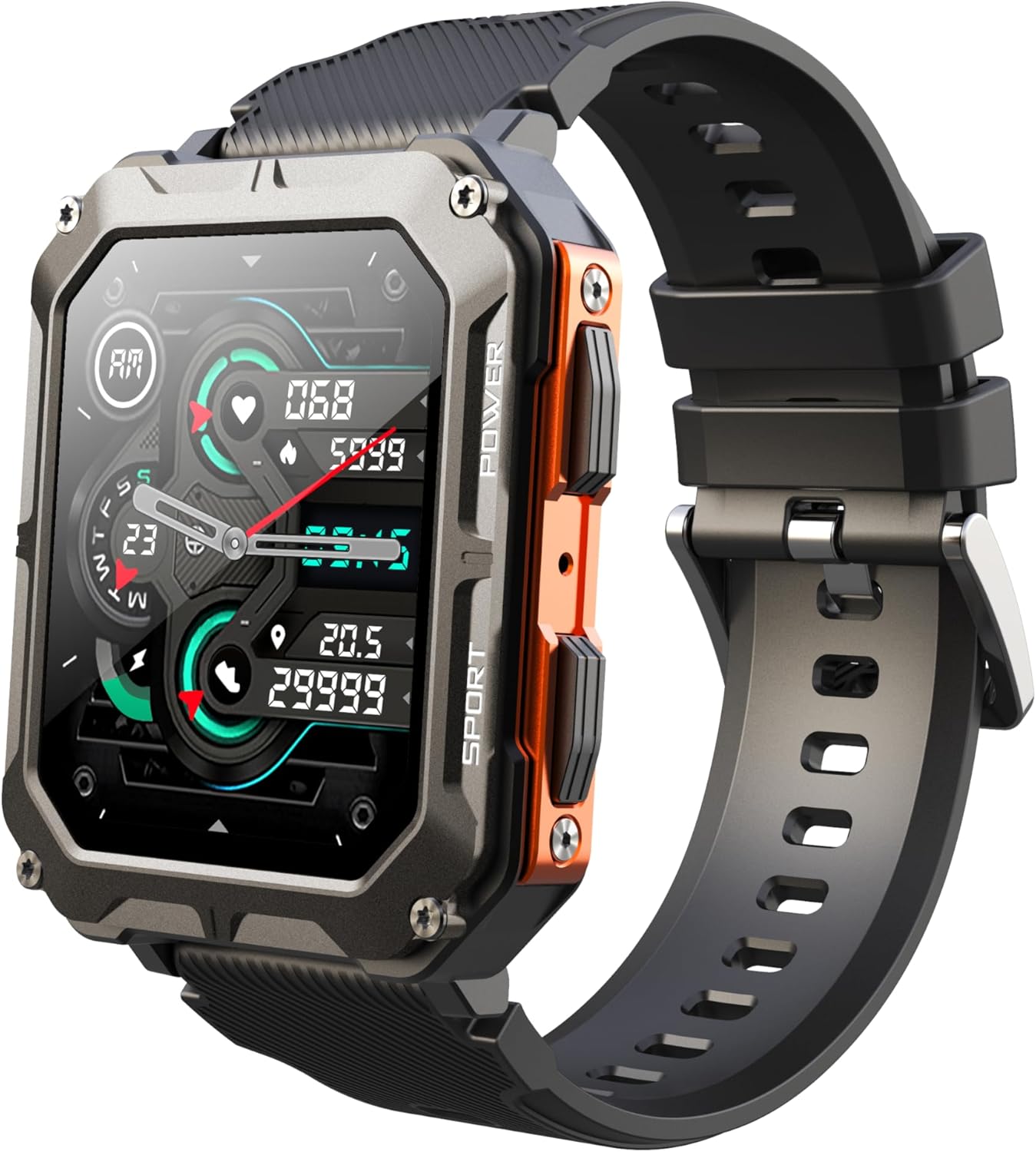
Image: The Gravity C20 Pro Smartwatch, typically accompanied by its charging cable and user manual.
Настройка
1. Зарадка прылады
Before first use, fully charge your smartwatch. Connect the magnetic charging cable to the charging points on the back of the watch and plug the USB end into a compatible power adapter (not included) or a computer USB port.
- Час зарадкі: прыблізна 2 гадзіны для поўнай зарадкі.
- Battery life: Up to 20 days standby time.
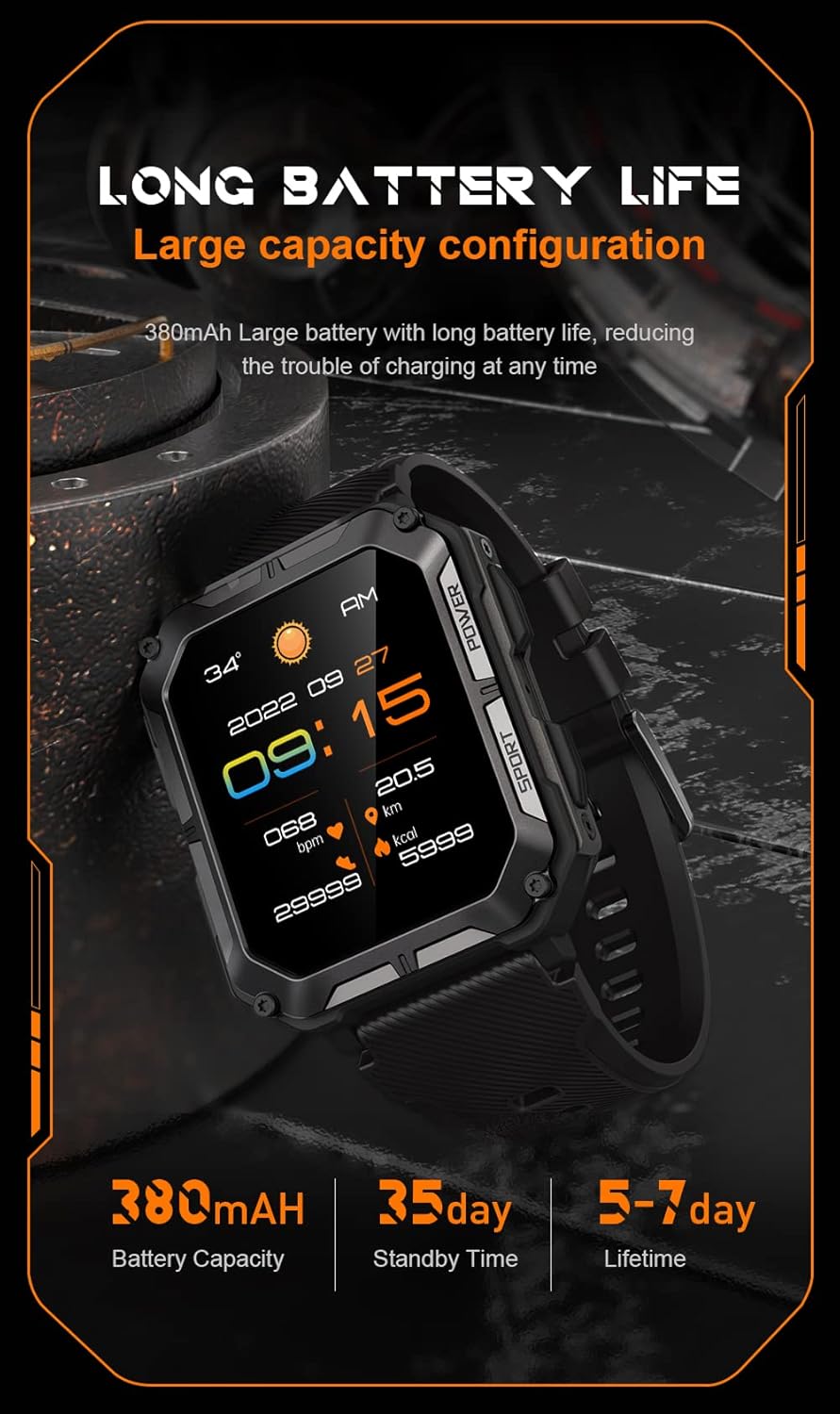
Image: The smartwatch screen showing current time and battery status, indicating long battery life.
2. Загрузка дапаможнага прыкладання
To unlock the full functionality of your Gravity C20 Pro Smartwatch, download the official companion application on your smartphone. Refer to the product packaging or quick start guide for the specific app name (e.g., Da Fit, GloryFit) and search for it in your device's app store (iOS App Store or Google Play Store).
3. Спалучэнне са смартфонам
- Пераканайцеся, што Bluetooth уключаны на вашым смартфоне.
- Адкрыйце суправаджальнае прыкладанне і выконвайце інструкцыі на экране, каб дадаць новую прыладу.
- Select "Gravity C20 Pro" from the list of available devices.
- Пацвердзіце запыт на спалучэнне як на смартфоне, так і на разумным гадзінніку.
Інструкцыя па эксплуатацыі
Базавая навігацыя
- Кнопка харчавання: Located on the side. Press and hold to power on/off. Short press to return to the watch face or wake the screen.
- Сэнсарны экран: Swipe up, down, left, or right to navigate through menus and notifications. Tap to select an option.
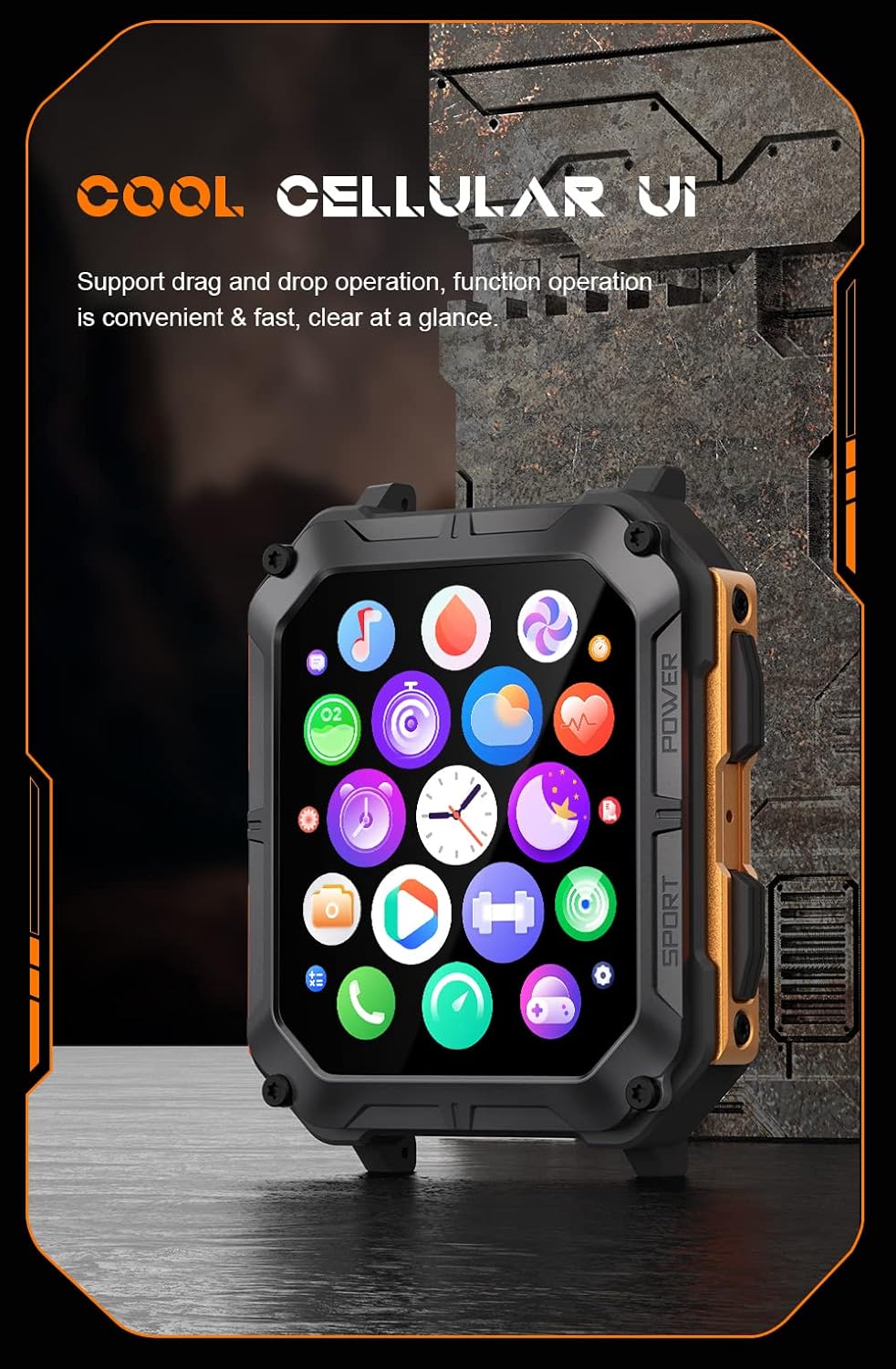
Image: The smartwatch screen showing a grid of application icons, demonstrating the cellular user interface for easy navigation.
Асноўныя характарыстыкі
- Званкі па Bluetooth: Once paired, you can make and receive calls directly from your wrist. Access the call function via the watch's menu.
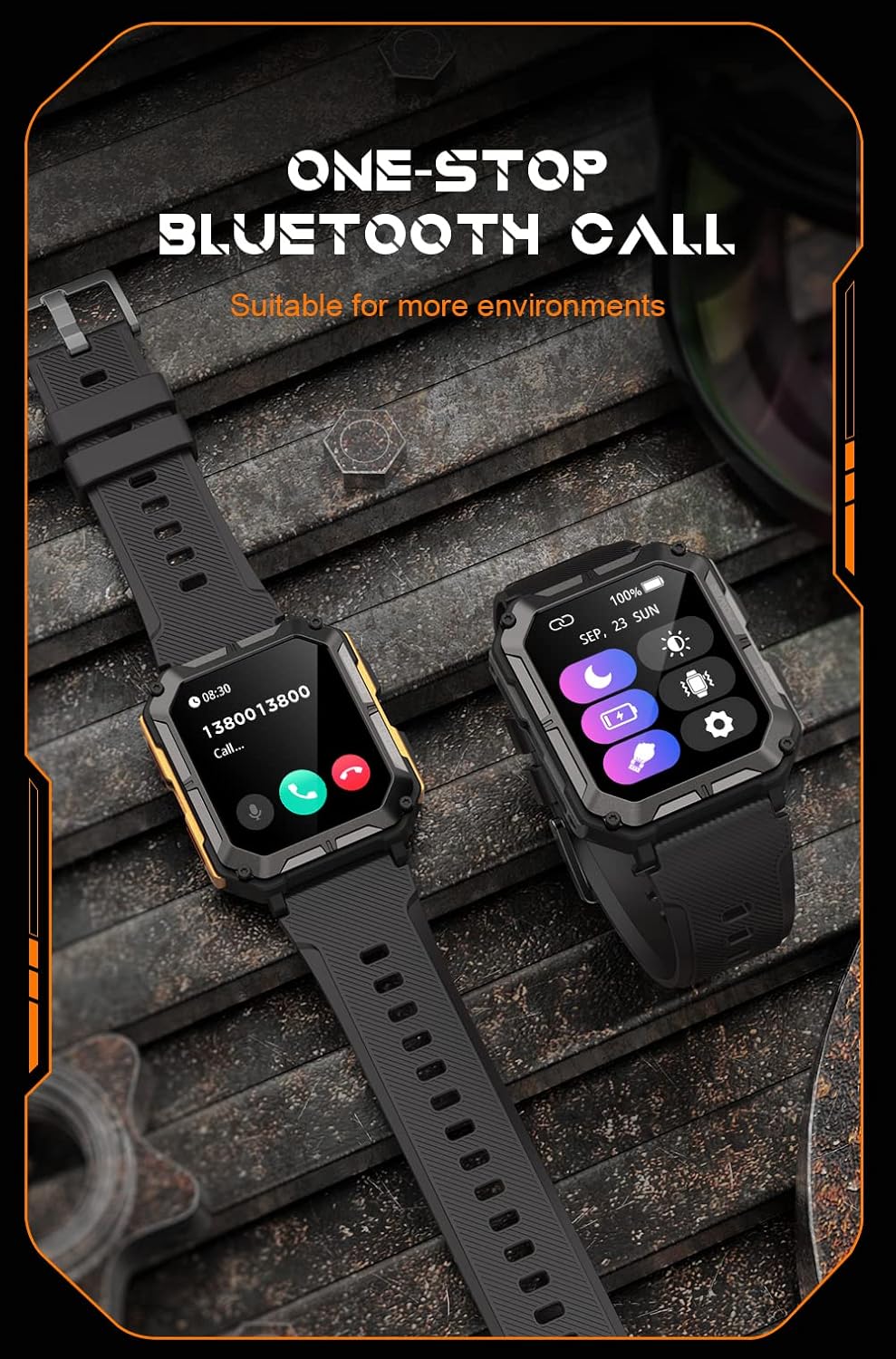
Image: The smartwatch screen showing an incoming call, illustrating the Bluetooth calling feature.
- Маніторынг здароўя:
- Частата сардэчных скарачэнняў: Сачыце за пульсам на працягу дня.
- Кісларод крыві (SpO2): Вымерайце ўзровень кіслароду ў крыві.
- Маніторынг сну: Адсочвае рэжым сну і яго якасць.

Image: The smartwatch screen displaying real-time heart rate and blood oxygen saturation (SpO2) data, highlighting its health monitoring capabilities.
- Спартыўныя рэжымы: The watch supports over 100 sports modes. Select your activity to track performance metrics such as steps, distance, calories burned, and duration.
- Разумныя апавяшчэнні: Receive alerts for calls, messages, and app notifications directly on your watch. Ensure notification permissions are enabled in the companion app.
- Галасавы памочнік AI: Activate the voice assistant for hands-free control and information retrieval.

Image: A graphic displaying various features of the smartwatch, including heart rate, call reminder, pedometer, information reminder, blood pressure monitor, sleep monitor, calories, sedentary reminder, exercise data, IP68 waterproof, stress monitor, voice assistant, blood oxygen monitor, heart rate warning, and calculator.
Тэхнічнае абслугоўванне
Уборка
Рэгулярна чысціце свой разумны гадзіннік, каб забяспечыць аптымальную прадукцыйнасць і гігіену.
- Працярыце экран і корпус мяккай тканінай без ворса.
- Для ўстойлівых забруджванняў dampзлёгку прамакніце тканіну вадой. Пазбягайце выкарыстання агрэсіўных хімікатаў або абразіўных матэрыялаў.
- Перыядычна чысціце зарадныя кантакты, каб забяспечыць належную зарадку.
Воданепранікальнасць (IP68)
The Gravity C20 Pro is IP68 rated, meaning it is protected against dust ingress and can withstand immersion in water up to 1.5 meters for up to 30 minutes. While it is waterproof for daily use (e.g., hand washing, rain), it is not recommended for hot showers, saunas, or diving, as steam and high pressure can compromise the seals.
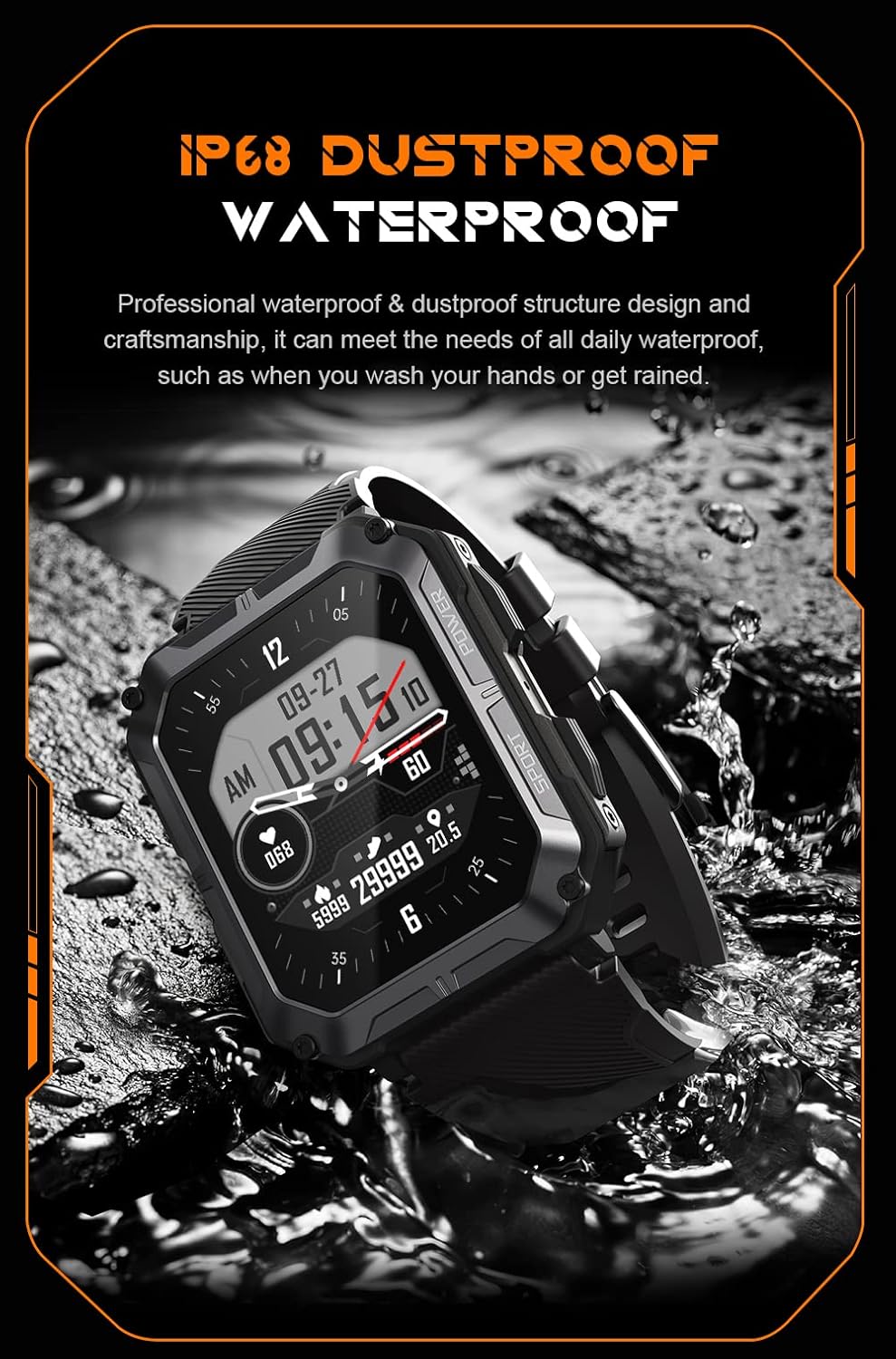
Image: The smartwatch partially submerged in water, demonstrating its IP68 dustproof and waterproof capabilities, suitable for daily exposure to water.
Захоўванне
Калі разумны гадзіннік не выкарыстоўваецца працяглы час, захоўвайце яго ў прахалодным, сухім месцы, удалечыні ад прамых сонечных прамянёў і экстрэмальных тэмператур.
Ліквідацыю непаладак
| праблема | Магчымая прычына | Рашэнне |
|---|---|---|
| Гадзіннік не ўключаецца. | Нізкі акумулятар. | Зараджайце гадзіннік не менш за 30 хвілін. |
| Немагчыма спалучыць са смартфонам. | Bluetooth is off; app issue; watch not discoverable. | Ensure Bluetooth is on. Restart the app and watch. Try resetting the watch to factory settings if issues persist. |
| Апавяшчэнні не атрыманы. | App permissions not granted; app not running in background. | Check app notification permissions on your phone. Ensure the app is running and not optimized for battery saving. |
| Недакладныя дадзеныя пра здароўе. | Watch fit is too loose; sensor dirty. | Ensure the watch is snug on your wrist. Clean the heart rate sensor on the back of the watch. |
Тэхнічныя характарыстыкі
| Асаблівасць | Дэталь |
|---|---|
| Нумар мадэлі | W4-C28 |
| Памер дысплея | 1.83 цалі TFT |
| Ёмістасць батарэі | 380 мАг |
| Тэрмін службы батарэі (у рэжыме чакання) | Да 20 дзён |
| Воданепранікальнасць | IP68 |
| Сувязь | Bluetooth |
| Аперацыйная сістэма | Android OS (compatible) |
| Тэмпературная ўстойлівасць | -24°C да 60°C |
| Вага прадмета | 1 фунта |
| Памеры ўпакоўкі | 9 х 4 х 1 цалі |
Інфармацыя аб гарантыі
Gravity products are covered by a limited warranty from the date of purchase. This warranty covers manufacturing defects and workmanship under normal use. It does not cover damage caused by misuse, accidents, unauthorized modifications, or normal wear and tear.
For specific warranty terms and conditions, please refer to the warranty card included with your product or visit the official Gravity webсайт.
Падтрымка кліентаў
If you encounter any issues or have questions not covered in this manual, please contact Gravity customer support:
- Webсайт: www.gravity.com/support (Напрample URL, замяніць, калі гэта рэальна URL вядома)
- электронная пошта: support@gravity.com (Напрampэлектронная пошта)
- тэлефон: Звяртайцеся да чыноўніка webсайт рэгіянальных кантактных тэлефонаў.
When contacting support, please have your product model number (W4-C28) and purchase details ready.