
Уводзіны
Thank you for choosing the BUDI Bluetooth Speaker SP11W. This manual provides essential information for setting up, operating, and maintaining your speaker to ensure optimal performance and longevity. Please read these instructions carefully before use.

Image: The BUDI Bluetooth Speaker, yellow, showcasing its wireless stereo capabilities.
Змест пакета
Пераканайцеся, што ўсе прадметы прысутнічаюць у пасылцы:
- BUDI Bluetooth Speaker SP11W
- USB-кабель C
- Кіраўніцтва карыстальніка (гэты дакумент)
Настройка
1. Зарадка дынаміка
Before first use, fully charge the speaker. Connect the provided USB-C cable to the speaker's charging port and the other end to a compatible USB power adapter (not included) or a computer's USB port.
- Індыкатар зарадкі будзе гарэць падчас зарадкі.
- Поўнай зарадкі хапае на 10 гадзін прайгравання.

Выява: Задняя частка view of the BUDI speaker, illustrating the USB-C charging port, TF card slot, and AUX input.
2. Уключэнне / выключэнне харчавання
- To power on, long press the Power button (circle with vertical line) until you hear an audible prompt.
- Каб выключыць, long press the Power button зноў, пакуль не пачуеце гукавую падказку.
3. Спарванне Bluetooth
- Пераканайцеся, што дынамік уключаны і знаходзіцца ў рэжыме спалучэння Bluetooth (гэта пазначана міргаючым святлодыёдам).
- На вашай прыладзе (смартфоне, планшэце і г.д.) уключыце Bluetooth і знайдзіце даступныя прылады.
- Выберыце "BUDI SP11W«са спісу прылад».
- Once connected, the speaker will provide an audible confirmation, and the LED indicator will stop flashing.
4. Спалучэнне TWS (сапраўднае бесправадное стэрэа)
To achieve a wider stereo sound, you can pair two BUDI SP11W speakers together:
- Пераканайцеся, што абодва дынамікі ўключаны і не падключаны да іншай прылады Bluetooth.
- On one speaker, double-press the Power button (or a dedicated TWS button if available, refer to specific model instructions if different) to initiate TWS pairing.
- The speakers will automatically search and connect to each other. You will hear a confirmation tone once paired.
- Once TWS is established, connect your device to one of the speakers via Bluetooth as described in step 3. Both speakers will then play audio in stereo.
Інструкцыя па эксплуатацыі
1. Асноўныя элементы кіравання

Выява: Уверсе view of the BUDI speaker showing the control panel with Power, Mode, Play/Pause, and Volume buttons.
- Кнопка харчавання (circle with vertical line): Long press to Power ON/OFF.
- Кнопка рэжыму (M): Single click to switch sound effects. Long press to switch input channel (Bluetooth/TF Card/AUX).
- Кнопка прайгравання/паўзы (triangle icon): Single click to Play/Pause audio.
- Павелічэнне гучнасці (+)Кароткае націсканне для павелічэння гучнасці. Доўгае націсканне для пераходу да наступнай песні.
- Volume Down (-)Кароткае націсканне для памяншэння гучнасці. Доўгае націсканне для пераходу да папярэдняй песні.
2. Параметры падключэння
The BUDI speaker supports multiple audio input methods:
- Bluetooth 5.3: For wireless connection to compatible devices.
- TF карта: Insert a TF (MicroSD) card with audio files для непасрэднага прайгравання.
- AUX ўваход: Connect external audio devices using a 3.5mm audio cable (not included).

Image: Diagram illustrating Bluetooth, TF Card, and AUX input options for the speaker.
3. Гукавое ўражанне
The speaker delivers clear sound with balanced audio, deep bass, and 360° surround sound for an immersive listening experience.
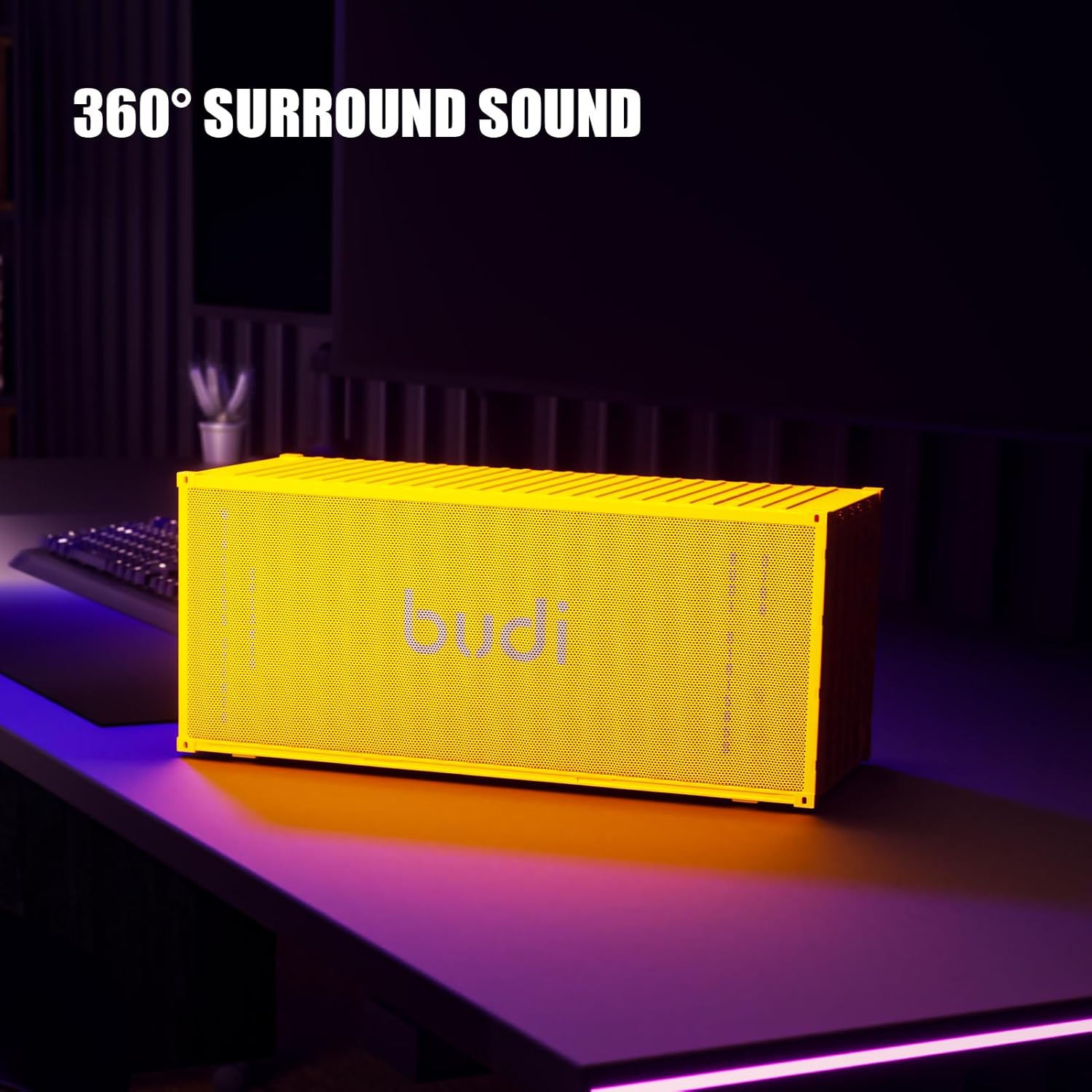
Image: The BUDI speaker positioned on a desk, highlighting its 360° surround sound capability.

Image: A visual representation of the speaker's 360° surround sound and dual 57mm full-range drivers.
Тэхнічнае абслугоўванне
1. Уборка
- Працярыце дынамік мяккай сухой тканінай.
- Не выкарыстоўвайце абразіўныя ачышчальнікі, спірт або хімічныя растваральнікі, бо яны могуць пашкодзіць паверхню.
2. Захоўванне
- Захоўвайце дынамік у прахалодным, сухім месцы, удалечыні ад прамых сонечных прамянёў і экстрэмальных тэмператур.
- Калі вы захоўваеце акумулятар працяглы час, зараджайце яго прыкладна да 50% кожныя некалькі месяцаў, каб падоўжыць тэрмін яго службы.
3. Сыход за батарэяй
- The speaker features a 4000mAh rechargeable battery.
- Пазбягайце частай поўнай разрадкі акумулятара.
- The removable battery design allows for easy replacement, extending the product's usable life.

Image: The BUDI speaker highlighting its anti-slip silicone cover for enhanced durability and stability.
Ліквідацыю непаладак
| праблема | Рашэнне |
|---|---|
| Дынамік не ўключаецца. | Пераканайцеся, што акумулятар зараджаны. Падключыце дынамік да крыніцы харчавання з дапамогай кабеля USB-C. |
| Немагчыма падключыцца праз Bluetooth. |
|
| Няма гуку або нізкі ўзровень гучнасці. |
|
| Памылка спалучэння TWS. |
|
Тэхнічныя характарыстыкі
| Асаблівасць | Дэталь |
|---|---|
| Нумар мадэлі | SP11W |
| Марка | БУДЗІ |
| Тэхналогія падлучэння | Bluetooth 5.3, TF Card, AUX |
| Ёмістасць батарэі | 4000 мАг |
| Час прайгравання | Да 10 гадзін (пры ўмеранай гучнасці) |
| АЧХ | 20 кГц |
| Памеры прадукту (Д х Ш х У) | 20 х 3.15 х 3.35 цалі |
| Вага прадмета | 3.21 фунта |
| Рэкамендуемае выкарыстанне | Для музычных прайгравальнікаў |

Image: The BUDI speaker displaying its physical dimensions as 9.61 x 4.30 x 4.16 inches. Note: Please refer to the product packaging for the most accurate measurements, as specifications may vary slightly.
Відэа аб прадуктах
Відэа: Скончанаview of the BUDI Bluetooth Speaker's features and design.
Video: Demonstration of the speaker's sound quality and connectivity options.
Video: A closer look at the unique shipping container design and portability.
Інфармацыя аб гарантыі
BUDI products are designed and manufactured to the highest quality standards. This product is covered by a limited warranty from the date of purchase. Please retain your proof of purchase for warranty claims. For specific warranty terms and conditions, refer to the warranty card included with your product or visit the official BUDI webсайт.
Падтрымка кліентаў
If you encounter any issues or have questions regarding your BUDI Bluetooth Speaker SP11W, please contact our customer support team. You can find contact information on the official BUDI webна сайце або праз вашага прадаўца.
Каб атрымаць дадатковую дапамогу, наведайце: BUDI Official Store on Amazon