
1. Уводзіны
This manual provides detailed instructions for the setup, operation, and maintenance of your XElectron Techno Android 13 Smart Projector. Please read this manual thoroughly before using the product to ensure proper function and to extend its lifespan.
The XElectron Techno portable projector features a powerful LED light source and supports 4K decoding. With a native resolution of 1280×720 and a high dynamic contrast ratio of 5000:1, it delivers enhanced brightness, clarity, and color depth. It includes a built-in Android 13 operating system for instant access to a vast array of content, supports a massive 200” screen projection, dual-band 2.4/5G WiFi 6 for reduced latency, and Bluetooth 5.0 for effortless pairing with external audio devices. The built-in bass speakers provide excellent audio quality.
2. Што ў скрынцы
Праверце наяўнасць усіх прадметаў ва ўпакоўцы:
- XElectron Techno Smart Projector
- Шнур харчавання
- Пульт дыстанцыйнага кіравання
- Кіраўніцтва карыстальніка
- Гарантыйны талон
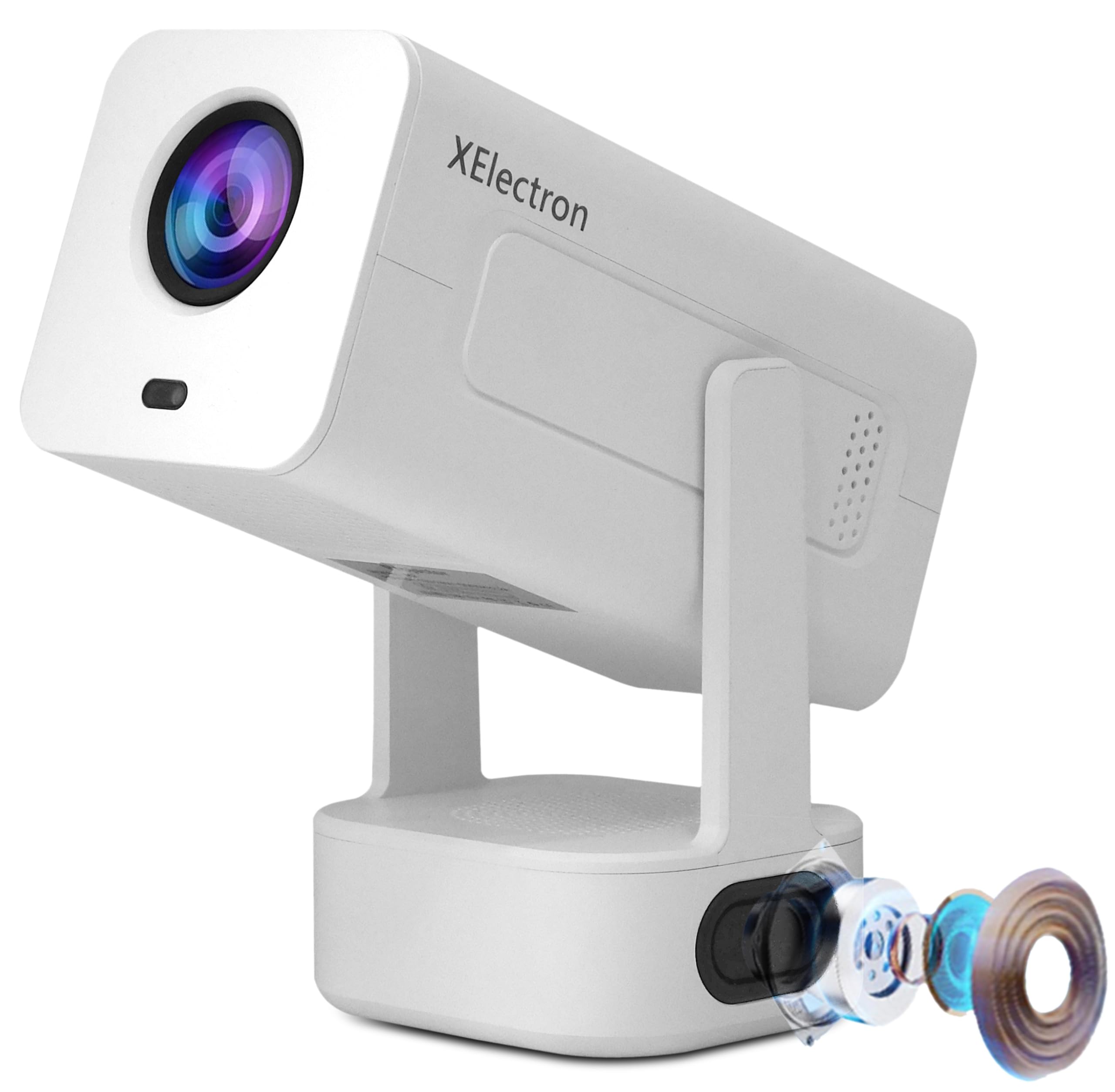
Image: The XElectron Techno Smart Projector, remote control, and power cord.
3. Прадукт скончыўсяview
The XElectron Techno projector is designed for versatile home cinema use, offering advanced features in a portable form factor.
Асноўныя характарыстыкі:
- Уласнае раздзяленне: 1280 x 720P, with support for 1080P and 4K decoding.
- Яркасць: 9000 Lumens (660 ANSI Lumens).
- Каэфіцыент кантраснасці: 5000:1.
- Аперацыйная сістэма: Android 13 (1GB RAM + 8GB ROM).
- Падключэнне: Dual-Band WiFi 6 (2.4/5G), Bluetooth 5.0, HDMI, USB, 3.5mm Audio Jack.
- Памер праекцыі: Ад 40 да 200 цалі.
- Тэрмін службы крыніцы святла: Да 50,000 гадзін.
- Аўдыё: Built-in 20 Watt Bass Speaker.
- Карэкціроўкі: 210° Rotatable Design, Auto Keystone Correction, 4D Keystone Correction, Electronic Remote Focus.
- Пераноснасць: Лёгкі і кампактны дызайн.

Image: Visual representation of the projector's key features including Android 13, 4K support, 210° rotation, auto keystone, and connectivity options.
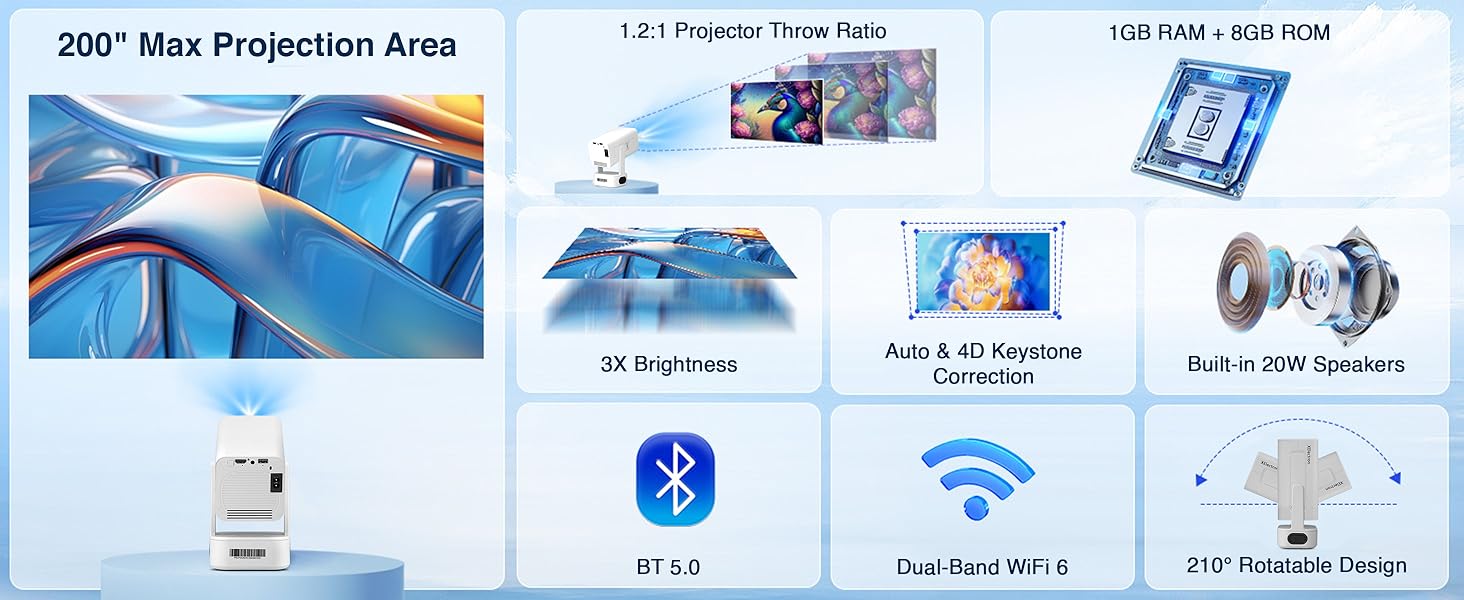
Image: Detailed diagram illustrating the projector's maximum projection area, throw ratio, brightness, keystone correction, audio, and connectivity.
4. Настройка
4.1 Пачатковае размяшчэнне
Place the projector on a stable, flat surface. The 210° rotatable design allows for flexible placement, including projecting onto walls or ceilings. Ensure there are no obstructions between the projector lens and the projection surface.

Image: The projector demonstrating projection flexibility with various screen sizes (20" to 120") at different distances.
4.2 Падключэнне харчавання
- Падключыце шнур харчавання да ўваходнага порта харчавання праектара.
- Падключыце другі канец шнура харчавання да адпаведнай электрычнай разеткі.
- Націсніце кнопку харчавання на праектары або пульце дыстанцыйнага кіравання, каб уключыць яго.
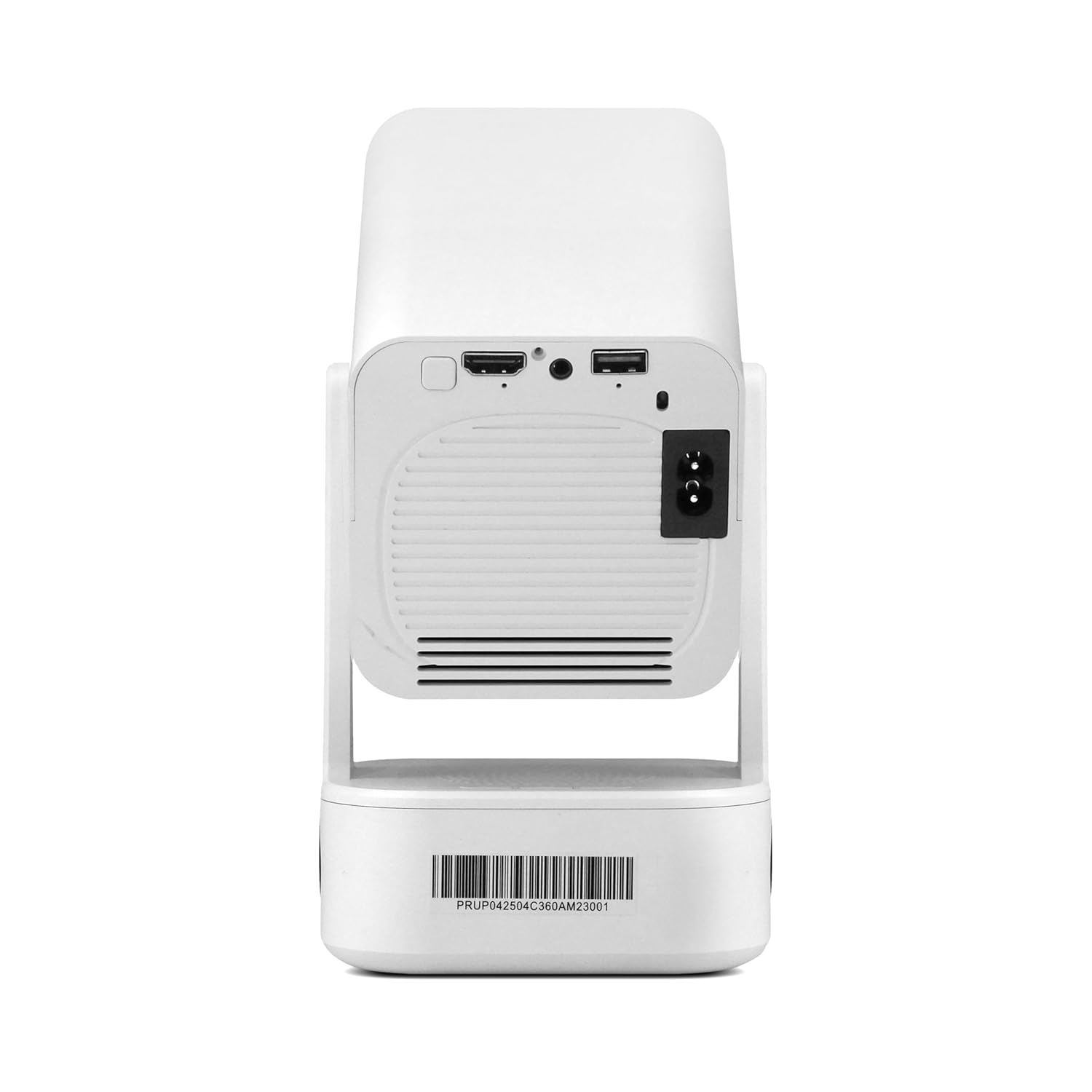
Image: The rear panel of the projector, highlighting the HDMI, USB, and power input connections.
4.3 Пачатковая факусоўка і карэкцыя трапецападобнага скажэння
Upon startup, the projector will automatically perform keystone correction. Use the remote control to fine-tune the focus electronically for a sharp image.

Image: The projector adjusting its image with automatic 4D keystone correction and electronic remote focus.
Video: Demonstration of the projector displaying content on a ceiling, highlighting its flexible projection capabilities.
5. Інструкцыя па эксплуатацыі
5.1 Навігацыя па Android 13
The projector runs on Android 13, providing a smart interface. Use the remote control to navigate through menus, select applications, and adjust settings. Popular streaming apps like Netflix, Prime Video, and YouTube are pre-installed or can be downloaded from the app store.
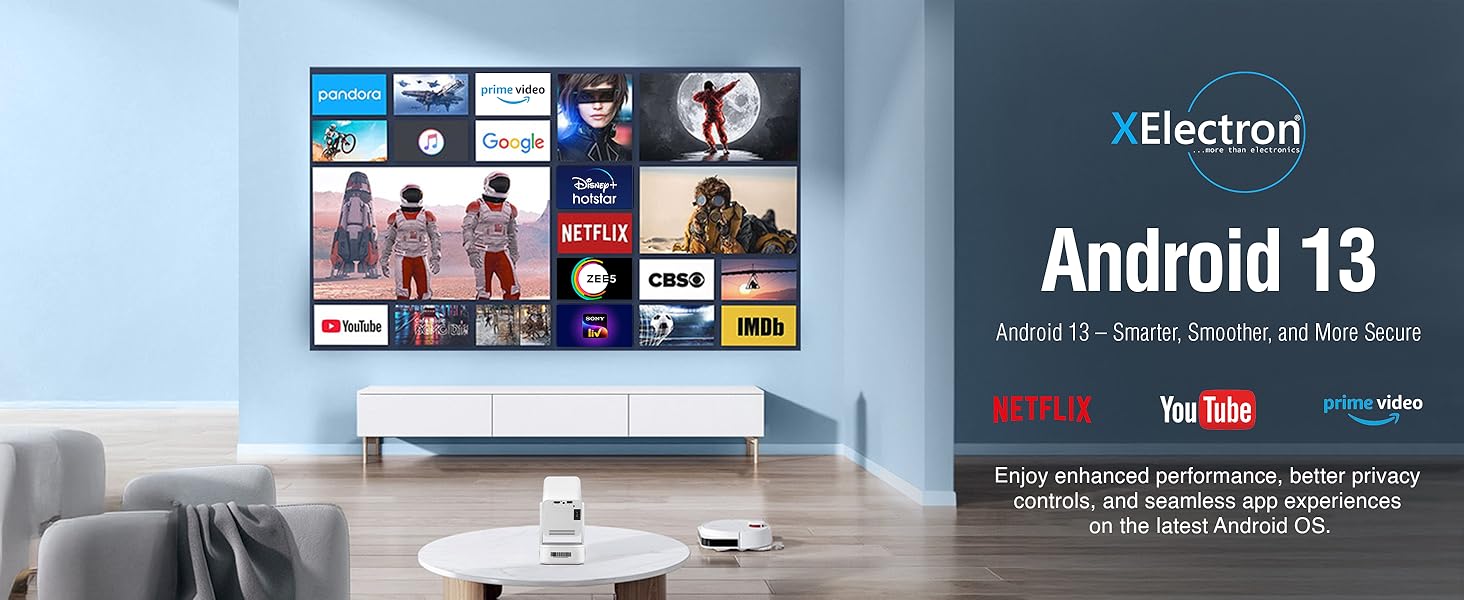
Image: The projector's display showing the Android 13 interface with various streaming applications.
5.2 Адлюстраванне экрана
The projector supports seamless screen mirroring from iOS, Android, and Windows devices via Dual-Band WiFi 6. Ensure your device and the projector are connected to the same Wi-Fi network. Select the screen mirroring option on the projector and follow the on-screen instructions to connect your device.

Image: The projector demonstrating wireless screen mirroring from various mobile devices.
5.3 Рэгуляванне праекцыі
The projector features a 210° rotatable design, allowing you to adjust the projection angle easily. Use the remote for electronic focus and auto keystone correction to maintain a clear and rectangular image from various positions.
Відэа: Кароткі аглядview of the projector's key features, including its rotatable design and automatic adjustments.
6. Сувязь
6.1 Падключэнне Wi-Fi
The projector supports Dual-Band WiFi 6 (2.4GHz and 5GHz) for a stable and fast internet connection. Navigate to the 'Settings' menu, select 'Network & Internet', and connect to your preferred Wi-Fi network.
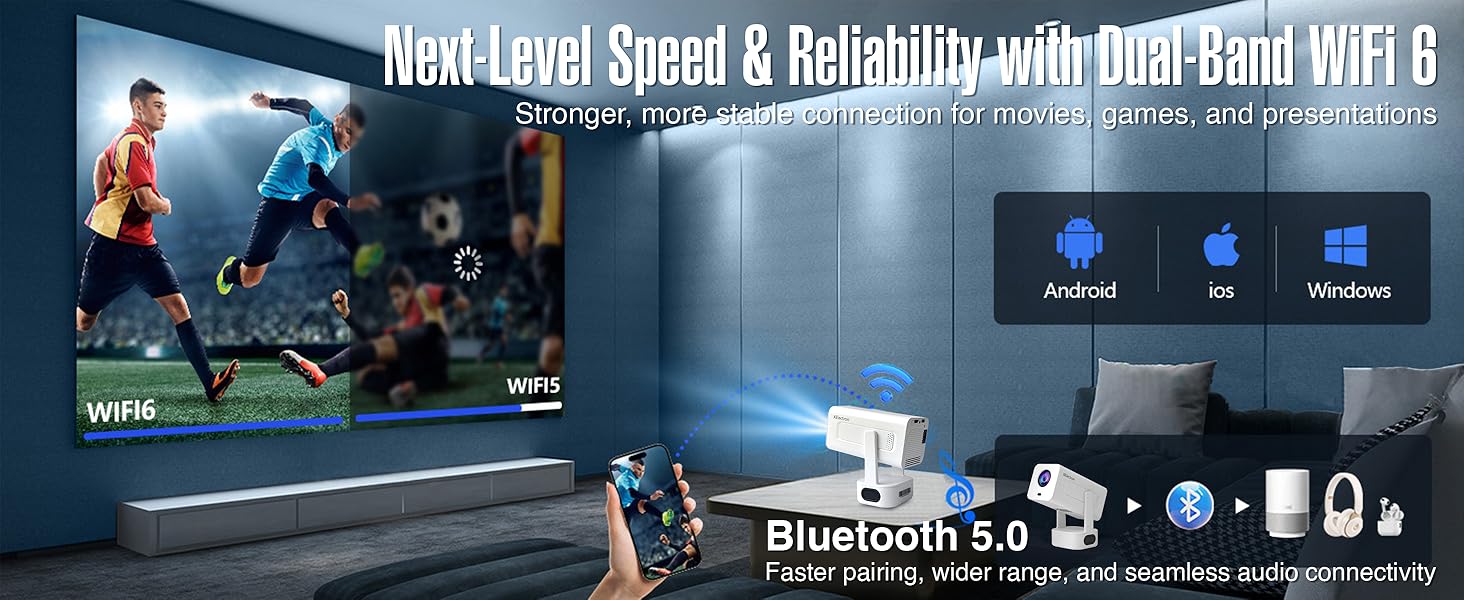
Image: Illustration of the projector's WiFi 6 and Bluetooth 5.0 capabilities, supporting various operating systems.
6.2 Злучэнне Bluetooth
Utilize Bluetooth 5.0 to connect external audio devices such as wireless speakers or headphones. Go to 'Settings', select 'Connected Devices', and pair your Bluetooth device. The built-in 20W bass speaker provides robust audio without external connections.
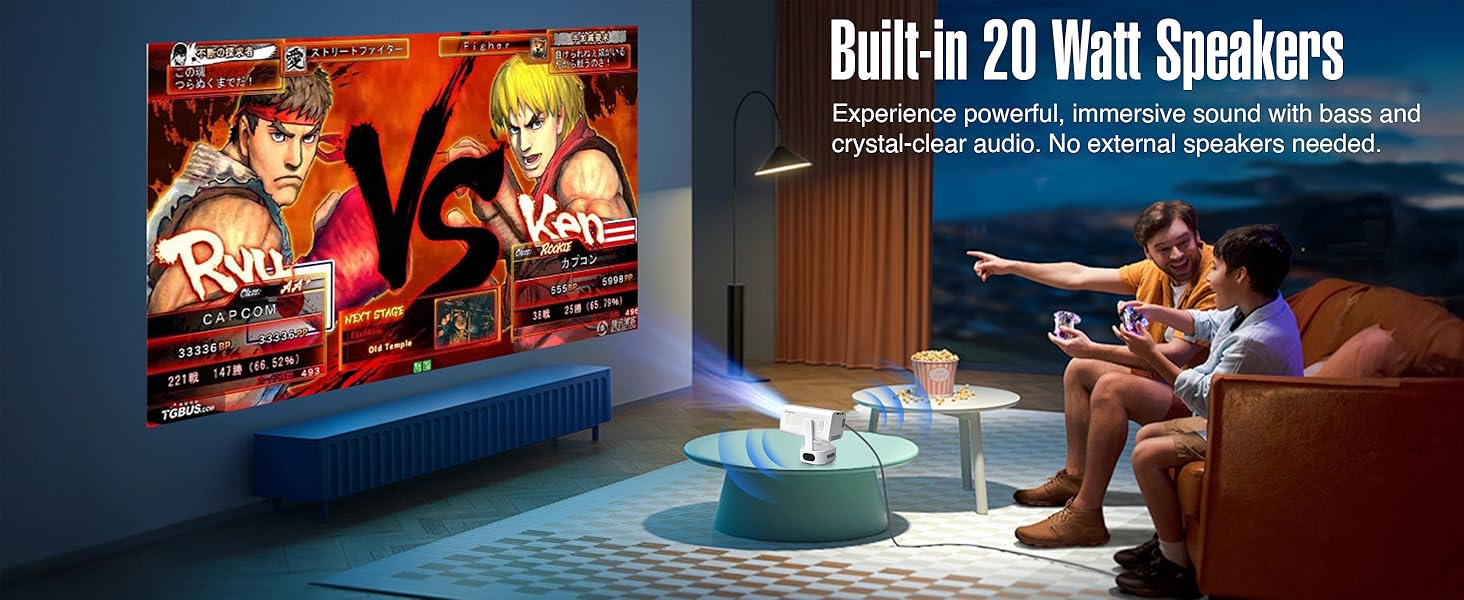
Image: The projector displaying a game, emphasizing the powerful built-in 20 Watt speakers.
6.3 Wired Connections (HDMI, USB, 3.5mm Audio)
The projector includes HDMI and USB ports for connecting various devices like gaming consoles, laptops, TV sticks, and external storage. A 3.5mm audio jack is available for wired audio output.
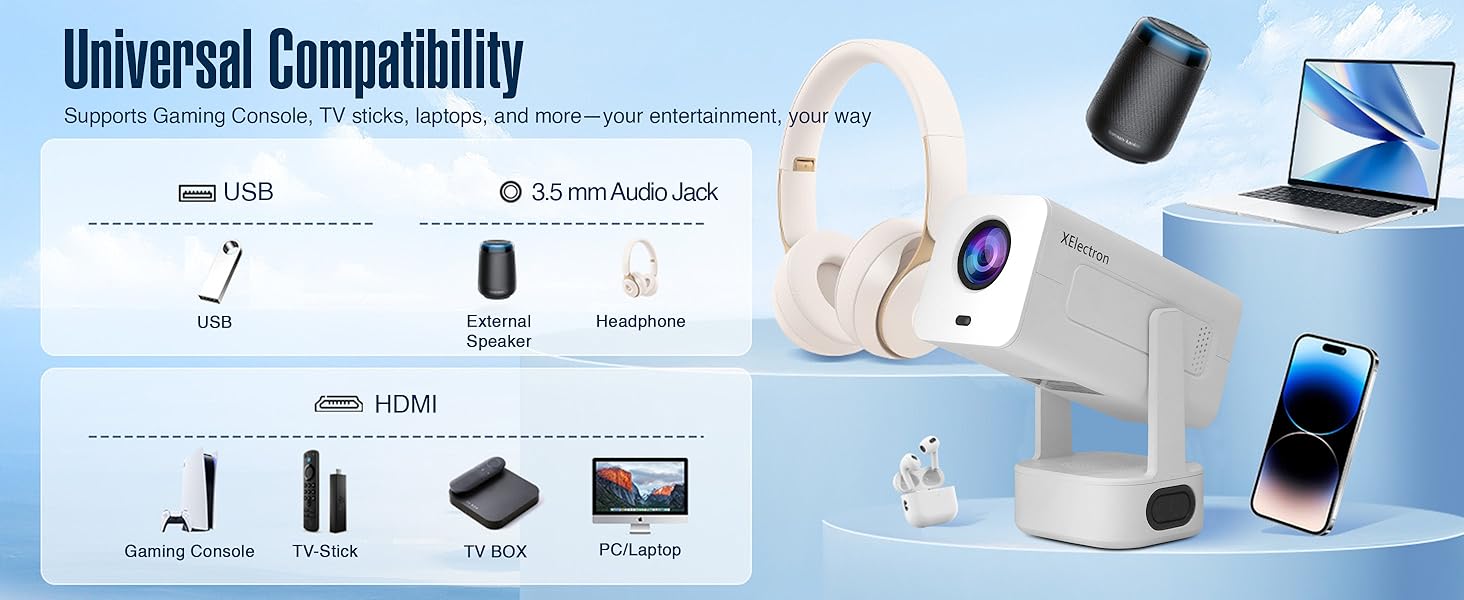
Image: An illustration of the projector's universal compatibility with various devices via USB, 3.5mm audio, and HDMI ports.
7. Тэхнічнае абслугоўванне
7.1 Ачыстка аб'ектыва
Gently wipe the projector lens with a soft, lint-free cloth. Do not use abrasive cleaners or solvents, as they can damage the lens coating.
7.2 Ачыстка корпуса праектара
Для ачысткі знешніх паверхняў праектара выкарыстоўвайце мяккую сухую тканіну. Для выдалення ўстойлівых плям злёгкуamp можна выкарыстоўваць тканіну, а затым сухую тканіну.
7.3 Вентыляцыя
Ensure the projector's ventilation openings are clear and unobstructed to prevent overheating. Do not place the projector on soft surfaces that may block airflow.
8. Выпраўленне непаладак
8.1 No Image or Distorted Image
- Праверце магутнасць: Пераканайцеся, што праектар правільна падключаны да сеткі і ўключаны.
- Рэгуляванне фокусу: Use the remote control to adjust the electronic focus.
- Карэкцыя трапецеідальных скажэнняў: The projector features auto keystone correction. If the image is still distorted, manually adjust it via the settings menu.
- Крыніца ўводу: Verify the correct input source (HDMI, USB, Screen Mirroring) is selected.
8.2 Няма гуку або ціхі гук
- Узровень гучнасці: Павялічце гучнасць на праектары і падлучанай прыладзе-крыніцы.
- Функцыя адключэння гуку: Праверце, ці не адключаны гук праектара або прылады-крыніцы.
- Злучэнне Bluetooth: If using Bluetooth speakers, ensure they are properly paired and connected.
- Кабельнае злучэнне: For wired connections, ensure audio cables are securely connected.
8.3 Wi-Fi or Bluetooth Connection Issues
- Перазапуск прылад: Restart the projector, your router, and the device you are trying to connect.
- Моц сігналу: Ensure the projector is within range of your Wi-Fi router or Bluetooth device.
- Перашкоды: Адыдзіце далей ад іншых электронных прылад, якія могуць ствараць перашкоды.
9. Тэхнічныя характарыстыкі
| Асаблівасць | Спецыфікацыя |
|---|---|
| Марка | XElectron |
| Назва мадэлі | Тэхна |
| Роднае дазвол | 1280 x 720 пікселяў |
| Максімальнае разрозненне дысплея | 1920 x 1080 Pixels (4K Support) |
| Люмен | 9000 люмен |
| Каэфіцыент кантраснасці | 5000:1 |
| Аперацыйная сістэма | Android 13 |
| Тэхналогія падлучэння | 3.5mm Jack, Bluetooth 5.0, HDMI, USB, Wi-Fi 6 |
| Тэрмін службы крыніцы святла | 50000 гадзін |
| Максімальны памер выявы | 200 цалі |
| Мінімальны памер выявы | 40 цалі |
| Асаблівасці | Auto Keystone Correction, Built-In Wi-Fi, Lightweight, Portable, 210° Rotatable Design, Remote Focus |
| Убудаваны дынамік | 20 Watts Bass Speaker |
| Вага прадмета | 0.95 кілаграма |
| Памеры прадмета Д х Ш х У | 25 Д х 9.2 Ш х 10 У сантыметраў |
10. Гарантыя і падтрымка
10.1 Інфармацыя аб гарантыі
The XElectron Techno Smart Projector comes with a 1 гады гарантыі ад вытворцы з даты пакупкі. Калі ласка, захавайце чэк аб куплі для прэтэнзій па гарантыі.
10.2 Падтрымка кліентаў
For technical assistance, troubleshooting, or warranty inquiries, please contact XElectron Customer Support:
- вытворца: Xelectron Technologies Pvt Ltd
- Адрас: 2417, Tower A, The Corenthum, Sector 62, Noida-201301, India
- тэлефон: 0120-4550655, 85273-12304