
1. Уводзіны
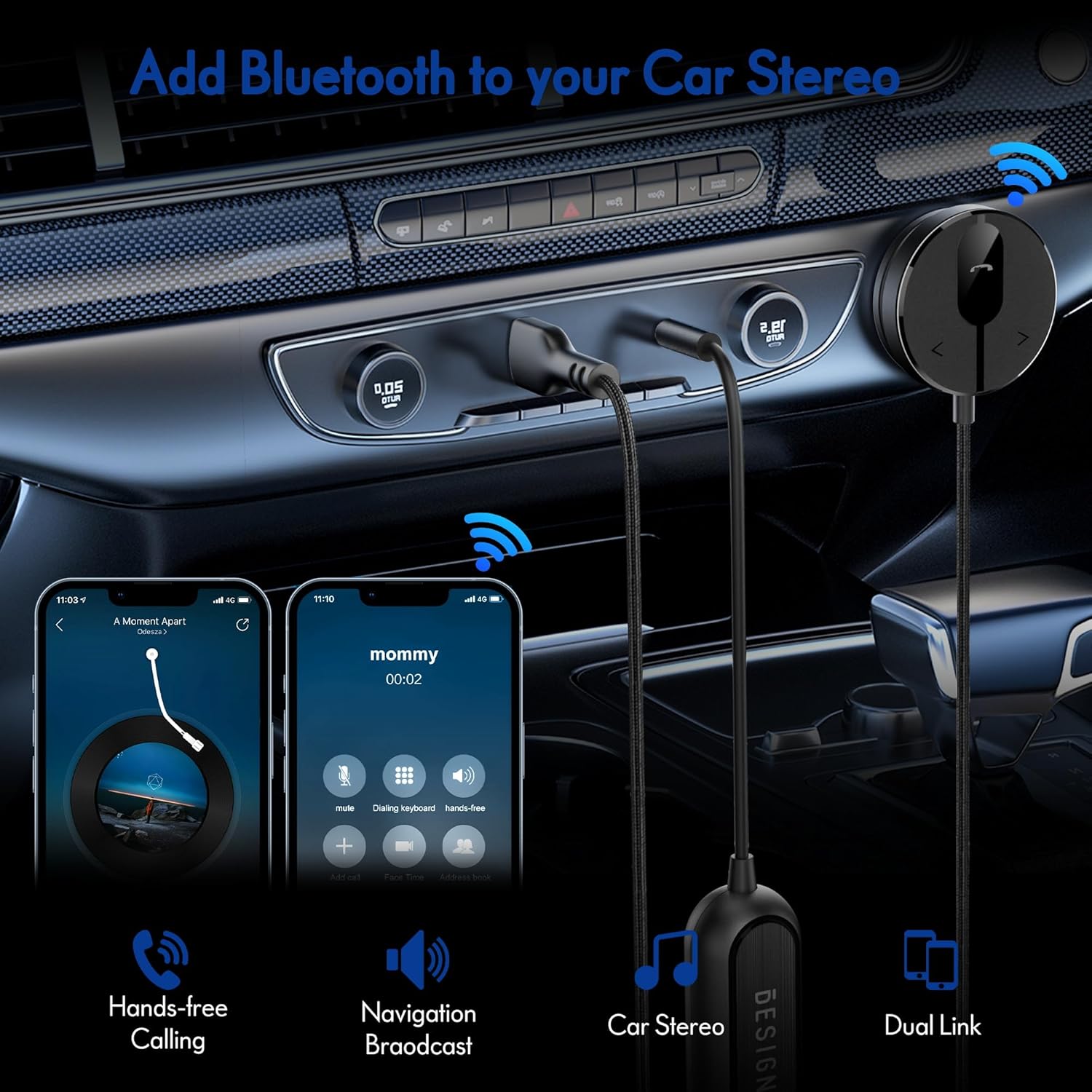
The BESIGN BK01 Bluetooth Car Kit is designed to enhance your driving experience by adding Bluetooth 5.3 connectivity to your car's audio system. This device allows for wireless music streaming, hands-free calling, and navigation broadcast through your car speakers, utilizing your vehicle's 3.5mm Aux input and USB power port. It includes a ground loop noise isolator to ensure clear audio quality.
2. Прадукт скончыўсяview
Familiarize yourself with the components of your BESIGN BK01 Bluetooth Car Kit.

У камплект уваходзіць:
- Bluetooth Receiver Unit: Main control unit with Multi-Function Button (MFB), LED indicator, microphone, and track control buttons.
- Magnetic Mounting Disc: For secure placement of the receiver unit.
- Ground Loop Noise Isolator: Reduces buzzing noise in the audio.
- 3.5mm Auxiliary Out Cable: Connects to your car's Aux input.
- Порт харчавання USB: Connects to a USB power source in your car.
Святлодыёдны індыкатар стану
| Святлодыёдны індыкатар | Статус |
|---|---|
| Flashing Red And Blue | Рэжым спалучэння |
| Суцэльны сіні | Падключана |
3. Тэхнічныя характарыстыкі
- Нумар мадэлі: BK01
- Версія Bluetooth: 5.3
- Тэхналогія падключэння: Bluetooth
- Крыніца харчавання: Car Cigarette USB power supply
- Асаблівасці: Automatic On/Off, Built-In Microphone, Hands-Free Calls, Noise Cancellation
- Вага прадмета: 3.84 унцыі
- Памеры ўпакоўкі: 4.13 х 3.11 х 1.77 цалі
4. Інструкцыі па ўсталёўцы
Follow these steps to install and connect your BESIGN BK01 Bluetooth Car Kit.
- Падключэнне харчавання і аўдыё:
- Plug the USB power port of the BK01 into a USB power source in your car (e.g., a car charger or a built-in USB port).
- Connect the 3.5mm Aux cable from the BK01 to your car's 3.5mm Aux input port.
- If experiencing buzzing noise, connect the included ground loop noise isolator between the BK01's 3.5mm Aux cable and your car's Aux input.
- Mount the Receiver:
- Choose a convenient location on your dashboard or console for the magnetic mounting disc. Ensure the surface is clean and dry.
- Peel off the adhesive backing from the magnetic mounting disc and firmly press it onto the chosen surface.
- Attach the Bluetooth receiver unit to the magnetic disc.
- Уключэнне і спалучэнне:
- Once connected to power, the BK01 will automatically power on. The LED indicator will flash red and blue, indicating it is in pairing mode.
- On your smartphone or other Bluetooth device, go to the Bluetooth settings and search for available devices.
- Select "BK01" from the list to pair. If prompted for a PIN, enter "0000".
- Пасля паспяховага спалучэння святлодыёдны індыкатар будзе гарэць сінім колерам.
- Аўтаматычнае падключэнне: The BK01 is designed to automatically power on and connect to the last paired device when your car starts (ensure your phone's Bluetooth is active). If it doesn't connect automatically, a short press on the Multi-Function Button (MFB) can initiate reconnection.

5. Інструкцыя па эксплуатацыі
5.1. Прайграванне музыкі
- Прайграванне/Паўза: Press the Multi-Function Button (MFB) once.
- Наступны трэк: Press the ">" button once.
- Папярэдні трэк: Press the "<" button once.
5.2. Гучная сувязь
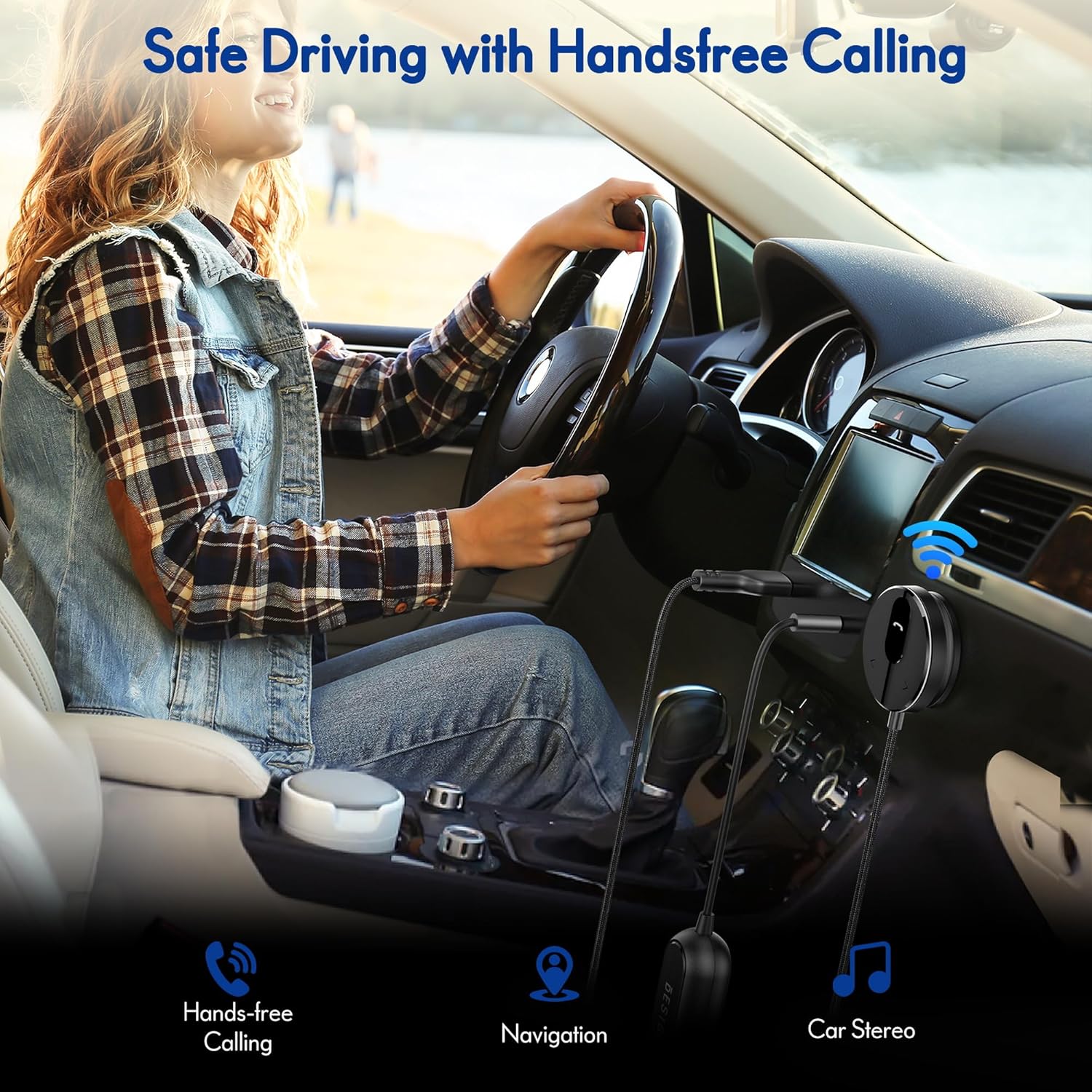
- Адказаць на званок: Press the Multi-Function Button (MFB) once.
- Завяршыць выклік: Press the Multi-Function Button (MFB) once during a call.
- Адхіліць выклік: Націсніце і ўтрымлівайце шматфункцыянальную кнопку (MFB) на працягу 2 секунд.
- Паўторны набор апошняга нумара: Double-press the Multi-Function Button (MFB).
5.3. Актывацыя галасавога памочніка
Press and hold the ">" button to activate your smartphone's voice assistant (e.g., Siri for iPhone, Google Assistant for Android).
5.4. Dual Phone Connection
The BK01 supports connecting to two phones simultaneously. It will manage calls from both devices and mute music if a call comes in on the other phone.
6. Выпраўленне непаладак
- Buzzing Noise (Ground Loop Noise): If you experience a buzzing or humming noise, especially when music is paused, connect the included ground loop noise isolator. This device is specifically designed to eliminate such electrical interference.
- Няма харчавання/няма падключэння:
- Ensure the USB power port is securely plugged into a working power source.
- Verify your car's USB port or cigarette lighter adapter is providing power.
- Check that your phone's Bluetooth is enabled and within range.
- If the device does not auto-connect, press the MFB button to manually initiate connection.
- Дрэнная якасць гуку:
- Ensure the 3.5mm Aux cable is fully inserted into both the BK01 and your car's Aux input.
- Адрэгулюйце гучнасць як на тэлефоне, так і на аўтамабільнай стэрэасістэме.
- If using the ground loop noise isolator, ensure it is correctly connected.
- Microphone Volume Low During Calls: This can sometimes occur with Bluetooth devices. Ensure the microphone on the BK01 receiver unit is not obstructed and is positioned optimally. Adjust call volume on your phone.

7. Тэхнічнае абслугоўванне
- Трымайце прыладу ў чысціні, праціраючы яе мяккай сухой тканінай.
- Пазбягайце ўздзеяння на прыладу экстрэмальных тэмператур, прамых сонечных прамянёў або вільгаці.
- Do not attempt to disassemble or repair the device yourself, as this will void any potential warranty.
8. Інфармацыя па бяспецы
- Не карыстайцеся прыладай такім чынам, каб гэта адцягвала вас ад кіравання. Заўсёды надавайце прыярытэт бяспецы дарожнага руху.
- Трымайце прыладу і яе кампаненты ў месцах, недаступных для дзяцей.
- Do not dispose of batteries (if applicable) in fire.
9. Гарантыя і падтрымка
For warranty information or technical support, please refer to the product packaging or contact BESIGN customer service directly through their official webсайт або прадаўца, дзе быў набыты тавар.