
1. Уводзіны
This manual provides essential instructions for the proper installation, operation, and maintenance of your Generic TM104QDSG09 10.4-inch LCD Display Screen. Please read this manual thoroughly before using the product to ensure safe and efficient operation.
The TM104QDSG09 is a 10.4-inch LCD display designed for various applications requiring a reliable and clear visual interface. It features a glossy screen finish and supports a maximum display resolution of 640x480.
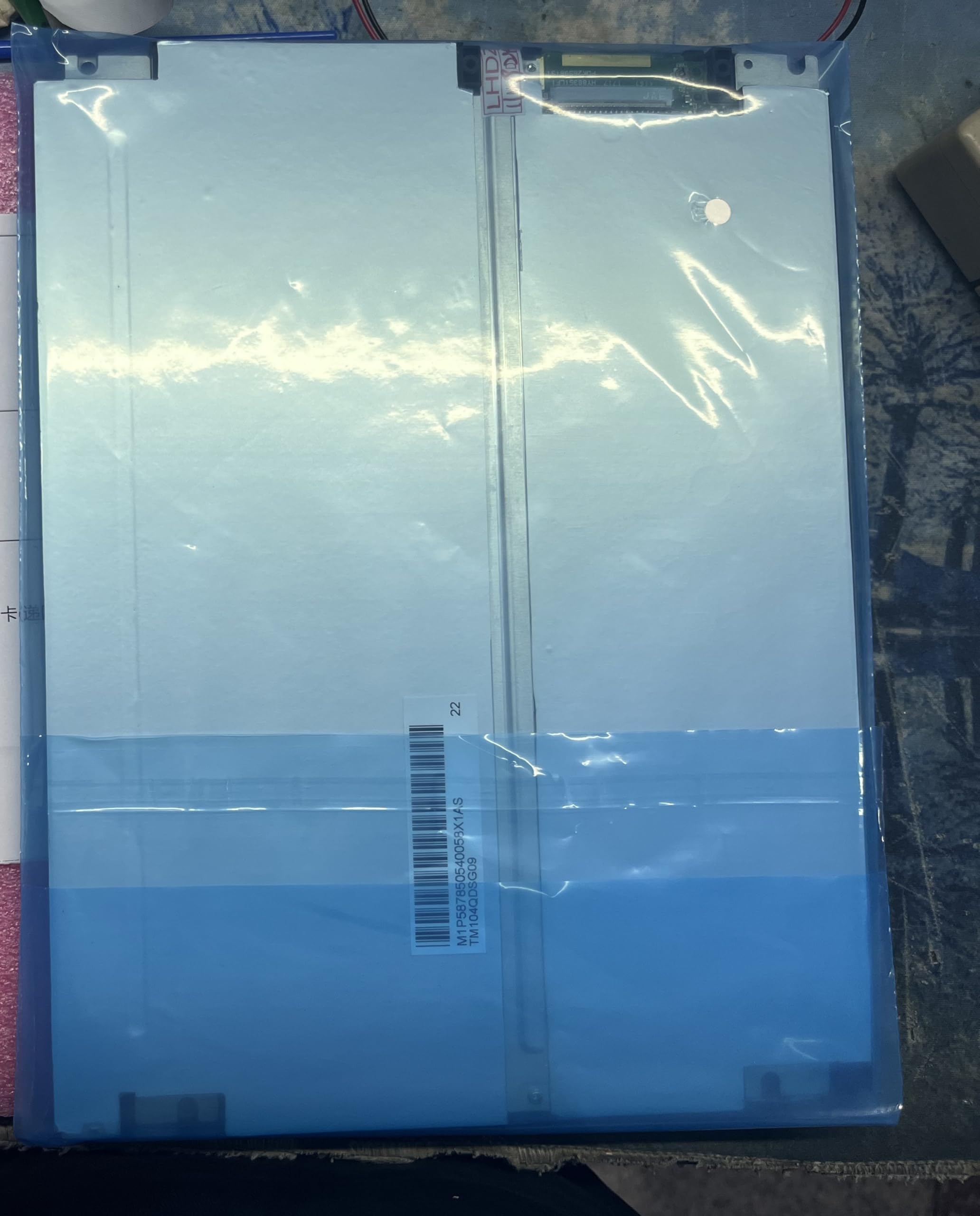
Figure 1: Generic TM104QDSG09 10.4-inch LCD Display Screen. This image shows the front view of the display unit, highlighting its compact design and screen area.
2. Інфармацыя па бяспецы
Выконвайце наступныя меры бяспекі, каб пазбегнуць пашкоджання дысплея і забяспечыць бяспеку карыстальніка:
- Крыніца харчавання: Use only the specified power adapter and ensure the power supply voltage matches the display's requirements.
- Вентыляцыя: Do not block ventilation openings. Ensure adequate airflow around the display to prevent overheating.
- Ўздзеянне вадкасці: Keep the display away from liquids. Do not expose it to rain or moisture.
- Уборка: Адключыце сілкаванне перад чысткай. Выкарыстоўвайце мяккую сухую тканіну. Пазбягайце абразіўных ачышчальнікаў.
- Размяшчэнне: Place the display on a stable, flat surface. Avoid areas with high humidity, extreme temperatures, or direct sunlight.
- Абслугоўванне: Не спрабуйце абслугоўваць дысплей самастойна. Звяртайцеся да кваліфікаванага персаналу па любыя паслугі па абслугоўванні.
3. Змесціва ўпакоўкі
Please check the package contents upon receipt. If any items are missing or damaged, contact your supplier immediately.
- Generic TM104QDSG09 10.4-inch LCD Display Screen
- Адаптар сілкавання (if included with purchase)
- Video Cable (if included with purchase, e.g., VGA, HDMI)
- Кіраўніцтва карыстальніка (гэты дакумент)
4. Настройка
4.1 Падключэнне дысплея
- пазіцыянаванне: Place the display on a stable, flat surface or mount it securely using compatible mounting hardware (not included).
- Відэазлучэнне: Connect the appropriate video cable (e.g., VGA, HDMI) from your source device (computer, media player) to the corresponding input port on the TM104QDSG09 display. Ensure the connection is secure.
- Падключэнне сілкавання: Connect the power adapter to the display's power input port, then plug the power adapter into a suitable electrical outlet.
4.2 Першапачатковае ўключэнне
- Press the power button on the display. The power indicator light should illuminate.
- Turn on your source device. The display should automatically detect the input signal and show the image.
- Калі выява не з'яўляецца, звярніцеся да раздзела «Ліквідацыя непаладак».
5. Кіраванне дысплеем
5.1 Уключэнне/выключэнне сілкавання
To turn the display on or off, press the power button located on the display panel. The power indicator will show the current status.
5.2 Basic Display Adjustments
The TM104QDSG09 typically includes buttons for basic adjustments. These may include:
- Яркасць: Рэгулюе агульную яркасць экрана.
- Кантраст: Adjusts the difference between the lightest and darkest areas of the screen.
- Выбар уводу: If multiple video inputs are available, this button allows you to switch between them.
Refer to the on-screen display (OSD) menu, if available, for more advanced settings. Navigation through the OSD is usually done via dedicated menu buttons.
6. Тэхнічнае абслугоўванне
6.1 Ачыстка дысплея
- Перад чысткай заўсёды адключайце сеткавы шнур.
- Выкарыстоўвайце мяккую безворсовую тканіну, злёгку dampвадой або неабразіўным ачышчальнікам для шкла без аміяку і спірту.
- Не распыляйце ачышчальнік непасрэдна на экран. Спачатку нанясіце яго на тканіну.
- Avoid pressing hard on the screen surface.
6.2 Захоўванне
When not in use for extended periods, store the display in a cool, dry place, away from direct sunlight and extreme temperatures. It is recommended to use the original packaging for protection during storage or transport.
7. Выпраўленне непаладак
| праблема | Магчымая прычына | Рашэнне |
|---|---|---|
| Няма выявы на экране |
|
|
| Мігценне або нестабільнае малюнак |
|
|
| Дысплей не ўключаецца |
|
|
8. Тэхнічныя характарыстыкі
| Нумар мадэлі | TM104QDSG09 |
| Памер экрана | 10.4 цаляў |
| Максімальнае разрозненне дысплея | 640x480 |
| Суадносіны бакоў | 1.27:1 |
| Screen Finish | Глянцавы |
| Частата абнаўлення | 60 Гц |
| Памеры прадукту (Д х Ш х У) | 30 х 10 х 20 см (11.8 х 3.9 х 7.9 цалі) |
| Краіна паходжання | Кітай |
9. Гарантыя і падтрымка
9.1 Інфармацыя аб гарантыі
This Generic TM104QDSG09 LCD Display Screen comes with a brand new one-year warranty з даты пакупкі. Гэтая гарантыя распаўсюджваецца на вытворчыя дэфекты пры нармальным выкарыстанні. Яна не распаўсюджваецца на пашкоджанні, выкліканыя няправільным выкарыстаннем, аварыямі, несанкцыянаванымі мадыфікацыямі або няправільнай устаноўкай.
9.2 Тэхнічная падтрымка
For technical assistance or warranty claims, please contact the manufacturer directly:
- Кантактная асоба вытворцы: 008613922285218
Please have your product model number (TM104QDSG09) and purchase details ready when contacting support.